

SENEC.Home
marq24
On Home Assistant 2026.11 or newer? Open it in the Marketplace
- Installs
- Not shown: shared domain senec
- GitHub stars
- 132
- Connection
- Works locally
- Upkeep
- Updated in the last 6 months
- Version
- 2026.10.7,
- Category
- Energy, Solar and batteries
- Kind
- Marketplace integration
- Needs
- Needs the Marketplace (HACS on 2026.10 and older)
- Domain
senec- Issues
- Report an issue
Independent directory, made by the developer of Vulpo. Not affiliated with Home Assistant or the Open Home Foundation.
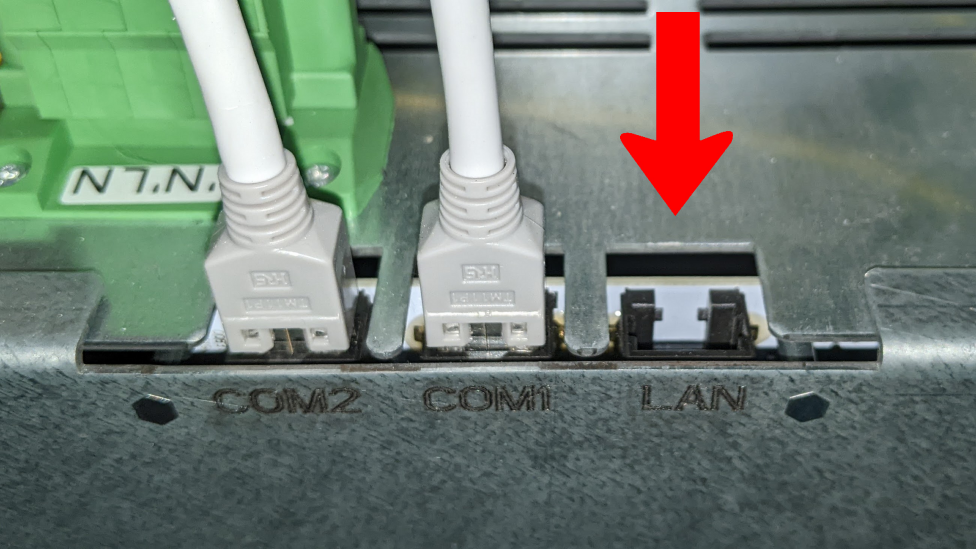
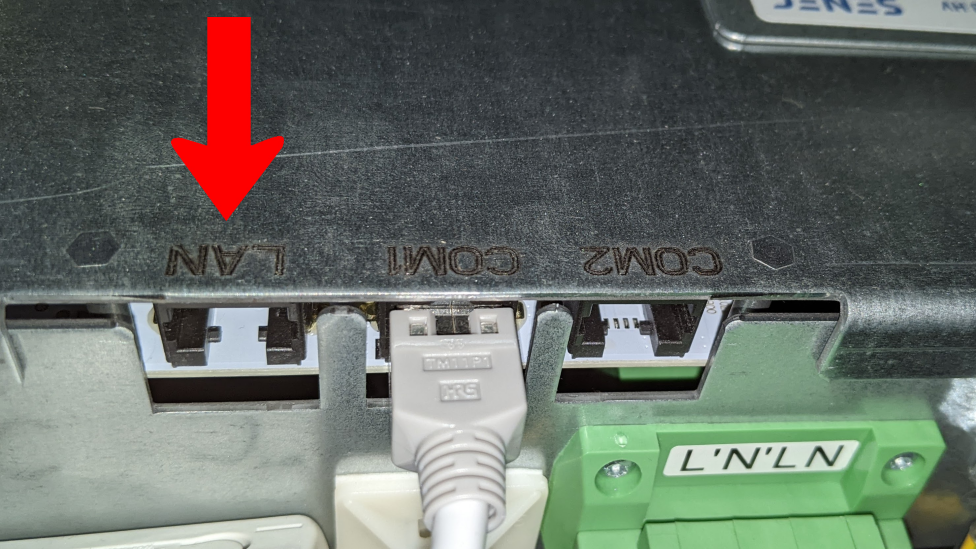
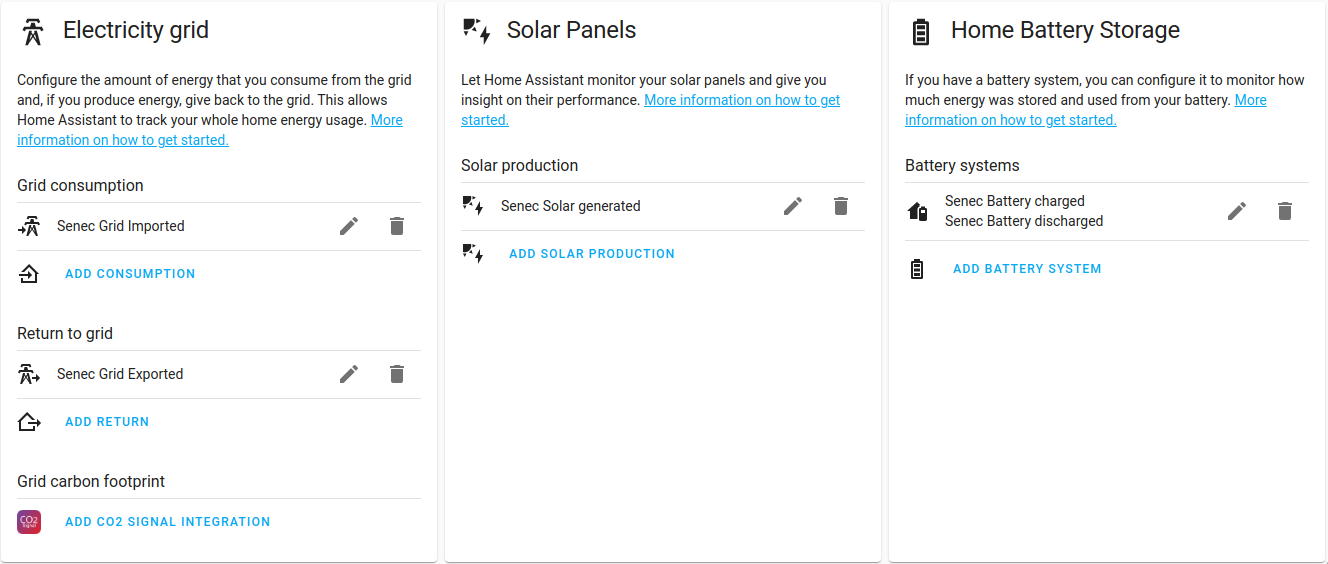
Screenshots From the README of marq24/ha-senec-v3.
About
SENEC.Home is an integration that reads data from SENEC.Home home battery systems and controls them where possible. It covers SENEC.Home V2.x, V3 and V4, P4 and E4 systems, with a local connection over the network or access through the mein-senec.de portal or a SENEC developer subscription key. It adds sensors for values such as house consumption, solar generation, battery charge and discharge, and grid import and export, plus wallbox consumption. Controls include switches for loading the battery and for wallbox charging from the battery, numbers for spare capacity and socket limits, a mode select, and a reboot button. An action sets the peak shaving mode, battery limit and end time. Setup is done in the UI, and several entries can be added side by side, for example a local one and a portal one.
Automatic summary of the README and code of marq24/ha-senec-v3. Something wrong, or are you the maintainer and want your own text here? Get in touch
Supports
Works locally Talks to your devices on your own network. No vendor cloud in between.
From the Marketplace Installed through the Marketplace, formerly HACS.
Actively maintained Its author released or pushed a change in the last six months.
Provides
- Switches
- Sensors
Setting it up
Install it from the Marketplace and restart Home Assistant, then add it under Settings, Devices and services.
Connect
- Select System type
Senecv2
- Which integration type would you like to use?
Also asked when at the senecv3 step.
Senecv4
- Decide on the type of API access you would like to use
Localsystem
- Display name
- IP or hostname of the SENEC.Home V3 System OR the Inverter
- Polling Interval in seconds
- The values for the battery charge/discharge sensors should not take the system status into account
Openapisetup
- Display name
- IP or hostname of the SENEC.Home system
- Device name for the mein-senec.de portal (display)You can use this name to identify this Home Assistant installation within the mein-senec.de portal.
- Polling interval in seconds
Webpublicsetup
- Display name in HA (optional)
- Your primary (or secondary) keyYour primary or secondary subscription key from the Senec developer portal
- Polling Interval in secondsA SENEC.Data 45000 subscription means you have an access limit of 45000 requests per month. For this reason, your interval should be greater than 60 seconds (since: 60 requests per hour = 1440 requests per day = 43200 requests over 30 days).
Webprivatesetup
- Display name
- Polling Interval in seconds[> 60 seconds (20 seconds for SENEC.Home V4|P4|E4)]
- Your 'mein-senec.de' username
- Your 'mein-senec.de' password
- Your 'mein-senec.de' OTP-auth-SecretIf you have already been asked/forced by SENEC to set up MFA
- Device SENEC Serial numberThis value is just for display purpose - Do not edit this value!
- House consumed include Wallbox consumedSENEC measures the wallbox consumption separately from the household consumption - select this option if the integration should combine both values.
- Set all wallboxes to FASTEST '(supported by battery)' mode, when the global 'Wallbox load from battery switch will be activatedHaving this 'ON' is the default observed behaviour of the SENEC.Home System - only change this if you know what you are doing!
Texts from the code of marq24/ha-senec-v3.
Entities
- Binary sensorsL1 used, L2 used, L3 used, Smart-Charge active, locked, EV Connected, EV Charging, Error, Fan LV-Inverter, Fan HV-Inverter, Socket1 already switched today, Socket2 already switched today, and 2 more
- ButtonsReboot System, Delete session data
- NumbersSpare Capacity, Mode SOLAR: ICMIN, Mode COMFORT: ICMIN, IDEFAULT, Socket1 OFF lower limit (W), Socket2 OFF lower limit (W), Socket1 ON upper limit (W), Socket2 ON upper limit (W), Socket1 time limit, Socket2 time limit, Socket1 switch on hour, Socket2 switch on hour, and 4 more
- SelectsMode [legacy], Mode, Request Throttling
- SensorsGrid Export limit, Peak Shaving Mode, Peak Shaving battery capacity limit, Peak Shaving end time, House consumed, Solar generated, Battery discharged, Battery charged, Grid Imported, Grid Exported, Wallbox consumed, Solar Generated Power, and 222 more
- SwitchesLoad Battery, Lithium Storage Mode - PV OFF, Wallbox load from battery, Socket1 permanent on, Socket2 permanent on, Socket1 automatic enable, Socket2 automatic enable, Socket1 use timer, Socket2 use timer, SGReady, Mode FAST: battery supported, Mode SOLAR: continuous-charging, and 2 more
Actions
- Set Peak ShavingSets the Peak Shaving mode, battery limit and end time.Fields: Peak Shaving Mode, Battery Limit, End time
From the README
This Home Assistant Integration is providing information from SENEC.Home V2.x, SENEC.Home V3 and SENEC.Home V4|P4|E4 Systems. In addition and where possible, functions are provided to control the system.
Please note, that this integration is not official and not supported by the SENEC development team. I am not affiliated with SENEC in any way.

Shows in Vulpo
Quick Toggle card, Button card, Select card, Chart card, Apple Watch, Control Center.Information
- Installs
- Not shown: shared domain senec
- GitHub stars
- 132
- Connection
- Works locally
- Upkeep
- Updated in the last 6 months
- Version
- 2026.10.7,
- Category
- Energy, Solar and batteries
- Kind
- Marketplace integration
- Needs
- Needs the Marketplace (HACS on 2026.10 and older)
- Domain
senec- Issues
- Report an issue











