
Screenshots From the README of MacSiem/ha-network-map.
About
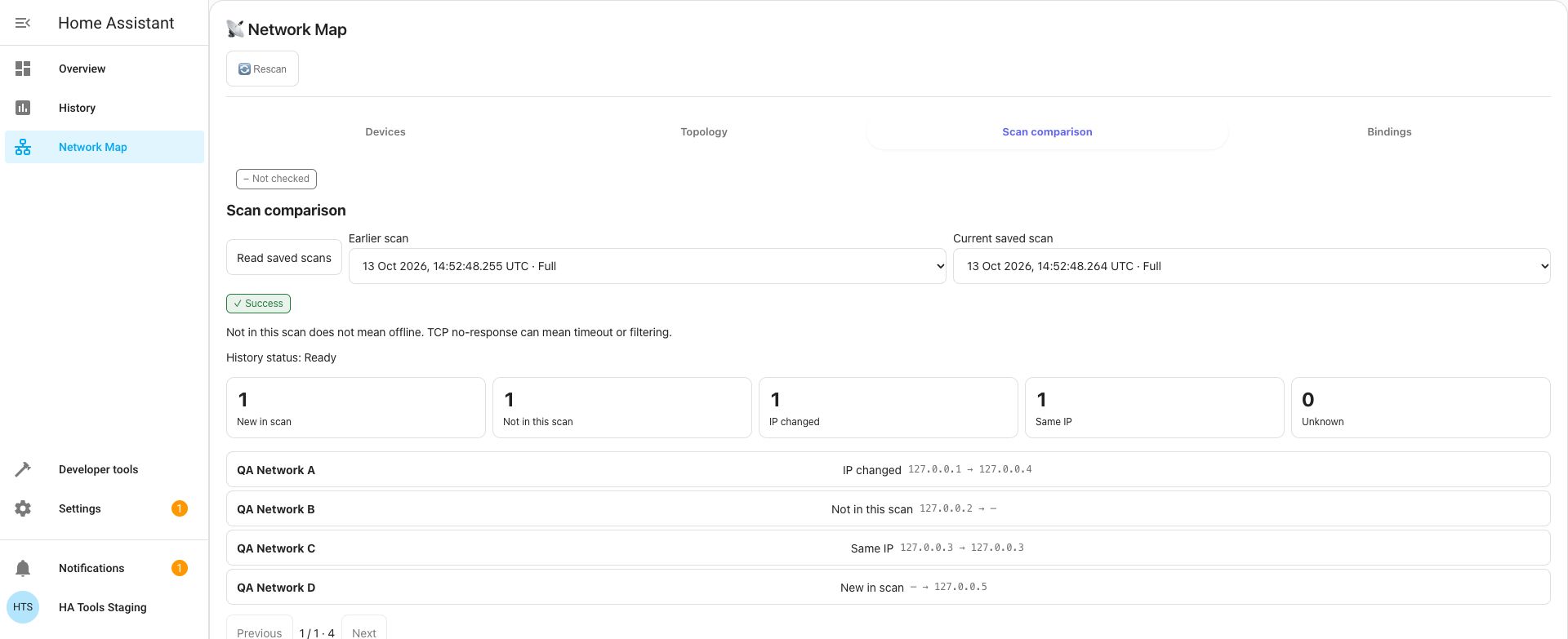
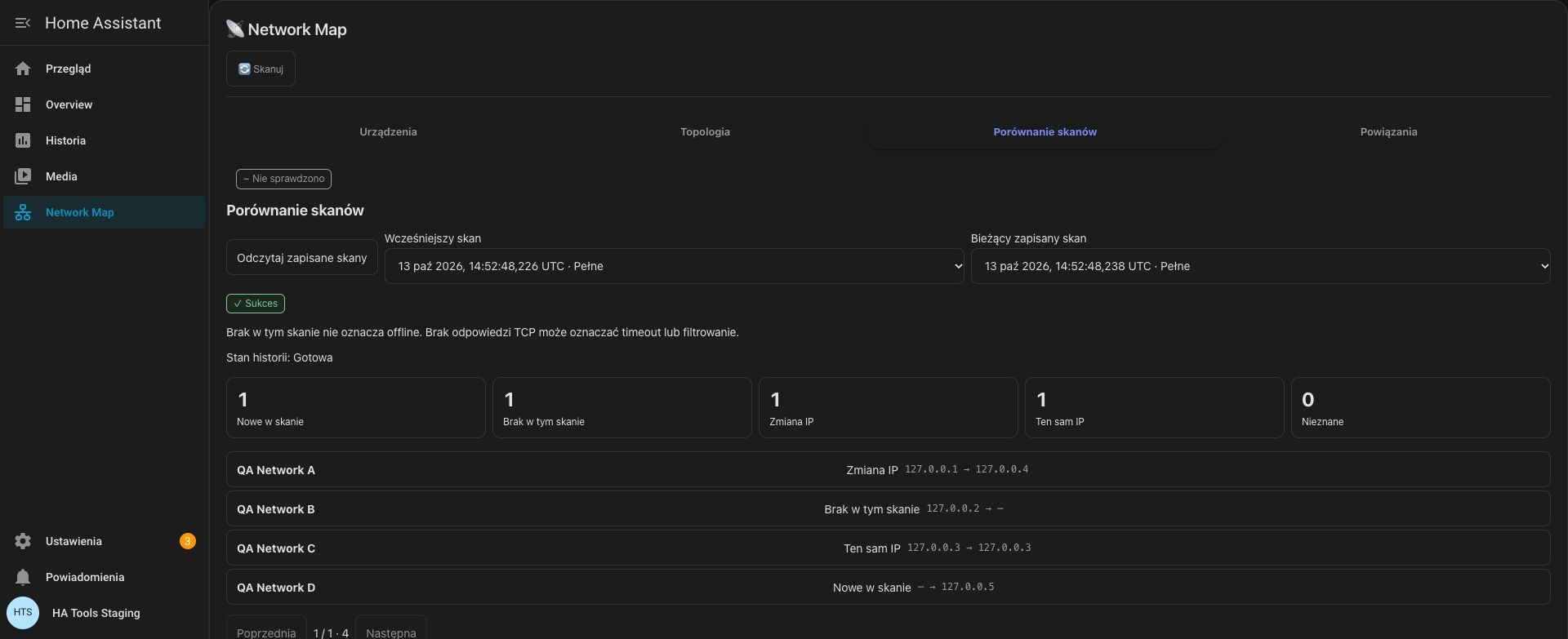
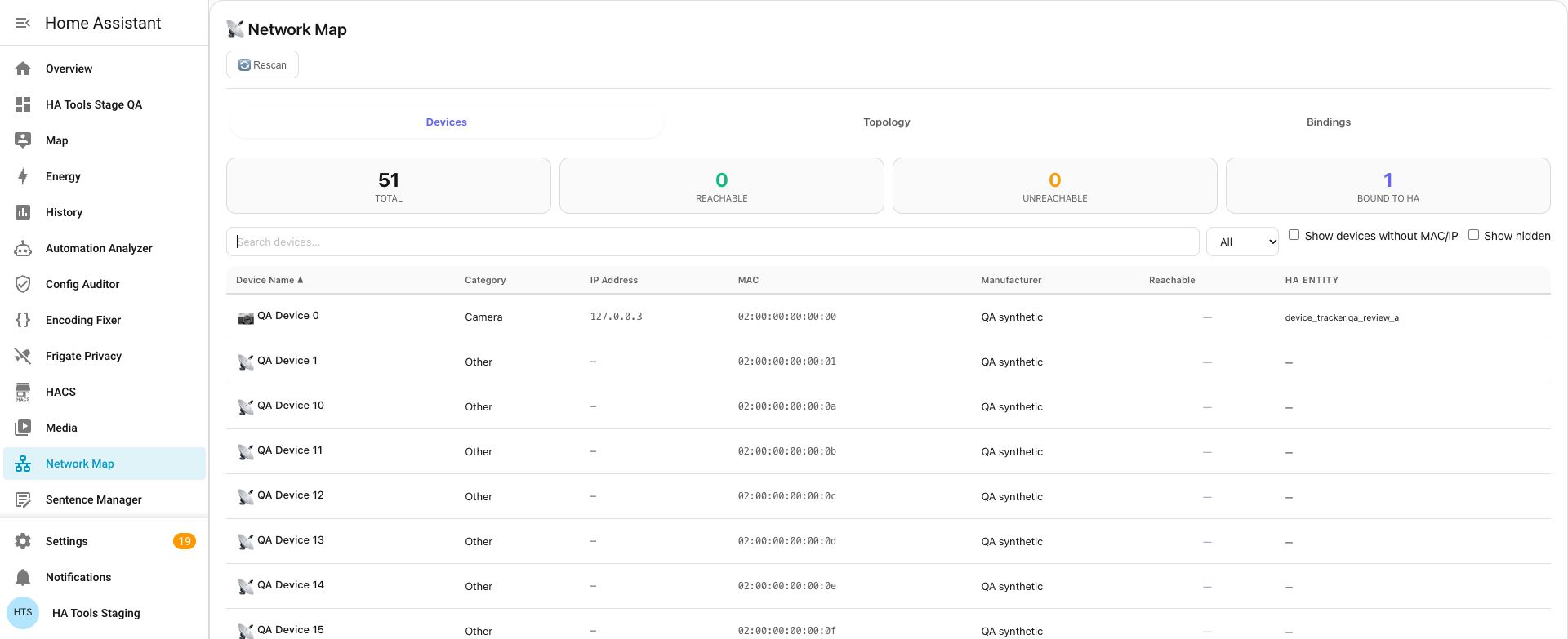
Network Map is a Home Assistant integration with a bundled card that maps devices by MAC and IP address. It reads the device and entity registries, device tracker states and, where available, Zeroconf and DHCP discovery caches, then shows them in a table or a hub-and-spoke topology view. Reachability scans run from the Home Assistant host rather than the browser, using TCP connection attempts against a default set of smart-home ports. Only private, loopback and link-local addresses are probed unless public addresses are explicitly enabled. Any logged-in user can view the map, while scanning requires an administrator account. The card registers itself, works locally, and is set up in the UI.
Automatic summary of the README of MacSiem/ha-network-map. Something wrong, or are you the maintainer and want your own text here? Get in touch
Supports
Works locally Talks to your devices on your own network. No vendor cloud in between.
From the Marketplace Installed through the Marketplace, formerly HACS.
Actively maintained Its author released or pushed a change in the last six months.
Setting it up
Install it from the Marketplace and restart Home Assistant, then add it under Settings, Devices and services.
From the README
Visualize the devices Home Assistant already knows about, and probe their reachability from the Home Assistant host itself — not from your browser. Ships as a Home Assistant integration with a bundled Lovelace card; no manual resource entry required.
Information
- Installs
- 79 sharing analytics
- GitHub stars
- 6
- Connection
- Works locally
- Upkeep
- Updated in the last 6 months
- Version
- v5.1.0,
- Category
- Computers and network, Routers and network
- Kind
- Marketplace integration
- Needs
- Needs the Marketplace (HACS on 2026.10 and older)
- Domain
ha_network_map- Issues
- Report an issue











