

Marketplace integration
ABB-free@home
On Home Assistant 2026.10 or older? Open it in HACS
- Installs
- 257 sharing analytics
- GitHub stars
- 58
- Connection
- Works locally
- Upkeep
- Updated in the last 6 months
- Version
- 1.20.1,
- Category
- Hubs and protocols, Building automation
- Kind
- Marketplace integration
- Needs
- Needs the Marketplace (HACS on 2026.10 and older)
- Domain
abbfreeathome_ci- Issues
- Report an issue
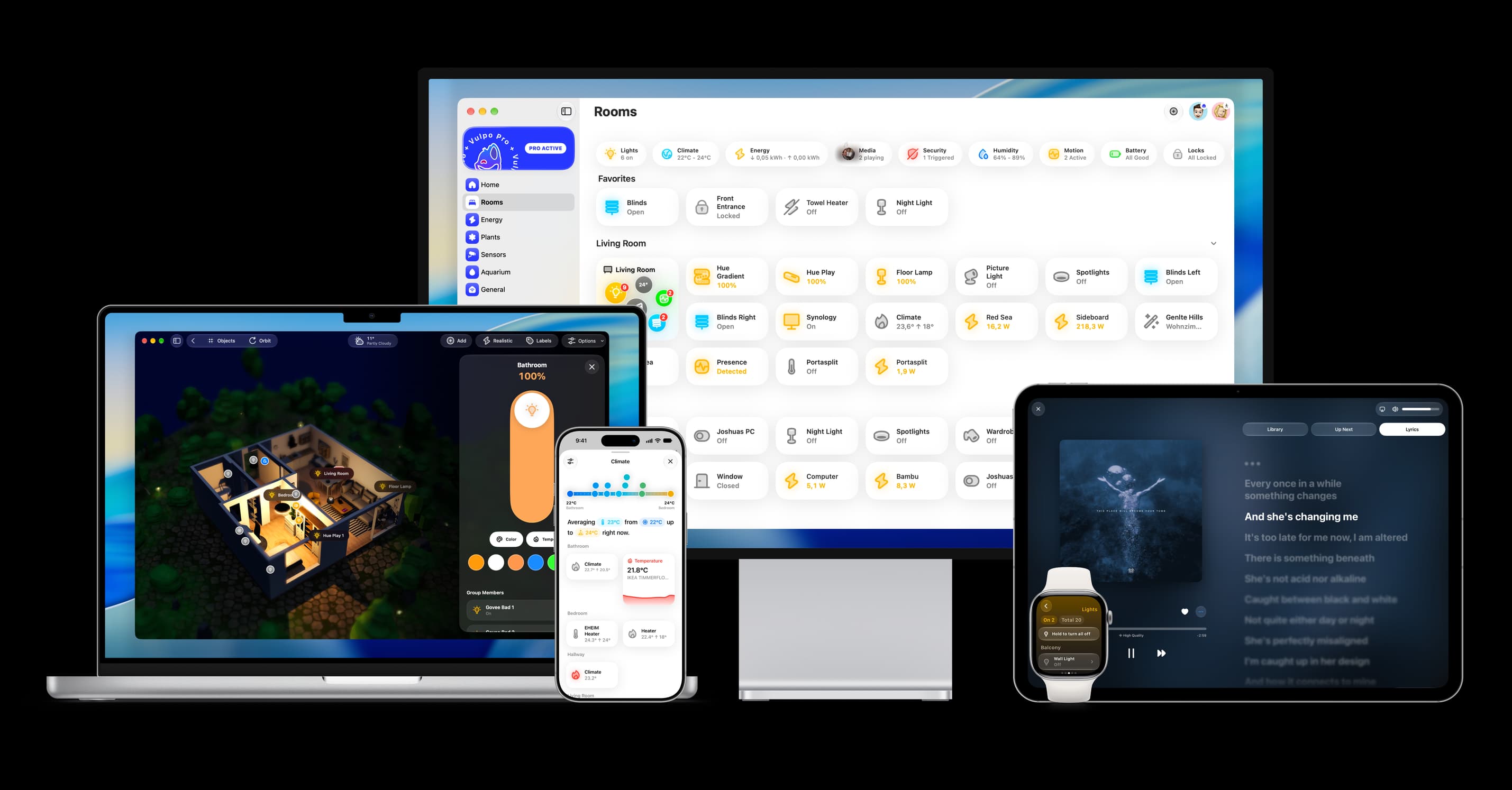
Shows in Vulpo Light card, Quick Toggle card, Cover card, Climate card, Apple Watch, Control Center, Climate Live Activity.


Scan with your iPhone
DownloadIndependent directory, made by the developer of Vulpo. Not affiliated with Home Assistant or the Open Home Foundation.
About
ABB-free@home connects Busch-Jaeger and ABB free@home devices to Home Assistant through the local API of the System Access Point. It creates entities for lights, switches, covers, climate, locks, valves, sensors, binary sensors, numbers, selects, buttons and events. Virtual devices can be created or updated through an action, and a second action lists the virtual devices loaded from the access point. Setup options cover whether to include channels missing from the floorplan, include virtual devices, create sub-devices per independent channel and raise repair issues for unresponsive devices. SSL certificate verification can be turned on with a certificate file path. Home Assistant can discover it on the network, and setup is done in the UI after the local API is activated on the access point.
Automatic summary of the README and code of kingsleyadam/local-abbfreeathome-hass. Something wrong, or are you the maintainer and want your own text here? Get in touch

Shows in Vulpo
Light card, Quick Toggle card, Cover card, Climate card, Apple Watch, Control Center, Climate Live Activity.Supports
- Works locallyTalks to your devices on your own network. No vendor cloud in between.
- Found by itselfHome Assistant spots it on the network and offers to add it.
- From the MarketplaceInstalled through the Marketplace, formerly HACS.
- Actively maintainedIts author released or pushed a change in the last six months.
Provides
- Lights
- Climate
- Covers
- Valves
- Locks
- Switches
- Sensors
Setting it up
Install it from the Marketplace and restart Home Assistant, then add it under Settings, Devices and services.
ABB-free@home - Configure
- Host
- Include channels NOT on the ABB-free@home floorplan?
- Include virtual devices?
- Create Sub-Devices for each independent channel?
- Create repair issues for unresponsive devices?
- Password
- Username
Also asked when confirming the device.
ABB-free@home - SSL Configuration
- SSL Certificate File PathPath to SSL certificate file for HTTPS connections. Required when SSL verification is enabled.
- Verify SSL CertificateEnable SSL certificate verification. When disabled, HTTPS connections will not verify the server certificate.
ABB-free@home - Re-authenticate
- PasswordThe password you use to log in to the System Access Point.
- UsernameThe local API username, usually installer.
ABB-free@home - Reconfigure
- Include channels NOT on the ABB-free@home floorplan?
- Include virtual devices?
- Create Sub-Devices for each independent channel?
- Create repair issues for unresponsive devices?
- Password
- Username
- SSL Certificate File PathPath to SSL certificate file to verify HTTPS/SSL connections.
- Verify SSL CertificateEnable SSL certificate verification. When disabled, HTTPS connections will not verify the server certificate.
Texts from the code of kingsleyadam/local-abbfreeathome-hass.
Entities
- Binary sensorsCO2 Alert, VOC Alert, Brightness Alarm, Carbon monoxide, Motion, Rain Alarm, Smoke, Frost Alarm, Wind Alarm, Window
- NumbersVirtual Illuminance, Virtual Battery Power, Virtual Battery SOC, Virtual Battery Imported Energy Today, Virtual Battery Exported Energy Today, Virtual Battery Total Imported Energy, Virtual Battery Total Exported Energy, Virtual Inverter Current Power Consumed, Virtual Inverter Imported Energy Today, Virtual Inverter Total Imported Energy, Virtual Two Way Meter Current Power Consumed, Virtual Two Way Meter Imported Energy Today, and 8 more
- SelectsForced Position
- SensorsParameters, CO2, VOC Index, Humidity, Illuminance, Temperature, Wind Force, Wind speed, Heating/Cooling Mode, Window Position
- SwitchesBlock Movement Detection, Virtual Brightness Alarm, Virtual Rain Alarm, Virtual RTC, Virtual RTC Eco Mode, Virtual Frost Alarm, Virtual Wind Alarm, Mute
- ValvesHeating Valve, Cooling Valve
Actions
- Virtual deviceCreate or update a Free@home virtual device. Enable virtual devices in settings, place new devices in Free@home, then reload the integration.
- System Access Point
- Virtual device ID
- Device type
- Lifetime
- Device name
- Energy meter flavor
- Energy meter capability IDs
- List virtual devicesList the Free@home virtual devices loaded from a System Access Point, including their virtual device IDs for updates. Requires virtual devices to be enabled in settings.
- System Access Point
Troubleshooting
- DiagnosticsDownloads a diagnostics file to attach to a bug report.
From the README
This is a custom component to integrate with Home Assistant for the ABB-free@home system over the local api server.
The primary goal of this repository is to provide initial development for the integration into Home Assistant. The ultimate goal of this integration is to be merged into the Home Assistant code as a built-in integration.
Information
- Installs
- 257 sharing analytics
- GitHub stars
- 58
- Connection
- Works locally
- Upkeep
- Updated in the last 6 months
- Version
- 1.20.1,
- Category
- Hubs and protocols, Building automation
- Kind
- Marketplace integration
- Needs
- Needs the Marketplace (HACS on 2026.10 and older)
- Domain
abbfreeathome_ci- Issues
- Report an issue
You might also like










Try it with your own Home Assistant.
- Free to download
- iPhone, iPad, Mac and Apple Watch
- 40+ native card types
- Connects to your own Home Assistant