
On Home Assistant 2026.10 or older? Open it in HACS
- Installs
- 51 sharing analytics
- GitHub stars
- 22
- Connection
- Works locally
- Upkeep
- Updated in the last 6 months
- Version
- v1.7.0,
- Category
- Presence and location, Phones and companion apps
- Kind
- Marketplace integration
- Needs
- Needs the Marketplace (HACS on 2026.10 and older)
- Domain
iphone_alarms_sync- Issues
- Report an issue
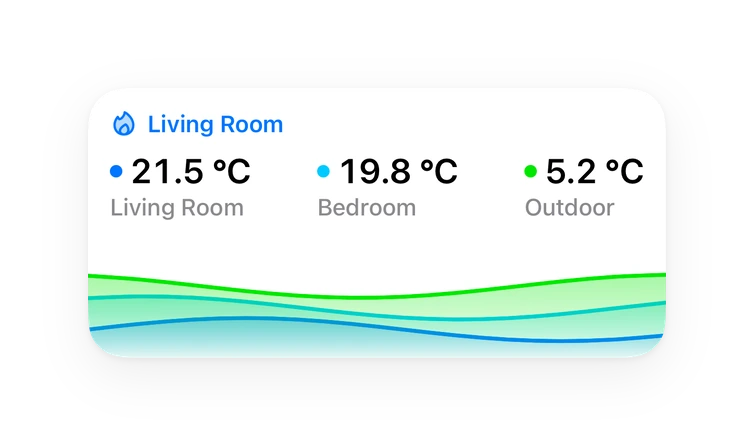
Shows in Vulpo Quick Toggle card, Chart card, Apple Watch, Control Center.


Scan with your iPhone
DownloadIndependent directory, made by the developer of Vulpo. Not affiliated with Home Assistant or the Open Home Foundation.
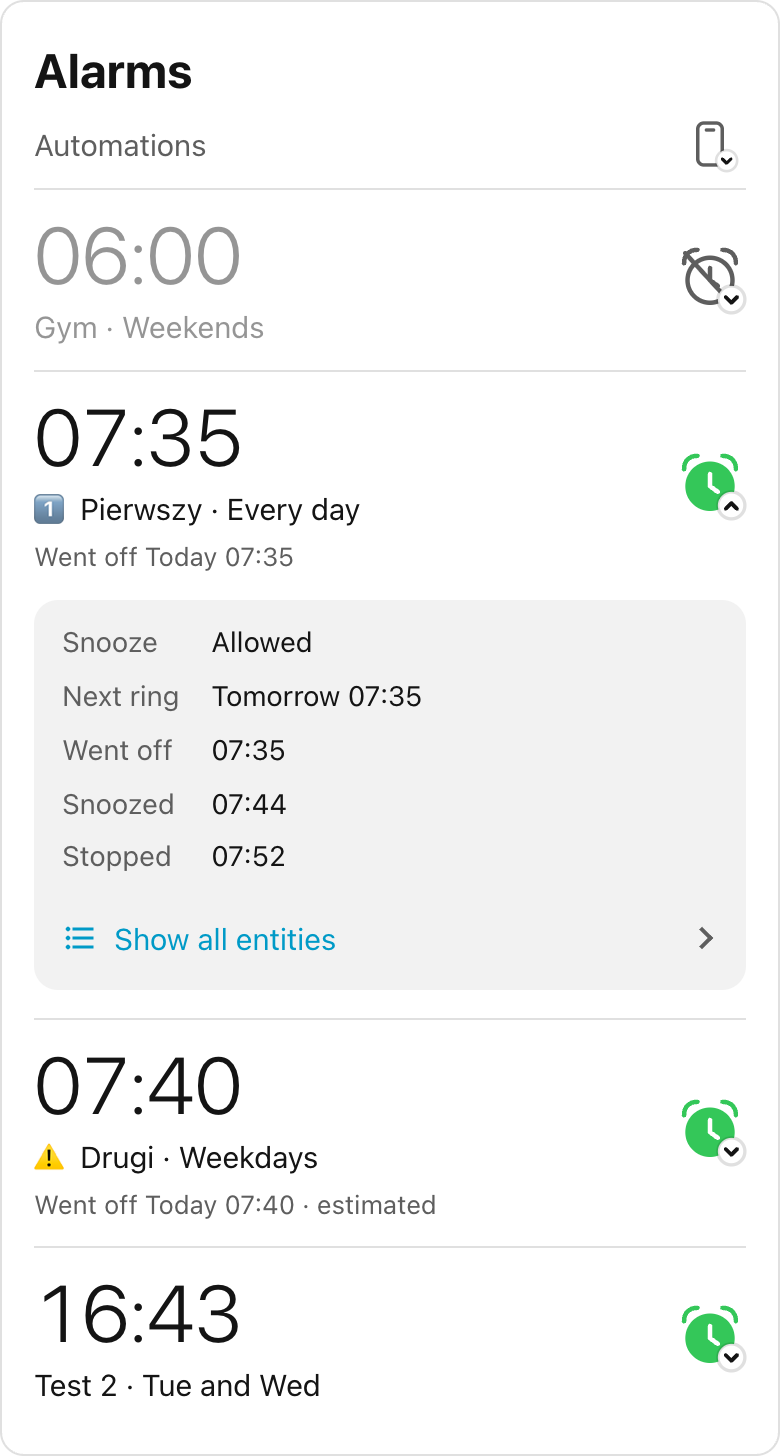
Screenshots From the README of Jozwiaczek/iphone-alarms-sync.
About
Sync Apple alarms from iPhone, iPad and Mac to Home Assistant with the Shortcuts app
Description from Jozwiaczek/iphone-alarms-sync

Shows in Vulpo
Quick Toggle card, Chart card, Apple Watch, Control Center.Supports
- Works locallyTalks to your devices on your own network. No vendor cloud in between.
- Device triggersIts devices can start automations directly.
- From the MarketplaceInstalled through the Marketplace, formerly HACS.
- Actively maintainedIts author released or pushed a change in the last six months.
Provides
- Switches
- Sensors
Setting it up
Install it from the Marketplace and restart Home Assistant, then add it under Settings, Devices and services.
Select Mobile App Device
- Mobile App Device
Enter Device Name
- Device Name
Set up the Sync shortcut
- Sync disabled alarmsTurn off to leave disabled alarms out of Home Assistant.
After setup
- Device Name
- Mobile App deviceLinks this phone to its Home Assistant app device. Choose None to keep it standalone.
- Sync disabled alarmsTurn off to remove disabled alarms and their devices from Home Assistant.
Texts from the code of Jozwiaczek/iphone-alarms-sync.
Entities
- Binary sensorsEnabled, Repeats, Allows snooze, Alarm event missed, Repeats on Monday, Repeats on Tuesday, Repeats on Wednesday, Repeats on Thursday, Repeats on Friday, Repeats on Saturday, Repeats on Sunday
- EventsAlarm, Any alarm, Wake-Up alarm, Sleep
- SensorsNext alarm, Next alarm label, Last alarm, Last sync, Enabled alarms, Total alarms, Disabled alarms, Wake-up alarm last went off, Wake-up alarm last snoozed, Wake-up alarm last stopped, Any alarm last went off, Any alarm last snoozed, and 10 more
- SwitchesEstimated goes off
Troubleshooting
- DiagnosticsDownloads a diagnostics file to attach to a bug report.
- Repair noticesNotices it can show in Settings, Repairs:Stopped sending alarm data
From the README
Your iPhone alarm. Now a Home Assistant trigger.
Wake up to a warm bedroom. Lights on when the alarm rings.
Information
- Installs
- 51 sharing analytics
- GitHub stars
- 22
- Connection
- Works locally
- Upkeep
- Updated in the last 6 months
- Version
- v1.7.0,
- Category
- Presence and location, Phones and companion apps
- Kind
- Marketplace integration
- Needs
- Needs the Marketplace (HACS on 2026.10 and older)
- Domain
iphone_alarms_sync- Issues
- Report an issue
You might also like










Try it with your own Home Assistant.
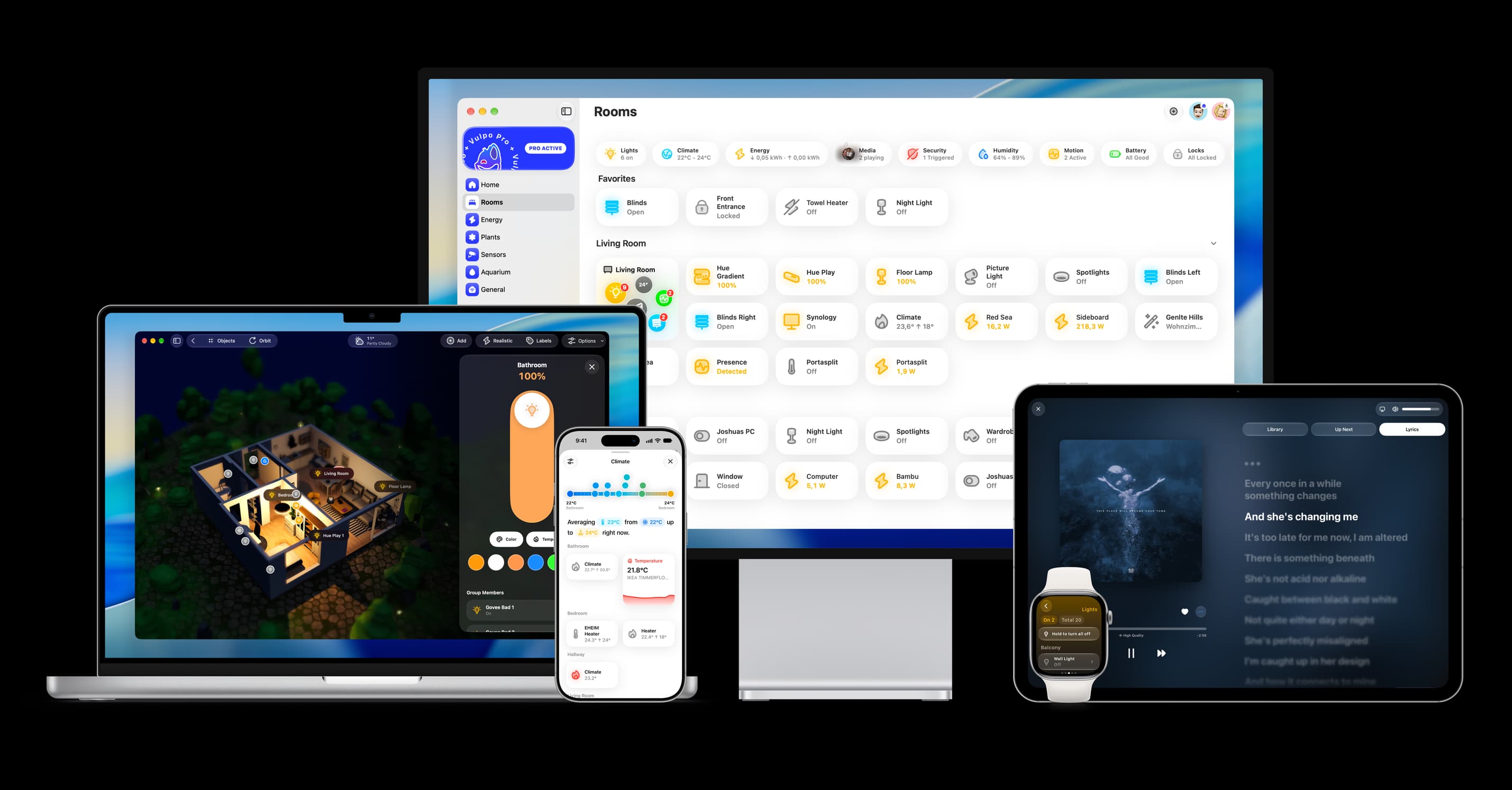
- Free to download
- iPhone, iPad, Mac and Apple Watch
- 40+ native card types
- Connects to your own Home Assistant