

Marketplace integration
Envertech Solar
On Home Assistant 2026.10 or older? Open it in HACS
- Installs
- 165 sharing analytics
- Connection
- Uses the vendor's cloud
- Upkeep
- Updated in the last 6 months
- Version
- v1.4.7,
- Category
- Energy, Solar and batteries
- Kind
- Marketplace integration
- Needs
- Needs the Marketplace (HACS on 2026.10 and older)
- Domain
envertech_solar- Issues
- Report an issue


Independent directory, made by the developer of Vulpo. Not affiliated with Home Assistant or the Open Home Foundation.
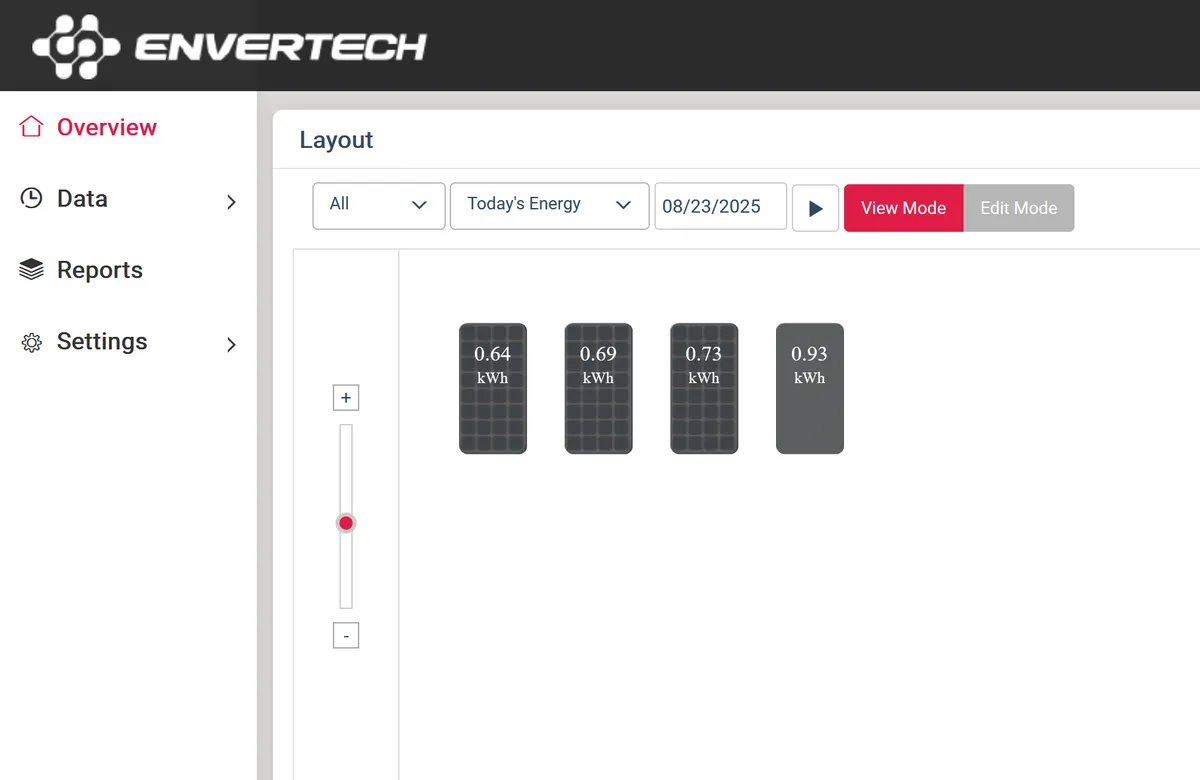
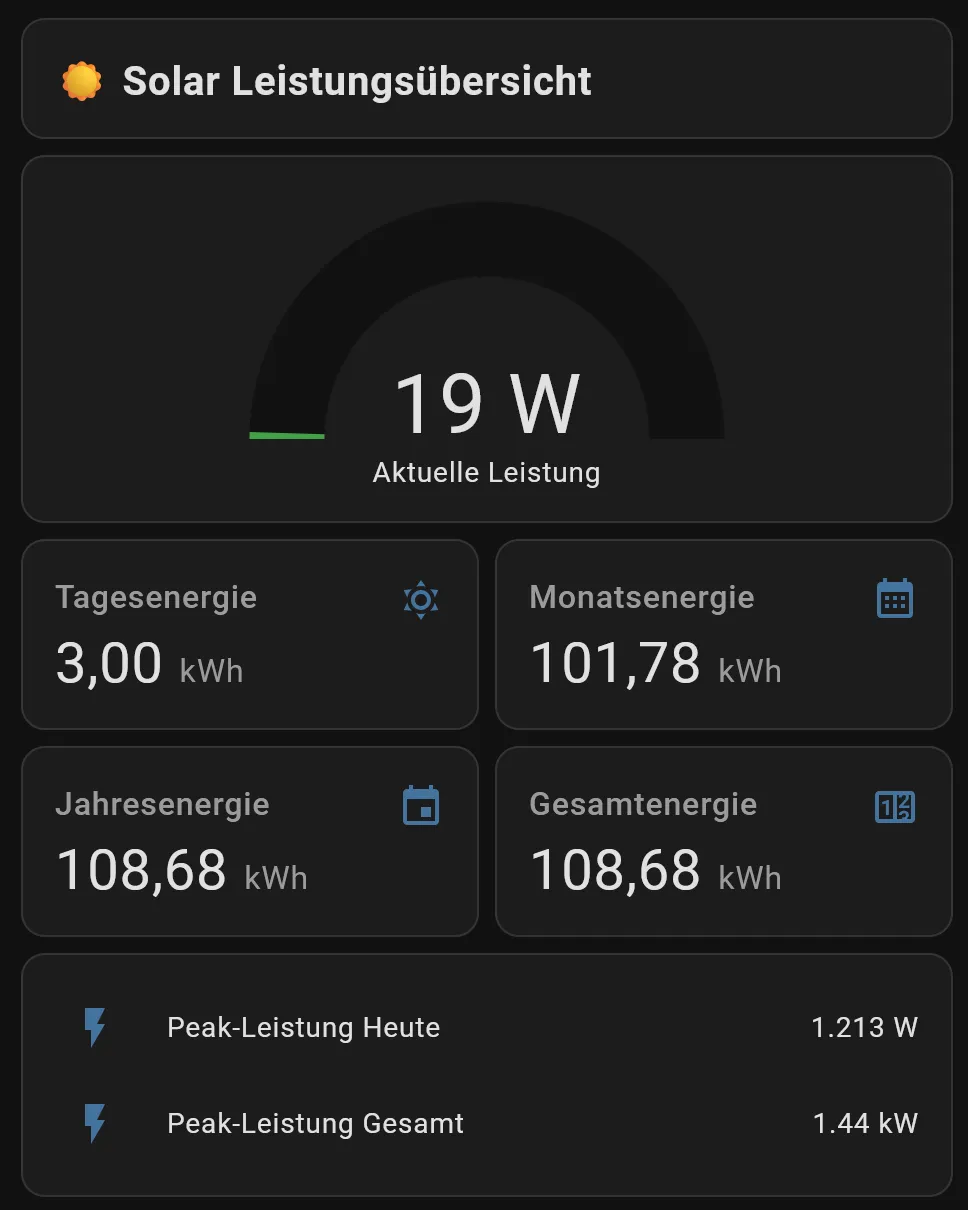
Screenshots From the README of JImmyB0nes/envertech_solar.
About
Home Assistant integration for Envertech solar inverters – live power, yield, income and CO2 savings from the Envertech Solar Portal
Description from JImmyB0nes/envertech_solar

Shows in Vulpo
Chart card, Apple Watch.Supports
- Uses the vendor's cloudNeeds an internet connection and an account with the vendor.
- From the MarketplaceInstalled through the Marketplace, formerly HACS.
- Actively maintainedIts author released or pushed a change in the last six months.
Provides
- Sensors
Setting it up
Install it from the Marketplace and restart Home Assistant, then add it under Settings, Devices and services.
Envertech Setup
- Station ID
Texts from the code of JImmyB0nes/envertech_solar.
From the README
Solar yield, power output and station information straight from the Envertech Solar Portal.
Envertech Solar connects Home Assistant to the Envertech Solar Portal. Enter your station ID once and keep an eye on power, yield and station information.
- ☀️ Live solar power in real time
- 🔋 Daily, monthly, yearly and total yield
- ⚡ Daily peak power and all-time peak power
- 💶 Feed-in income and CO₂ savings, if configured in the portal
- 🔁 Adjustable polling interval directly in Home Assistant
- 🌍 Interface available in English, German, Dutch, Portuguese, Polish, Russian and Chinese
- 🧩 Installable via HACS
- 🔌 Built for Envertech ECO-/SE inverters, e.g. 2000SE
Information
- Installs
- 165 sharing analytics
- Connection
- Uses the vendor's cloud
- Upkeep
- Updated in the last 6 months
- Version
- v1.4.7,
- Category
- Energy, Solar and batteries
- Kind
- Marketplace integration
- Needs
- Needs the Marketplace (HACS on 2026.10 and older)
- Domain
envertech_solar- Issues
- Report an issue
You might also like









Try it with your own Home Assistant.
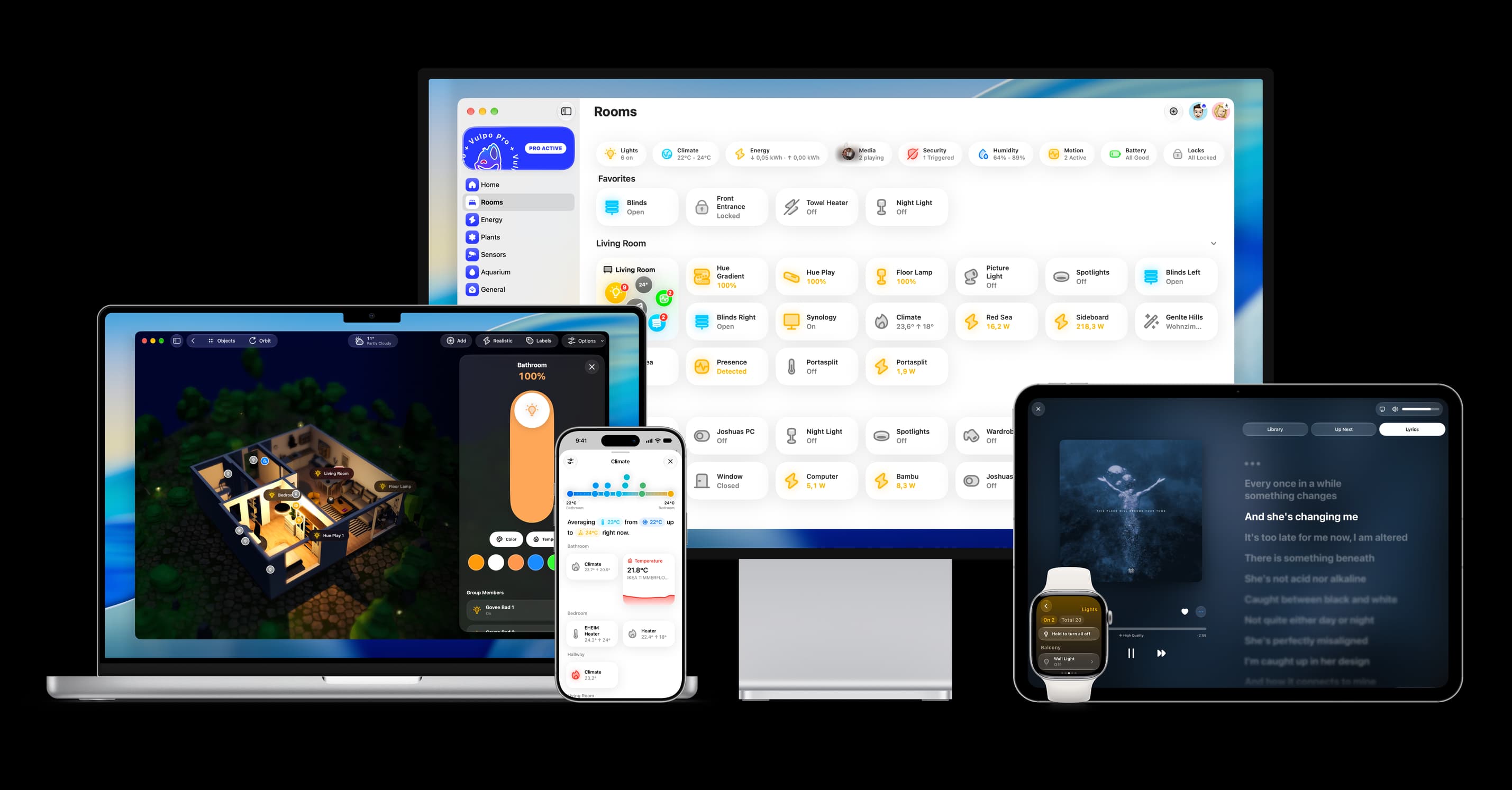
- Free to download
- iPhone, iPad, Mac and Apple Watch
- 40+ native card types
- Connects to your own Home Assistant