
On Home Assistant 2026.10 or older? Open it in HACS
- Installs
- 56 sharing analytics
- GitHub stars
- 8
- Connection
- Works locally
- Upkeep
- Updated in the last 6 months
- Version
- 1.1.1,
- Category
- Energy, Backup power
- Kind
- Marketplace integration
- Needs
- Needs the Marketplace (HACS on 2026.10 and older)
- Domain
genmon- Issues
- Report an issue
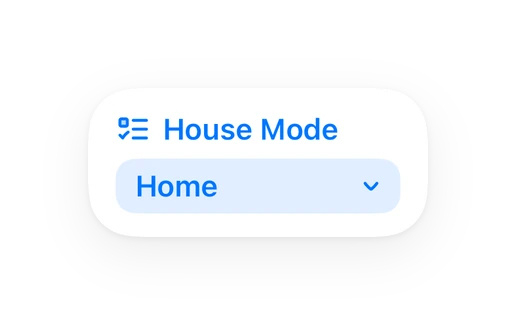
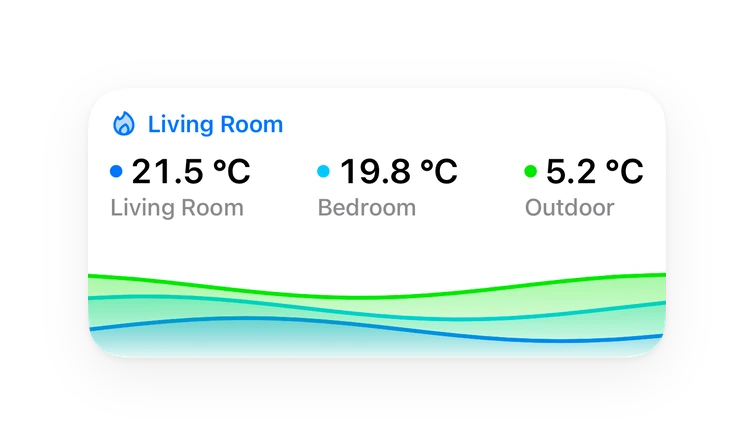
Shows in Vulpo Quick Toggle card, Button card, Select card, Chart card, Apple Watch, Control Center.


Scan with your iPhone
DownloadIndependent directory, made by the developer of Vulpo. Not affiliated with Home Assistant or the Open Home Foundation.
About
Genmon Home Assistant Integration Component
Description from jgyates/genmon-ha

Shows in Vulpo
Quick Toggle card, Button card, Select card, Chart card, Apple Watch, Control Center.Supports
- Works locallyTalks to your devices on your own network. No vendor cloud in between.
- Found by itselfHome Assistant spots it on the network and offers to add it.
- From the MarketplaceInstalled through the Marketplace, formerly HACS.
- Actively maintainedIts author released or pushed a change in the last six months.
Provides
- Switches
- Sensors
Setting it up
Install it from the Marketplace and restart Home Assistant, then add it under Settings, Devices and services.
Connect to Genmon
- HostIP address or hostname of your genmon device
- PortPort number for the genhalink addon (default: 9083)
- API KeyAPI key auto-generated when the genhalink addon is enabled
Genmon Generator Discovered
- API KeyAPI key from genmon Add-Ons > Home Assistant Integration (Native)
Also asked when signing in again.
Reconfigure Genmon
- Host
- Port
- API Key
After setup
- Polling interval (seconds)How often to poll genmon for updates (2-60 seconds, default: 5). WebSocket push updates are always active.
- Button passcodePasscode or password required by controller buttons that accept user input (e.g. MEBAY controllers). Leave blank if your controller buttons do not require a passcode.
Texts from the code of jgyates/genmon-ha.
Troubleshooting
- DiagnosticsDownloads a diagnostics file to attach to a bug report.
From the README
A native Home Assistant custom component for monitoring and controlling Generac generators via genmon.
This integration communicates with the genhalink addon running on your genmon instance, providing real-time generator data through a REST + WebSocket API. It works alongside the existing MQTT-based integration — users can choose whichever fits their setup.
- 60+ sensors: Battery voltage, RPM, output power, fuel level, run hours, weather, and more
- 8 binary sensors: Outage detection, generator running, alarm active, utility present, etc.
- 5 control buttons: Start, Stop, Start Transfer, Start Exercise, Set Time
- Quiet mode switch: Toggle quiet mode for liquid-cooled Evolution controllers
- Exercise scheduling: Select day/frequency and set hour/minute via HA UI
- Automatic discovery: Zeroconf/mDNS finds your generator on the network
- WebSocket push updates: Near-instant state changes without polling delay
- Marketplace / HACS: Install and update from the Home Assistant Marketplace (HACS on Home Assistant 2026.10 or older)
- Diagnostics: Built-in diagnostics download for troubleshooting
- Multi-instance: Supports multiple generators
Information
- Installs
- 56 sharing analytics
- GitHub stars
- 8
- Connection
- Works locally
- Upkeep
- Updated in the last 6 months
- Version
- 1.1.1,
- Category
- Energy, Backup power
- Kind
- Marketplace integration
- Needs
- Needs the Marketplace (HACS on 2026.10 and older)
- Domain
genmon- Issues
- Report an issue
You might also like











Try it with your own Home Assistant.
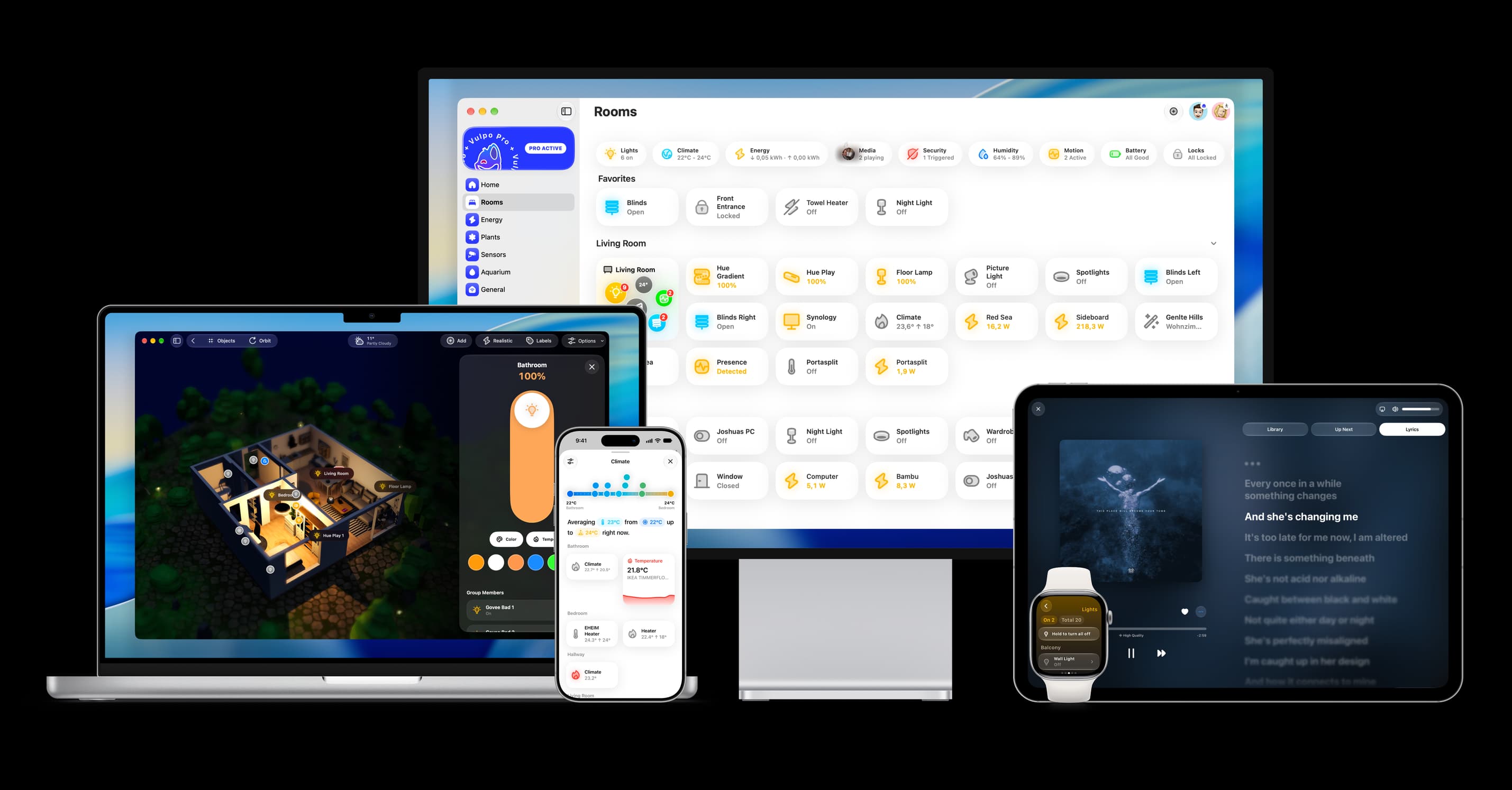
- Free to download
- iPhone, iPad, Mac and Apple Watch
- 40+ native card types
- Connects to your own Home Assistant