
On Home Assistant 2026.10 or older? Open it in HACS
- Installs
- 58 sharing analytics
- GitHub stars
- 15
- Connection
- Works locally
- Upkeep
- Updated in the last 6 months
- Version
- v0.35.0,
- Category
- Energy, Meters and monitoring
- Kind
- Marketplace integration
- Needs
- Needs the Marketplace (HACS on 2026.10 and older)
- Domain
electricity_lens- Issues
- Report an issue


Independent directory, made by the developer of Vulpo. Not affiliated with Home Assistant or the Open Home Foundation.
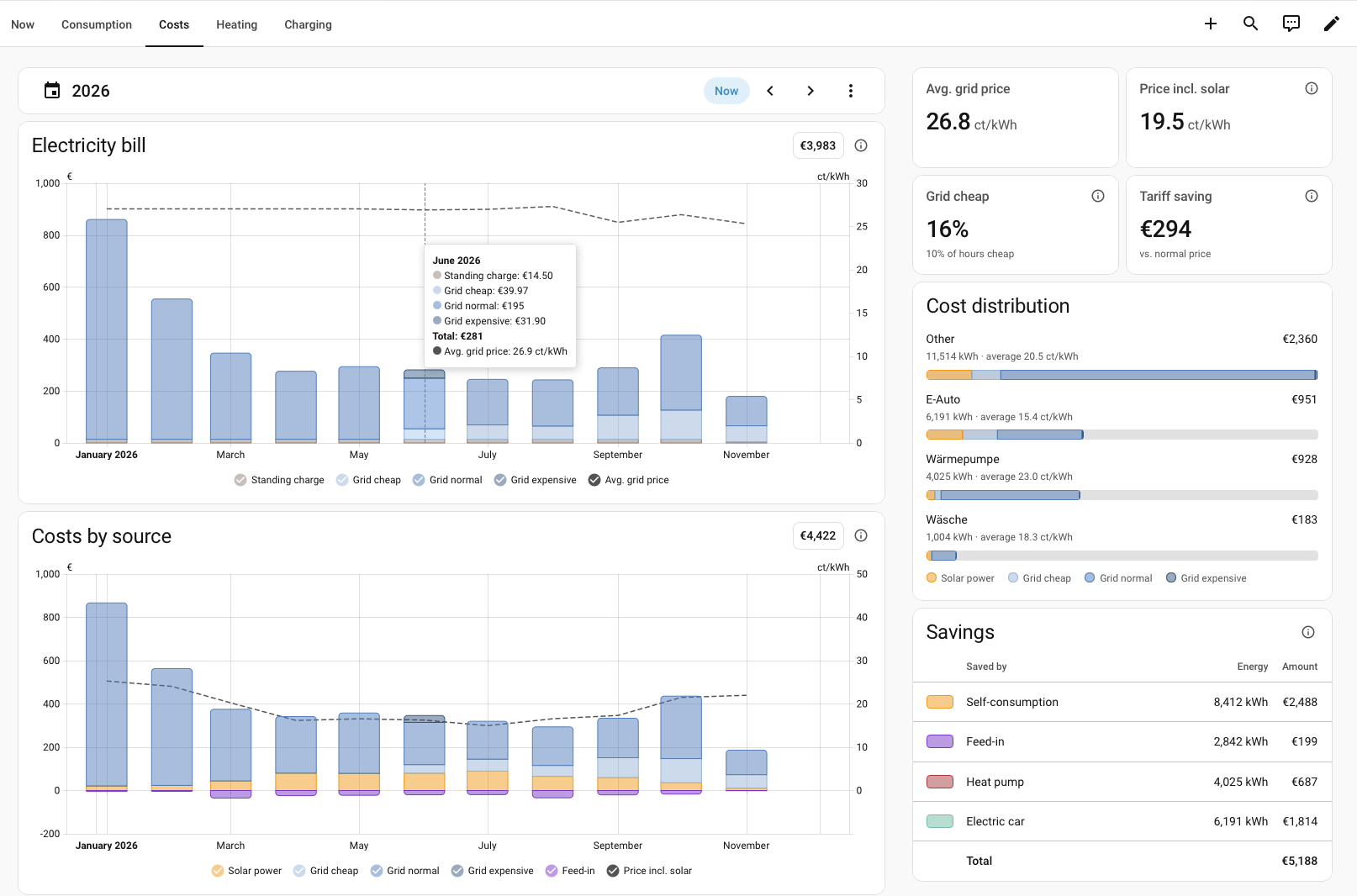
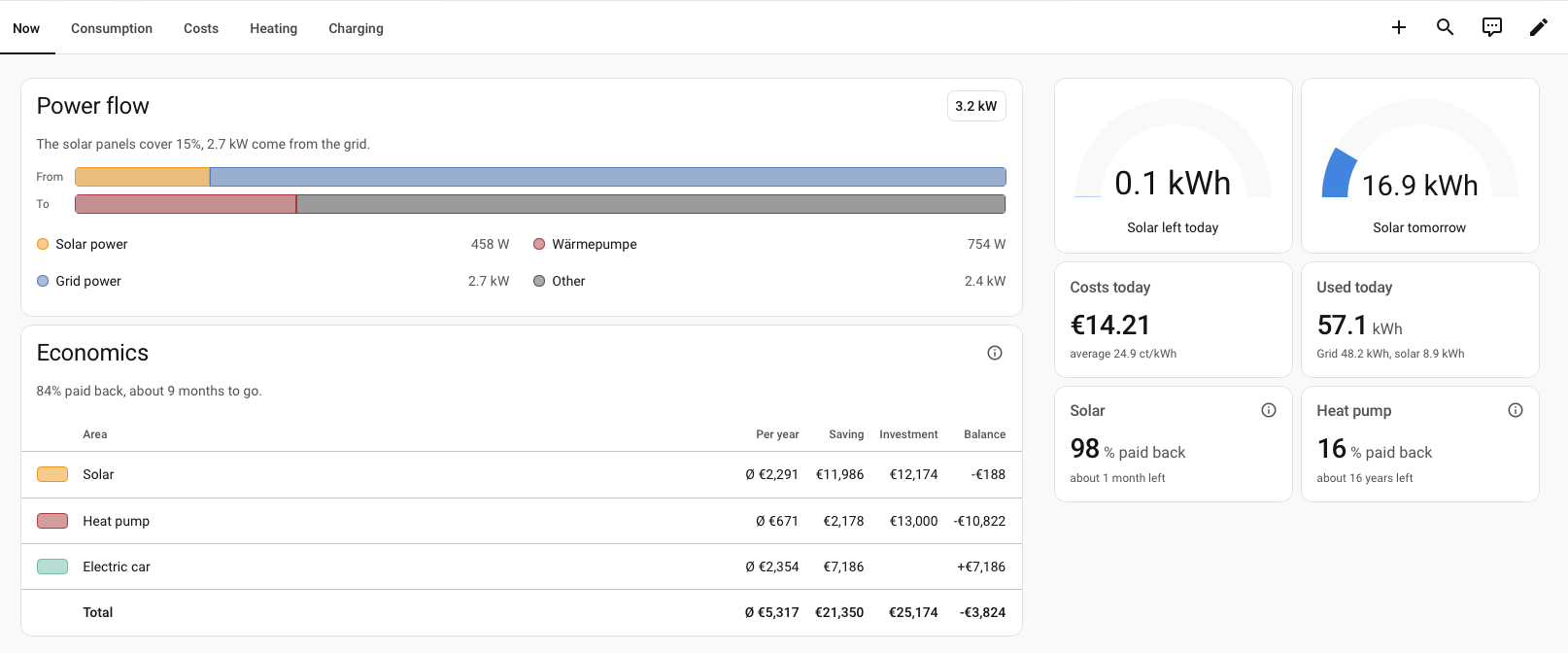
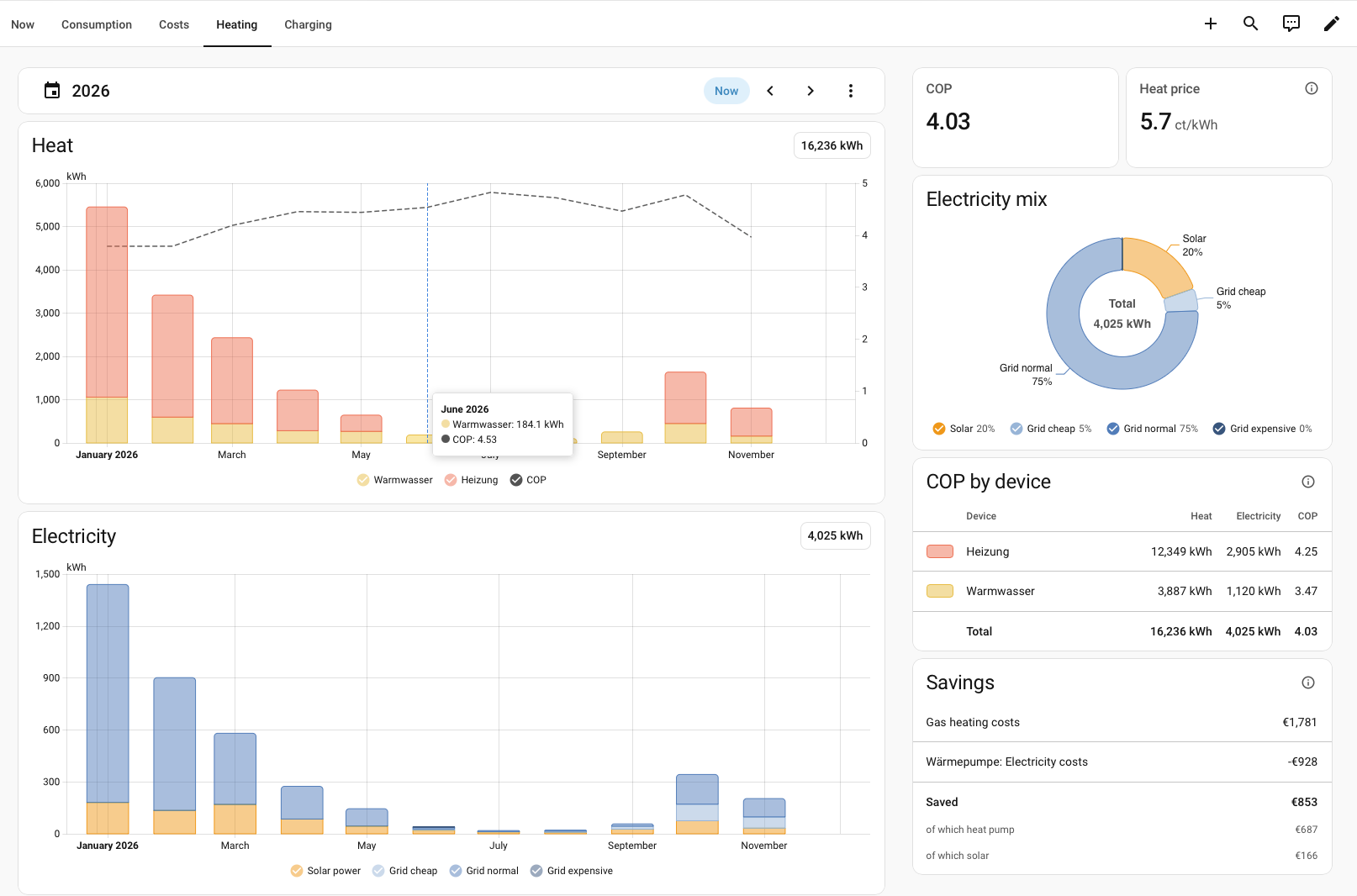
Screenshots From the README of ignazhabibi/ha-electricity-lens.
About
Home Assistant integration and card: what PV, heat pump, and electric car have saved, and when they pay off.
Description from ignazhabibi/ha-electricity-lens

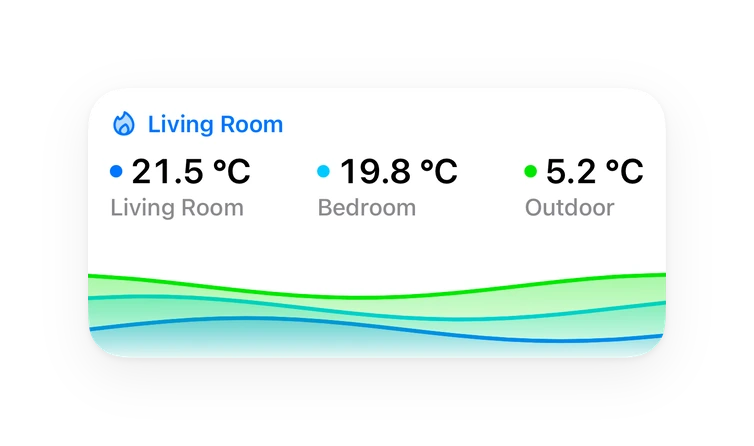
Shows in Vulpo
Chart card, Apple Watch.Supports
- Works locallyTalks to your devices on your own network. No vendor cloud in between.
- From the MarketplaceInstalled through the Marketplace, formerly HACS.
- Actively maintainedIts author released or pushed a change in the last six months.
Provides
- Sensors
Setting it up
Install it from the Marketplace and restart Home Assistant, then add it under Settings, Devices and services.
Electricity Lens
- Which savings should be evaluated? (optional)
Also asked when at the electricity lens step and at the electricity lens step.
Household
- Standing charge per month (optional)As on the electricity bill; billed by the day, as suppliers do
Solar
- Purchase cost (optional)For the payback
- Battery purchase cost (optional)For the battery's own payback. Solar's counts both, so leave the battery out above
Also asked when at the solar step.
Heat pump
- Electricity consumptionTotal meter, or heating and hot water separately
- Produced heat (optional)Heat meters for the same parts as the electricity consumption
- Former heatingNone, as in a new build: no saving, but heat, COP, and heat price
- Extra cost (optional)Extra purchase cost over the former heating. For the payback.
Heat pump values gas
- Gas priceUnit price on the gas bill
- Own electricity tariff (optional)Only with a separate heat pump tariff; otherwise the energy dashboard's price counts
- Gas price sensor (optional)Replaces the average from now on
After setup
- Standing charge per month (optional)As on the electricity bill; billed by the day, as suppliers do
Texts from the code of ignazhabibi/ha-electricity-lens.
Entities
- SensorsSaving, Saving per year, Solar left today, Solar tomorrow, Paid back, Return per year, Balance
Troubleshooting
- DiagnosticsDownloads a diagnostics file to attach to a bug report.
- Repair noticesNotices it can show in Settings, Repairs:Electricity Lens cannot read the energy dashboard, Electricity Lens is missing the electricity price
From the README
What your electricity really costs, where it comes from, and whether your solar panels, heat pump, and electric car pay off.
It takes everything it can from the energy dashboard and computes your whole history, hour by hour, right after setup. There is no YAML, no helper, and no template sensor to write.
Information
- Installs
- 58 sharing analytics
- GitHub stars
- 15
- Connection
- Works locally
- Upkeep
- Updated in the last 6 months
- Version
- v0.35.0,
- Category
- Energy, Meters and monitoring
- Kind
- Marketplace integration
- Needs
- Needs the Marketplace (HACS on 2026.10 and older)
- Domain
electricity_lens- Issues
- Report an issue
You might also like












Try it with your own Home Assistant.
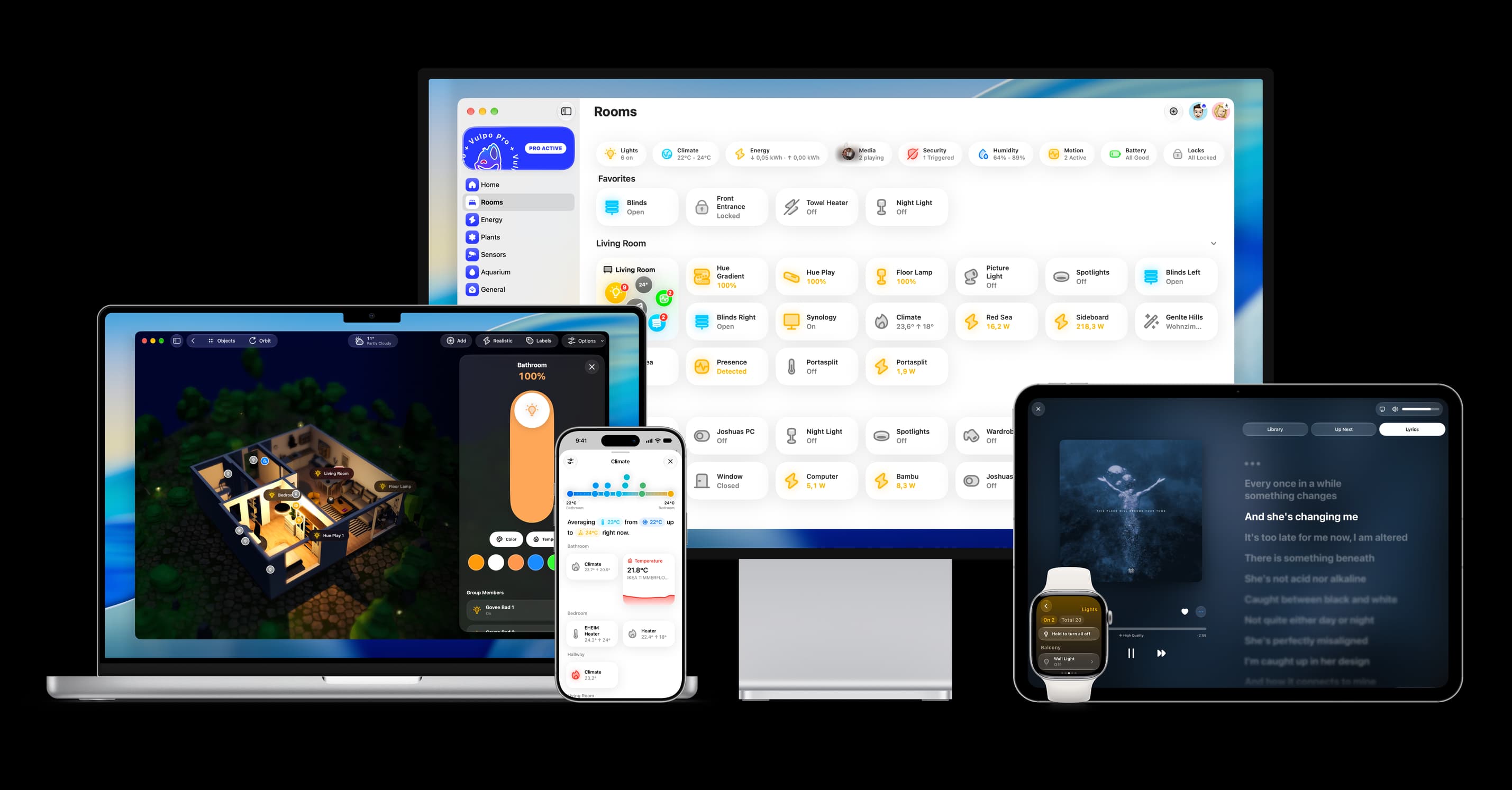
- Free to download
- iPhone, iPad, Mac and Apple Watch
- 40+ native card types
- Connects to your own Home Assistant