
On Home Assistant 2026.10 or older? Open it in HACS
- Installs
- 52 sharing analytics
- GitHub stars
- 6
- Connection
- Works locally
- Upkeep
- Updated in the last 6 months
- Version
- v1.10.7,
- Category
- Hubs and protocols, Wireless protocols
- Kind
- Marketplace integration
- Needs
- Needs the Marketplace (HACS on 2026.10 and older)
- Domain
zha_bindings_manager- Issues
- Report an issue


Independent directory, made by the developer of Vulpo. Not affiliated with Home Assistant or the Open Home Foundation.
Screenshots From the README of hsolgaard/zha-bindings-manager-integration.
About
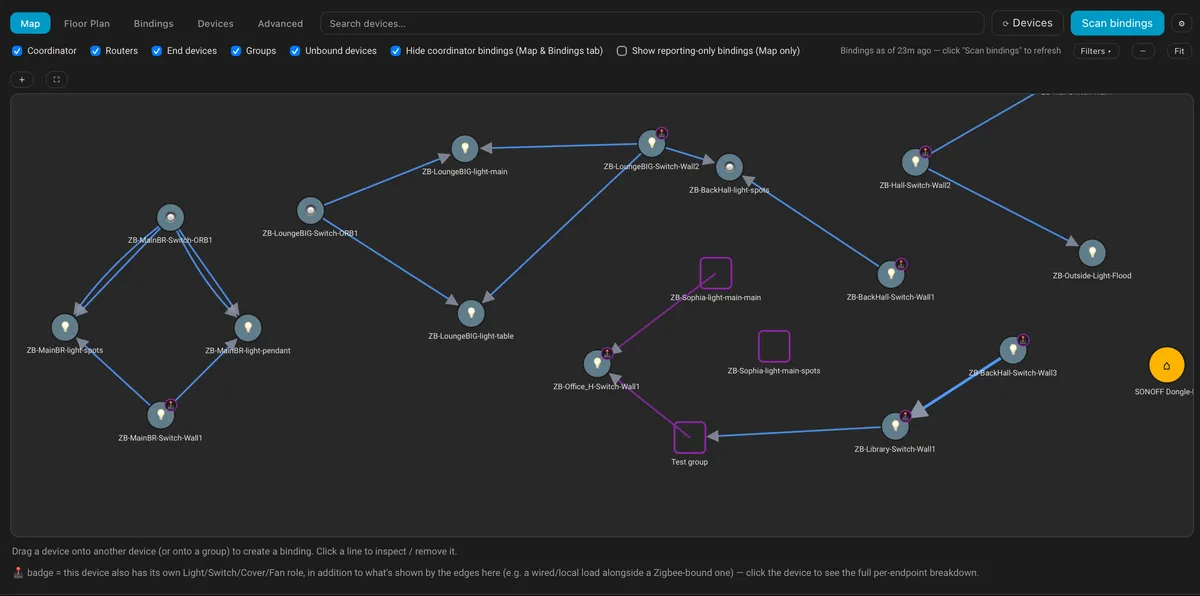
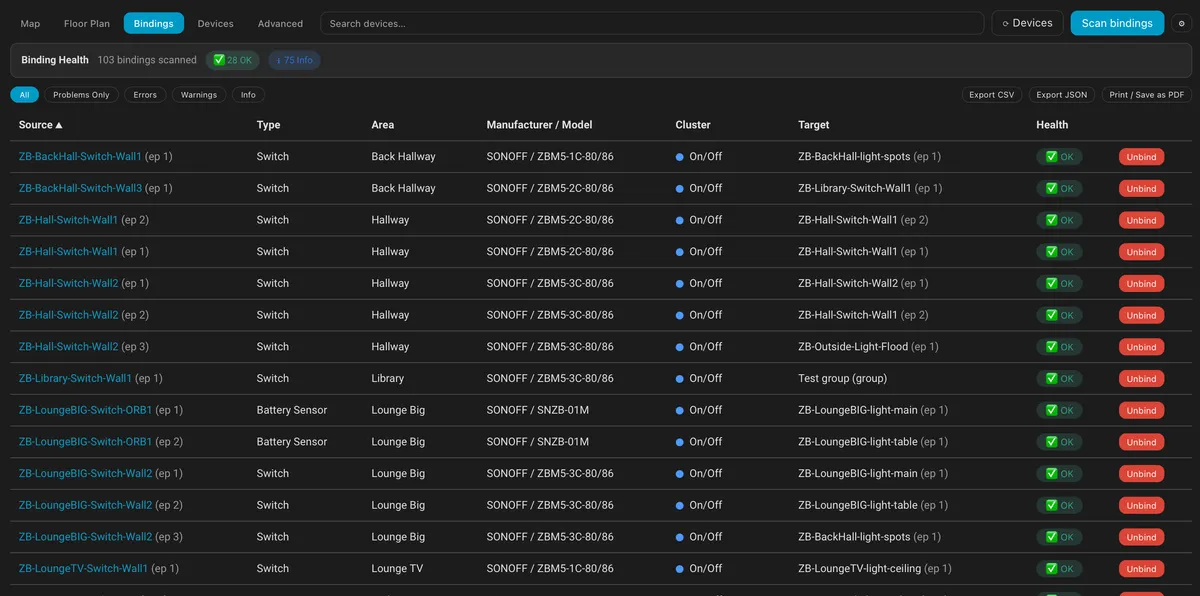
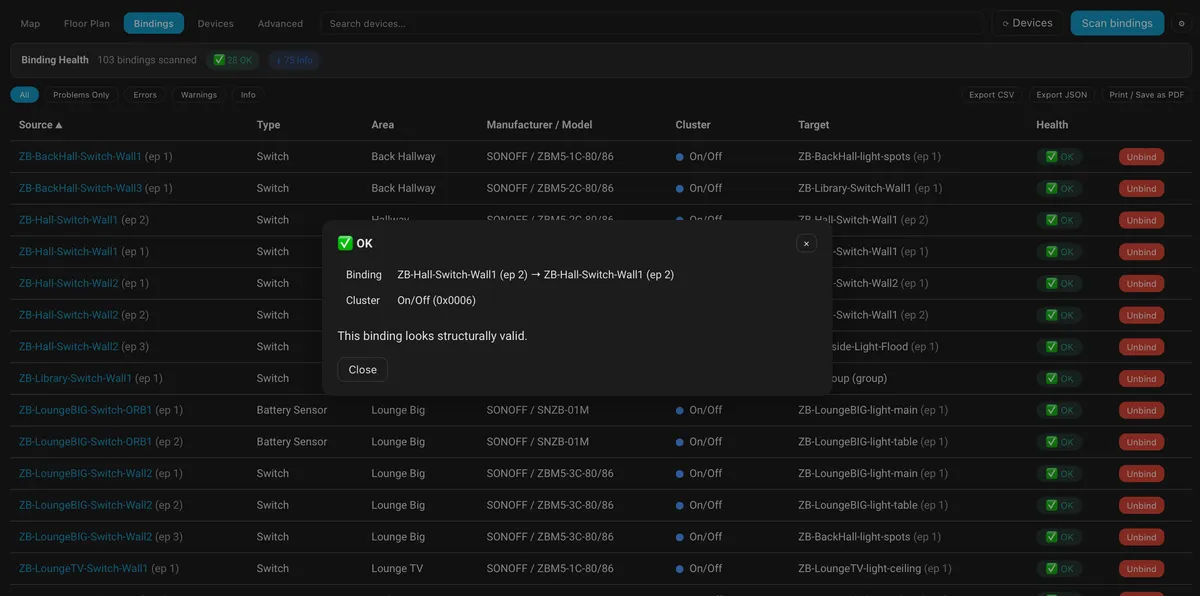
ZHA Bindings Manager is an integration that adds a sidebar page for viewing and managing Zigbee bindings in ZHA. The page carries a card that shows which devices control which, and it can store its data in Home Assistant so it matches across browsers and devices. It can post a notification when a removed device still has bindings pointing to it. Each ZHA device page can get a Bindings sensor and a Rescan bindings button. It can also watch for lost bindings, report them in Repairs, and offer to restore them. Other options add logbook entries naming the remote that switched a light and a history of address changes. It works locally, is set up in the UI, and relies on zha-toolkit to read binding tables.
Automatic summary of the README and code of hsolgaard/zha-bindings-manager-integration. Something wrong, or are you the maintainer and want your own text here? Get in touch

Shows in Vulpo
Button card, Chart card, Apple Watch.Supports
- Works locallyTalks to your devices on your own network. No vendor cloud in between.
- From the MarketplaceInstalled through the Marketplace, formerly HACS.
- Actively maintainedIts author released or pushed a change in the last six months.
Provides
- Sensors
Setting it up
Install it from the Marketplace and restart Home Assistant, then add it under Settings, Devices and services.
After setup
- Show the ZHA Bindings page in the sidebarAdmins only. Runs the card full-page. The card's file loads only when you open this page.
- Load the card on every pageOnly needed to put the card on your own dashboards. The card is about 380 KB, and with this on every page loads it, including on phones and tablets that never open it.
- Shared storageSaves the card's data in Home Assistant, so it's the same in every browser and on every device. When off, each browser keeps its own copy.
- Notify when a removed device still has bindings pointing to itShows a Home Assistant notification naming the devices still bound to a device you remove, based on the card's last scan.
- Show bindings on each device's pageAdds a Bindings sensor and a Rescan bindings button to the page of each ZHA device that controls, or is controlled by, another device or a group. Uses the card's last scan.
- Watch for lost bindingsCompares every read of a device's binding table (the card's scans, a nightly check at 03:17, and battery devices when they're next used) with the bindings it had before, and tells you in the card and in Repairs when one is lost, with a button to put it back. You can choose per device in the card to put them back automatically. Uses the card's scans as the starting point.
- Say in the logbook which remote switched a lightWhen a remote is bound to lights or a group and Home Assistant also hears the press (most remotes are bound to the coordinator too), a light that changes within 3 seconds gets a logbook entry such as "turned on by Kitchen remote (direct binding)". Uses the card's last scan of the remote. Changes made by Home Assistant itself aren't attributed.
- Record address changes and missed pressesKeeps a history of every device's short network address and notes when a remote's press doesn't reach a light it's bound to directly, so you can see whether address changes explain bindings that stop working. Read-only: nothing is sent to your devices. Shown in the card and exportable.
- Experimental featuresFeatures still being tested; they may change or go away. Currently: a route check for each binding and a network map, both built from the routing and neighbour tables of your routers, read with zha-toolkit only when you ask.
- Link quality: good fromLinks with at least this link quality (LQI, 0-255) count as good. Recommended: 150.
- Link quality: weak belowLinks below this count as weak. Recommended: 80. Must be lower than the good value.
- Reset link quality thresholds to recommended (150 and 80)Tick and submit to go back to the recommended values.
Texts from the code of hsolgaard/zha-bindings-manager-integration.
Entities
- ButtonsRescan bindings
- SensorsBindings
Troubleshooting
- Repair noticesNotices it can show in Settings, Repairs:ZHA Bindings Manager card is installed twice, Lost Zigbee bindings
From the README
The complete install of ZHA Bindings Manager, the visual topology, binding and endpoint diagnostic tool for Home Assistant's ZHA integration.
Install it once and you get the full ZHA Bindings Manager card on its own ZHA Bindings page in the sidebar, with your data shared across every browser and device, a heads-up when removing a device leaves bindings behind, and updates that always load fresh.
Information
- Installs
- 52 sharing analytics
- GitHub stars
- 6
- Connection
- Works locally
- Upkeep
- Updated in the last 6 months
- Version
- v1.10.7,
- Category
- Hubs and protocols, Wireless protocols
- Kind
- Marketplace integration
- Needs
- Needs the Marketplace (HACS on 2026.10 and older)
- Domain
zha_bindings_manager- Issues
- Report an issue
You might also like










Try it with your own Home Assistant.
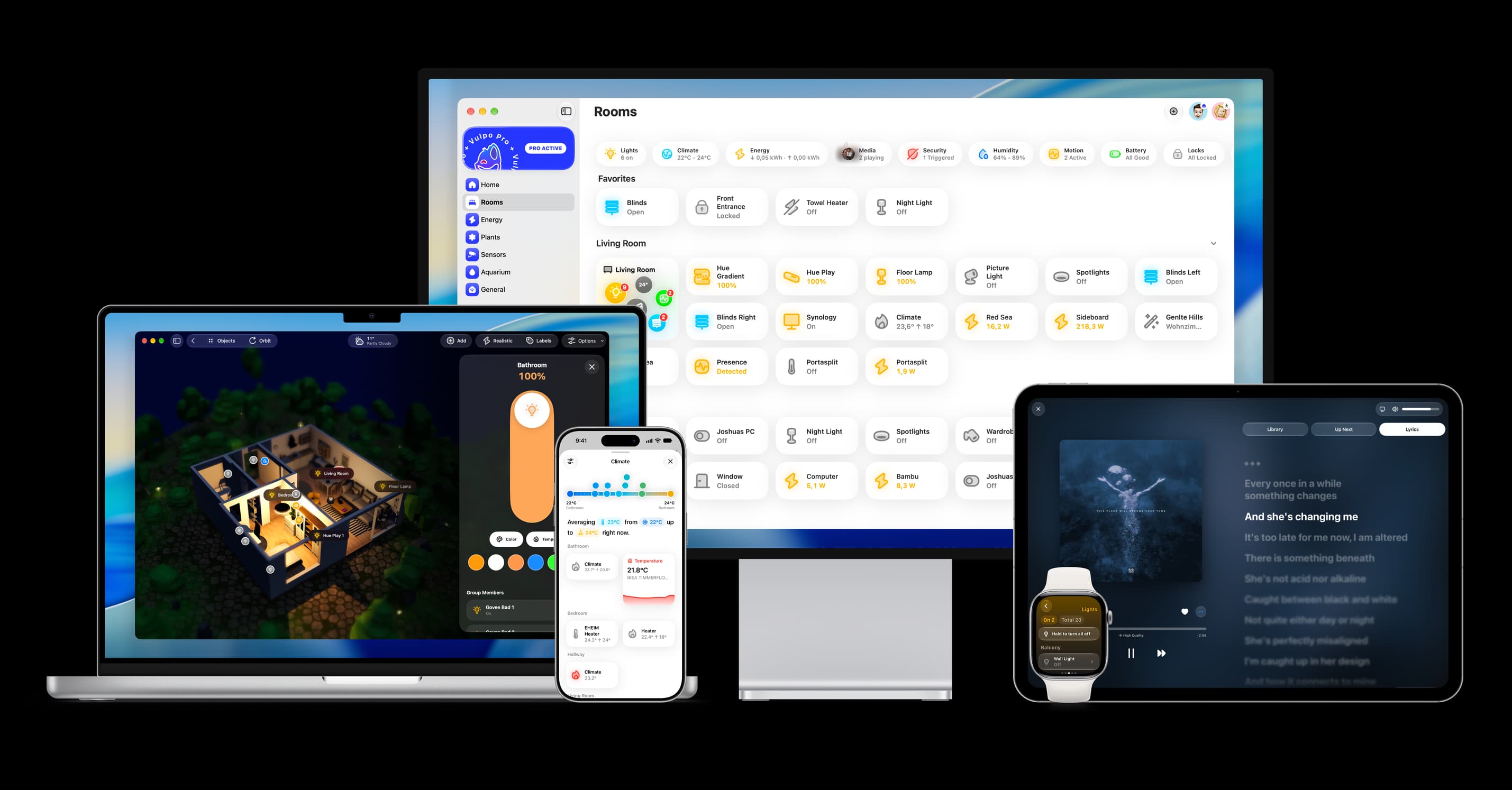
- Free to download
- iPhone, iPad, Mac and Apple Watch
- 40+ native card types
- Connects to your own Home Assistant