

Marketplace integration
KEF
On Home Assistant 2026.10 or older? Open it in HACS
- Installs
- 50 sharing analytics
- GitHub stars
- 9
- Connection
- Works locally
- Upkeep
- Updated in the last 6 months
- Version
- v0.8.43,
- Category
- Media and entertainment
- Kind
- Marketplace integration
- Needs
- Needs the Marketplace (HACS on 2026.10 and older)
- Domain
kef- Issues
- Report an issue
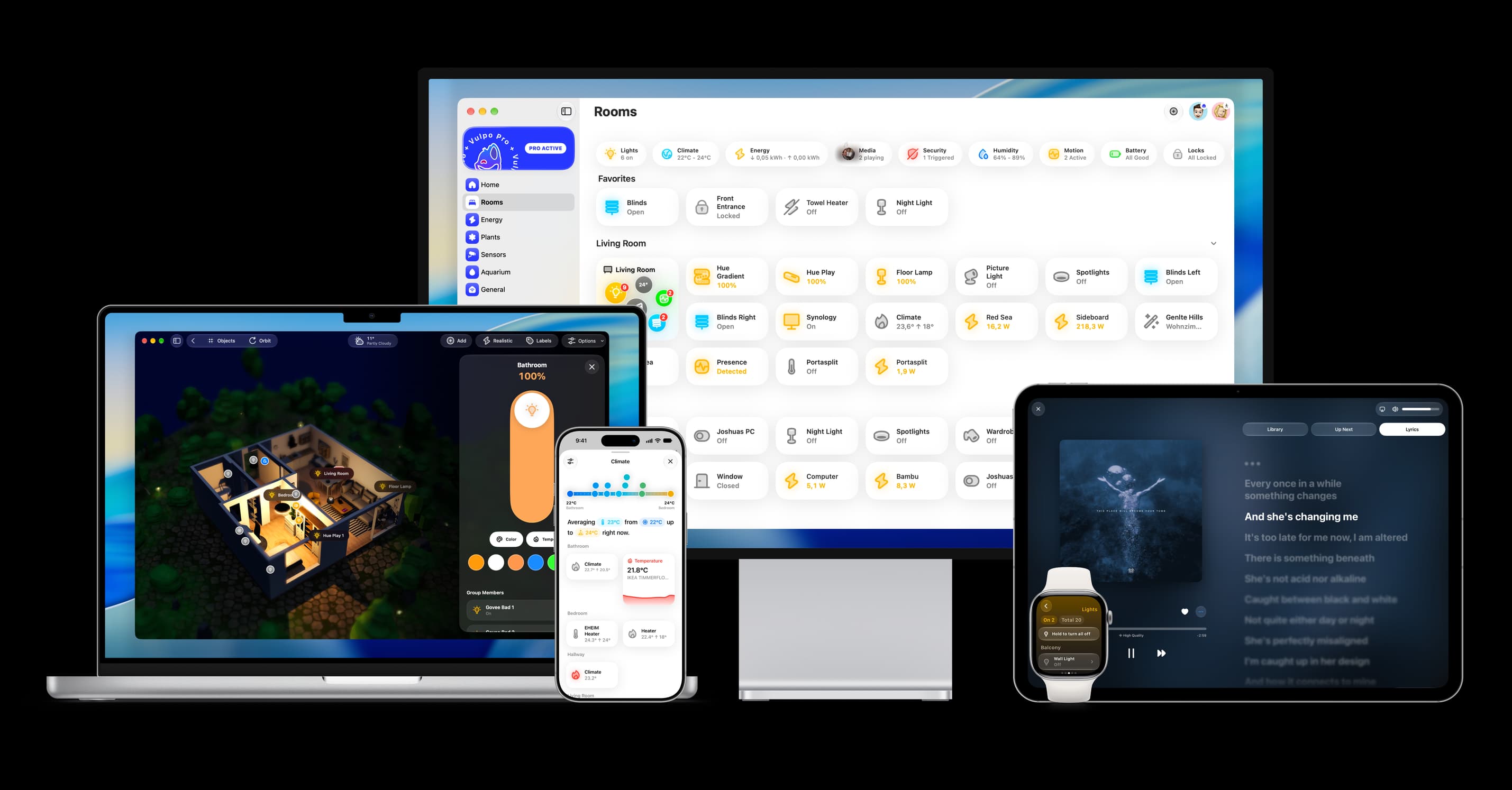
Shows in Vulpo Quick Toggle card, Media Player card, Button card, Select card, Apple Watch, Control Center.


Scan with your iPhone
DownloadIndependent directory, made by the developer of Vulpo. Not affiliated with Home Assistant or the Open Home Foundation.
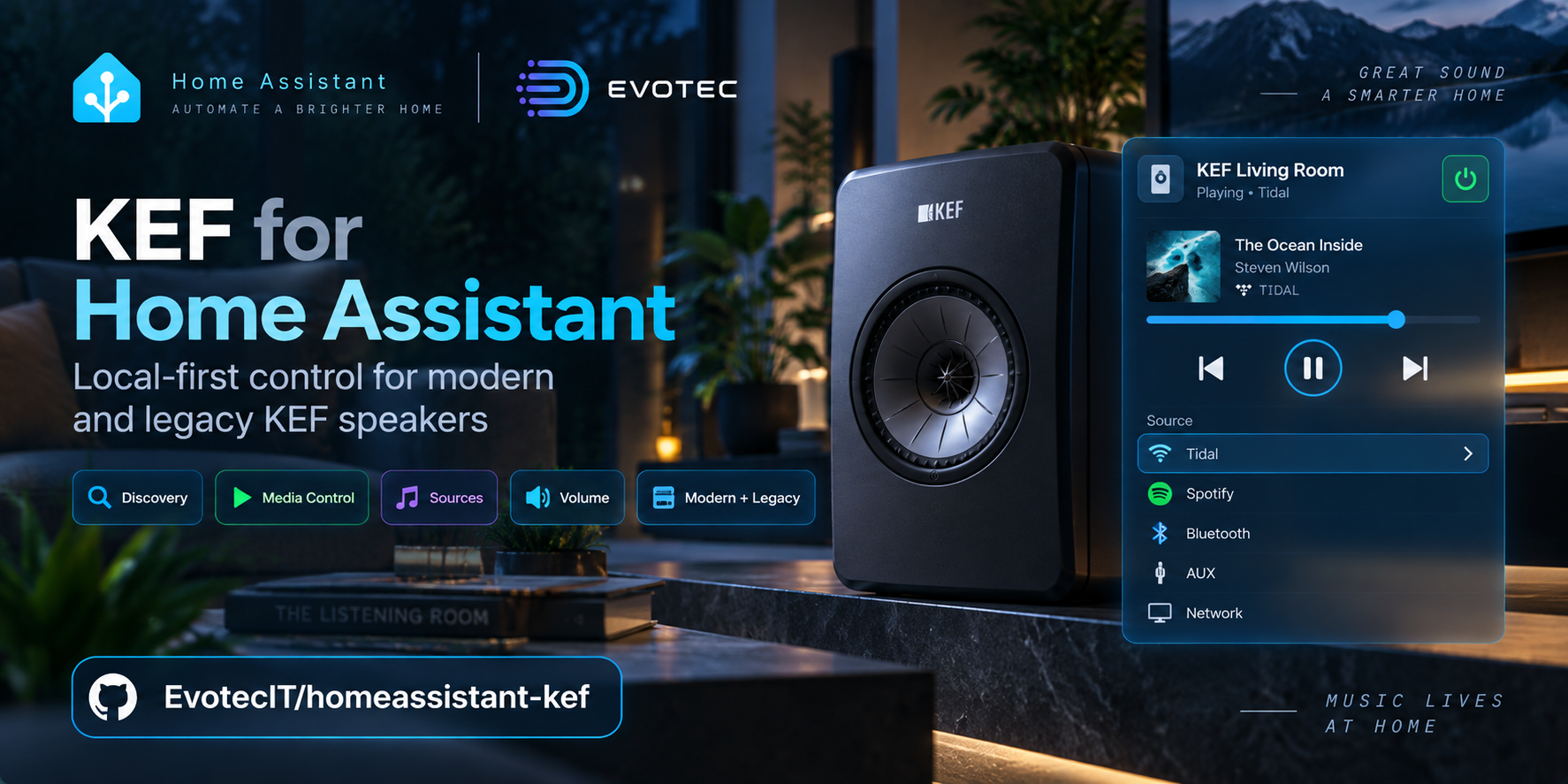
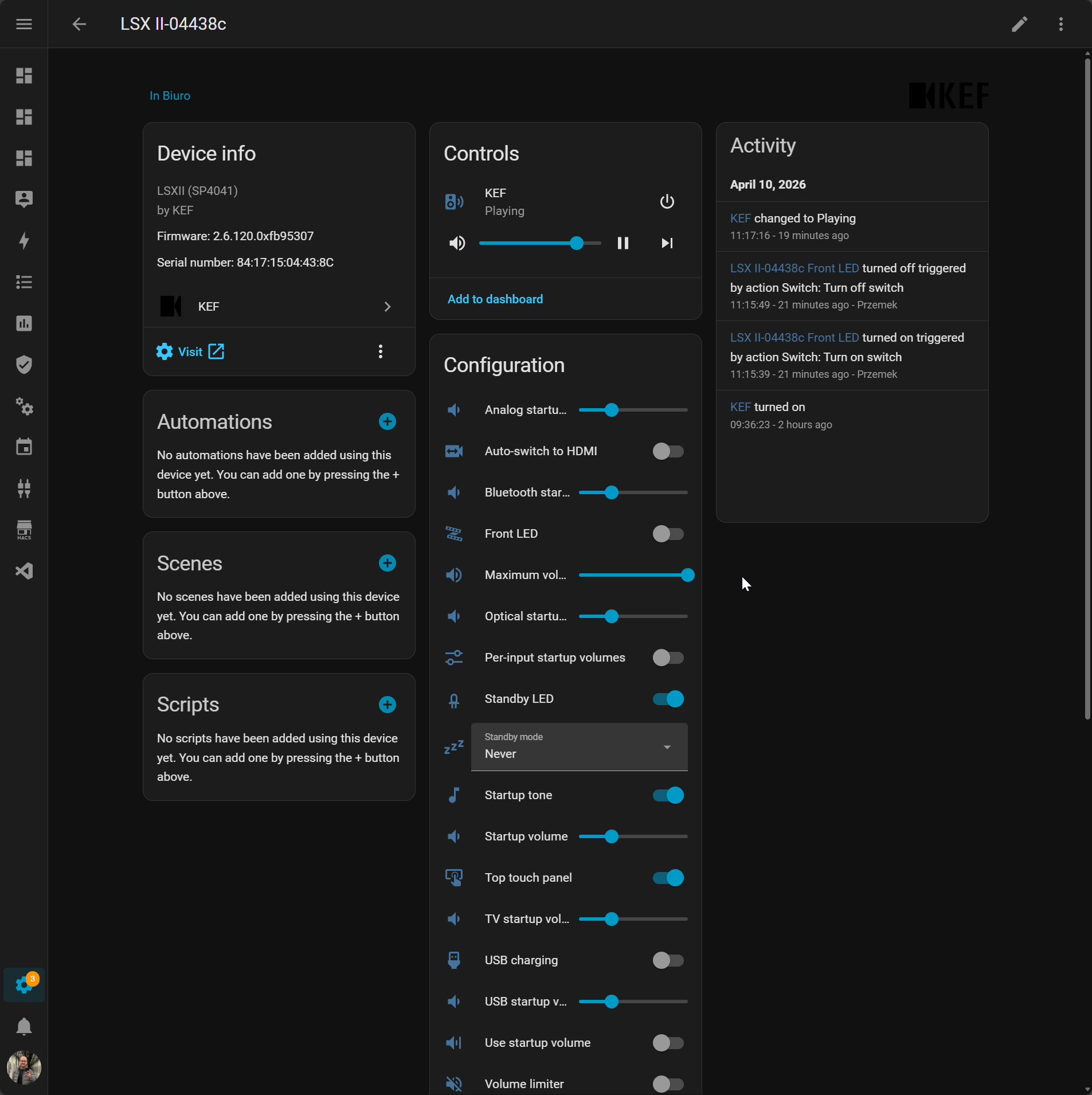
Screenshots From the README of EvotecIT/homeassistant-kef.
About
Control your KEF speakers on your home network: volume, inputs, standby and speaker settings, no cloud.
Description from EvotecIT/homeassistant-kef

Shows in Vulpo
Quick Toggle card, Media Player card, Button card, Select card, Apple Watch, Control Center.Installs over time
#1,612 of 1,626 Marketplace integrations, up 11 places in 30 days. Installs sharing analytics.
Supports
- Works locallyTalks to your devices on your own network. No vendor cloud in between.
- Found by itselfHome Assistant spots it on the network and offers to add it.
- From the MarketplaceInstalled through the Marketplace, formerly HACS.
- Actively maintainedIts author released or pushed a change in the last six months.
Provides
- Media
- Switches
- Sensors
Setting it up
Install it from the Marketplace and restart Home Assistant, then add it under Settings, Devices and services.
Add KEF speaker
- Host or IP address
- Web UI password
Also asked when changing the connection.
Confirm
- Web UI password
Also asked when signing in again.
After setup
- Web UI passwordOnly needed when the speaker's web interface is password protected. Leave empty otherwise.
- Polling intervalHow often the speaker is checked while it is online. On newer speakers, changes made in the KEF app or on the speaker arrive right away through the live event queue, and polling is the fallback. Lower is more responsive, higher means less network traffic.
- Offline retry intervalHow often a speaker that stopped responding is checked again, for example when its power is switched off. A speaker counts as offline after three missed polls in a row. When it powers up, it announces itself on the network and reconnects right away, so this interval only matters if that announcement is missed.
- Expose diagnostic sensorsAdds extra sensors for troubleshooting: Wi-Fi signal and network details, speed test results, alarm and timer counts, and raw audio values. Leave off to keep the device page tidy.
- Expose EQ read-only sensors (advanced)
Texts from the code of EvotecIT/homeassistant-kef.
Entities
- Binary sensorsSUR: Mode
- ButtonsDSP: Start calibration
- NumbersDSP: Balance, DSP: Treble amount, SW: Gain, SW: High-pass frequency, VOL: Startup volume, VOL: Maximum volume, VOL: Step, VOL: Fixed level, SW: Low-pass frequency, SUR: Rear volume, DSP: Desk mode attenuation, DSP: Wall mode attenuation
- SelectsHW: Standby mode (20 min = ECO), HW: Second wake-up source (Default = none), HW: Master channel, HW: Cable mode, DSP: Bass extension, IR: Remote code, HW: Streaming quality, IR: Favourite button, IR: EQ 1, IR: EQ 2, SW: Polarity, DSP: Audio polarity, and 4 more
- SensorsBackend, Speaker status, Play mode, Service ID, Wi-Fi signal level, Wi-Fi SSID, Wi-Fi frequency, Wi-Fi BSSID, Network ping, Network stability, Speed-test status, Speed-test average download, and 14 more
- SwitchesSYS: Startup tone, HW: Auto-switch to HDMI, LED: Front, LED: Standby, LED: Top touch panel, LED: Top panel, LED: Top panel standby, HW: USB power / KW-1 mode, VOL: Use startup volume, VOL: Per-input startup volumes, VOL: Limiter, SW: Wake on startup, and 13 more
- TextsSYS: UI language, SYS: Speaker location
- UpdatesFirmware
Troubleshooting
- DiagnosticsDownloads a diagnostics file to attach to a bug report.
From the README
Control your KEF speakers from Home Assistant over your home network, with no cloud account. Turn them on, change volume and input, and adjust the speaker settings you'd normally find in the KEF Connect app.
Information
- Installs
- 50 sharing analytics
- GitHub stars
- 9
- Connection
- Works locally
- Upkeep
- Updated in the last 6 months
- Version
- v0.8.43,
- Category
- Media and entertainment
- Kind
- Marketplace integration
- Needs
- Needs the Marketplace (HACS on 2026.10 and older)
- Domain
kef- Issues
- Report an issue
You might also like











Try it with your own Home Assistant.
- Free to download
- iPhone, iPad, Mac and Apple Watch
- 40+ native card types
- Connects to your own Home Assistant