

Niimbot
eigger
On Home Assistant 2026.11 or newer? Open it in the Marketplace
- Installs
- 173 sharing analytics
- GitHub stars
- 127
- Connection
- Works locally
- Upkeep
- Updated in the last 6 months
- Version
- 4.3.0,
- Category
- Computers and network, Printers
- Kind
- Marketplace integration
- Needs
- Needs the Marketplace (HACS on 2026.10 and older)
- Domain
niimbot- Issues
- Report an issue
Independent directory, made by the developer of Vulpo. Not affiliated with Home Assistant or the Open Home Foundation.
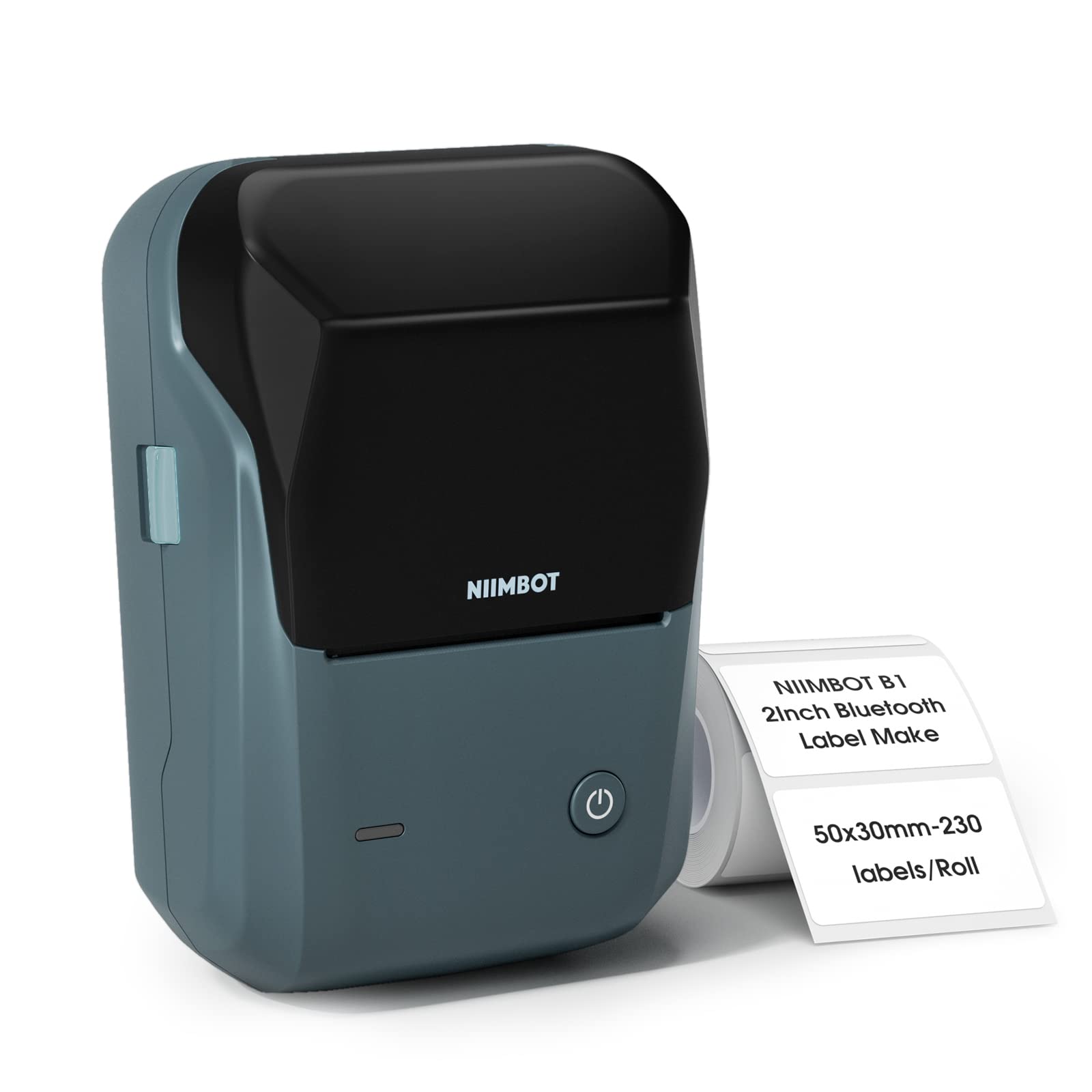
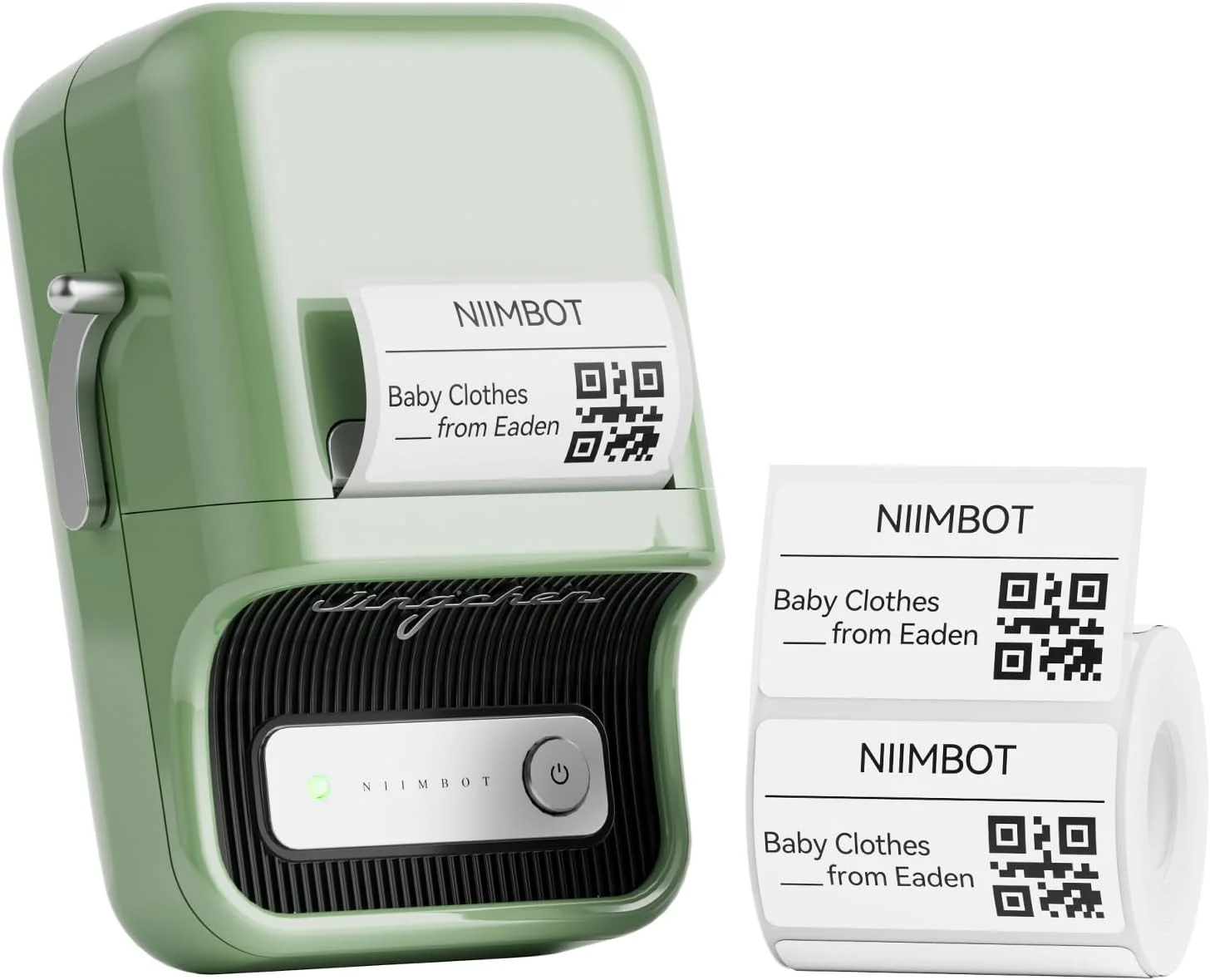
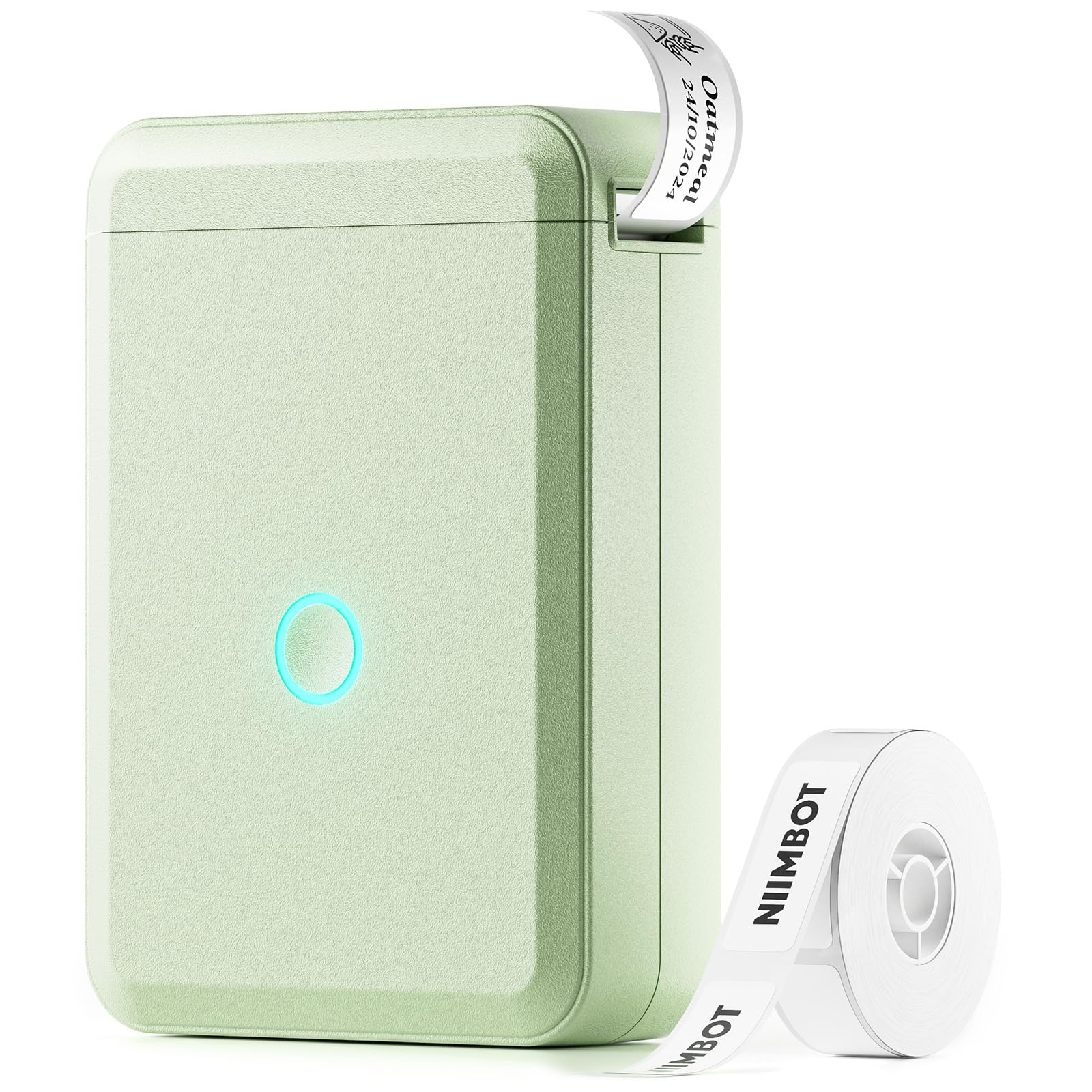
Screenshots From the README of eigger/hass-niimbot.
About
Niimbot is an integration that prints labels on Niimbot printers from Home Assistant over Bluetooth. It runs locally and is set up in the UI, where Home Assistant can discover a printer on the network and offer to add it. A print action takes imagespec payloads, and a second action re-reads cached printer settings such as density, speed and label type. The integration adds binary sensors for cover, paper and ribbon state, buttons for paper calibration and a test page, a sensor set that includes print head temperature and labels remaining, and an image of the last label made. It also adds an auto shutdown select and a connection sound switch. Options cover the status polling interval, keeping the Bluetooth connection open, and an optional online label lookup that sends only the product barcode and is off by default.
Automatic summary of the README and code of eigger/hass-niimbot. Something wrong, or are you the maintainer and want your own text here? Get in touch
Supports
Works locally Talks to your devices on your own network. No vendor cloud in between.
Found by itself Home Assistant spots it on the network and offers to add it.
From the Marketplace Installed through the Marketplace, formerly HACS.
Actively maintained Its author released or pushed a change in the last six months.
Provides
- Switches
- Sensors
Setting it up
Install it from the Marketplace and restart Home Assistant, then add it under Settings, Devices and services.
Connect
- Device
- Scan IntervalInterval in seconds to poll printer status (battery, printhead temperature, RFID/label info, etc.). Lower values update status faster but consume more battery.
- Keep BLE ConnectionKeep the Bluetooth connection alive continuously instead of disconnecting after each operation. Eliminates reconnection delay when printing, but drains more battery and prevents other devices from connecting to the printer.
- Fetch Label Info OnlineLook up the loaded label's name and size from a NIIMBOT server using its product code (barcode). Off by default. Only the product code is sent — no serial number, tag ID, or other device information.
Confirm the device
- Scan IntervalInterval in seconds to poll printer status (battery, printhead temperature, RFID/label info, etc.). Lower values update status faster but consume more battery.
- Keep BLE ConnectionKeep the Bluetooth connection alive continuously instead of disconnecting after each operation. Eliminates reconnection delay when printing, but drains more battery and prevents other devices from connecting to the printer.
- Fetch Label Info OnlineLook up the loaded label's name and size from a NIIMBOT server using its product code (barcode). Off by default. Only the product code is sent — no serial number, tag ID, or other device information.
After setup
- Scan IntervalInterval in seconds to poll printer status (battery, printhead temperature, RFID/label info, etc.). Lower values update status faster but consume more battery.
- Keep BLE ConnectionKeep the Bluetooth connection alive continuously instead of disconnecting after each operation. Eliminates reconnection delay when printing, but drains more battery and prevents other devices from connecting to the printer.
- Fetch Label Info OnlineLook up the loaded label's name and size from a NIIMBOT server using its product code (barcode). Off by default. Only the product code is sent — no serial number, tag ID, or other device information.
Texts from the code of eigger/hass-niimbot.
Entities
- Binary sensorsCover, Paper, RFID, Ribbon Loaded, Ribbon RFID
- ButtonsPaper Calibration, Calibrate Roll Feed, Reset Printer Settings, Print Test Page
- ImagesLast Label Made
- SelectsAuto Shutdown
- SensorsPrint Head Temperature, WiFi Signal, Voltage State, Lighting Error Code, Last Error, Print Density, Print Speed, Label Type, Protocol Version, Colour Support, Print Area, Labels Remaining, and 18 more
- SwitchesConnection Sound
Actions
- Print LabelPrint Niimbot Label.Fields: Payload, Rotate, Width, Height, Density, Label Type, Copies, Preview the image data
- Refresh Printer InfoRe-read cached printer settings (density, speed, label type, auto shutdown, battery bucket).
From the README
Print labels with Niimbot printers from Home Assistant using imagespec payloads over Bluetooth.

Shows in Vulpo
Quick Toggle card, Button card, Select card, Chart card, Apple Watch, Control Center.Information
- Installs
- 173 sharing analytics
- GitHub stars
- 127
- Connection
- Works locally
- Upkeep
- Updated in the last 6 months
- Version
- 4.3.0,
- Category
- Computers and network, Printers
- Kind
- Marketplace integration
- Needs
- Needs the Marketplace (HACS on 2026.10 and older)
- Domain
niimbot- Issues
- Report an issue











