
On Home Assistant 2026.10 or older? Open it in HACS
- Installs
- 51 sharing analytics
- GitHub stars
- 34
- Connection
- Works locally
- Upkeep
- Updated in the last 6 months
- Version
- v0.16.1,
- Category
- Computers and network, Monitoring
- Kind
- Marketplace integration
- Needs
- Needs the Marketplace (HACS on 2026.10 and older)
- Domain
homesec- Issues
- Report an issue


Independent directory, made by the developer of Vulpo. Not affiliated with Home Assistant or the Open Home Foundation.
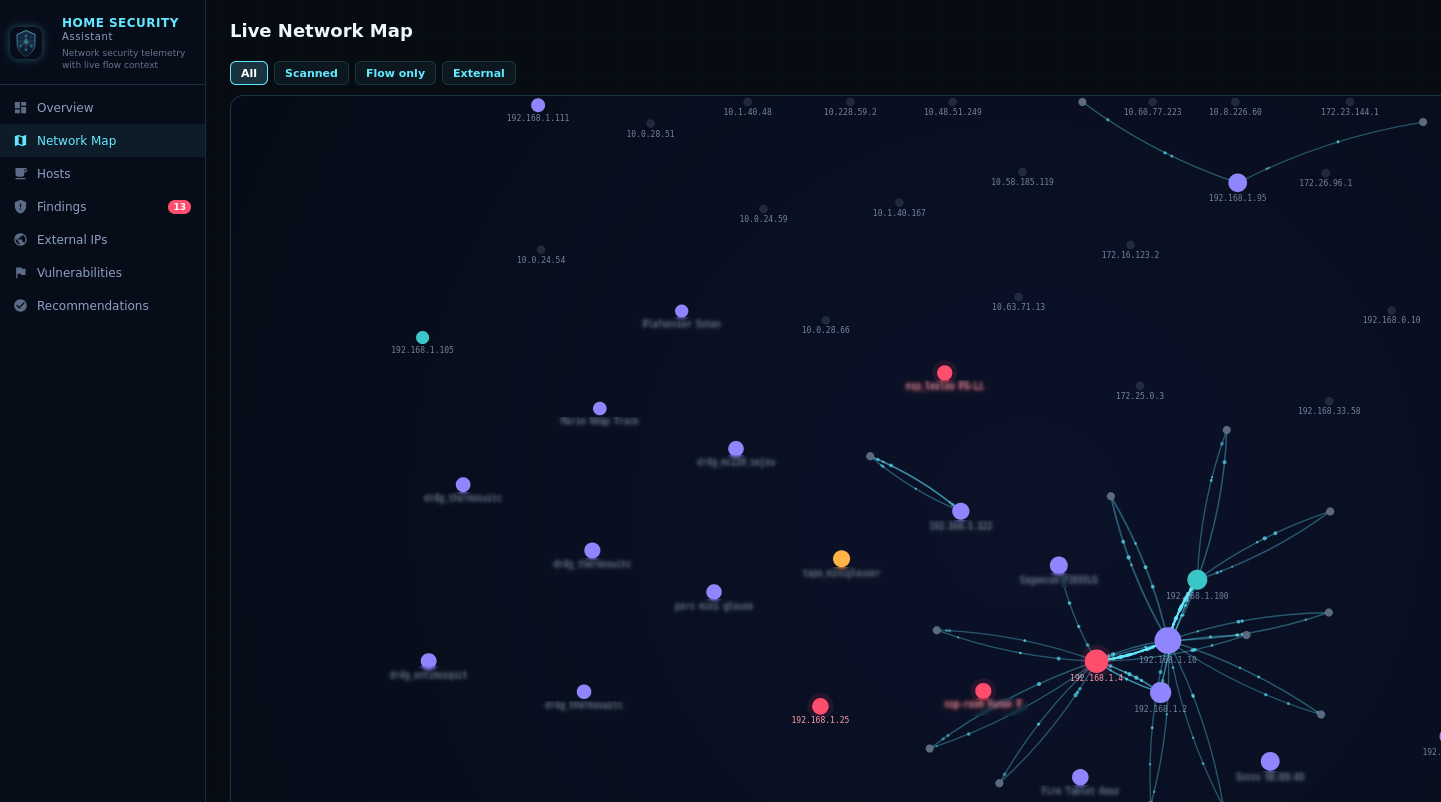
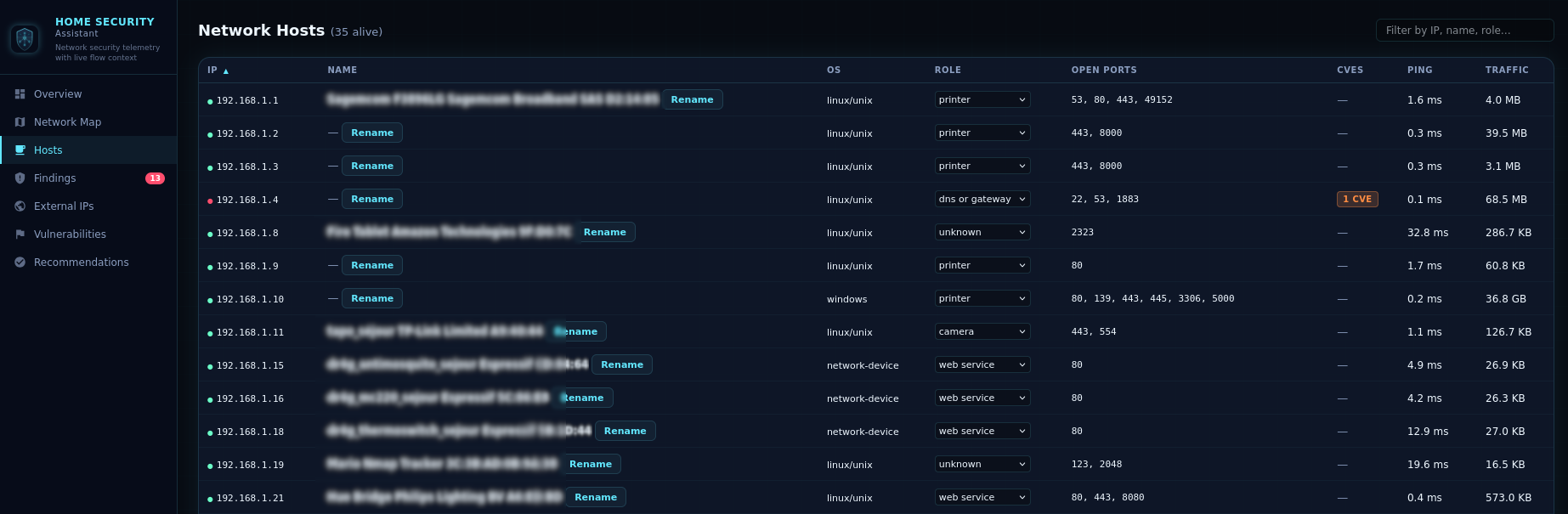
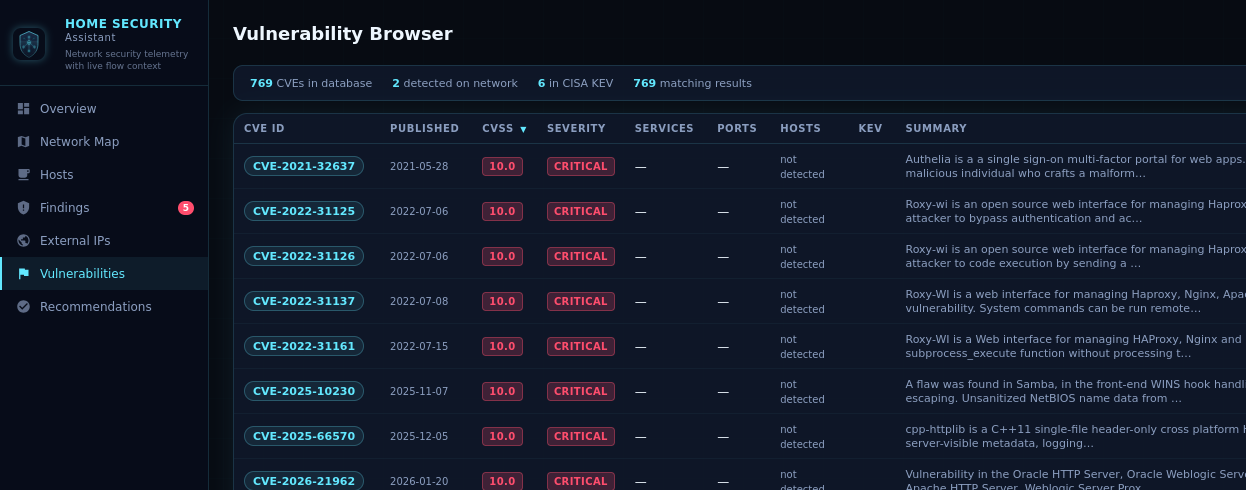
Screenshots From the README of domo-monster/HomeSecurityAssistant.
About
Security Assistant is a Marketplace integration for network security monitoring in Home Assistant, built on NetFlow and IPFIX traffic analysis. It listens for NetFlow v5, v9 and IPFIX data on a UDP port, separates internal from external traffic by configured network ranges, and flags suspicious patterns such as port scanning or unusual outbound volume. An optional active scanner pings and port-scans observed hosts, and external IPs can be enriched with geolocation, threat intelligence blocklists and NVD vulnerability data. It adds sensors for active devices, vulnerabilities, suspicious sources and open findings, plus actions to run a scan, refresh blocklists and train or reset a baseline of normal activity. Repair notices appear when listeners are not running or accept traffic from any sender, and setup is done in the UI.
Automatic summary of the README and code of domo-monster/HomeSecurityAssistant. Something wrong, or are you the maintainer and want your own text here? Get in touch

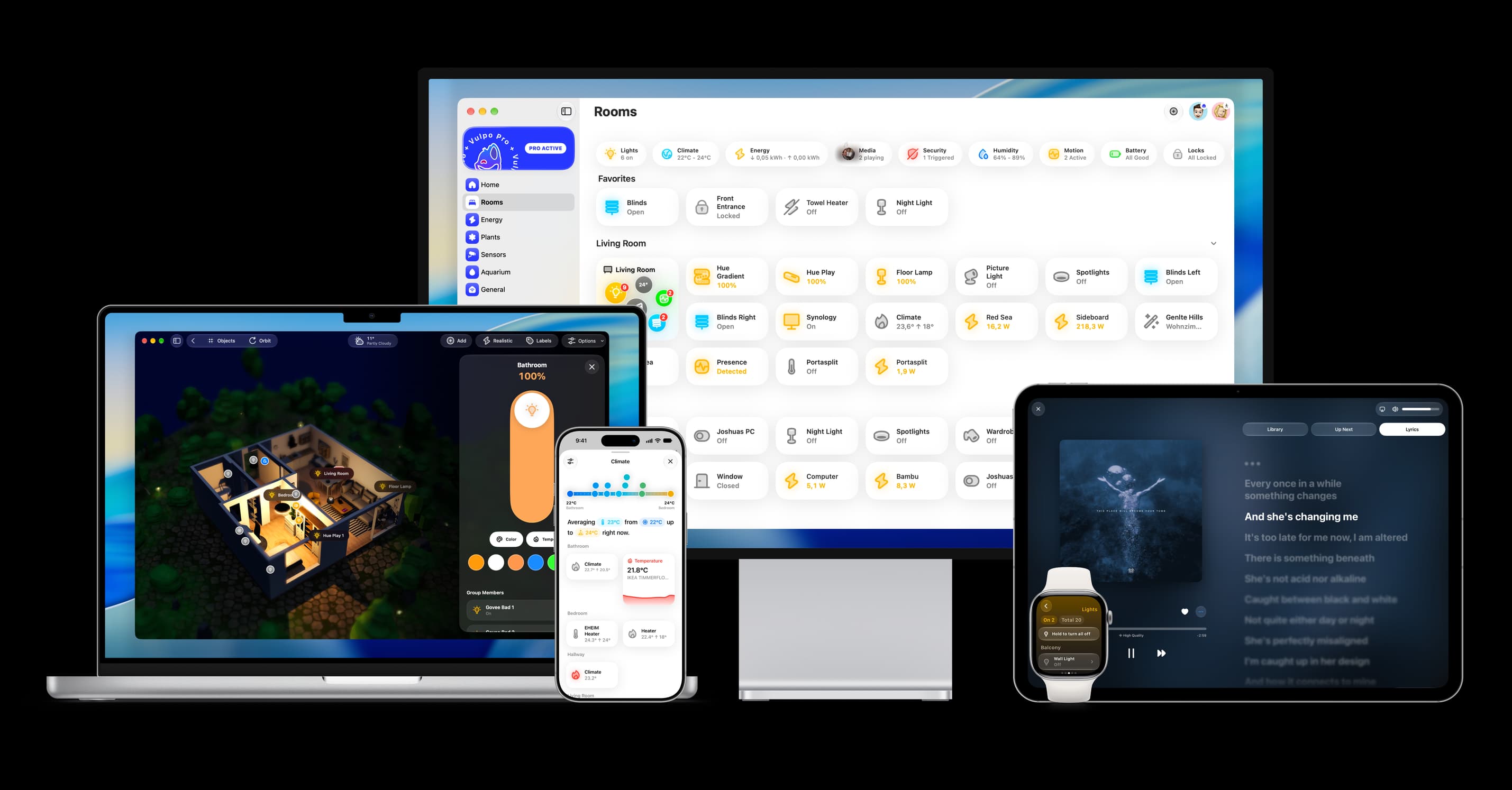
Shows in Vulpo
Chart card, Apple Watch.Installs over time
#1,600 of 1,626 Marketplace integrations. Installs sharing analytics.
Supports
- Works locallyTalks to your devices on your own network. No vendor cloud in between.
- From the MarketplaceInstalled through the Marketplace, formerly HACS.
- Actively maintainedIts author released or pushed a change in the last six months.
Provides
- Sensors
Setting it up
Install it from the Marketplace and restart Home Assistant, then add it under Settings, Devices and services.
Security Assistant — Setup
- NetFlow bind host (e.g. 0.0.0.0)
- NetFlow bind port (UDP, default 2055)
- Enable NetFlow listener
- Internal networks (comma-separated CIDRs, e.g. 192.168.0.0/16,10.0.0.0/8)
Privacy and active features
- Enable the active network scanner
- Enable IP geolocation via ipwho.is
After setup
- NetFlow bind host
- NetFlow bind port (UDP)
- Enable NetFlow listener
- Internal networks (comma-separated CIDRs)
- Enable the active network scanner
- Enable IP geolocation via ipwho.is
Texts from the code of domo-monster/HomeSecurityAssistant.
Entities
- SensorsActive devices, Scanned devices, Total flows, Open findings, Vulnerabilities, Suspicious sources, High egress sources, NVD keywords
Actions
- Trigger active host scanImmediately run a full active network scan (ping + port scan) for all known and observed IPs, without waiting for the next scheduled interval.
- Force refresh threat intel blocklistsImmediately clear all loaded threat-intel entries and re-download every configured blocklist URL.
- Refresh NVD vulnerability databaseFlush the local NVD CVE cache and re-fetch fresh vulnerability data from the National Vulnerability Database.
- Start baseline trainingStart baseline training mode and learn a normal activity profile for the configured training duration.
- Stop baseline trainingStop baseline training mode immediately and promote the learned state to the active baseline if any hosts were observed.
- Clear baselineRemove the current baseline state and training progress from persistent storage.
- Retrain baselineClear the current baseline state and immediately restart training mode.
Troubleshooting
- DiagnosticsDownloads a diagnostics file to attach to a bug report.
- Repair noticesNotices it can show in Settings, Repairs:DNS proxy is not running, Suricata listener is not running, Suricata listener accepts alerts from anyone, NetFlow listener accepts flows from any sender, Threat-intel blocklists are empty
From the README
Security Assistant is a custom Home Assistant integration that provides real-time network security monitoring for your home. It combines passive NetFlow/IPFIX traffic analysis with active network scanning, external IP threat intelligence, DNS blacklist checks, and vulnerability detection — all presented through a dedicated multi-view sidebar dashboard.
- Listens for NetFlow v5, v9, and IPFIX datagrams on a configurable UDP port
- Classifies internal vs. external traffic using configurable CIDR ranges
- Tracks per-device flow counts, byte volumes, and connection history
- Detects suspicious patterns: outbound traffic to abused ports, port scanning, unusual egress volume Example: Network Flow Analysis Map
Information
- Installs
- 51 sharing analytics
- GitHub stars
- 34
- Connection
- Works locally
- Upkeep
- Updated in the last 6 months
- Version
- v0.16.1,
- Category
- Computers and network, Monitoring
- Kind
- Marketplace integration
- Needs
- Needs the Marketplace (HACS on 2026.10 and older)
- Domain
homesec- Issues
- Report an issue
You might also like












Try it with your own Home Assistant.
- Free to download
- iPhone, iPad, Mac and Apple Watch
- 40+ native card types
- Connects to your own Home Assistant