

Enpal Solar
derolli1976
On Home Assistant 2026.11 or newer? Open it in the Marketplace
- Installs
- 496 sharing analytics
- GitHub stars
- 30
- Connection
- Works locally
- Upkeep
- Updated in the last 6 months
- Version
- v3.2.0,
- Category
- Energy, Solar and batteries
- Kind
- Marketplace integration
- Needs
- Needs the Marketplace (HACS on 2026.10 and older)
- Domain
enpal_webparser- Issues
- Report an issue
Independent directory, made by the developer of Vulpo. Not affiliated with Home Assistant or the Open Home Foundation.
Screenshots From the README of derolli1976/enpal.
About
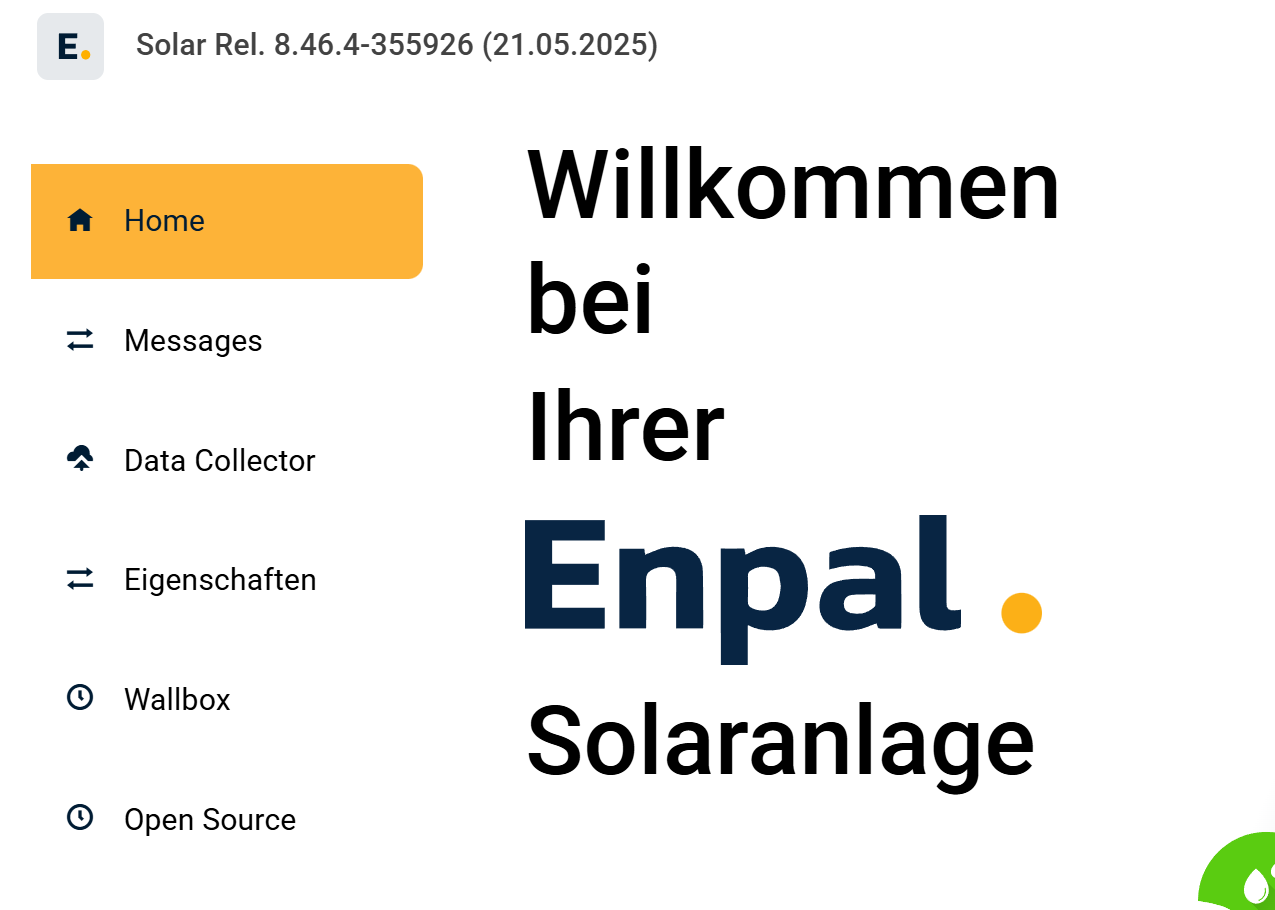
Enpal Solar is an integration that reads data locally from an Enpal Box solar system. It takes values from the box's local web interface, without a cloud connection, and exposes them as sensors for the solar array, battery, inverter, wallbox and heat pump. Data can come from a real-time WebSocket mode on newer firmware or from HTML polling on older firmware, and an experimental InfluxDB source is also available. Sensor groups can be chosen, and groups that are deselected create disabled entities. The wallbox can be controlled directly in WebSocket mode, or through a separate add-on in HTML mode. A repair notice guides the choice of wallbox status sensor when automatic detection fails. The Enpal Box can be discovered automatically or entered by address, and setup runs in the UI.
Automatic summary of the README and code of derolli1976/enpal. Something wrong, or are you the maintainer and want your own text here? Get in touch
Supports
Works locally Talks to your devices on your own network. No vendor cloud in between.
From the Marketplace Installed through the Marketplace, formerly HACS.
Actively maintained Its author released or pushed a change in the last six months.
Provides
- Switches
- Sensors
Setting it up
Install it from the Marketplace and restart Home Assistant, then add it under Settings, Devices and services.
Setup Enpal Solar Integration
- Setup method
Manual Setup
- URL / IP address of the Enpal Box
Discovered Enpal Devices
- Select Enpal device
Configure Enpal Integration
- Polling interval (in seconds) - Intervals below 60 seconds are not recommended!
- HTTP timeout (in seconds, 10-120) - Increase if sensors frequently become unavailable
- Select sensor groups
- Enable Wallbox control (WebSocket mode: direct connection, HTML mode: requires Wallbox add-on)
- InfluxDB access token (only for the InfluxDB data source, available from Enpal on request)
- InfluxDB organisation (default: enpal)
- InfluxDB bucket (default: solar)
After setup
- URL / IP address of the Enpal Box
- Polling interval (in seconds) - Intervals below 60 seconds are not recommended!
- HTTP timeout (in seconds, 10-120) - Increase if sensors frequently become unavailable
- Select sensor groups
- Enable Wallbox control (WebSocket mode: direct connection, HTML mode: requires Wallbox add-on)
- Wallbox charge mode sensor (firmware 8.50+) - leave on Auto-detect unless the wrong sensor is used
- Wallbox status sensor (firmware 8.50+) - leave on Auto-detect unless the wrong sensor is used
- InfluxDB access token (only for the InfluxDB data source, available from Enpal on request)
- InfluxDB organisation (default: enpal)
- InfluxDB bucket (default: solar)
Texts from the code of derolli1976/enpal.
Troubleshooting
- Repair noticesNotices it can show in Settings, Repairs:Wallbox status sensor could not be detected
From the README
Eine Home Assistant Custom Integration zur lokalen Überwachung von Enpal Solaranlagen. Liest Daten direkt aus der lokalen Weboberfläche der Enpal Box und stellt über 100 Sensoren für Solaranlage, Batterie, Wallbox und Wärmepumpe bereit.
- Lokale Kommunikation: Keine Cloud-Anbindung erforderlich, alle Daten werden lokal im Netzwerk abgerufen.
- Zwei Datenquellen: WebSocket-Echtzeitmodus (Firmware 8.50 und 8.51) oder HTML-Polling (Legacy), mit automatischer Erkennung der besten Methode.
- Umfangreiche Sensoren: Über 100 Datenpunkte für PV-Anlage, Batterie, Inverter, Wallbox und Wärmepumpe.
- Flexible Sensor-Gruppen: Wählbare Kategorien (Battery, Inverter, Wallbox, Heatpump, ControlBox und weitere). Abgewählte Gruppen erzeugen deaktivierte Entities, neue Gruppen sind automatisch aktiv.
- Auto-Discovery: Automatische Erkennung der Enpal Box im lokalen Netzwerk.
- Energy Dashboard: Volle Unterstützung für das Home Assistant Energy Dashboard.
- Wallbox-Steuerung: Nativ im WebSocket-Modus oder über separates Add-on im HTML-Modus.
- Reparatur-Flow: Geführte Auswahl des Wallbox-Status-Sensors, falls die automatische Erkennung fehlschlägt.
- UI-Konfiguration: Vollständige Einrichtung über die Home Assistant Oberfläche.
- Mehrsprachig: Deutsche und englische Übersetzungen.

Shows in Vulpo
Quick Toggle card, Button card, Select card, Chart card, Apple Watch, Control Center.Information
- Installs
- 496 sharing analytics
- GitHub stars
- 30
- Connection
- Works locally
- Upkeep
- Updated in the last 6 months
- Version
- v3.2.0,
- Category
- Energy, Solar and batteries
- Kind
- Marketplace integration
- Needs
- Needs the Marketplace (HACS on 2026.10 and older)
- Domain
enpal_webparser- Issues
- Report an issue











