On Home Assistant 2026.10 or older? Open it in HACS
- Installs
- 52 sharing analytics
- GitHub stars
- 22
- Connection
- Works locally
- Upkeep
- Updated in the last 6 months
- Version
- v0.12.2,
- Category
- Presence and location
- Kind
- Marketplace integration
- Needs
- Needs the Marketplace (HACS on 2026.10 and older)
- Domain
wifi_association_presence- Issues
- Report an issue
Independent directory, made by the developer of Vulpo. Not affiliated with Home Assistant or the Open Home Foundation.
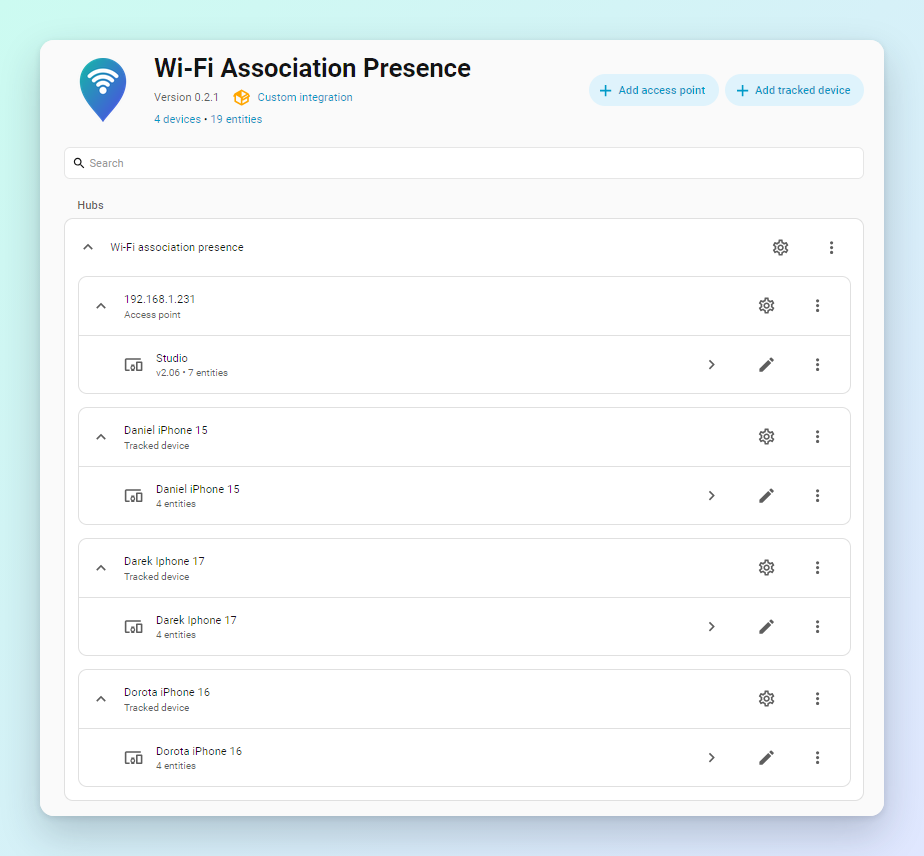
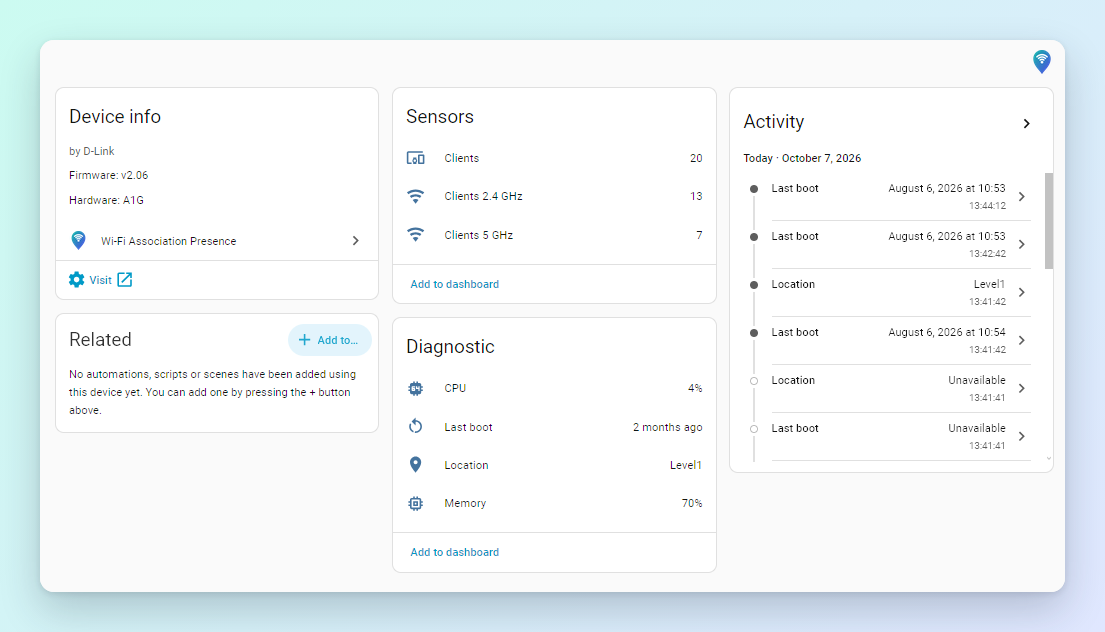
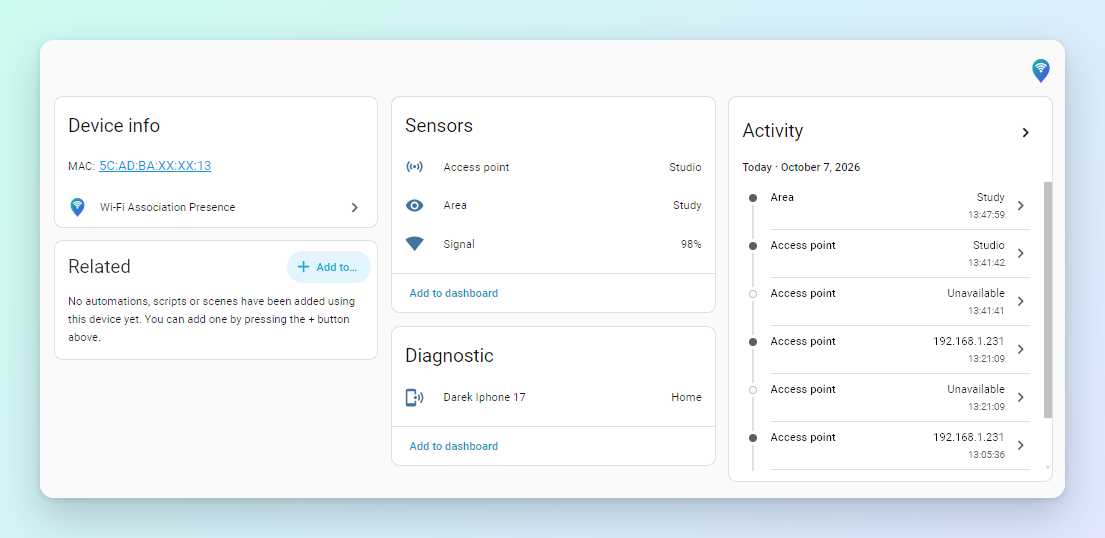
Screenshots From the README of darek-margas/wifi-association-presence.
About
Home Assistant presence detection from Wi-Fi access point association tables: a device is home while it is associated (joined) to one of your APs, not merely seen in ARP or a switch's MAC table...
Description from darek-margas/wifi-association-presence

Shows in Vulpo
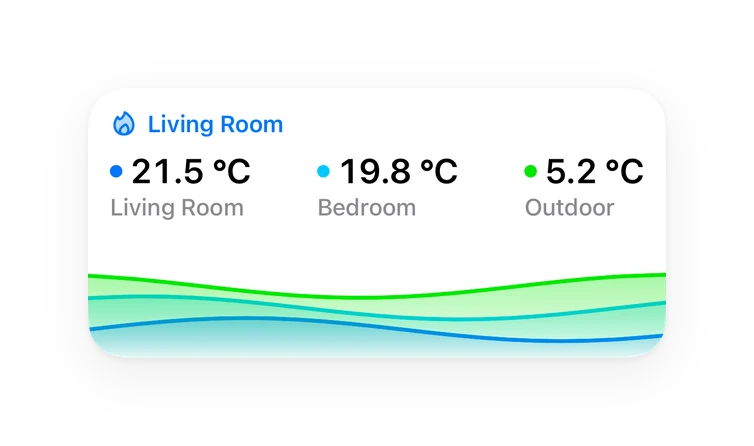
Chart card, Apple Watch.Supports
- Works locallyTalks to your devices on your own network. No vendor cloud in between.
- From the MarketplaceInstalled through the Marketplace, formerly HACS.
- Actively maintainedIts author released or pushed a change in the last six months.
Provides
- Sensors
- Presence
Setting it up
Install it from the Marketplace and restart Home Assistant, then add it under Settings, Devices and services.
After setup
- Grace periodHow long a device stays home after it was last seen associated to any access point. Covers roaming between access points, coverage gaps and a failing access point. Values under 30 s act as 30 s (away after one missed poll).
- Instant arrivalsAccess points that can report changes as they happen (MikroTik, OpenWrt, D-Link DAP through SNMP traps, and UniFi through its controller's event stream) make the integration poll at once, so arrivals show in seconds instead of up to a minute. Keeps one SSH connection open to each such MikroTik or OpenWrt access point or CAPsMAN controller, and one event stream to each UniFi controller; D-Link DAPs need their SNMP trap server set to Home Assistant's address. Departures still wait for the grace period, unless fast departure is on.
- Fast departureOff at 0. Otherwise, when an access point reports that a client left it (OpenWrt, D-Link DAP, UniFi; with instant arrivals on), a device missing from it is away this many seconds later instead of after the grace period. MikroTik, Cisco and TP-Link don't report clients leaving, so it changes nothing for them. Faster, but a device that drops off Wi-Fi for longer than this and comes back (power saving, a reconnect) shows away in between. Never under 10 s.
- SNMP trap portUDP port for SNMP traps from D-Link DAPs. They send to 162; use another port only if something else has 162 and the traffic is forwarded to this one.
Texts from the code of darek-margas/wifi-association-presence.
Entities
- SensorsClients 2.4 GHz, Clients 5 GHz, Clients, CPU, Memory, Last boot, Location, Average client signal, Weak clients, Roams today, Short drops today, Late roams today, and 3 more
Troubleshooting
- DiagnosticsDownloads a diagnostics file to attach to a bug report.
- Repair noticesNotices it can show in Settings, Repairs:Needs its controller's login
From the README
Know who is home, and in which room, from the Wi-Fi you already have.
Guides and help: the wiki: a setup guide for each type of access point, and
- One tracker per device, across all your access points: home while associated to any of them, not_home once missing for longer than the grace period.
- Roaming aware: a device seen on two APs in the same poll is placed on the one with the stronger signal.
- Adjustable grace period (0–3600 s; below 30 s it acts as 30 s, i.e. away after one missed poll) for phones that drop Wi-Fi in deep sleep.
Information
- Installs
- 52 sharing analytics
- GitHub stars
- 22
- Connection
- Works locally
- Upkeep
- Updated in the last 6 months
- Version
- v0.12.2,
- Category
- Presence and location
- Kind
- Marketplace integration
- Needs
- Needs the Marketplace (HACS on 2026.10 and older)
- Domain
wifi_association_presence- Issues
- Report an issue