
On Home Assistant 2026.10 or older? Open it in HACS
- Installs
- 74 sharing analytics
- GitHub stars
- 29
- Connection
- Works locally
- Upkeep
- Updated in the last 6 months
- Version
- v1.10.1,
- Category
- Hubs and protocols, Wireless protocols
- Kind
- Marketplace integration
- Needs
- Needs the Marketplace (HACS on 2026.10 and older)
- Domain
svs_subwoofer- Issues
- Report an issue
Shows in Vulpo Quick Toggle card, Button card, Select card, Apple Watch, Control Center.


Scan with your iPhone
DownloadIndependent directory, made by the developer of Vulpo. Not affiliated with Home Assistant or the Open Home Foundation.
About
Home Assistant integration for SVS subwoofers via Bluetooth
Description from dangerouslaser/svs-subwoofer-ha

Shows in Vulpo
Quick Toggle card, Button card, Select card, Apple Watch, Control Center.Supports
- Works locallyTalks to your devices on your own network. No vendor cloud in between.
- Found by itselfHome Assistant spots it on the network and offers to add it.
- Device triggersIts devices can start automations directly.
- From the MarketplaceInstalled through the Marketplace, formerly HACS.
- Actively maintainedIts author released or pushed a change in the last six months.
Provides
- Switches
Setting it up
Install it from the Marketplace and restart Home Assistant, then add it under Settings, Devices and services.
Manual Setup
- MAC Address
- Device Name
Confirm SVS Subwoofer
- Device Name
Add SVS Subwoofer
- Device
- Custom Name (optional)
Create a Subwoofer Group
- Name
- Subwoofers
After setup
- Connection
- Refresh intervalWhile disconnected, how often Home Assistant briefly connects to refresh the subwoofer's settings, for example after a change made in the SVS app or on the rear panel. Each refresh briefly lights the panel LEDs. Must be longer than the connection hang-on time. Set to 0 to connect only when a command is sent.
- Connection hang-on timeHow long the connection remains active after the last command. A shorter time frees the subwoofer for the SVS app sooner.
- Subwoofers
Texts from the code of dangerouslaser/svs-subwoofer-ha.
Entities
- Binary sensorsConnected
- ButtonsReconnect, Disconnect, Save to Preset 1, Save to Preset 2, Save to Preset 3
- NumbersVolume, Phase, Low Pass Filter Frequency, PEQ1 Frequency, PEQ1 Boost, PEQ1 Q-Factor, PEQ2 Frequency, PEQ2 Boost, PEQ2 Q-Factor, PEQ3 Frequency, PEQ3 Boost, PEQ3 Q-Factor
- SelectsLow Pass Filter Slope, Room Gain Frequency, Room Gain Slope, Standby Mode, Preset
- SwitchesLow Pass Filter, PEQ1, PEQ2, PEQ3, Room Gain Compensation, Polarity (Inverted)
From the README
Control your SVS subwoofer directly from Home Assistant via Bluetooth. Full parameter access using the same protocol as the official SVS app.
- Bluetooth auto-discovery of SVS subwoofers
- Manual MAC address configuration option
- Support for multiple subwoofers, and subwoofer groups that control several as one
- Full parameter control:
- Volume (-60 to 0 dB)
- Phase (0-180 degrees)
- Low Pass Filter (enable, frequency, slope)
- 3-Band Parametric EQ (frequency, boost, Q-factor)
- Room Gain Compensation
- Polarity
- Presets (1-4)
- Standby Mode
Information
- Installs
- 74 sharing analytics
- GitHub stars
- 29
- Connection
- Works locally
- Upkeep
- Updated in the last 6 months
- Version
- v1.10.1,
- Category
- Hubs and protocols, Wireless protocols
- Kind
- Marketplace integration
- Needs
- Needs the Marketplace (HACS on 2026.10 and older)
- Domain
svs_subwoofer- Issues
- Report an issue
You might also like











Try it with your own Home Assistant.
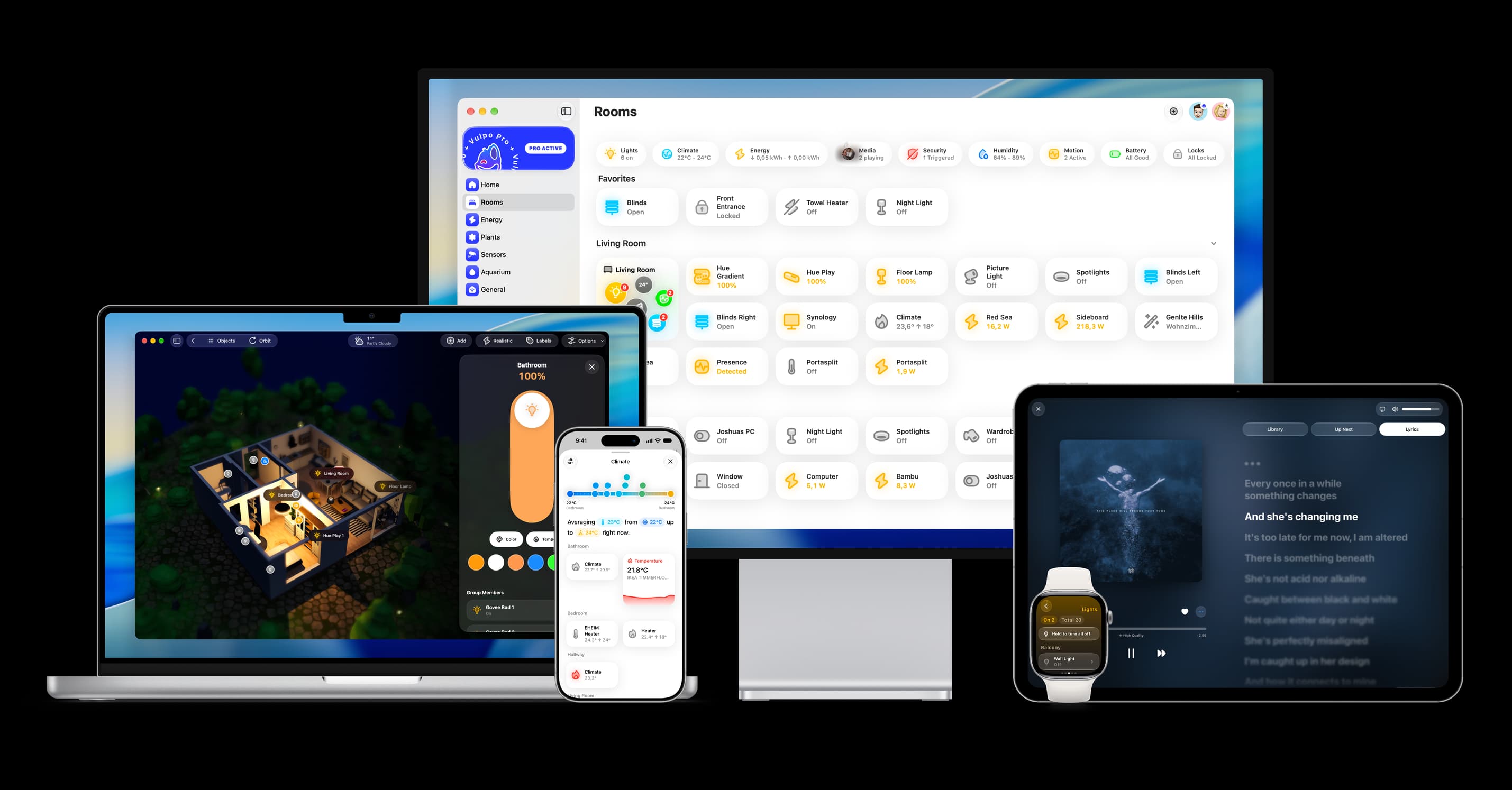
- Free to download
- iPhone, iPad, Mac and Apple Watch
- 40+ native card types
- Connects to your own Home Assistant