On Home Assistant 2026.10 or older? Open it in HACS
- Installs
- 51 sharing analytics
- GitHub stars
- 7
- Connection
- Uses the vendor's cloud
- Upkeep
- Updated in the last 6 months
- Version
- v1.2.2,
- Category
- Energy, Meters and monitoring
- Kind
- Marketplace integration
- Needs
- Needs the Marketplace (HACS on 2026.10 and older)
- Domain
watts_home- Issues
- Report an issue
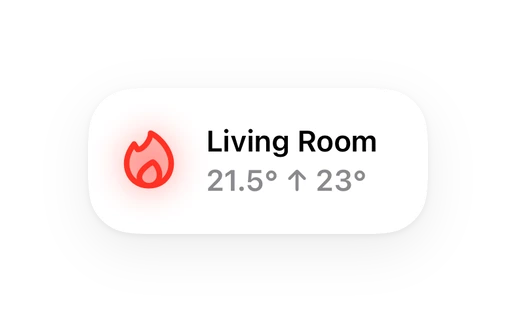
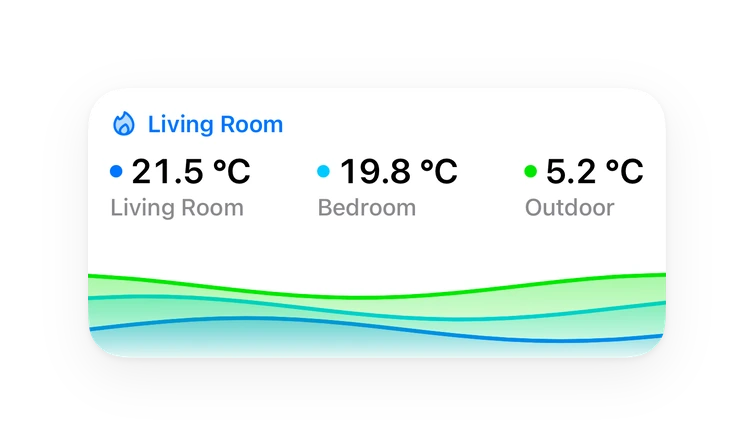
Shows in Vulpo Quick Toggle card, Climate card, Chart card, Apple Watch, Control Center, Climate Live Activity.
Independent directory, made by the developer of Vulpo. Not affiliated with Home Assistant or the Open Home Foundation.
About
Watts Home (Tekmar) heating/cooling thermostat integration with Home Assistant
Description from bhamiltoncx/ha-watts-home

Shows in Vulpo
Quick Toggle card, Climate card, Chart card, Apple Watch, Control Center, Climate Live Activity.Installs over time
#1,562 of 1,584 Marketplace integrations. Installs sharing analytics.
Supports
- Uses the vendor's cloudNeeds an internet connection and an account with the vendor.
- From the MarketplaceInstalled through the Marketplace, formerly HACS.
- Actively maintainedIts author released or pushed a change in the last six months.
Provides
- Climate
- Switches
- Sensors
Setting it up
Install it from the Marketplace and restart Home Assistant, then add it under Settings, Devices and services.
Watts Home (Tekmar)
- Email address
- Password
- Polling interval (seconds)
Reauthenticate Watts Home (Tekmar)
- Password
Texts from the code of bhamiltoncx/ha-watts-home.
Entities
- Binary sensorsFan Running, Radiant Heating, Humidifier Running, Cold Weather Shutdown
- ClimateFloor
- NumbersDehumidifier Setpoint
- SensorsTemperature, Outdoor Temperature, Humidity, Floor Temperature, Floor Max, Heat Today, Cool Today
- SwitchesAway, Emergency Heat
Troubleshooting
- DiagnosticsDownloads a diagnostics file to attach to a bug report.
From the README
Native Home Assistant custom component for Watts Home / Tekmar thermostats (models 561, 562, 563, 564). Based on and alternative to the creamy-waha MQTT bridge with a direct cloud-polling integration — no Docker, no MQTT broker required.
Information
- Installs
- 51 sharing analytics
- GitHub stars
- 7
- Connection
- Uses the vendor's cloud
- Upkeep
- Updated in the last 6 months
- Version
- v1.2.2,
- Category
- Energy, Meters and monitoring
- Kind
- Marketplace integration
- Needs
- Needs the Marketplace (HACS on 2026.10 and older)
- Domain
watts_home- Issues
- Report an issue