
On Home Assistant 2026.10 or older? Open it in HACS
- Installs
- 51 sharing analytics
- GitHub stars
- 2
- Connection
- Works locally
- Upkeep
- Updated in the last 6 months
- Version
- v2026.8.0,
- Category
- Computers and network, Printers
- Kind
- Marketplace integration
- Needs
- Needs the Marketplace (HACS on 2026.10 and older)
- Domain
hp_printers- Issues
- Report an issue


Independent directory, made by the developer of Vulpo. Not affiliated with Home Assistant or the Open Home Foundation.
About
HP Printers is a local integration that reads HP printers through the LEDM XML interface of their embedded web server. It talks to the printer over HTTP or HTTPS without a cloud service, account or credentials, and it only reads data. The printer becomes one device, and each cartridge is a linked sub-device that reports level, pages remaining, serial information and whether the part is genuine. Sensors cover status, page counters, jams, mispicks and scanner counts, while binary sensors flag problems, a recorded firmware fault and admin password state. The name chosen during setup is used for the device and all of its entity IDs. Home Assistant can discover the printer on the network, and the polling interval is adjustable and backs off when the printer stops answering.
Automatic summary of the README and code of aljopro/ha-hp-printers. Something wrong, or are you the maintainer and want your own text here? Get in touch

Shows in Vulpo
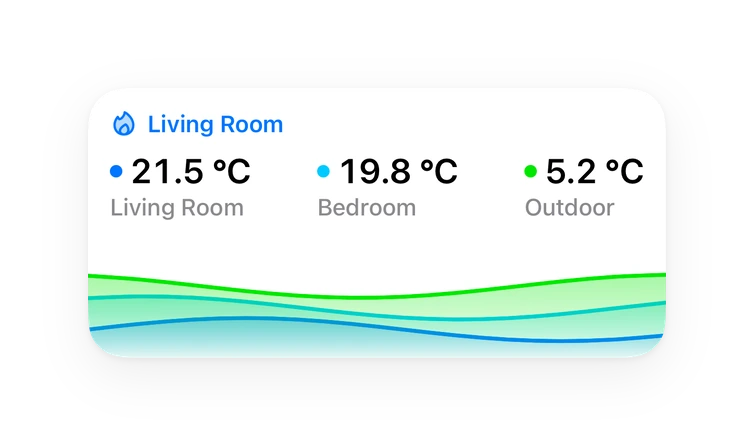
Chart card, Apple Watch.Installs over time
#1,653 of 1,684 Marketplace integrations, up 12 places in 30 days. Installs sharing analytics.
Supports
- Works locallyTalks to your devices on your own network. No vendor cloud in between.
- Found by itselfHome Assistant spots it on the network and offers to add it.
- From the MarketplaceInstalled through the Marketplace, formerly HACS.
- Actively maintainedIts author released or pushed a change in the last six months.
Provides
- Sensors
Setting it up
Install it from the Marketplace and restart Home Assistant, then add it under Settings, Devices and services.
Add an HP printer
- Host or IP addressPrefer the printer's mDNS name, such as NPI2E7F3D.local, which survives address changes. An IP address works too.
- NameUsed for the device and all of its entity IDs. Short names work best.
- PortThe embedded web server port. Leave at 80 and it will follow to 443 automatically if you turn on HTTPS.
- Use HTTPSPrinters use a self-signed certificate, which is not verified.
HP printer found
- NameUsed for the device and all of its entity IDs. Short names work best.
Reconfigure printer
- Host or IP address
- Port
- Use HTTPS
After setup
- Update interval
Texts from the code of aljopro/ha-hp-printers.
Entities
- Binary sensorsFirmware fault recorded, Genuine supplies enforced, Admin password set, Problem, Genuine
- SensorsStatus, Pages printed, Black and white pages, Color pages, Single-sided sheets, Double-sided sheets, Paper jams, Mispicks, Pages scanned, Pages scanned from feeder, Pages scanned from glass, Double-sided sheets scanned, and 42 more
Troubleshooting
- DiagnosticsDownloads a diagnostics file to attach to a bug report.
From the README
Local integration for HP printers that expose the LEDM XML interface from their embedded web server. Reads the printer over HTTP/HTTPS — no cloud, no account, no credentials, no writes.
Information
- Installs
- 51 sharing analytics
- GitHub stars
- 2
- Connection
- Works locally
- Upkeep
- Updated in the last 6 months
- Version
- v2026.8.0,
- Category
- Computers and network, Printers
- Kind
- Marketplace integration
- Needs
- Needs the Marketplace (HACS on 2026.10 and older)
- Domain
hp_printers- Issues
- Report an issue
You might also like












Try it with your own Home Assistant.
- Free to download
- iPhone, iPad, Mac and Apple Watch
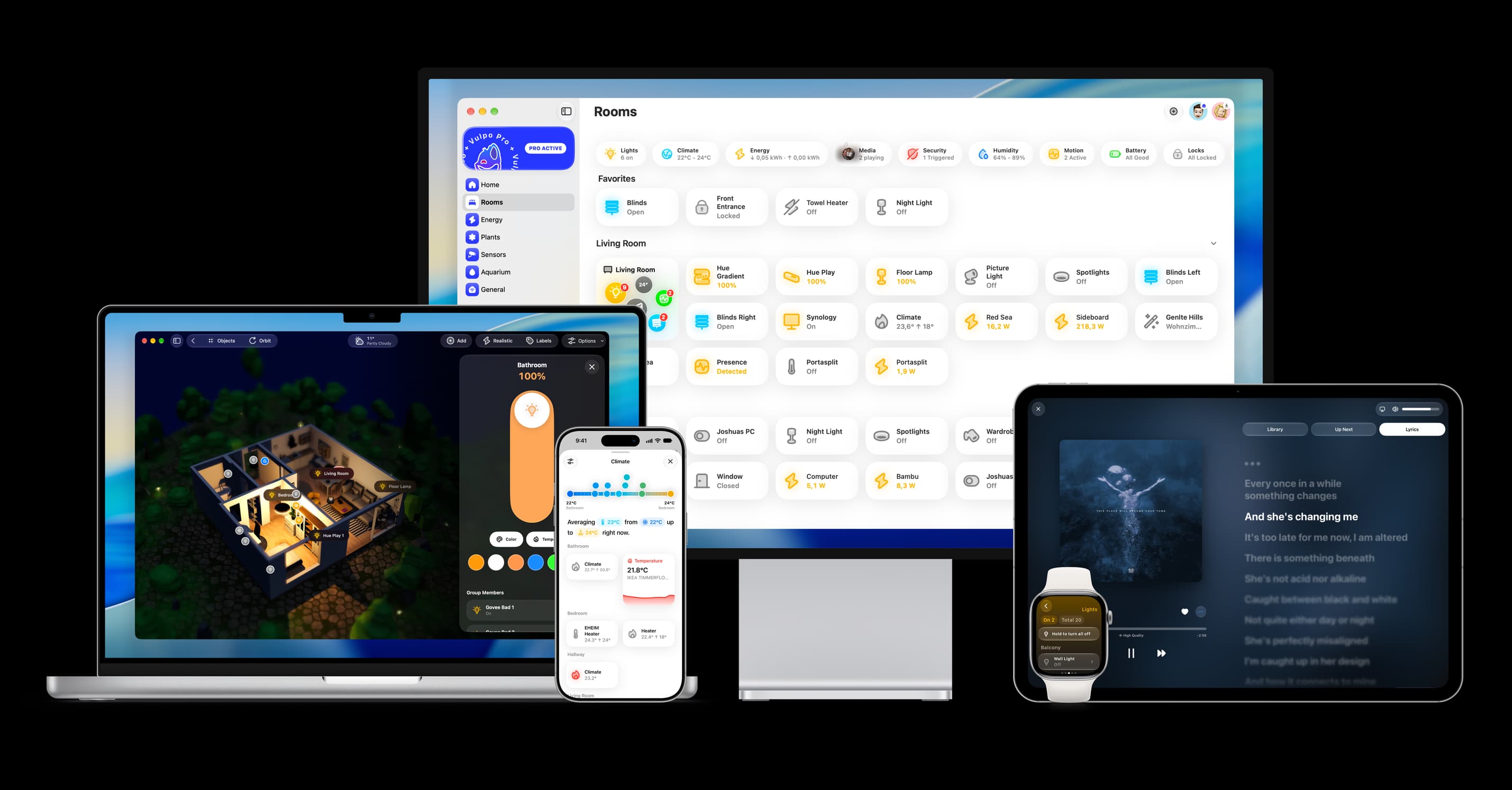
- 40+ native card types
- Connects to your own Home Assistant