
On Home Assistant 2026.10 or older? Open it in HACS
- Installs
- 53 sharing analytics
- GitHub stars
- 2
- Connection
- Works locally
- Upkeep
- Updated in the last 6 months
- Version
- v0.2.3,
- Category
- Hubs and protocols, Smart home hubs
- Kind
- Marketplace integration
- Needs
- Needs the Marketplace (HACS on 2026.10 and older)
- Domain
rustuya- Issues
- Report an issue
Shows in Vulpo Light card, Quick Toggle card, Cover card, Climate card, Apple Watch, Control Center, Climate Live Activity, Vacuum Live Activity.


Scan with your iPhone
DownloadIndependent directory, made by the developer of Vulpo. Not affiliated with Home Assistant or the Open Home Foundation.
About
rustuya is an integration that controls Tuya devices locally in Home Assistant through rustuya-bridge. State and commands go over the local network without a cloud round trip, and Tuya Cloud is used only once to fetch the device list and local keys through a QR code login. It creates the devices and entities itself, across many platforms including lights, climate, covers, locks, vacuums and sensors. The bridge needs an MQTT broker, which can be an existing one or a small built-in broker, and the bridge can also run inside Home Assistant. An administrator panel compares the cloud device list with what the bridge holds and lets devices be added, updated or removed. Remote control of locks, alarms and garage doors is off by default, and a send-command action writes one raw data point through the bridge. Setup is done in the UI.
Automatic summary of the README and code of 3735943886/rustuya-local. Something wrong, or are you the maintainer and want your own text here? Get in touch

Shows in Vulpo
Light card, Quick Toggle card, Cover card, Climate card, Apple Watch, Control Center, Climate Live Activity, Vacuum Live Activity.Installs over time
#1,632 of 1,684 Marketplace integrations. Installs sharing analytics.
Supports
- Works locallyTalks to your devices on your own network. No vendor cloud in between.
- From the MarketplaceInstalled through the Marketplace, formerly HACS.
- Actively maintainedIts author released or pushed a change in the last six months.
Provides
- Lights
- Climate
- Humidifiers
- Fans
- Covers
- Valves
- Locks
- Alarms
- Vacuums
- Switches
- Sensors
Setting it up
Install it from the Marketplace and restart Home Assistant, then add it under Settings, Devices and services.
Connect to rustuya-bridge
- Broker host
- Broker port
- Broker username (optional)
- Broker password (optional)
- Bridge topic root
Run rustuya-bridge here
- Broker host
- Broker port
- Broker username (optional)
- Broker password (optional)
Fetch devices from Tuya Cloud
- User code (only for a new login)
Scan the QR code
- I've scanned it
Tuya Cloud fetch failed
- Try again
Sync devices with the bridge
- Add to the bridge
- Update on the bridge (push the cloud's settings)
- Remove from the bridge (any device it holds)
After setup
- User code (only for a new login)
- I've scanned it
- Add to the bridge
- Update on the bridge (push the cloud's settings)
- Remove from the bridge (any device it holds)
Texts from the code of 3735943886/rustuya-local.
Actions
- Send a commandWrites one raw data point to a Tuya device through the bridge, bypassing IL. Fire and forget: nothing checks the value or waits for the device. Locks, alarms and garage doors are refused unless their remote control is allowed in the options.
- Device ID
- DP
- Value
From the README
Local control of Tuya devices in Home Assistant, with no cloud round trip for state or commands.
rustuya talks to your devices over the LAN through rustuya-bridge, interprets them, and creates their Home Assistant devices and entities itself, with the IL device hub built in.
Information
- Installs
- 53 sharing analytics
- GitHub stars
- 2
- Connection
- Works locally
- Upkeep
- Updated in the last 6 months
- Version
- v0.2.3,
- Category
- Hubs and protocols, Smart home hubs
- Kind
- Marketplace integration
- Needs
- Needs the Marketplace (HACS on 2026.10 and older)
- Domain
rustuya- Issues
- Report an issue
You might also like









Try it with your own Home Assistant.
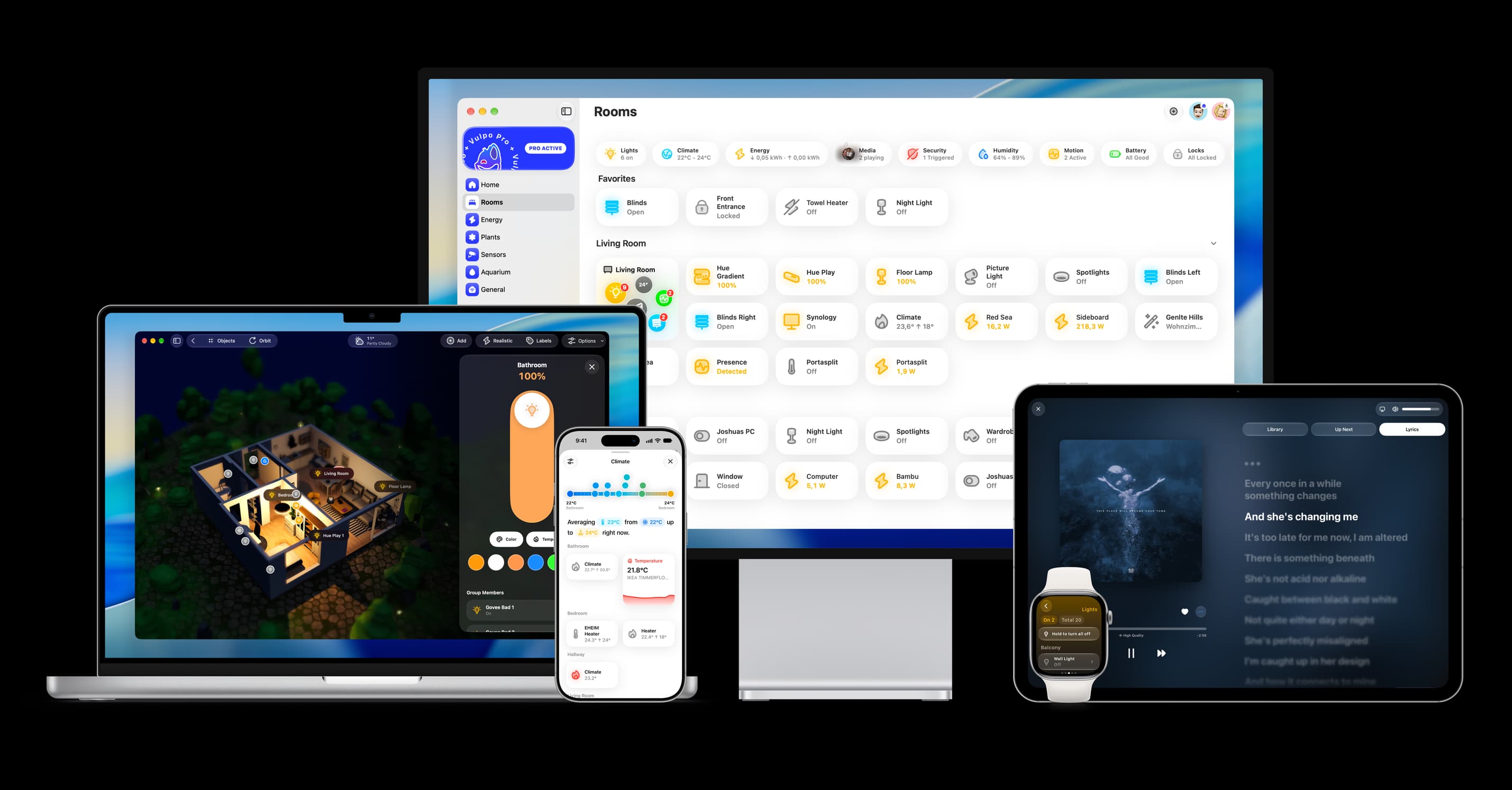
- Free to download
- iPhone, iPad, Mac and Apple Watch
- 40+ native card types
- Connects to your own Home Assistant