

Built-in integration
Bitvis Power Hub
- Installs
- 11 sharing analytics
- Connection
- Works locally
- Upkeep
- Part of Home Assistant
- Quality
- Bronze on the quality scale
- Category
- Energy, Meters and monitoring
- Kind
- Built-in integration
- Needs
- Built into Home Assistant
- Domain
bitvis


Independent directory, made by the developer of Vulpo. Not affiliated with Home Assistant or the Open Home Foundation.
About
Bitvis Power Hub is a built-in integration that reads data from a Bitvis Power Hub device over the local network. It adds sensors for active and reactive energy import and export, as well as active and reactive power import and export. Diagnostic sensors report how many HAN messages were parsed successfully, how many HAN buffer overflows occurred, and the Wi-Fi signal strength. Home Assistant can discover the device on the network and offer to add it. Setup happens in the UI and asks only for the hostname or IP address of the device.
Automatic summary of Home Assistant's source code. Something wrong? Get in touch

Shows in Vulpo
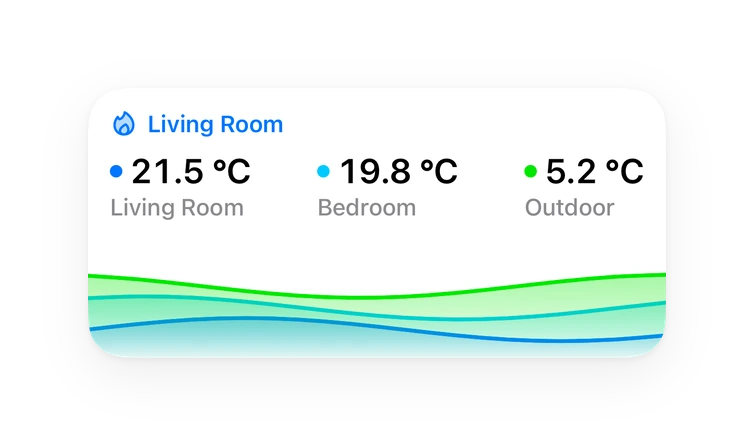
Chart card, Apple Watch.Installs over time
#1,071 of 1,093 built-in integrations, up 7 places in 30 days. Installs sharing analytics.
Supports
- Works locallyTalks to your devices on your own network. No vendor cloud in between.
- Set up in the UIAdd it in Settings, Devices and services. Nothing to download.
- Found by itselfHome Assistant spots it on the network and offers to add it.
- Bronze qualityHome Assistant's own rating of its code and setup experience.
- Updated with Home AssistantShips and updates with every Home Assistant release.
Provides
- Sensors
Setting it up
Home Assistant usually finds it on the network and offers to add it. It can also be added by hand under Settings, Devices and services.
Set up Bitvis Power Hub
- HostHostname or IP address of your Bitvis Power Hub device.
Texts from Home Assistant's source code, Apache License 2.0.
Entities
- SensorsActive energy export, Active energy import, Reactive energy export, Reactive energy import, HAN buffer overflows, HAN messages successfully parsed, Active power export, Active power import, Reactive power export, Reactive power import, Wi-Fi signal strength
Information
- Installs
- 11 sharing analytics
- Connection
- Works locally
- Upkeep
- Part of Home Assistant
- Quality
- Bronze on the quality scale
- Category
- Energy, Meters and monitoring
- Kind
- Built-in integration
- Needs
- Built into Home Assistant
- Domain
bitvis
You might also like












Try it with your own Home Assistant.
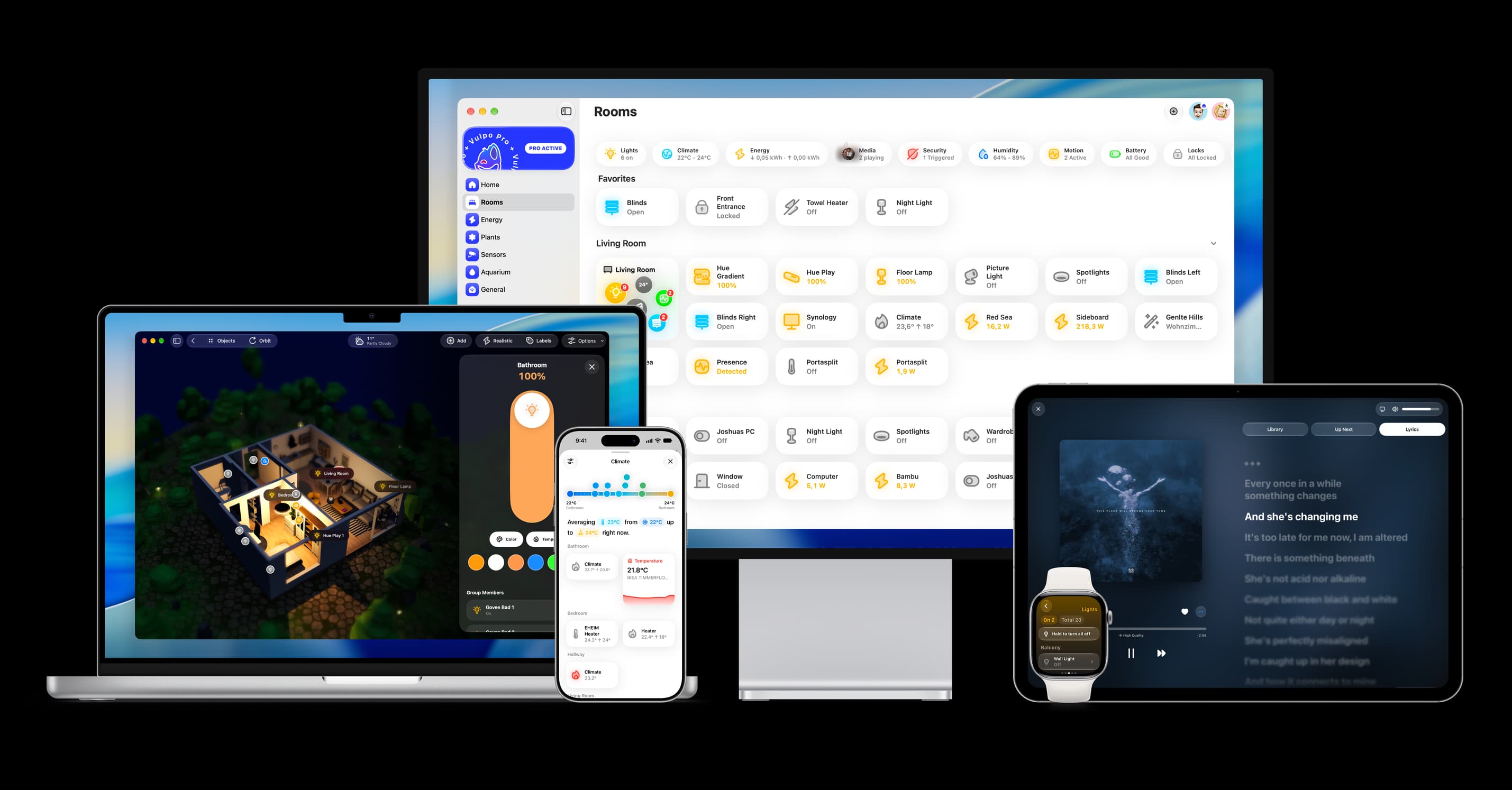
- Free to download
- iPhone, iPad, Mac and Apple Watch
- 40+ native card types
- Connects to your own Home Assistant