On Home Assistant 2026.10 or older? Open it in HACS
- Installs
- 60 sharing analytics
- GitHub stars
- 21
- Connection
- Works locally
- Upkeep
- Updated in the last 6 months
- Version
- v0.9.19,
- Category
- Security and safety, Cameras
- Kind
- Marketplace integration
- Brand
- Hikvision
- Needs
- Needs the Marketplace (HACS on 2026.10 and older)
- Domain
hikvision_bridge- Issues
- Report an issue
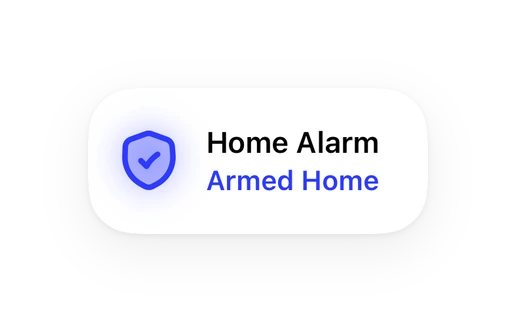
Shows in Vulpo Quick Toggle card, Alarm Panel card, Camera card, Button card, Apple Watch, Control Center.
Independent directory, made by the developer of Vulpo. Not affiliated with Home Assistant or the Open Home Foundation.
Screenshots From the README of yannik2480/hikvision_bridge.
About
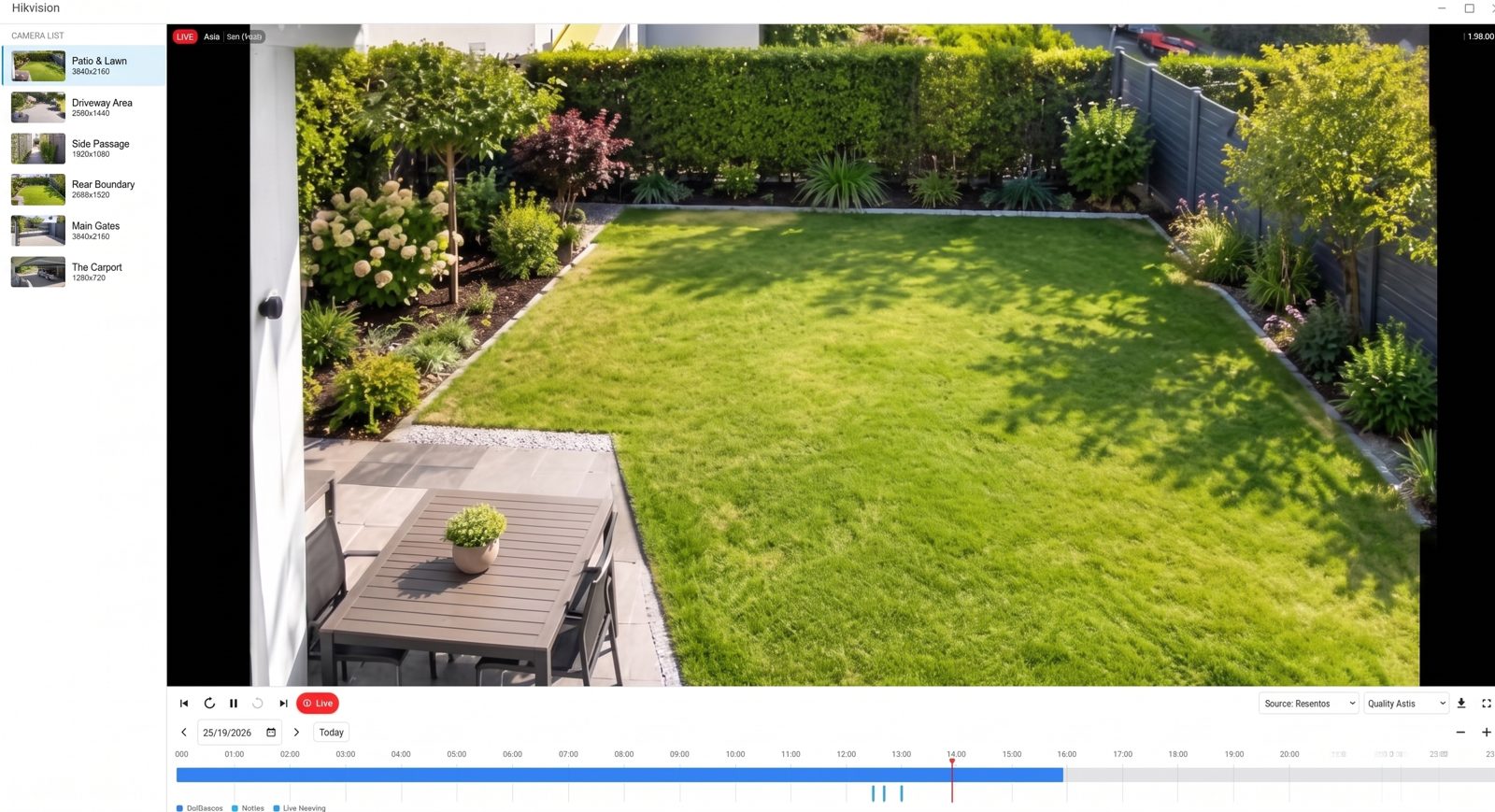
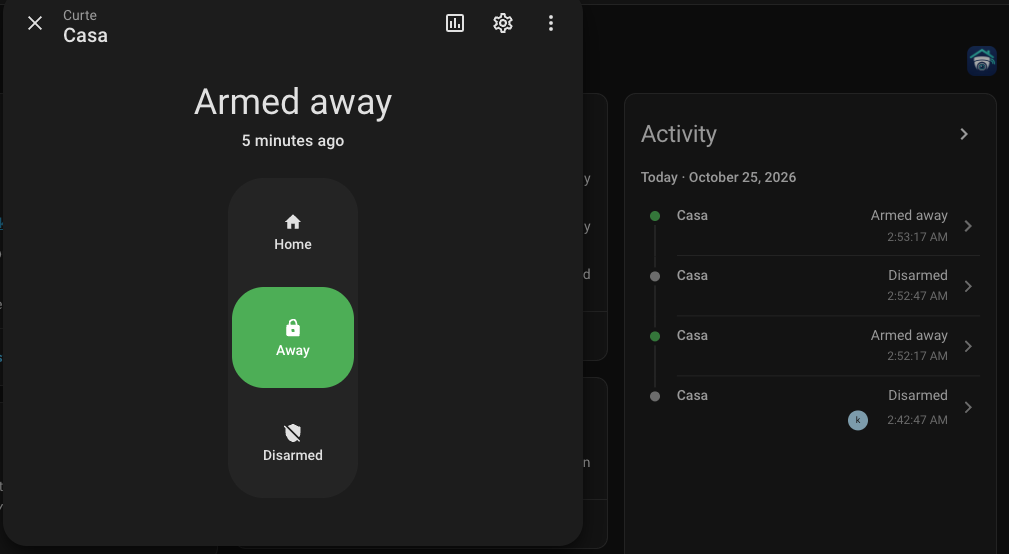
Hikvision Bridge connects Hikvision cameras, NVR/DVR recorders and video intercoms to Home Assistant locally over ISAPI. It receives events by push from the device's alert stream instead of polling, and adds live streams, detection switches, image settings and sensors for motion, tampering and licence plates. Recordings appear in the media browser by device, channel, day and kind, with a timeline viewer and a choice of playback formats. Encrypted recordings can be decrypted with the device's verification code, and recordings of a period can be saved to the media folder. Image settings are read from each camera's capabilities, and each change writes a single value and reads it back to confirm. Optional Hik-Connect support adds cloud status and security area management, and setup is done in the UI.
Automatic summary of the README and code of yannik2480/hikvision_bridge. Something wrong, or are you the maintainer and want your own text here? Get in touch

Shows in Vulpo
Quick Toggle card, Alarm Panel card, Camera card, Button card, Apple Watch, Control Center.Installs over time
#1,429 of 1,551 Marketplace integrations. Installs sharing analytics.
Supports
- Works locallyTalks to your devices on your own network. No vendor cloud in between.
- From the MarketplaceInstalled through the Marketplace, formerly HACS.
- Actively maintainedIts author released or pushed a change in the last six months.
Provides
- Cameras
- Alarms
- Switches
- Sensors
Setting it up
Install it from the Marketplace and restart Home Assistant, then add it under Settings, Devices and services.
Connect a device
- HostIP address or host name of the camera or recorder.
- Port (optional)Leave empty for 80 (HTTP) or 443 (HTTPS).
- ConnectionAutomatic tries HTTPS first and falls back to HTTP only if HTTPS cannot connect.
- Verify HTTPS certificate
- UsernameEach device can use its own user. A dedicated operator user is recommended.
- Password
Also asked when changing the connection.
Hik-Connect
- Hik-Connect account (e-mail or phone)
- Password
Verification code
- Code
Hik-Connect login
- Password
- Verification code (only if asked)
Login failed
- Username
- Password
After setup
- How events arriveThe event stream needs no device change. The webhook requires the device to send to Home Assistant.
- Hold detections on for (seconds)Devices only report the start of many detections; the sensor stays on this long after the last report.
- RTSP port (optional)
- RTSP transport
- Separate sensors for people and vehicles
- Playback in the media browserRecordings are H.265 or H.264. 'MP4 as recorded' starts at once, but browsers play H.265 only with hardware support. 'Convert to H.264' plays everywhere and needs a lot of CPU. 'Stream from the device' lets the device play the recording over RTSP.
- Recording timesThe clock the device gives its recording times on. 'Automatic' finds it out. If the timeline and the recording played are off by your time zone's offset, choose the other clock.
- Verification code (encrypted video)Used to decrypt recordings and local H.264 live video while keeping stream encryption enabled. Enter the device's verification code here to enable live decryption; audio and encrypted H.265 live video are not supported. Recordings can also use the code read from the device.
- Show the Hikvision panel in the sidebarApplies to all devices and accounts of this integration. The dashboard card stays available.
- Only administrators see the panelUsers without administrator rights no longer see the panel. Applies to all devices and accounts.
- Try the live stream even with encryption onTry playing local RTSP live video even if the device reports Hik-Connect stream encryption as enabled. Many recorders only encrypt cloud streams, leaving local RTSP streams unencrypted.
Texts from the code of yannik2480/hikvision_bridge.
Entities
- Binary sensorsMotion, Tampering, Video loss, Scene change, Intrusion, Line crossing, Region entrance, Region exit, PIR, and 12 more
- ButtonsRestart, Re-read capabilities, Open door (cloud), PTZ pan left, PTZ pan right, PTZ tilt up, PTZ tilt down, PTZ zoom in, PTZ zoom out, and 1 more
- CamerasMain stream, Sub stream, Third stream
- EventsDetection, Cloud connection change, Doorbell
- ImagesVehicle picture, License plate picture
- NumbersDay/night sensitivity, Day/night delay, White light brightness, IR light brightness, White light duration, Brightness, Contrast, Saturation, Sharpness, and 13 more
- SelectsPTZ preset, Day/night mode, Supplement light, Light brightness control, WDR, Backlight compensation area, Noise reduction, Defog, White balance, and 8 more
- SensorsEvent delay, Last boot, CPU load, Memory use, Reboots, IP address, License plate, Call status
- SwitchesMotion detection, Tampering detection, Scene change detection, Intrusion detection, Line crossing detection, Region entrance detection, Region exit detection, Backlight compensation, and 7 more
Actions
- Enable event reportingSwitches on the 'Notify surveillance center' linkage for detections that lack it. Runs as a preview unless 'Preview only' is off.
- Device
- Preview only
- Detections
- ISAPI requestSends one ISAPI request and returns the answer with secrets removed. Changing methods need confirmation.
- Device
- Method
- Path
- Body
- Confirm change
- PTZ moveMoves a PTZ camera for a short time.
- Device
- Pan
- Tilt
- Zoom
- Duration
- PTZ presetMoves a PTZ camera to a stored preset.
- Device
- Preset
- Set notification hostPoints one notification host slot of the device to this Home Assistant webhook.
- Device
- Slot
- Confirm change
- Search recordingsLists the recorded files of a camera or channel in a period.
- Device
- Start
- End
- Source
- Save recordingSaves the recordings of a period to the media folder 'hikvision_bridge'.
- Device
- Start
- End
- Source
- Format
- Trim to period
- Create cloud areaCreate a new security area (camera group) on a Hik-Connect device.
- Device
- Device serial
- Area name
- Camera IDs
- Update cloud areaUpdate an existing security area's cameras and name on Hik-Connect (recreates the area).
- Device
- Device serial
- Area ID
- Area name
- Camera IDs
- Delete cloud areaDelete a security area from a Hik-Connect device.
- Device
- Device serial
- Area ID
Troubleshooting
- DiagnosticsDownloads a diagnostics file to attach to a bug report.
From the README
Local Home Assistant integration for Hikvision cameras, recorders (NVR/DVR) and video intercoms over ISAPI.
Push events, live streams, recordings with a timeline viewer, detection switches and image settings,
Information
- Installs
- 60 sharing analytics
- GitHub stars
- 21
- Connection
- Works locally
- Upkeep
- Updated in the last 6 months
- Version
- v0.9.19,
- Category
- Security and safety, Cameras
- Kind
- Marketplace integration
- Brand
- Hikvision
- Needs
- Needs the Marketplace (HACS on 2026.10 and older)
- Domain
hikvision_bridge- Issues
- Report an issue