
On Home Assistant 2026.10 or older? Open it in HACS
- Installs
- 151 sharing analytics
- GitHub stars
- 15
- Connection
- Uses the vendor's cloud
- Upkeep
- Updated in the last 6 months
- Version
- v0.9.3,
- Category
- Security and safety, Cameras
- Kind
- Marketplace integration
- Brand
- Arlo
- Needs
- Needs the Marketplace (HACS on 2026.10 and older)
- Domain
eisenberg- Issues
- Report an issue
Shows in Vulpo Light card, Quick Toggle card, Camera card, Button card, Apple Watch, Control Center.


Scan with your iPhone
DownloadIndependent directory, made by the developer of Vulpo. Not affiliated with Home Assistant or the Open Home Foundation.
Screenshots From the README of vjt/ha-eisenberg.

About
Eisenberg (Arlo) is a custom integration that connects Arlo cameras to Home Assistant through the Arlo cloud. It adds binary sensors, buttons, cameras, lights, selects, sensors and switches, and is set up in the UI with an Arlo account and a verification code. Updates arrive through event-driven MQTT rather than polling. Base stations and SmartHubs are treated as gateways, and commands for cameras behind them are routed through the hub. It can archive motion clips, thumbnails and keyframes to a chosen storage location with a retention period, and it fires events on each motion capture. A snapshot action is available for dashboards and automations, and an option routes the live stream through ffmpeg when the view stays black.
Automatic summary of the README and code of vjt/ha-eisenberg. Something wrong, or are you the maintainer and want your own text here? Get in touch

Shows in Vulpo
Light card, Quick Toggle card, Camera card, Button card, Apple Watch, Control Center.Supports
- Uses the vendor's cloudNeeds an internet connection and an account with the vendor.
- From the MarketplaceInstalled through the Marketplace, formerly HACS.
- Actively maintainedIts author released or pushed a change in the last six months.
Provides
- Lights
- Cameras
- Switches
- Sensors
Setting it up
Install it from the Marketplace and restart Home Assistant, then add it under Settings, Devices and services.
Arlo Account
- Password
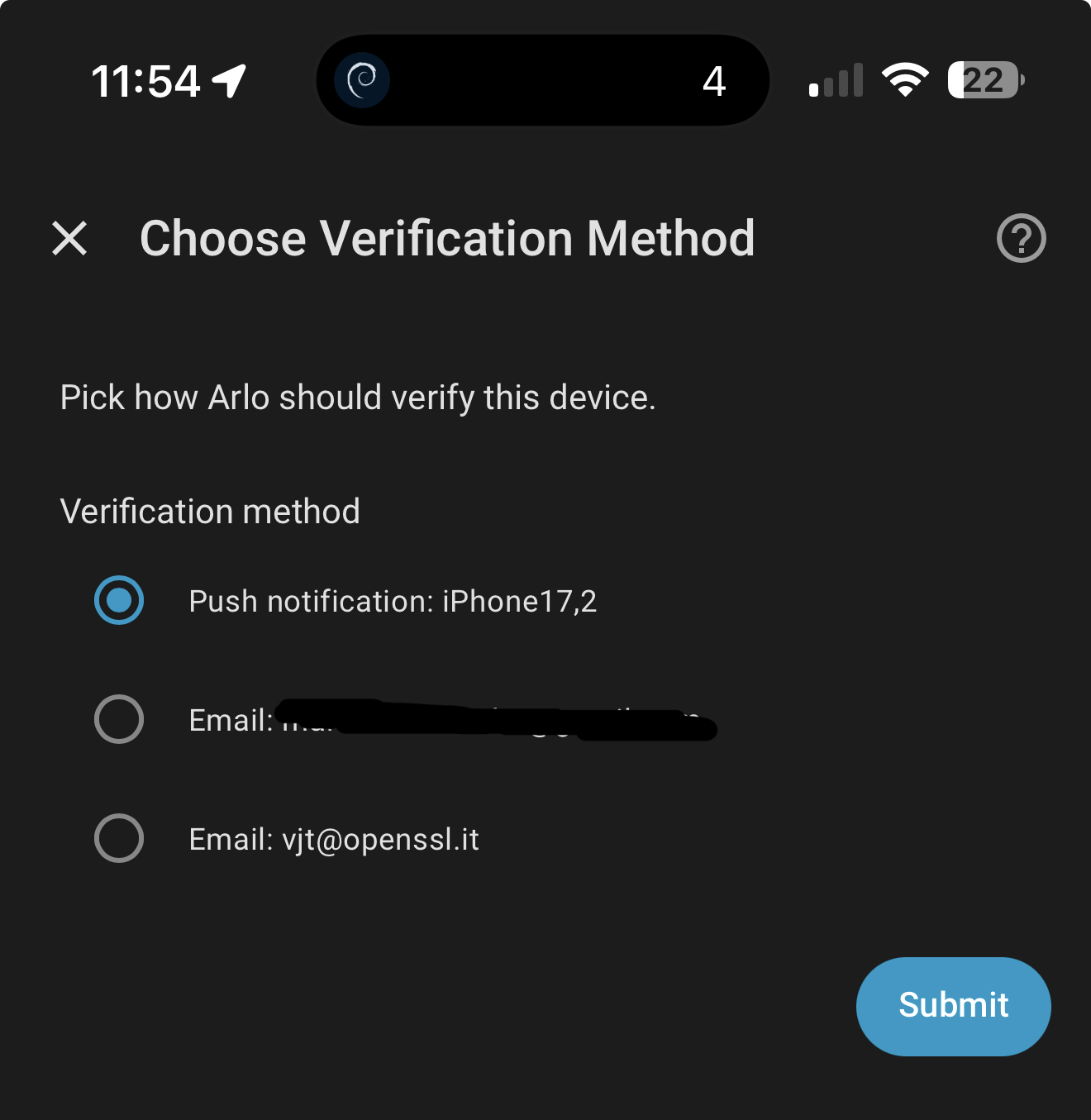
Choose Verification Method
- Verification method
Also asked when signing in again.
Enter Verification Code
- Verification code
Also asked when signing in again.
Media Storage
- Storage Location
Password Required
- Password
After setup
- Storage Location
- Detection sensor reset timeout (seconds)
- Archived media retention (days)
- Route live stream through ffmpegLeave off unless the live view is black. Off (default) lets go2rtc read the camera directly — smoother, no transcoding. Turn on only if the stream never appears; it routes video through ffmpeg to work around go2rtc builds that can't read Arlo's stream, at the cost of some smoothness.
Texts from the code of vjt/ha-eisenberg.
Actions
- Take snapshotRequest a fresh full-frame snapshot. Arrives asynchronously via MQTT and refreshes the camera tile.
From the README
A Home Assistant custom integration for Arlo cameras, named after skating legend Arlo Eisenberg. Built around event-driven MQTT (no polling) with a typed Pydantic API client.
📖 Long-form walk-through (UX, auth, MQTT, streaming): Eisenberg: Arlo cameras on Home Assistant, the easy way (🇮🇹 italiano).
Information
- Installs
- 151 sharing analytics
- GitHub stars
- 15
- Connection
- Uses the vendor's cloud
- Upkeep
- Updated in the last 6 months
- Version
- v0.9.3,
- Category
- Security and safety, Cameras
- Kind
- Marketplace integration
- Brand
- Arlo
- Needs
- Needs the Marketplace (HACS on 2026.10 and older)
- Domain
eisenberg- Issues
- Report an issue
More from Arlo
You might also like











Try it with your own Home Assistant.
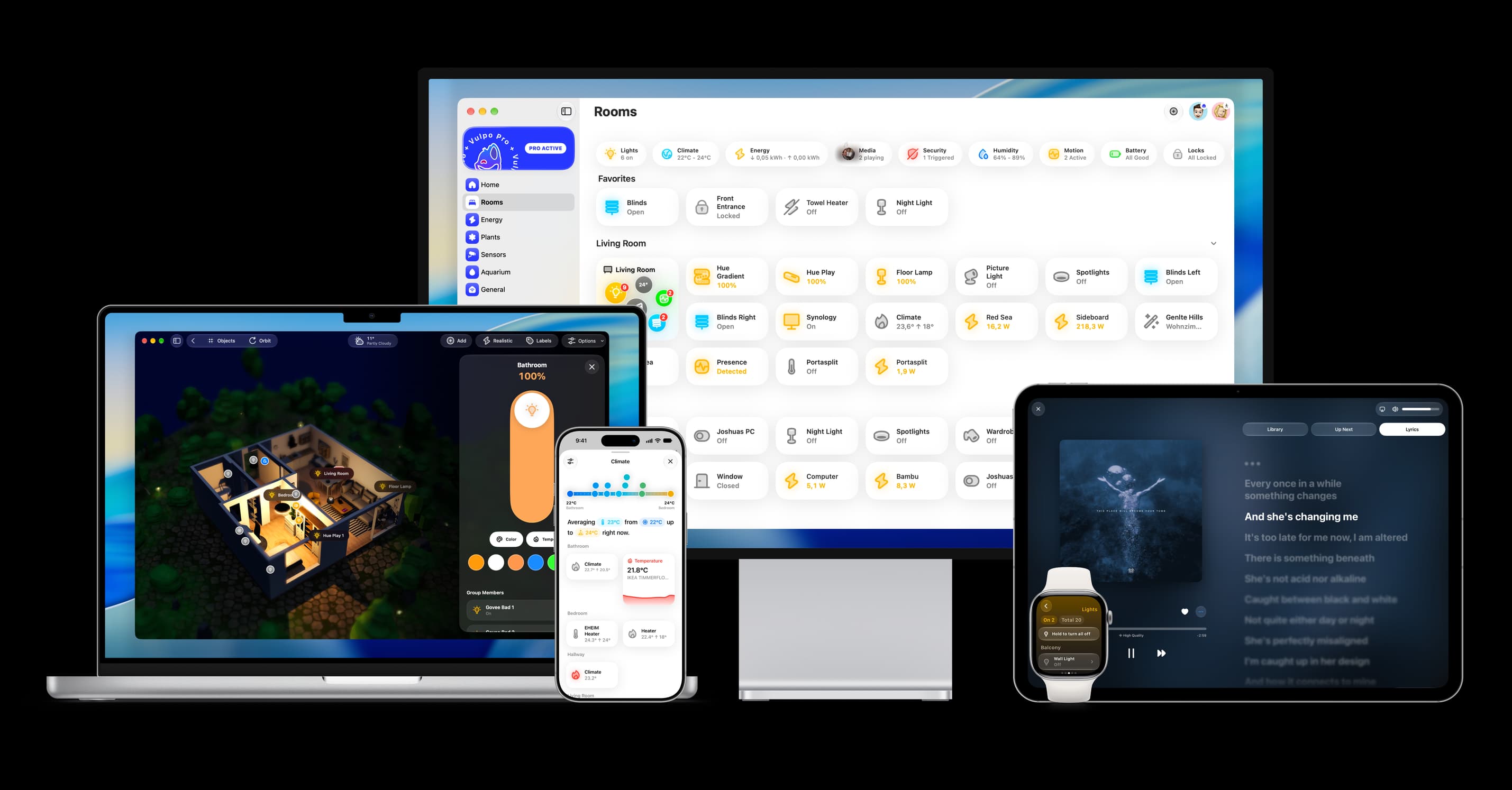
- Free to download
- iPhone, iPad, Mac and Apple Watch
- 40+ native card types
- Connects to your own Home Assistant