

TCL Home
nemesa
On Home Assistant 2026.11 or newer? Open it in the Marketplace
- Installs
- 832 sharing analytics
- GitHub stars
- 104
- Connection
- Uses the vendor's cloud
- Upkeep
- Updated in the last 6 months
- Version
- 3.16.0,
- Category
- Climate
- Kind
- Marketplace integration
- Needs
- Needs the Marketplace (HACS on 2026.10 and older)
- Domain
tcl_home_unofficial- Issues
- Report an issue
Independent directory, made by the developer of Vulpo. Not affiliated with Home Assistant or the Open Home Foundation.
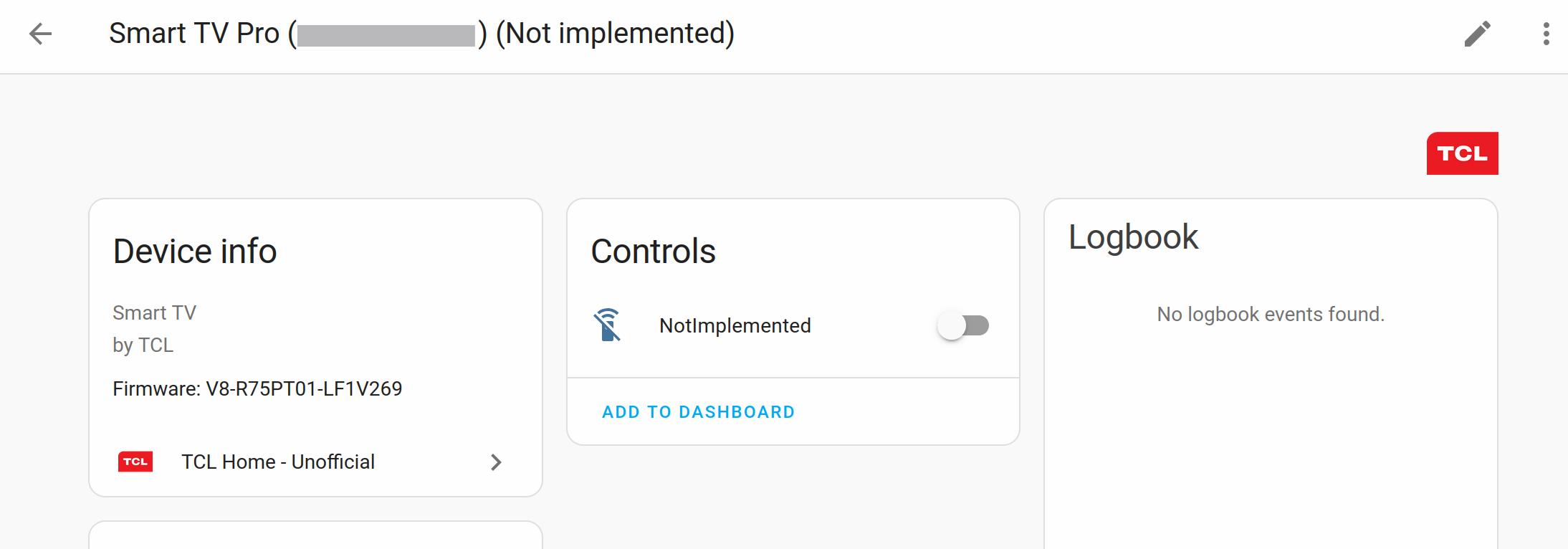
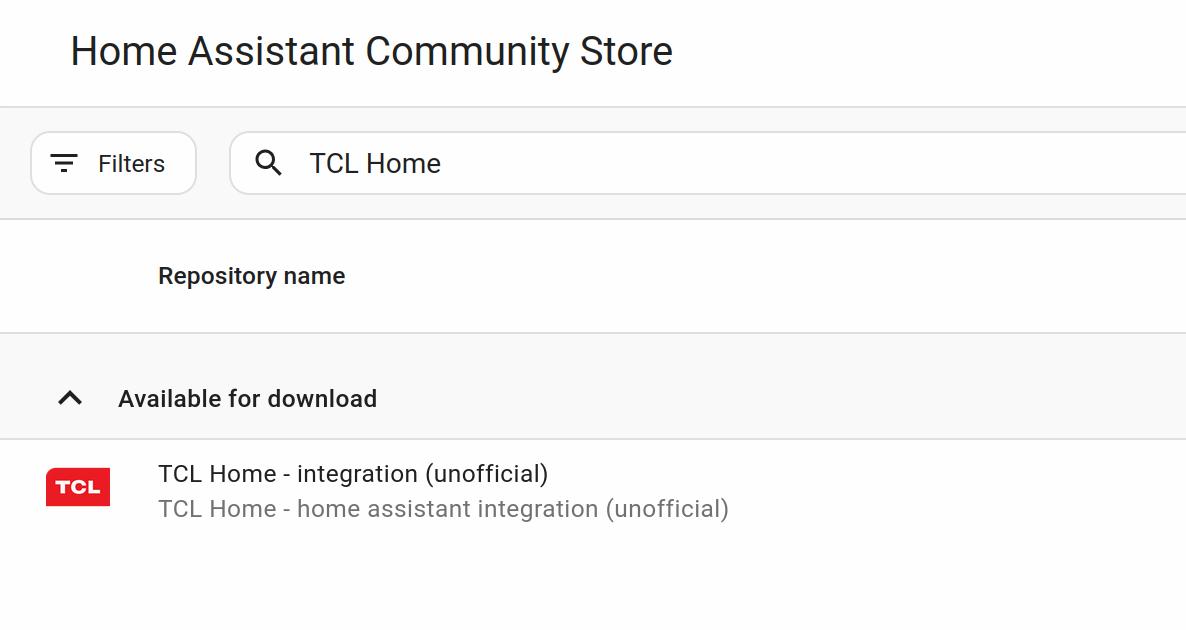
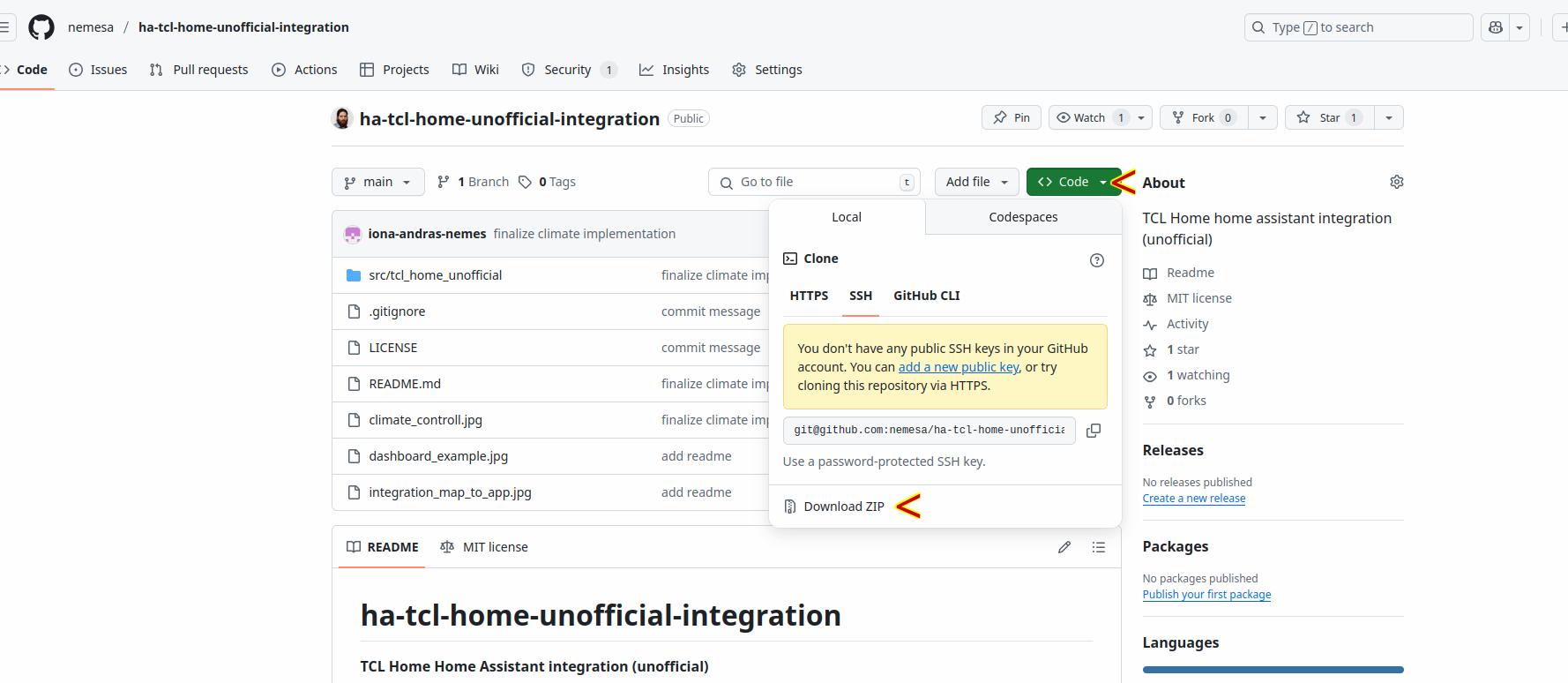
Screenshots From the README of nemesa/ha-tcl-home-unofficial-integration.
About
TCL Home - Unofficial is a Marketplace integration that connects TCL Home cloud devices to Home Assistant. It covers split, portable, window, duct and cylindrical air conditioners, dehumidifiers, and Breeva air purifiers, exposed as climate, humidifier, light, switch, sensor and other entities. Devices it does not recognize are created as a remote, and the device type is shown in the device info so it can be quoted when asking for support. Energy consumption and work time sensors for today and yesterday are available, and two disabled-by-default diagnostic buttons let the integration retry fetching that data. It was built by reverse-engineering the TCL Home Android app and signs in with the app email and password, set up in the UI. The README suggests using a separate account with shared devices, since the integration is not from TCL.
Automatic summary of the README and code of nemesa/ha-tcl-home-unofficial-integration. Something wrong, or are you the maintainer and want your own text here? Get in touch
Supports
Uses the vendor's cloud Needs an internet connection and an account with the vendor.
From the Marketplace Installed through the Marketplace, formerly HACS.
Actively maintained Its author released or pushed a change in the last six months.
Provides
- Lights
- Climate
- Humidifiers
- Remotes
- Switches
- Sensors
Setting it up
Install it from the Marketplace and restart Home Assistant, then add it under Settings, Devices and services.
Account
- TCL Home app - Password
- TCL Home app - Email
Android app settings
- App Login Url
- App Cloud URLs
- App Id
Log settings
- Device related logs, raw jsons of device states changes, ect.
- Session management logs, access tokens, etc.
- Setup related logs, configuration flow inital found devices, etc.
After setup
- TCL Home app - Email
- TCL Home app - Password
- App Login Url
- App Cloud URLs
- App Id
- Device related logs, raw jsons of device states changes, ect.
- Session management logs, access tokens, etc.
- Setup related logs, configuration flow inital found devices, etc.
Texts from the code of nemesa/ha-tcl-home-unofficial-integration.
Troubleshooting
- DiagnosticsDownloads a diagnostics file to attach to a bug report.
From the README
TCL Home - Home Assistant integration (unofficial)

Shows in Vulpo
Light card, Quick Toggle card, Climate card, Button card, Apple Watch, Control Center, Climate Live Activity.Information
- Installs
- 832 sharing analytics
- GitHub stars
- 104
- Connection
- Uses the vendor's cloud
- Upkeep
- Updated in the last 6 months
- Version
- 3.16.0,
- Category
- Climate
- Kind
- Marketplace integration
- Needs
- Needs the Marketplace (HACS on 2026.10 and older)
- Domain
tcl_home_unofficial- Issues
- Report an issue










