

YouTube Music Player
KoljaWindeler
On Home Assistant 2026.11 or newer? Open it in the Marketplace
- Installs
- 1.4k sharing analytics
- GitHub stars
- 401
- Connection
- Uses the vendor's cloud
- Upkeep
- Updated in the last 6 months
- Version
- 20260816.01,
- Category
- Media and entertainment, Music and radio services
- Kind
- Marketplace integration
- Needs
- Needs the Marketplace (HACS on 2026.10 and older)
- Domain
ytube_music_player- Issues
- Report an issue
Independent directory, made by the developer of Vulpo. Not affiliated with Home Assistant or the Open Home Foundation.
Screenshots From the README of KoljaWindeler/ytube_music_player.
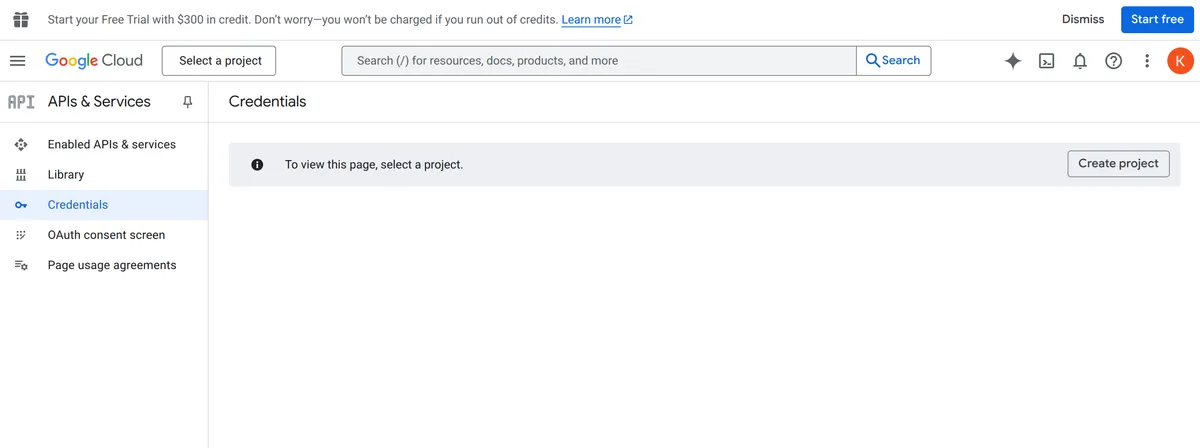
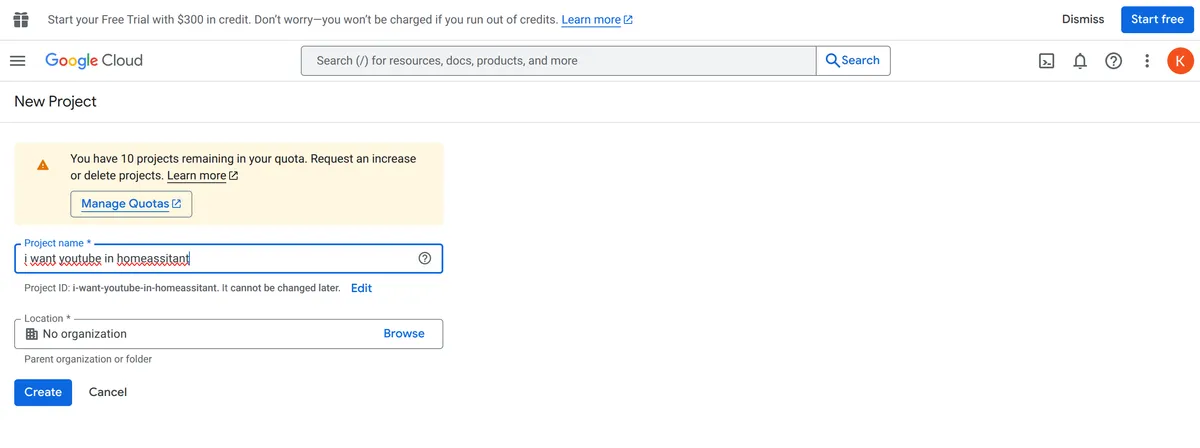
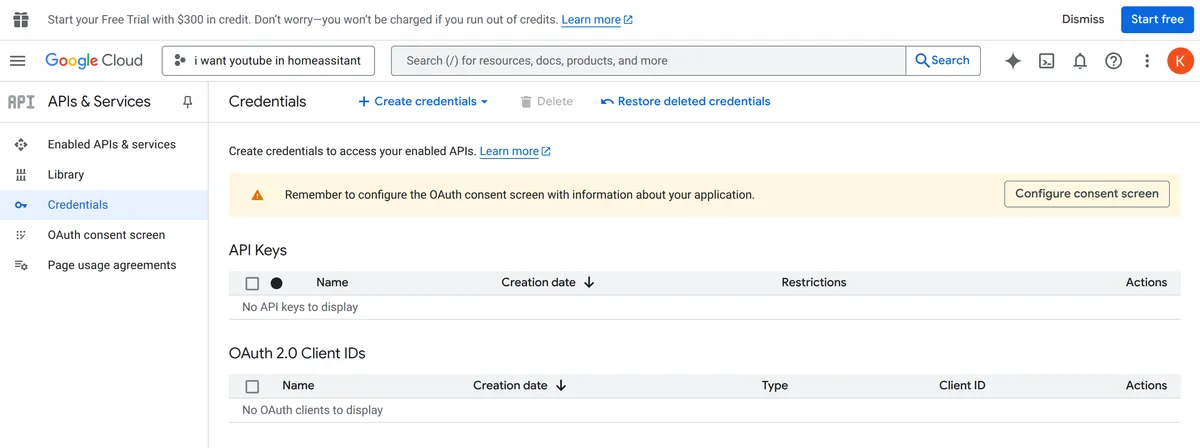
About
YouTube Music Player is a Marketplace integration that plays YouTube Music through a Home Assistant media player. It connects to Google's cloud and uses a Google client ID and secret, with an optional brand account ID and a header file. Besides the media player, it adds select and sensor entities, including an optional sensor with extra information and dropdowns the user chooses to create. Actions cover searching, rating a track, adding or removing songs in a playlist, limiting the song count, and starting a radio. Settings include shuffle on startup, play mode, a bit rate limit, sorting of media browser results, and a proxy mode with local path and base URL. It is set up in the interface.
Automatic summary of the code of KoljaWindeler/ytube_music_player. Something wrong, or are you the maintainer and want your own text here? Get in touch
Supports
Uses the vendor's cloud Needs an internet connection and an account with the vendor.
From the Marketplace Installed through the Marketplace, formerly HACS.
Actively maintained Its author released or pushed a change in the last six months.
Provides
- Media
- Sensors
Setting it up
Install it from the Marketplace and restart Home Assistant, then add it under Settings, Devices and services.
Oauth
- Name for the entity (without 'media_player' prefix)
Oauth2
- Enter your google client ID
- Enter your google client secret
Finish
- Show advance configuration
- File path for the header file
Adv finish
- Enter a brand id if you are using a brand account
- Local path for proxy mode, leave blank if you don't need it
- Base URL for proxy mode, leave blank if you don't need it
- Show like status in the name
- Show all debug output as ERROR in the log
- Turn on shuffle on startup
- Playmode
- Limit of simultaneously loaded tracks
- Limit the maximum bit rate
- Create radio as watchlist of random playlist track
- Sort results in the media browser
- Create sensor that provide extra information
- Create the dropdown(s) you want to use
After setup
- Name for the entity (without 'media_player' prefix)
- Enter your google client ID
- Enter your google client secret
- Show advance configuration
- File path for the header file
- Enter a brand id if you are using a brand account
- Local path for proxy mode, leave blank if you don't need it
- Base URL for proxy mode, leave blank if you don't need it
- Show like status in the name
- Show all debug output as ERROR in the log
- Turn on shuffle on startup
- Playmode
- Limit of simultaneously loaded tracks
- Limit the maximum bit rate
- Create radio as watchlist of random playlist track
- Sort results in the media browser
- Create sensor that provide extra information
- Create the dropdown(s) you want to use
Actions
- Add song to playlistFields: Entity ID, Song ID, Playlist ID
- Remove song from playlistFields: Entity ID, Song ID, Playlist ID
- Call a submethod of ytubemusic playerFields: Entity ID, Command, Parameter
- SearchFields: Entity ID, Query, Filter, Limit
- Rate a trackFields: Entity ID, Rating, Song ID
- Limit song countFields: Entity ID, Limit
- RadioFields: Entity ID, Interrupt

Shows in Vulpo
Media Player card, Select card, Chart card, Apple Watch.Information
- Installs
- 1.4k sharing analytics
- GitHub stars
- 401
- Connection
- Uses the vendor's cloud
- Upkeep
- Updated in the last 6 months
- Version
- 20260816.01,
- Category
- Media and entertainment, Music and radio services
- Kind
- Marketplace integration
- Needs
- Needs the Marketplace (HACS on 2026.10 and older)
- Domain
ytube_music_player- Issues
- Report an issue










