

AirMusic Integration
DominikWrobel
On Home Assistant 2026.11 or newer? Open it in the Marketplace
- Installs
- 63 sharing analytics
- GitHub stars
- 11
- Connection
- Works locally
- Upkeep
- Updated in the last 6 months
- Version
- v2.2,
- Category
- Media and entertainment
- Kind
- Marketplace integration
- Needs
- Needs the Marketplace (HACS on 2026.10 and older)
- Domain
airmusic- Issues
- Report an issue
Independent directory, made by the developer of Vulpo. Not affiliated with Home Assistant or the Open Home Foundation.
Screenshots From the README of DominikWrobel/airmusic.
About
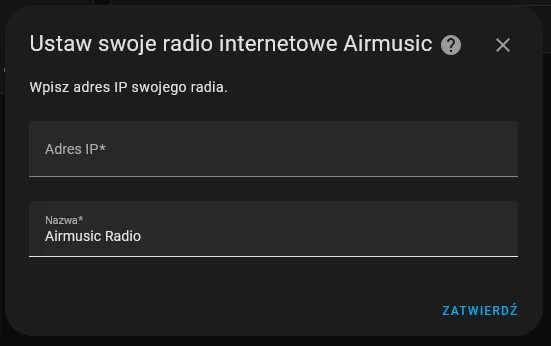
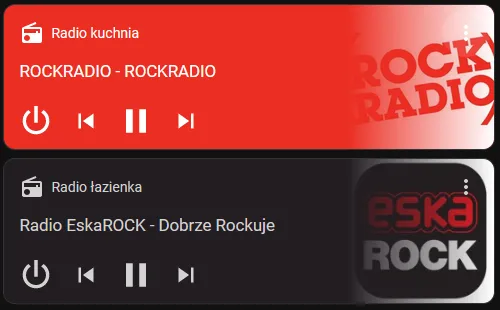
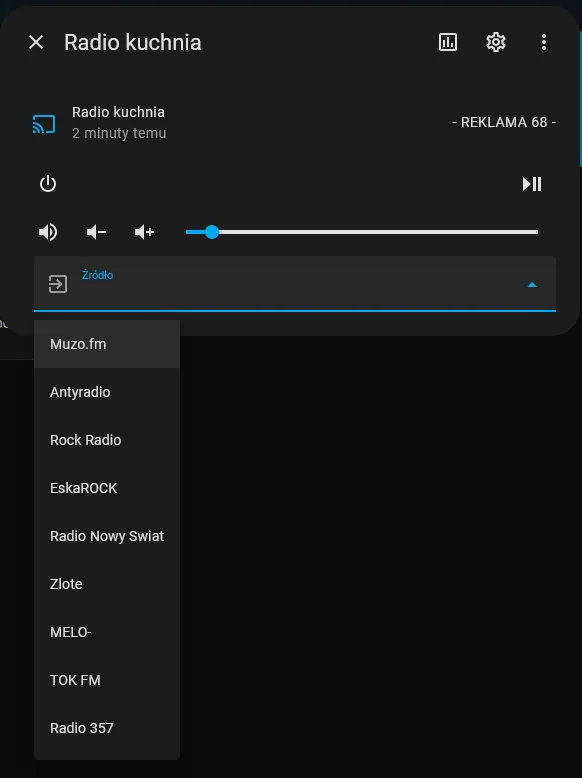
AirMusic Integration is a custom component that connects Home Assistant to AirMusic devices over the local network. It adds a media player entity for each configured radio. Setup happens in the UI, where the device's IP address or hostname and a name are entered. Options include a station mapping feature that matches part of a stream URL to a station name and an optional logo URL. Existing mappings can be edited or deleted, and the radio's address and name can be changed later in the radio settings.
Automatic summary of the code of DominikWrobel/airmusic. Something wrong, or are you the maintainer and want your own text here? Get in touch
Supports
Works locally Talks to your devices on your own network. No vendor cloud in between.
From the Marketplace Installed through the Marketplace, formerly HACS.
Actively maintained Its author released or pushed a change in the last six months.
Provides
- Media
Setting it up
Install it from the Marketplace and restart Home Assistant, then add it under Settings, Devices and services.
Set up AirMusic
- IP address or hostname
- Name
After setup
- Stream URL substring (optional)
- Station name
- Logo URL (optional)
- Stream URL substring (optional)
- Station name
- Logo URL (optional)
- Station
- Station
- IP address or hostname
- Name

Shows in Vulpo
Media Player card, Apple Watch.Information
- Installs
- 63 sharing analytics
- GitHub stars
- 11
- Connection
- Works locally
- Upkeep
- Updated in the last 6 months
- Version
- v2.2,
- Category
- Media and entertainment
- Kind
- Marketplace integration
- Needs
- Needs the Marketplace (HACS on 2026.10 and older)
- Domain
airmusic- Issues
- Report an issue










