
HA Xplora® Watch
distante
On Home Assistant 2026.11 or newer? Open it in the Marketplace
- Installs
- 195 sharing analytics
- GitHub stars
- 9
- Connection
- Uses the vendor's cloud
- Upkeep
- Updated in the last 6 months
- Version
- v1.6.0,
- Category
- Presence and location
- Kind
- Marketplace integration
- Needs
- Needs the Marketplace (HACS on 2026.10 and older)
- Domain
xplora_watch- Issues
- Report an issue
Independent directory, made by the developer of Vulpo. Not affiliated with Home Assistant or the Open Home Foundation.
Screenshots From the README of distante/ha-xplora-watch.
About
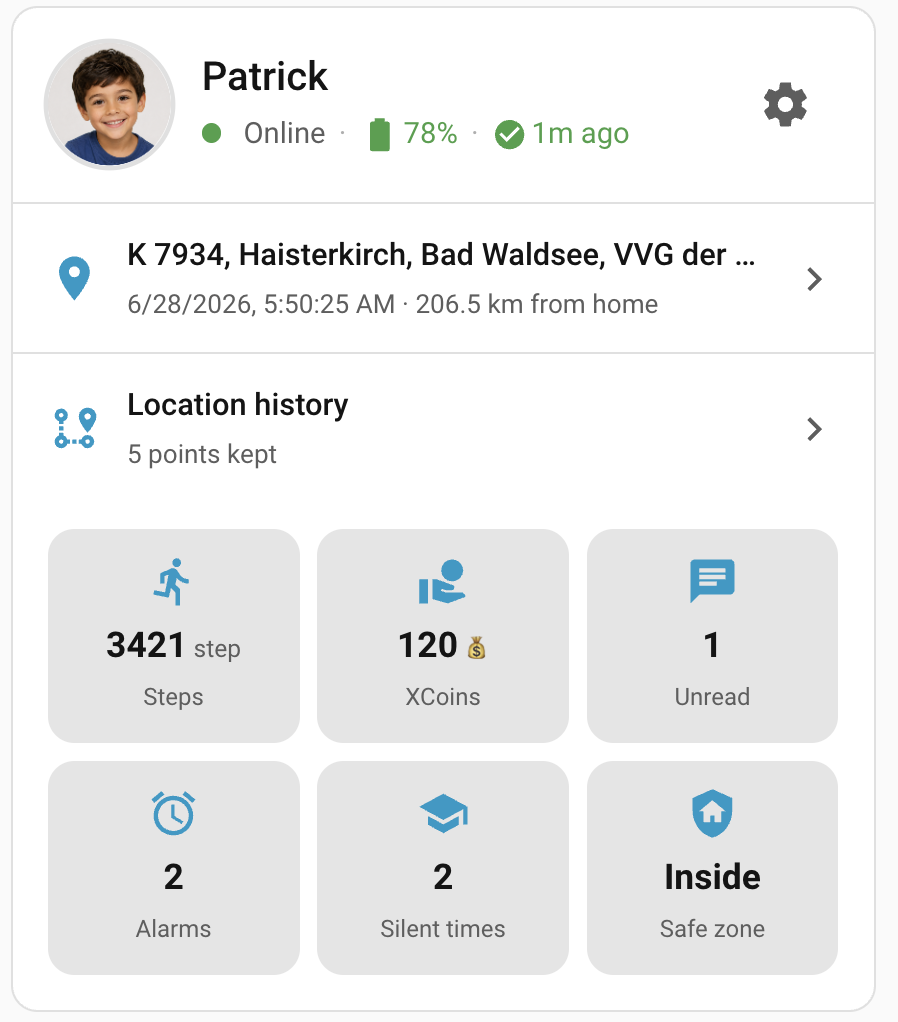
HA Xplora® Watch connects Xplora children's GPS watches to Home Assistant through the vendor's cloud. It adds watch location and location history, battery, charging and online state, steps, and safe-zone sensors, plus chat with the watch, including voice, photo and video attachments. Alarms and silent times can be managed from Home Assistant, and a button refreshes them. Guardian accounts can also reboot or shut down the watch remotely. Polling is off by default and the login session is reused for about 35 days, which limits requests to Xplora's servers and the risk of rate-limit bans. Optional events cover SOS alerts, calls, power changes and low battery, and a bundled dashboard card shows the watch status; setup is done in the UI.
Automatic summary of the README and code of distante/ha-xplora-watch. Something wrong, or are you the maintainer and want your own text here? Get in touch
Supports
Uses the vendor's cloud Needs an internet connection and an account with the vendor.
From the Marketplace Installed through the Marketplace, formerly HACS.
Actively maintained Its author released or pushed a change in the last six months.
Provides
- Sensors
- Presence
Setting it up
Install it from the Marketplace and restart Home Assistant, then add it under Settings, Devices and services.
Set up HA Xplora® Watch
- E-mail address
- Language
- Password
- Timezone
- Watch Language (en)
Set up HA Xplora® Watch
- Countrycode (+49)
- Language
- Password
- phonenumber without Countrycode
- Timezone
- Watch Language (en)
Account alias
- Account aliasAppended to this watch's device name (e.g. “Dana Watch (Mom)”) and entity ids so two accounts that link the same watch stay distinguishable. Pre-filled with your Xplora account name — change it to anything you like (“Dad”, “Mom”, “Brother Tom”).
After setup
- Automatically fetch yesterday's location historyWhen on, the integration fetches the previous day's location track at 01:00 local time — only if that day's data is not already cached. Useful if you want a growing location archive without setting up your own automation calling xplora_watch.fetch_history daily.
- Mark chat messages as read while polling
- Location history retention (days)How long the optional location-history sensor keeps past positions. Home Assistant retains far more than the Xplora® app's ~3-day window. Only matters once you enable the location-history sensor.
- Home is Safezone
- Home latitude
- Home longitude
- Home radius
- Language
- Maps
- Number of Messages
- OpenCage API KEY
- SOS alert eventsFire a Home Assistant event, and write a logbook line, when the watch sends an SOS. On by default. Only fires while polling is on. The logbook line records the SOS location (latitude/longitude) into the Home Assistant recorder database — a deliberate trade for visibility, not a privacy guarantee.
- Call activity eventsFire a Home Assistant event, and write a logbook line, for each call (incoming, outgoing, missed). Off by default. Only fires while polling is on. The logbook line records the contact's phone number and name into the Home Assistant recorder database — a deliberate trade for visibility, not a privacy guarantee. Leave off if you do not want contact numbers stored in your database.
- Power on/off eventsFire a Home Assistant event, and write a logbook line, when the watch powers on or off. Off by default. Only fires while polling is on.
- Low-battery eventsFire a Home Assistant event, and write a logbook line, when the watch reports low battery. Off by default. Only fires while polling is on.
Texts from the code of distante/ha-xplora-watch.
Entities
- ButtonsRefresh Alarms & Silent Times
- SensorsCurrent safe zone
From the README
A Home Assistant integration for Xplora® children's GPS watches — location, chat, alarms, safe zones and more, built to keep your Xplora account safe from rate-limit bans.
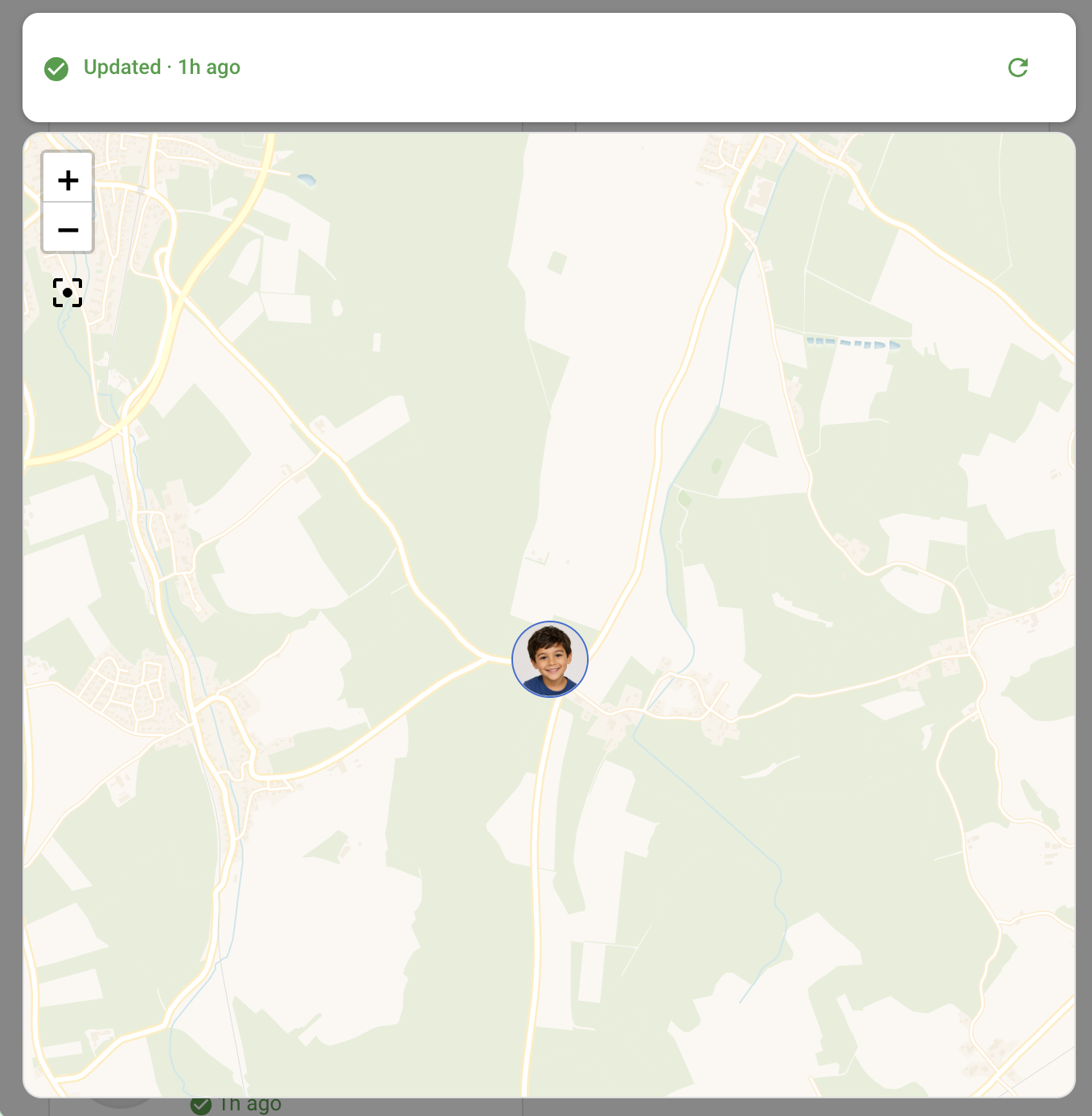
More cards — chat, per-watch map, alarms & silent times — are covered in
- Track your watch's live location and its location history
- Chat with the watch and receive its messages, including voice/photo/video attachments
- Manage alarms and silent times from the UI, no phone needed
- Safe-zone arrival/departure sensors
- Battery, charging, online state, steps, XCoins
- Reboot / shut down the watch remotely (Guardian accounts)
- A full services API for automations, plus dependency-free dashboard cards for everything above
- No real watch yet? Explore it risk-free in demo mode

Shows in Vulpo
Button card, Chart card, Apple Watch.Information
- Installs
- 195 sharing analytics
- GitHub stars
- 9
- Connection
- Uses the vendor's cloud
- Upkeep
- Updated in the last 6 months
- Version
- v1.6.0,
- Category
- Presence and location
- Kind
- Marketplace integration
- Needs
- Needs the Marketplace (HACS on 2026.10 and older)
- Domain
xplora_watch- Issues
- Report an issue