Screenshots From the README of DAB-LABS/smart-sniffer.
About
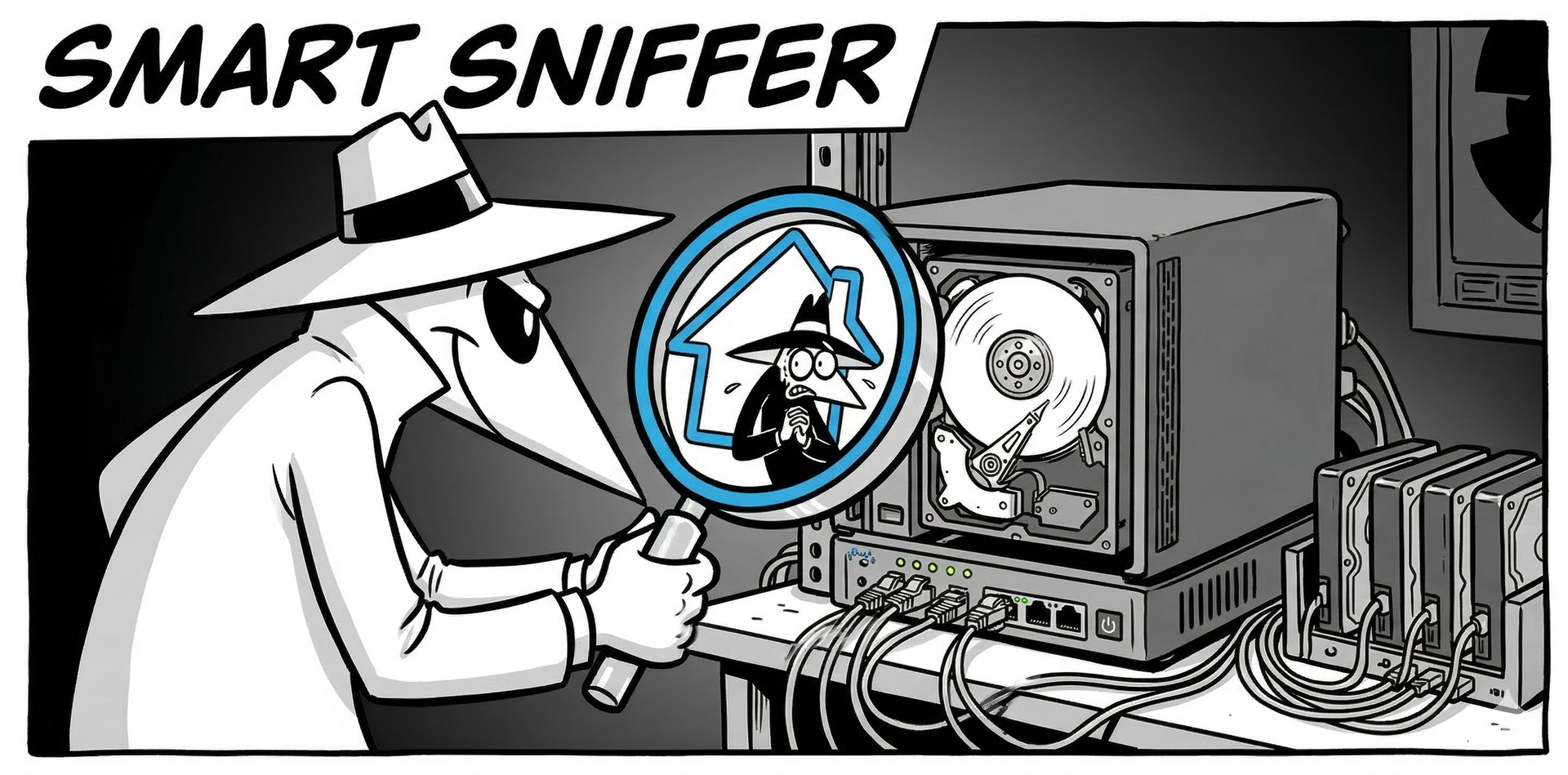
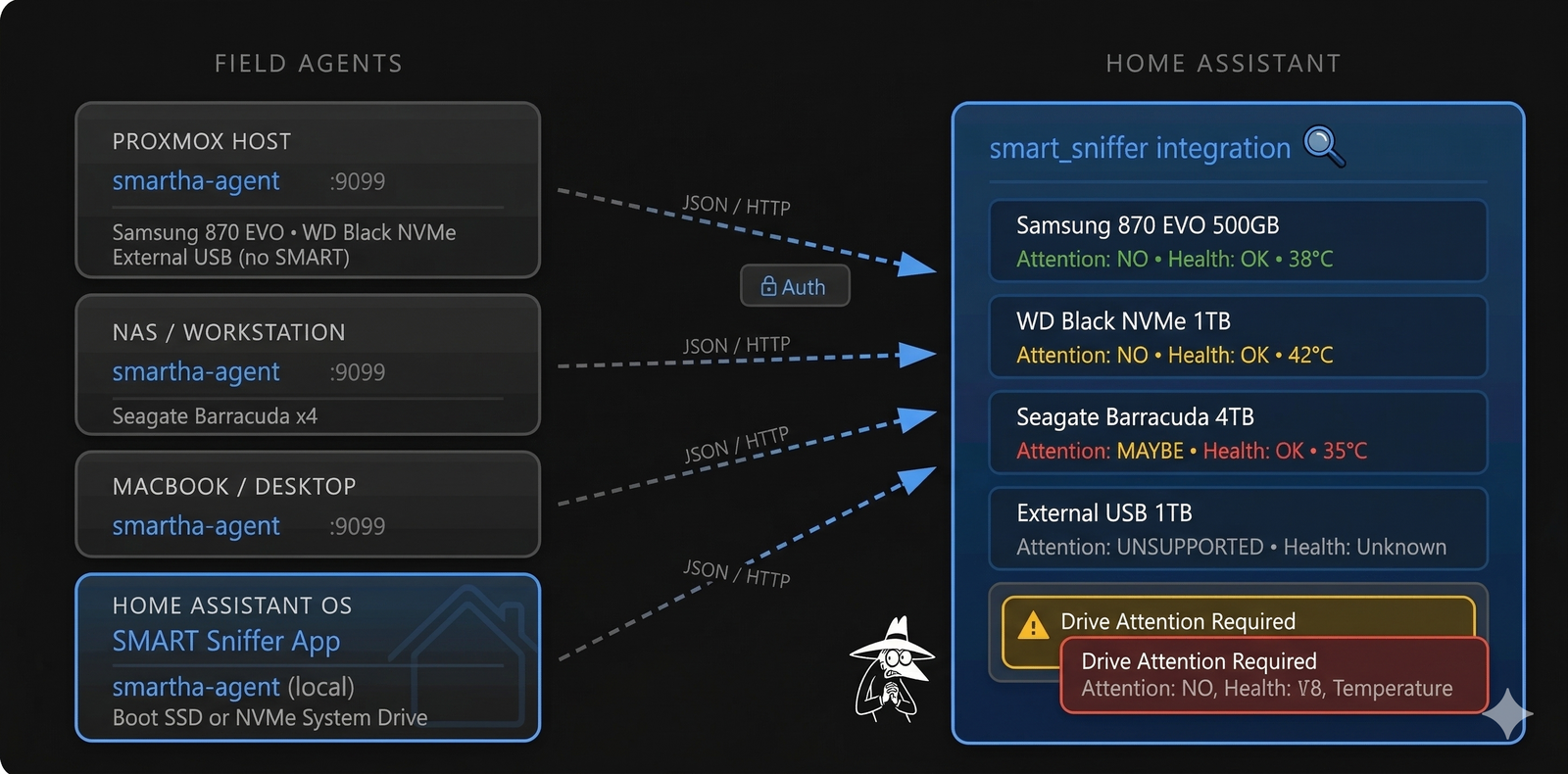
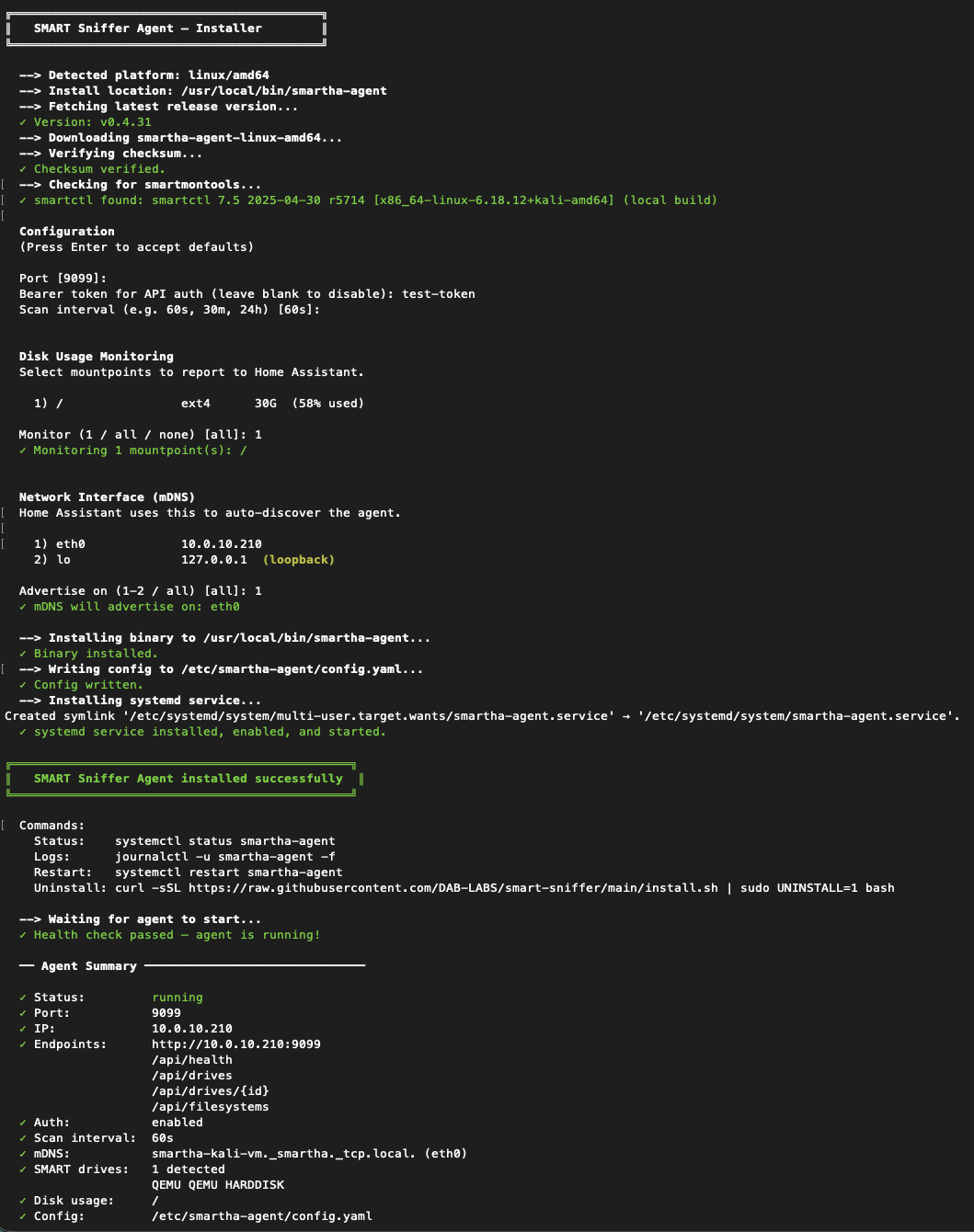
SMART Sniffer is an integration that monitors disk health through S.M.A.R.T. data reported by a small Go agent on each machine. It supports ATA, SATA, NVMe and SAS drives, and each drive appears as its own device with binary sensors and sensors, including data written, read and checksum errors. An attention sensor reports early failure indicators in four states: no, maybe, yes and unsupported. Persistent notifications are created when drive health changes, so no automations are needed. ZFS pools, disk usage and a test replica machine are also covered, and a Control Center page in the sidebar shows every machine and drive. Agents are found on the local network by mDNS, the connection stays local, and setup is done in the UI.
Automatic summary of the README and code of DAB-LABS/smart-sniffer. Something wrong, or are you the maintainer and want your own text here? Get in touch
Supports
Works locally Talks to your devices on your own network. No vendor cloud in between.
Found by itself Home Assistant spots it on the network and offers to add it.
From the Marketplace Installed through the Marketplace, formerly HACS.
Actively maintained Its author released or pushed a change in the last six months.
Provides
- Sensors
Setting it up
Install it from the Marketplace and restart Home Assistant, then add it under Settings, Devices and services.
Connect to SMART Sniffer Agent
- HostIP address or hostname of the machine running the SMART Sniffer agent.
- PortHTTP port the agent is listening on (default 9099).
- Bearer Token (optional)Leave blank if the agent has no auth configured.
- Polling Interval (seconds)How often to poll the agent for updated SMART data.
SMART Sniffer Agent Discovered
- Bearer TokenEnter the bearer token if auth is enabled on this agent. Leave blank otherwise.
SMART Sniffer on this box
- Bearer TokenThe agent's password, if the App sets one. Leave blank otherwise.
Password for the SMART Sniffer agent
- Bearer TokenThe token: line in the agent's config file.
After setup
- PortHTTP port the agent is listening on.
- Bearer TokenLeave blank if the agent has no auth configured.
- Polling Interval (seconds)How often to poll for updated SMART data (in seconds).
- Write a value on every pollEnable for InfluxDB, Prometheus, or Grafana. Records a data point on every poll even when the value has not changed. Leave off otherwise to keep the recorder database smaller.
- Drive
- Command Timeout
- Current Pending Sector Count
- NVMe Media Errors
- NVMe Spare Warn Below
- Offline Uncorrectable Errors
- Reallocated Event Count
- Reallocated Sector Count
- Reported Uncorrectable Errors
- SSD Wear Percent Used
- Spin Retry Count
- Total Offline Uncorrectable
- Uncorrectable Error Count
Texts from the code of DAB-LABS/smart-sniffer.
Entities
- Binary sensorsData Errors, Problem
- SensorsData Written, Data Read, State, Read Errors, Write Errors, Checksum Errors, Last Scrub
Actions
- Get Drive DataReturns the full cached SMART data for all drives monitored by a SMART Sniffer agent. Useful for passing raw drive health data to an AI for analysis.Fields: Config Entry
Troubleshooting
- DiagnosticsDownloads a diagnostics file to attach to a bug report.
From the README
Proactive disk health monitoring for Home Assistant.
Uncorrectable errors. Pending failures quietly piling up. 🙀

Shows in Vulpo
Chart card, Apple Watch.Information
- Installs
- 248 sharing analytics
- GitHub stars
- 78
- Connection
- Works locally
- Upkeep
- Updated in the last 6 months
- Version
- v0.9.2,
- Category
- Health and wellbeing
- Kind
- Marketplace integration
- Needs
- Needs the Marketplace (HACS on 2026.10 and older)
- Domain
smart_sniffer- Issues
- Report an issue