On Home Assistant 2026.10 or older? Open it in HACS
- Installs
- 83 sharing analytics
- GitHub stars
- 10
- Connection
- Uses the vendor's cloud
- Upkeep
- Updated in the last 6 months
- Version
- v1.10.1,
- Category
- Garden and plants
- Kind
- Marketplace integration
- Brand
- Rain Bird
- Needs
- Needs the Marketplace (HACS on 2026.10 and older)
- Domain
rainbird_iq4- Issues
- Report an issue
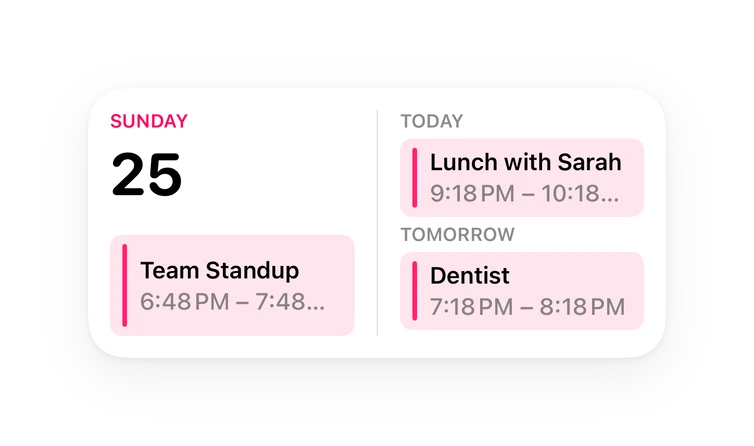
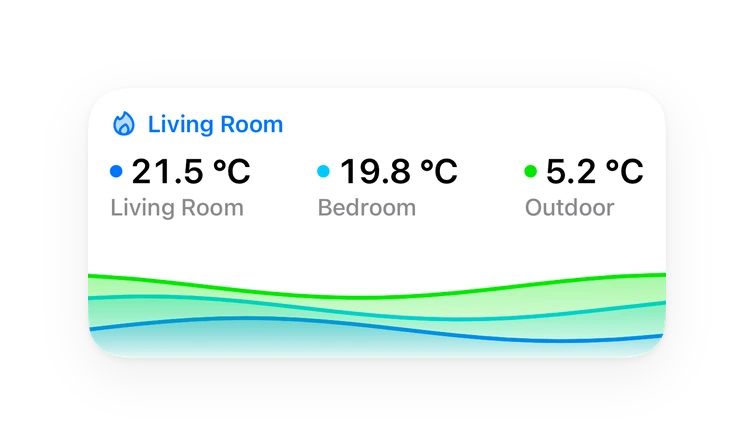
Shows in Vulpo Quick Toggle card, Button card, Calendar card, Chart card, Apple Watch, Control Center.
Independent directory, made by the developer of Vulpo. Not affiliated with Home Assistant or the Open Home Foundation.
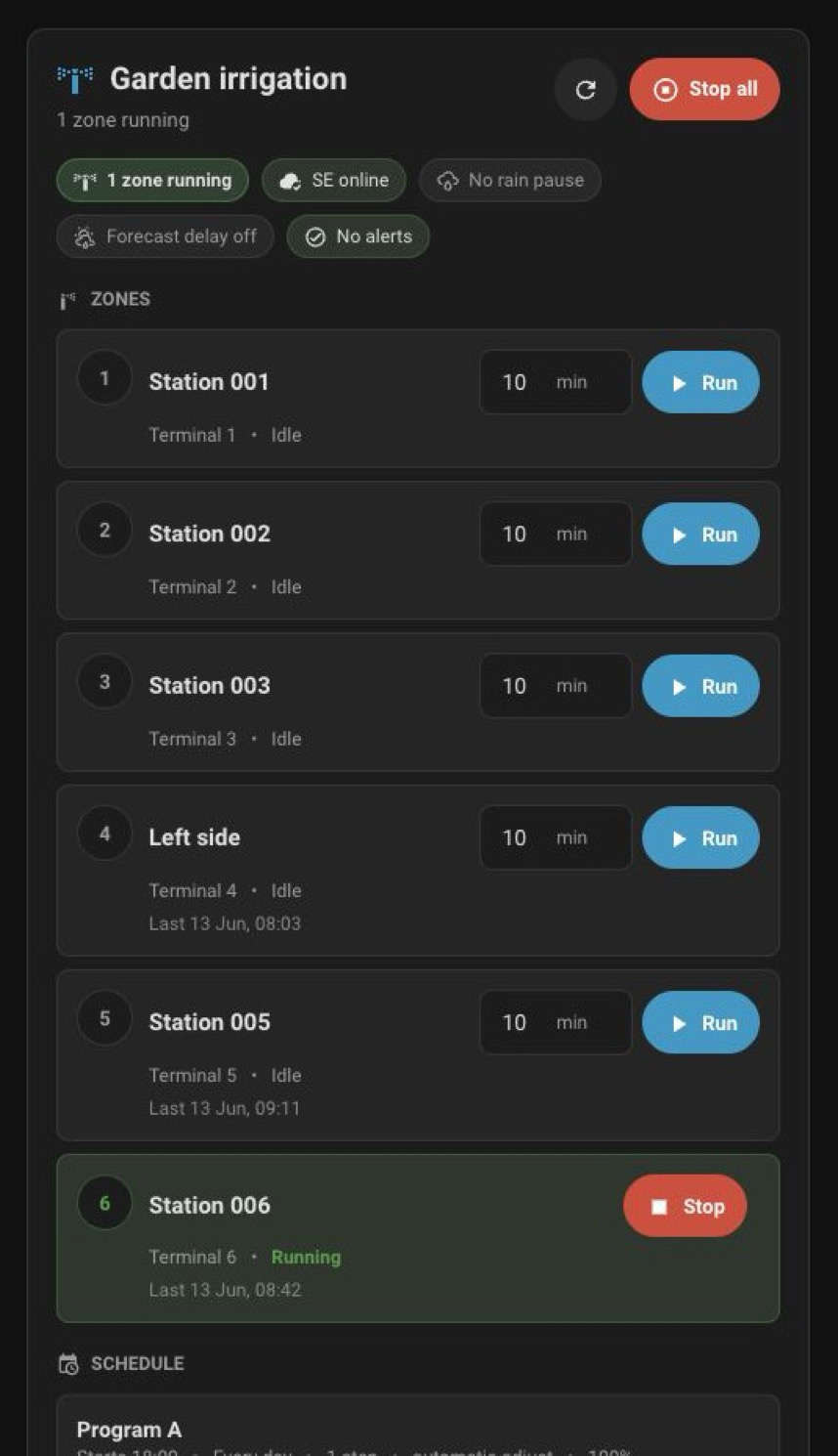
Screenshots From the README of Chapter-322/rainbird_iq4.
About
Home Assistant integration for Rain Bird IQ4 / Rain Bird 2.0 controllers via the IQ4 cloud
Description from Chapter-322/rainbird_iq4

Shows in Vulpo
Quick Toggle card, Button card, Calendar card, Chart card, Apple Watch, Control Center.Supports
- Uses the vendor's cloudNeeds an internet connection and an account with the vendor.
- From the MarketplaceInstalled through the Marketplace, formerly HACS.
- Actively maintainedIts author released or pushed a change in the last six months.
Provides
- Switches
- Sensors
- Calendars
Setting it up
Install it from the Marketplace and restart Home Assistant, then add it under Settings, Devices and services.
Rain Bird IQ4
- Email address or account nameIf login fails with an AWS WAF challenge (HTTP 202) using your email, try your Rain Bird account name instead. This is the editable display name found under Account Settings on the IQ4 website (e.g. “John Smith”) — not the numeric “Account ID” shown in the mobile app, which won't work here.
- Password
- Authentication channelHow the integration logs in. Leave on "Web portal" for most accounts. Choose "Mobile app" only if zone control fails with a 403 error (e.g. US free-tier accounts).
Select controller
- Controller
Reauthenticate Rain Bird IQ4
- Password
After setup
- Authentication channelHow the integration logs in. Leave on "Web portal" for most accounts. Choose "Mobile app" only if zone control fails with a 403 error (e.g. US free-tier accounts). Changing this reloads the integration.
- Real-time data poll interval (seconds)
- Controller config poll interval (seconds)
- Program poll interval (seconds)
- Live updates over Rain Bird's real-time channelApplies state changes as the controller reports them, in about a second, instead of waiting for the next poll. Only MQTT-based controllers report this way; polling continues either way. Turn this off if a firewall blocks the connection.
- Zone switch run time (minutes)How long a zone runs when its switch is turned on. To choose a different duration for a single run, use the Start Zone action.
Texts from the code of Chapter-322/rainbird_iq4.
Entities
- Binary sensorsConnected, Any Zone Running, Forecast Rain Delay, Local Sensor, Rain Sensor
- ButtonsRefresh
- NumbersRain Delay
- SensorsAlarms, Warnings, Rain Delay, Controller Mode
From the README
A Home Assistant custom integration for Rain Bird IQ4 cloud-connected irrigation controllers (ESP-TM2, ESP-ME3 and compatible models).
Note: This integration uses the unofficial Rain Bird IQ4 cloud API. It is not affiliated with or endorsed by Rain Bird Corporation. The API may change without notice.
- Real-time station monitoring — zone status (idle / running / paused), last run time, last completed run, active/inactive flag
- Program monitoring — schedule status for Weekly, Odd, Even and Cyclic programs, with next run date for all types
- Rain delay sensor — days remaining
- Local sensor state — state of the controller's SEN terminals
- Forecast rain delay — enabled/disabled with threshold attributes
- Controller status — connected to cloud, operating mode, alarms and warnings
- Multi-controller support — accounts with multiple controllers can add each one as a separate integration entry
- 7 actions to control irrigation, rain delay, and seasonal adjust settings
- Calendar — upcoming irrigation events per program (all schedule types supported)
- One device per zone — each zone has its own device, linked to the controller, with an on/off switch, so zones can be placed in different areas
- Controls on the device page — rain delay slider and a Run button per program
- Configurable polling intervals — separate intervals for real-time, config, and program data
Information
- Installs
- 83 sharing analytics
- GitHub stars
- 10
- Connection
- Uses the vendor's cloud
- Upkeep
- Updated in the last 6 months
- Version
- v1.10.1,
- Category
- Garden and plants
- Kind
- Marketplace integration
- Brand
- Rain Bird
- Needs
- Needs the Marketplace (HACS on 2026.10 and older)
- Domain
rainbird_iq4- Issues
- Report an issue