
Screenshots From the README of bjrnptrsn/climate_group_helper.
About
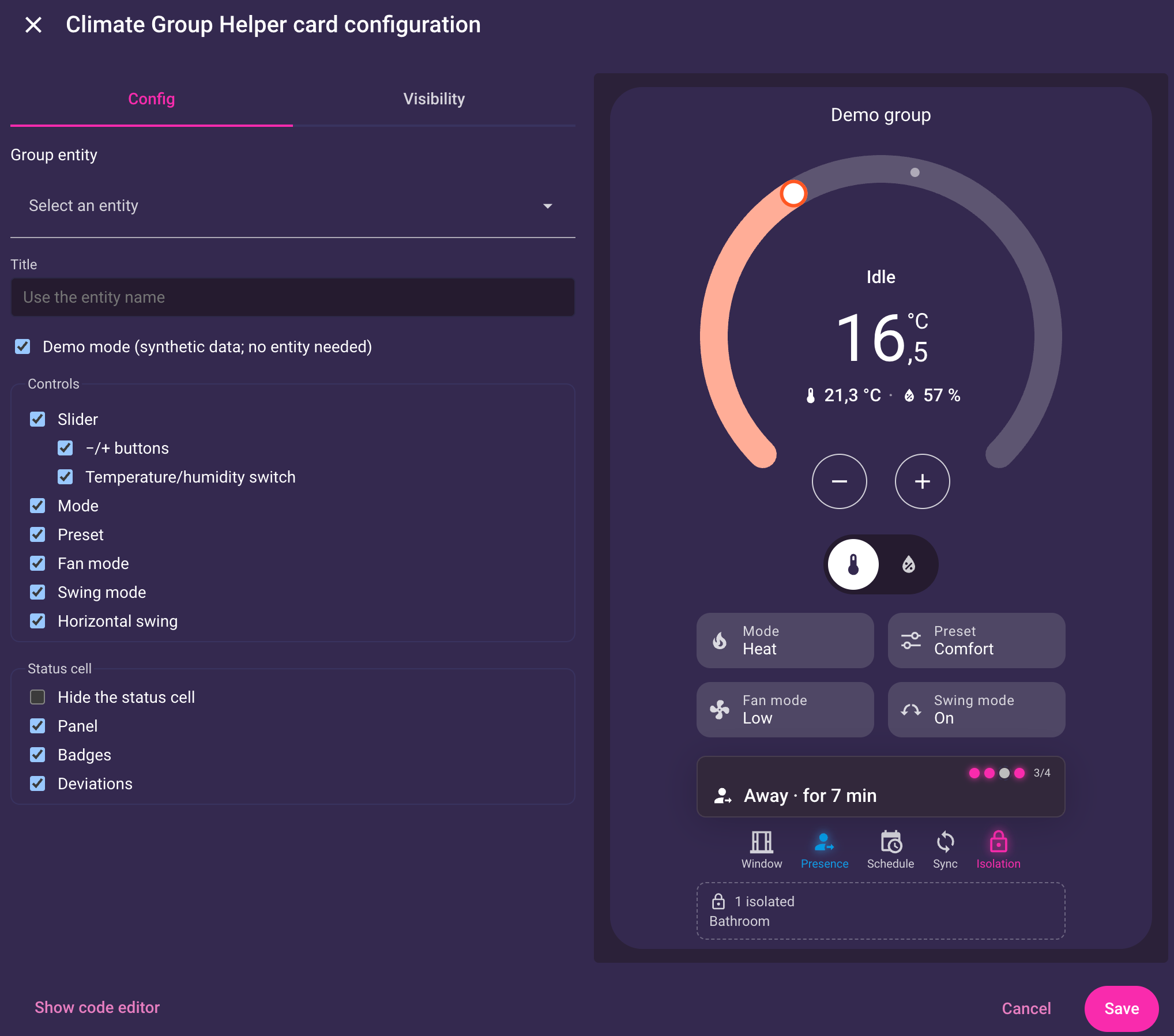
Climate Group Helper combines several thermostats, TRVs, ACs and heaters into one virtual climate controller. It adds a group climate entity along with a main switch, a group offset number, and temperature, humidity and configuration sensors. Member readings can be summarized as mean, median, minimum or maximum, or replaced by external sensors whose values can be written back to TRV calibration targets. Sync modes (Mirror, Lock, Master or Adopt Only) react to manual changes on members, and a master entity can act as the leader. It also covers window detection, presence offsets, schedules and calendars, custom presets, and a timed boost that reverts afterwards. A dashboard card is included, and setup runs in the UI with local control.
Automatic summary of the README and code of bjrnptrsn/climate_group_helper. Something wrong, or are you the maintainer and want your own text here? Get in touch
Supports
Works locally Talks to your devices on your own network. No vendor cloud in between.
From the Marketplace Installed through the Marketplace, formerly HACS.
Actively maintained Its author released or pushed a change in the last six months.
Provides
- Climate
- Switches
- Sensors
Setting it up
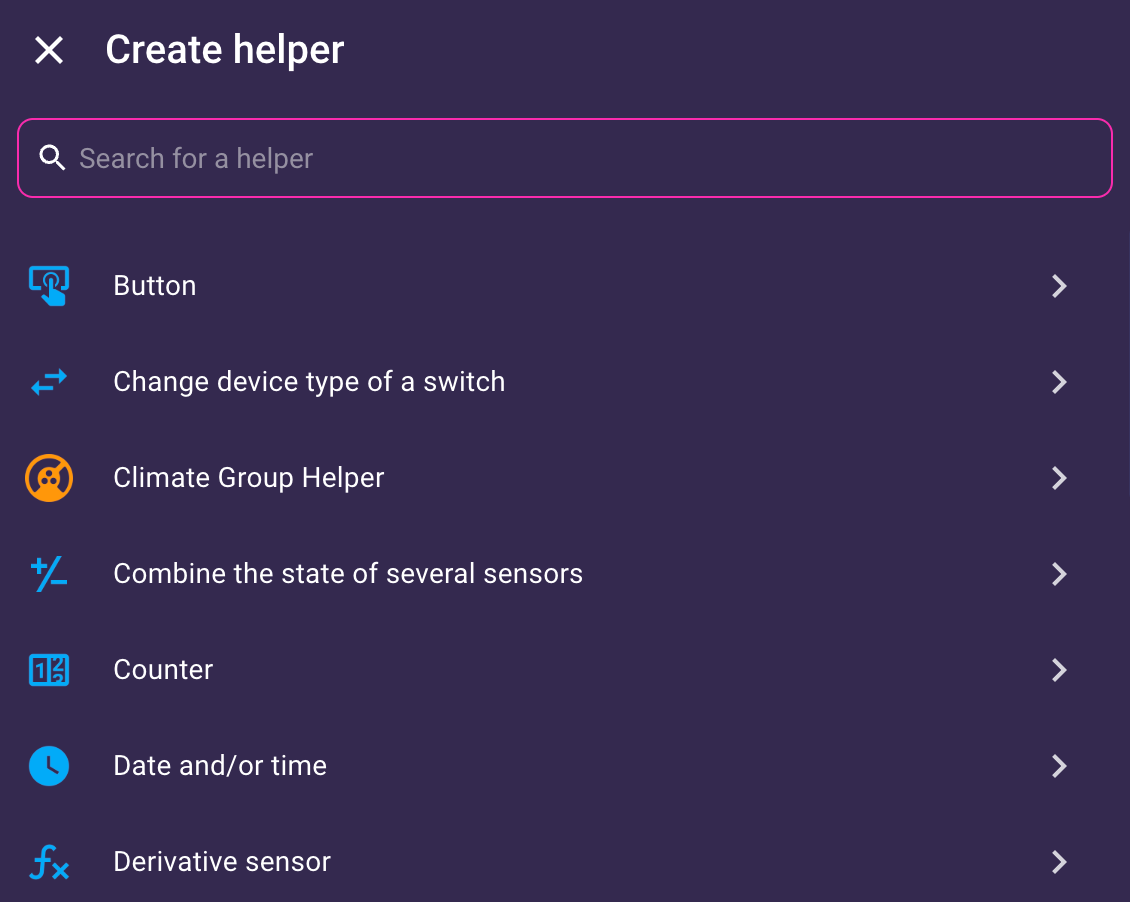
Install it from the Marketplace and restart Home Assistant, then add it under Settings, Devices and services.
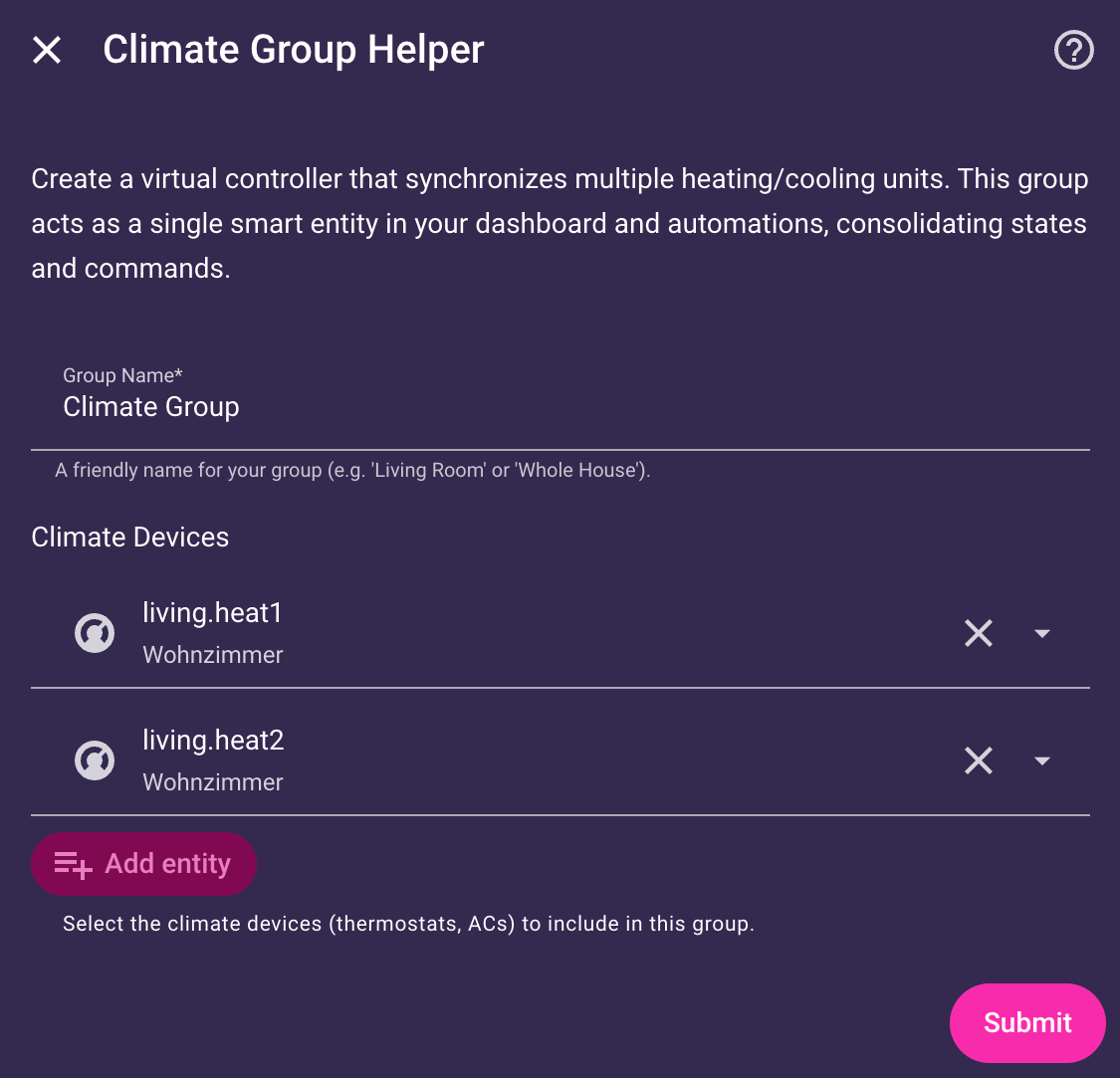
Climate Group Helper
- Group NameA friendly name for your group (e.g. 'Living Room' or 'Whole House').
- Climate DevicesSelect the climate devices (thermostats, ACs) to include in this group.
After setup
- Advanced Features
- Expand all sections by default
- Climate DevicesAdd or remove devices. Removing devices stops them from being controlled by the group.
- Master EntityDesignate one member as the Master Entity (Leader). It is used for Master/Lock synchronization and centralized target display.
- HVAC Mode StrategyStrategy for calculating the group's state from its members (e.g. if one is 'heat' and another is 'off').
- Feature StrategyDetermines which features (e.g. preset modes, fan modes) are available on the group when members have different capabilities.
- Out-of-Bounds ActionWhat to do with members that cannot reach the target temperature. Only applies when Feature Strategy is set to Union.
- Unsupported HVAC Mode ActionWhat to do with members that technically do not support the group's target HVAC mode (e.g. AC when heating). Only applies when Feature Strategy is set to Union.
- Target TemperatureHow the group summarizes the target setpoints of its members.
- Use Master Target TemperatureDisplay the master entity's setpoint as the group's target temperature instead of the member average. Falls back to averaging if the master is unavailable. Affects only how the group state is displayed — it does not control or synchronize members (use Sync Mode: Master/Lock for that).
- Target Temperature PrecisionOnly applies to values sent to devices, not to current/displayed values.
- Current TemperatureHow the group summarizes sensor readings from its members.
- Minimum Temperature when OffSends the device's minimum temperature (e.g. 5°C) when turning the group off. This ensures valves are fully closed for frost protection.
- External Temperature SensorsUse external sensors instead of member readings. These become the sole source of truth for the group's temperature.
- Write External Temp to EntitiesWrite the external sensor value to number entities (e.g. TRV calibration offsets). Useful for keeping thermostats aware of actual room temperature.
Texts from the code of bjrnptrsn/climate_group_helper.
Entities
- ClimateClimate Group
- NumbersGroup Offset
- SensorsTemperature, Humidity, Configuration
- SwitchesMain Switch
Actions
- Set Schedule EntitySwitch the active schedule or calendar entity at runtime. If omitted or set to null, the group reverts to its configured default and re-applies the current slot.Fields: Schedule / Calendar Entity
- Set Schedule Bypass EntitySwitch the active bypass entity at runtime (e.g. to swap between different vacation calendars). Set to null to restore the configured default.Fields: Bypass Entity
- Set Schedule Fallback PayloadSets or clears a fallback payload applied when the main schedule is off. Overrides the configured fallback payload.Fields: Fallback Payload
- Set Group PresetSets, changes, or removes the group's runtime presets. They add to the config presets from the group settings and take precedence over one of the same name.Fields: Payload
- BoostTemporarily set the group to a target temperature for a fixed duration. When the timer expires, the group restores automatically to the active schedule slot (if configured) or its previous target state.Fields: HVAC Mode, Temperature, Temperature Offset, Duration (minutes)
- Apply ConfigurationApply a portable JSON configuration to a group. This is useful for copying logic settings between groups or restoring a backup. Identity keys (name) are protected. Afterwards, open the group's settings and save once — the settings dialog additionally checks that the applied combination makes sense.Fields: Settings (JSON), Include Member List, Include Entity Selectors
- ResetResets temporary overrides and runtime state (boost, offset, schedule, bypass, fallback, presets) back to configured defaults. Select at least one option, or use "Everything".Fields: Everything, Boost, Temperature Offset, Schedule Entity, Bypass Entity, Fallback Payload, Group Presets
Troubleshooting
- DiagnosticsDownloads a diagnostics file to attach to a bug report.
From the README
The advanced logic layer for your Home Assistant climate devices.
Sync, automate, and fix your thermostats — set up entirely in the UI.

Shows in Vulpo
Quick Toggle card, Climate card, Chart card, Apple Watch, Control Center, Climate Live Activity.Information
- Installs
- 1.6k sharing analytics
- GitHub stars
- 132
- Connection
- Works locally
- Upkeep
- Updated in the last 6 months
- Version
- 1.16.1,
- Category
- Climate
- Kind
- Marketplace integration
- Needs
- Needs the Marketplace (HACS on 2026.10 and older)
- Domain
climate_group_helper- Issues
- Report an issue










