
About
Collapsible groups for the Home Assistant sidebar, edited in place with drag and drop
Description from bareli/easy_sidebar_pro
Installs over time
#1,680 of 1,698 Marketplace integrations, down 1 place in 30 days. Installs sharing analytics.
Supports
- Works locallyTalks to your devices on your own network. No vendor cloud in between.
- From the MarketplaceInstalled through the Marketplace, formerly HACS.
- Actively maintainedIts author released or pushed a change in the last six months.
Setting it up
Install it from the Marketplace and restart Home Assistant, then add it under Settings, Devices and services.
From the README
Collapsible groups for the Home Assistant sidebar, edited right inside the sidebar with drag and drop. Hebrew and English, right-to-left aware.
Same layout on every device. Your groups, order, colours and display settings are stored in Home Assistant for your user, not in the browser, so the sidebar looks the same on every computer, tablet and phone, and in the companion app. An admin can press Set as default for everyone in the editor to give the same layout to every user who has not made their own.
- Groups: a header row with an icon and a name. Click it to fold or unfold. A folded group that holds the page you are on is highlighted, so you always know where you are.
- Edit in place: press the pencil next to the sidebar title. Every row gets a drag handle.
- Drop a row onto another row to create a group with both. Type the name right away.
- Drop a row onto a group header to add it to that group.
- Drop between rows to move. Whole groups move by their handle.
- The eye button hides or shows a panel (the same hidden list Home Assistant uses).
- Group icon and name are edited on the group row; "ungroup" puts its panels back in place.
- Done saves (with nothing changed it just closes), Cancel throws the changes away.
- Your layout follows you: it is stored in Home Assistant per user, not in the browser, so it is the same on every computer, tablet and in the companion app.
Information
- Installs
- 50 sharing analytics
- GitHub stars
- 11
- Connection
- Works locally
- Upkeep
- Updated in the last 6 months
- Version
- v0.9.0,
- Kind
- Marketplace integration
- Needs
- Needs the Marketplace (HACS on 2026.10 and older)
- Domain
easy_sidebar_pro- Issues
- Report an issue
You might also like


 Alexa Media Player31.3k installs · This is a custom component to allow control of Amazon Alexa de…Open



 Waste Collection Schedule28.1k installs · Home Assistant integration framework for (garbage collection) …Open



Try it with your own Home Assistant.
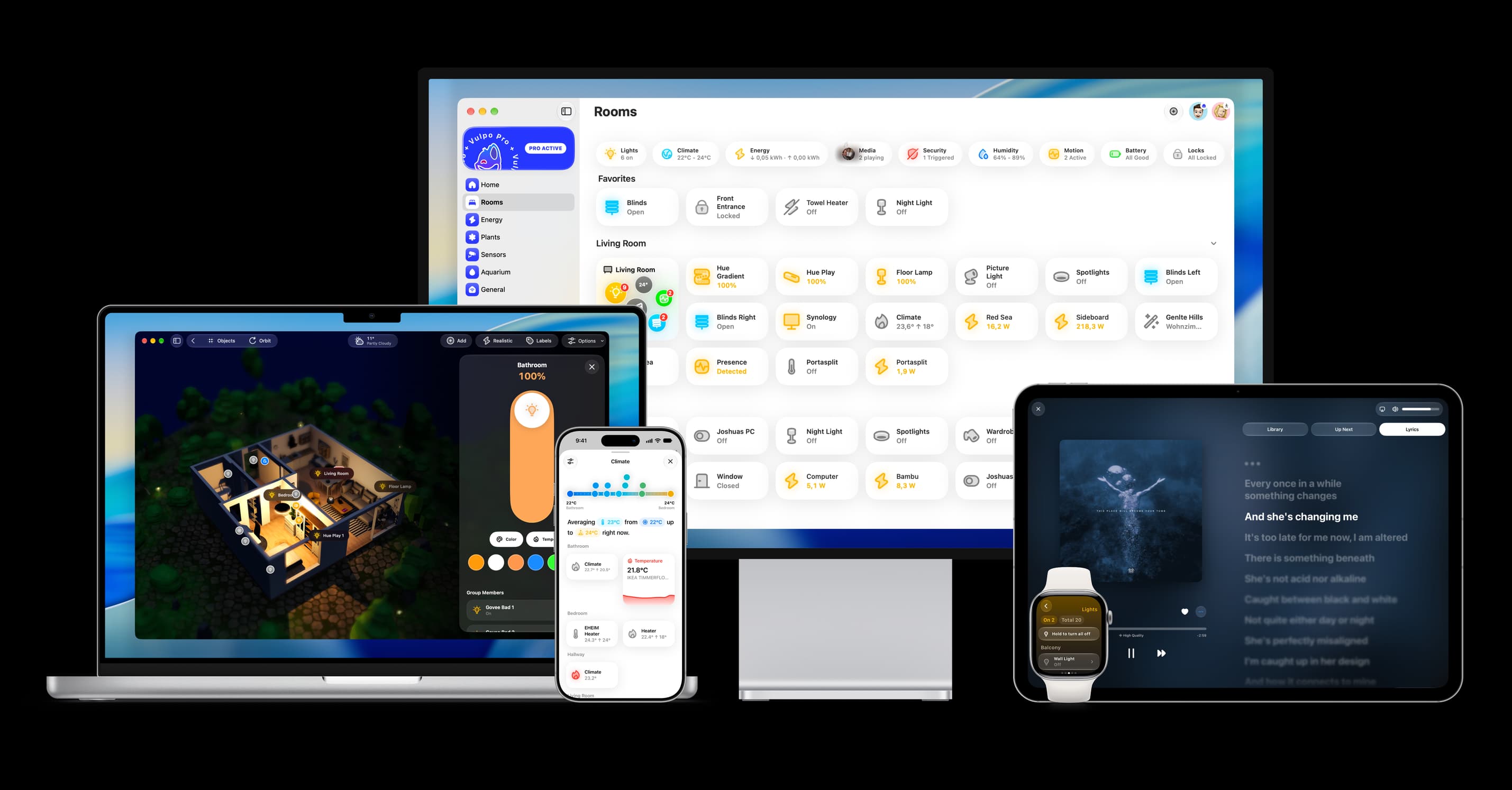
- Free to download
- iPhone, iPad, Mac and Apple Watch
- 40+ native card types
- Connects to your own Home Assistant