
Movement
wbyoung
On Home Assistant 2026.11 or newer? Open it in the Marketplace
- Installs
- 78 sharing analytics
- GitHub stars
- 11
- Connection
- Works locally
- Upkeep
- Updated in the last 6 months
- Version
- v0.1.2,
- Category
- Vehicles and transport, Public transport
- Kind
- Marketplace integration
- Needs
- Needs the Marketplace (HACS on 2026.10 and older)
- Domain
movement- Issues
- Report an issue
Independent directory, made by the developer of Vulpo. Not affiliated with Home Assistant or the Open Home Foundation.
Screenshots From the README of wbyoung/movement.
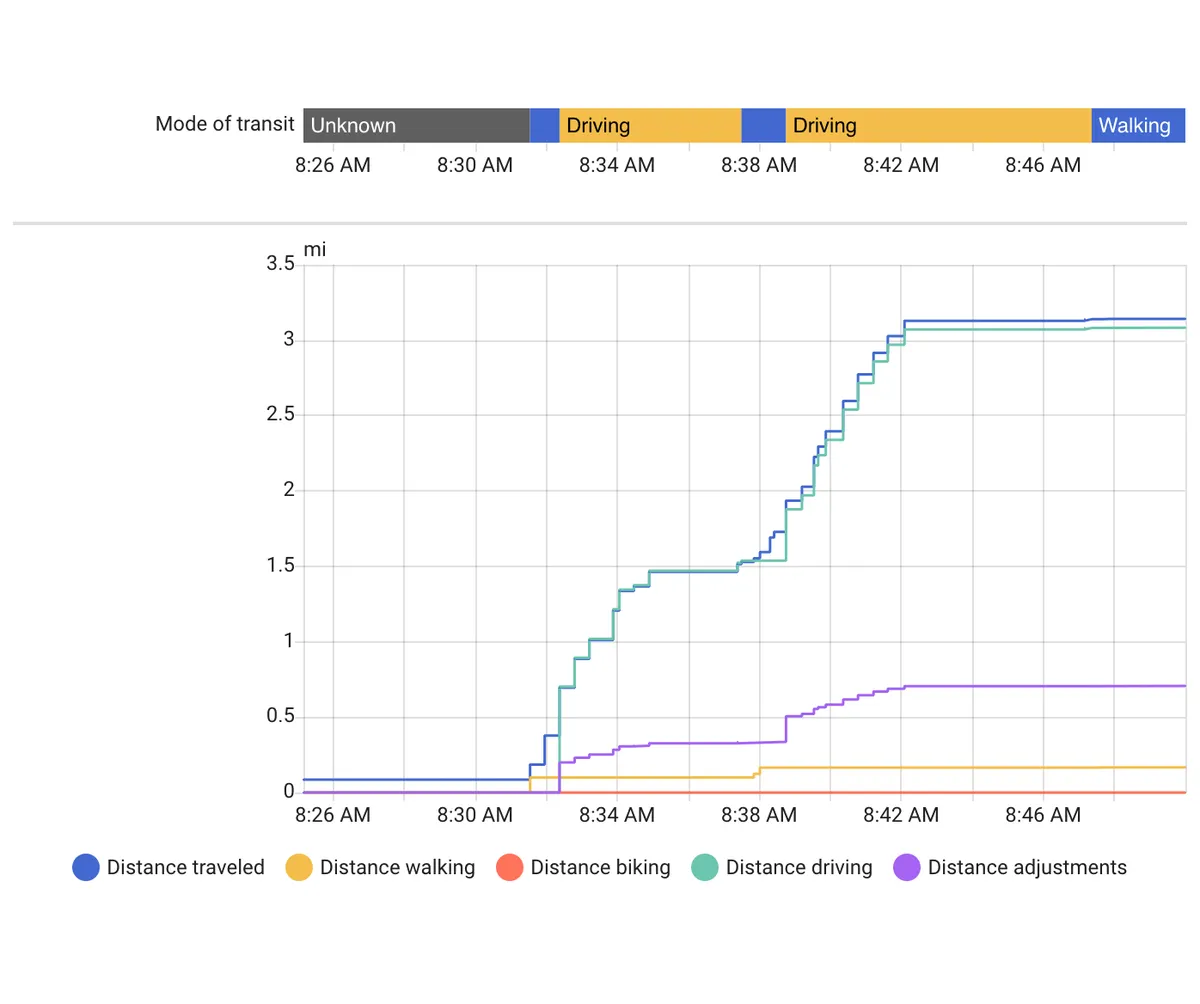
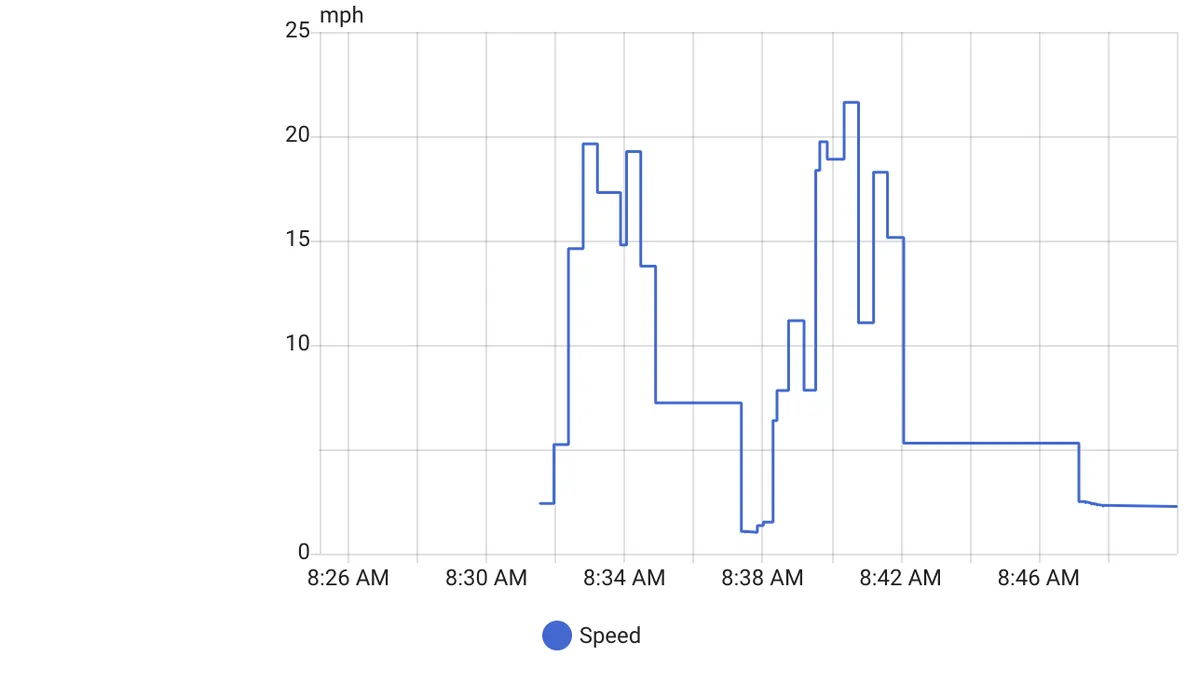
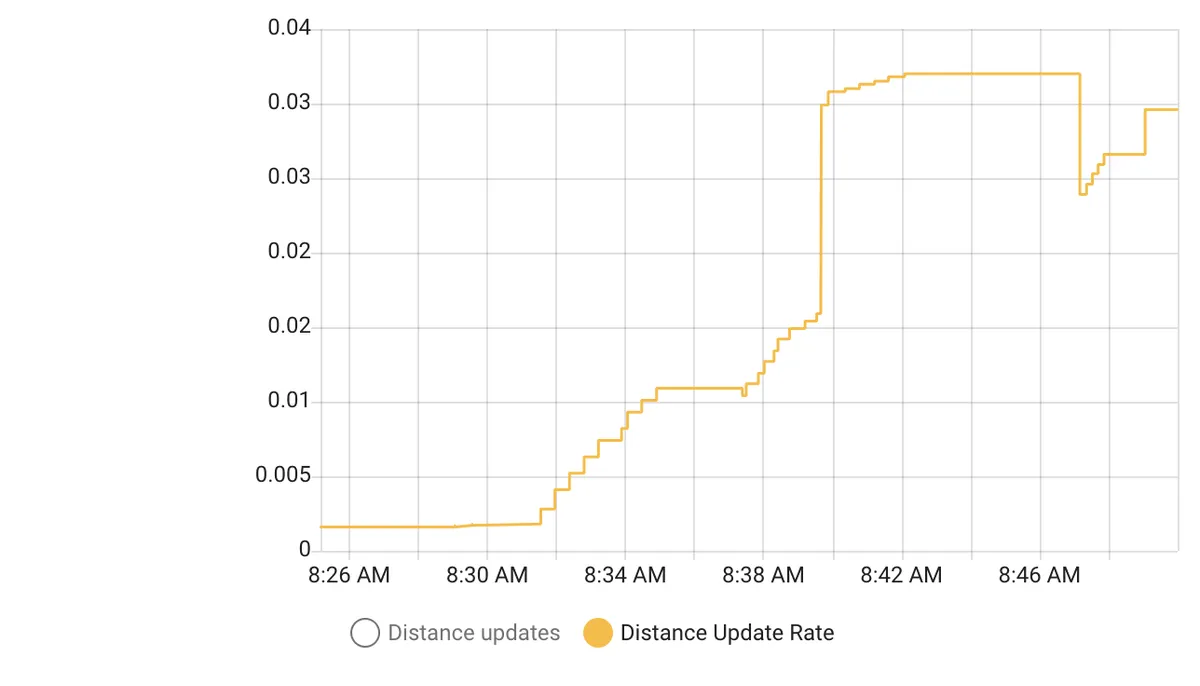
About
Movement tracks how far a person or device travels each day and estimates the mode of transit. It builds on a device tracker or person entity and adds sensors for distance traveled, walking, biking and driving distance, speed, GPS accuracy, mode of transit, distance adjustments and distance updates. An optional distance can be added to the start of each driving trip, and driving multipliers scale the driving distance for different road types such as highway, local and neighborhood speeds. An action allows distance to be added manually to the sensors of a configuration. Sensors reset at the start of each new day, and accuracy depends on how often the device reports GPS data to Home Assistant. It works locally and is set up in the UI after installing through the Marketplace.
Automatic summary of the README and code of wbyoung/movement. Something wrong, or are you the maintainer and want your own text here? Get in touch
Supports
Works locally Talks to your devices on your own network. No vendor cloud in between.
From the Marketplace Installed through the Marketplace, formerly HACS.
Actively maintained Its author released or pushed a change in the last six months.
Provides
- Sensors
Setting it up
Install it from the Marketplace and restart Home Assistant, then add it under Settings, Devices and services.
Movement
- Device or Person to track
- Distance to add to the start of each driving trip
- Highway drivingDriving around 80 km/hr or faster.
- Local drivingDriving around 25 km/hr to 80 km/hr.
- Neighborhood drivingDriving around 25 km/hr or slower.
After setup
- Device or Person to track
- Distance to add to the start of each driving trip
- Dependent template entitiesSee the documentation for details.
- Highway drivingDriving around 80 km/hr or faster.
- Local drivingDriving around 25 km/hr to 80 km/hr.
- Neighborhood drivingDriving around 25 km/hr or slower.
Texts from the code of wbyoung/movement.
Entities
- SensorsDistance adjustments, Distance biking, Distance driving, Distance traveled, Distance updates, Distance walking, GPS accuracy, Mode of transit, Speed
Actions
- Add distanceAdd distance manually to the set of sensors for a Movement configuration.Fields: Adjustments, Config entry, Distance, Mode of transit
Troubleshooting
- DiagnosticsDownloads a diagnostics file to attach to a bug report.
- Repair noticesNotices it can show in Settings, Repairs:Dependent template entity has been removed
From the README
This integration does its best to try to determine both how far and with what mode of transit you are traveling throughout the day. It builds off of the device tracker integration and assumes you carry a device with you as you travel.
Because it is based on the frequency with which your device sends GPS information back to Home Assistant, all of the gotchas that apply to location updating from the Companion Apps will affect its ability to provide accurate data.

Shows in Vulpo
Chart card, Apple Watch.Information
- Installs
- 78 sharing analytics
- GitHub stars
- 11
- Connection
- Works locally
- Upkeep
- Updated in the last 6 months
- Version
- v0.1.2,
- Category
- Vehicles and transport, Public transport
- Kind
- Marketplace integration
- Needs
- Needs the Marketplace (HACS on 2026.10 and older)
- Domain
movement- Issues
- Report an issue
You might also like



 Kia Uvo / Hyundai Bluelink6.3k installs · A Home Assistant HACS integration that supports Kia Connect(Uvo…Open
 Tesla Custom Integration4.4k installs · Tesla custom integration for Home Assistant. This requires a re…Open