
Marketplace integration
StromGedacht
On Home Assistant 2026.10 or older? Open it in HACS
- Installs
- 50 sharing analytics
- GitHub stars
- 4
- Connection
- Uses the vendor's cloud
- Upkeep
- Updated in the last 6 months
- Version
- v2.1.2,
- Kind
- Marketplace integration
- Needs
- Needs the Marketplace (HACS on 2026.10 and older)
- Domain
stromgedacht- Issues
- Report an issue


Independent directory, made by the developer of Vulpo. Not affiliated with Home Assistant or the Open Home Foundation.
Screenshots From the README of V4n1X/ha_stromgedacht.
About
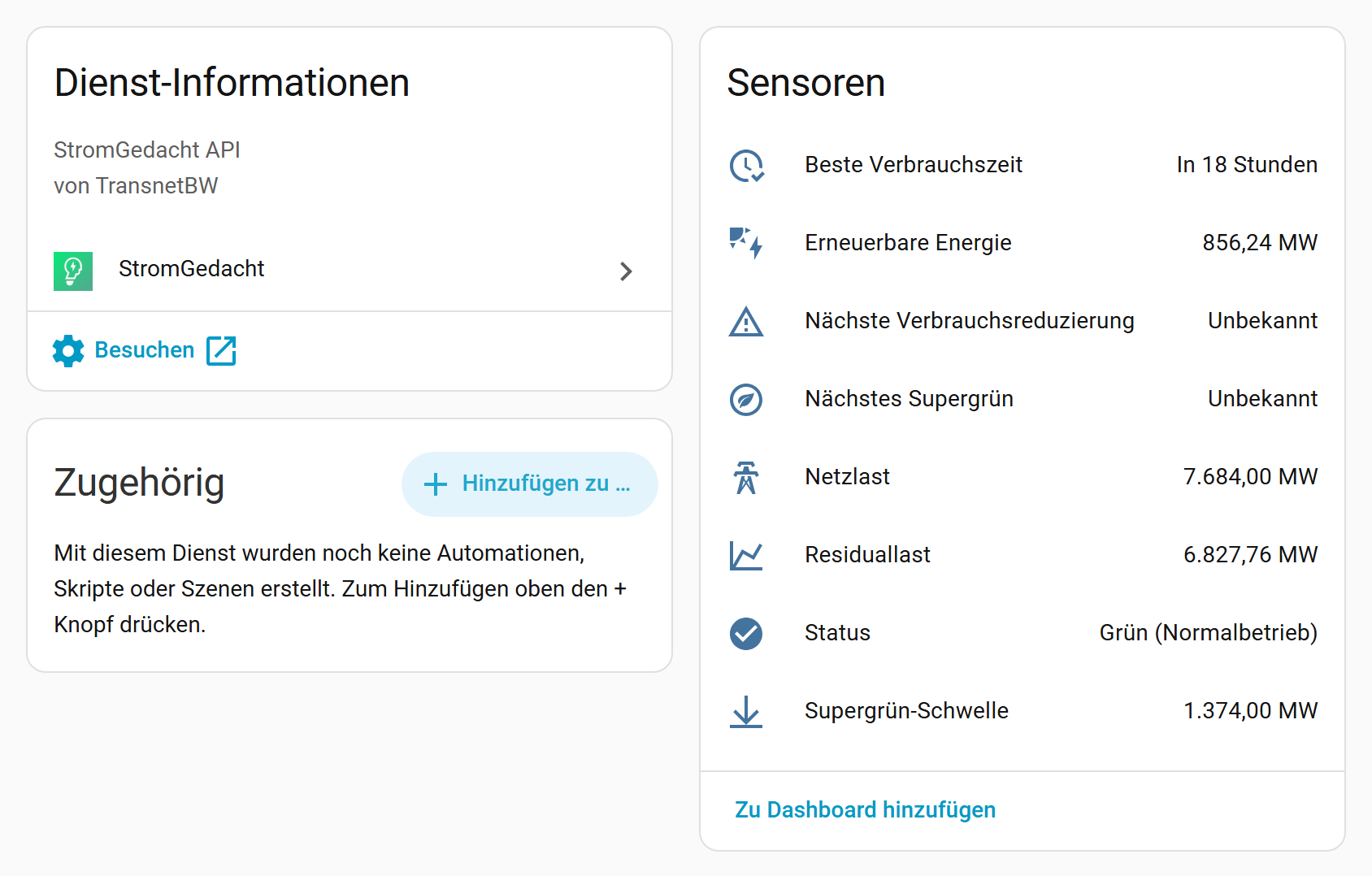
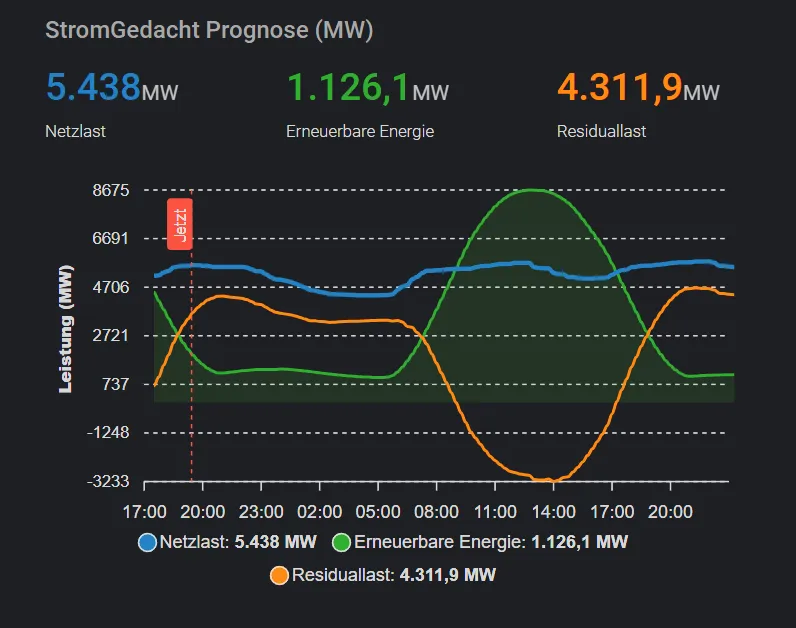
StromGedacht is an integration that shows the TransnetBW grid traffic light for a German zip code in Home Assistant. It adds sensors for the current grid status (Super Green, Green, Orange or Red), grid load, renewable energy, residual load and the super green threshold. Further sensors give the start of the next super green period, the next reduce consumption period and the best consumption time, which is the slot with the lowest residual load in the forecast. Device triggers start automations when the grid status becomes Super Green, Green, Orange or Red. Settings cover the zip code, the update interval and an option to show only the color as status text. Data comes from the vendor's cloud, and setup is done in the UI.
Automatic summary of the README and code of V4n1X/ha_stromgedacht. Something wrong, or are you the maintainer and want your own text here? Get in touch

Shows in Vulpo
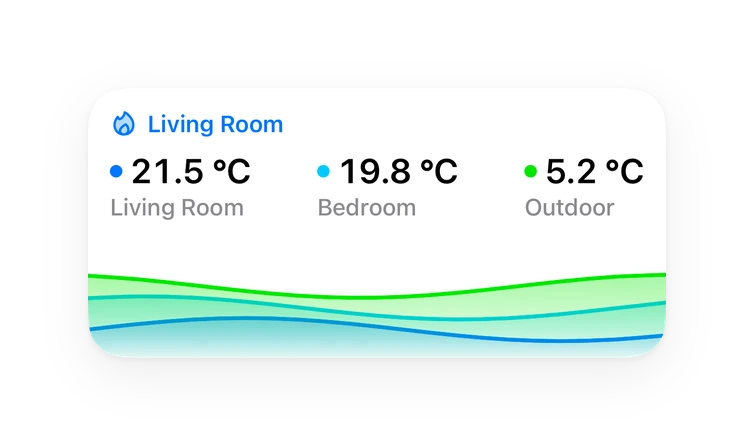
Chart card, Apple Watch.Installs over time
#1,616 of 1,626 Marketplace integrations, down 1 place in 30 days. Installs sharing analytics.
Supports
- Uses the vendor's cloudNeeds an internet connection and an account with the vendor.
- Device triggersIts devices can start automations directly.
- From the MarketplaceInstalled through the Marketplace, formerly HACS.
- Actively maintainedIts author released or pushed a change in the last six months.
Provides
- Sensors
Setting it up
Install it from the Marketplace and restart Home Assistant, then add it under Settings, Devices and services.
Set up StromGedacht
- Zip CodeGerman zip code (5 digits) within the TransnetBW grid area, e.g. 70173.
- Update Interval (minutes)How often the data is fetched from the API (minimum 5 minutes).
- Short status text (only color)Show only the color as status text (e.g. "Green") instead of the full description.
After setup
- Update Interval (minutes)How often the data is fetched from the API (minimum 5 minutes).
- Short status text (only color)Show only the color as status text (e.g. "Green") instead of the full description.
Texts from the code of V4n1X/ha_stromgedacht.
Entities
- SensorsStatus, Renewable Energy, Grid Load, Residual Load, Super Green Threshold, Next Super Green, Next Reduce Consumption, Best Consumption Time
From the README
This custom integration brings StromGedacht, the grid traffic light of the transmission system operator TransnetBW, into Home Assistant. It shows the current and upcoming state of the power grid in Baden-Württemberg (Germany) and helps you to shift your consumption to times with a lot of renewable energy and away from times when the grid is under pressure.
- Grid traffic light: Current state of the grid (Super Green / Green / Orange / Red) for your zip code.
- Look ahead: Upcoming states of the next 48 hours, plus the start of the next super green and the next reduce consumption period.
- Best time to consume: The time with the lowest residual load (highest share of renewables) in the forecast.
- Forecast data: Grid load, renewable energy, residual load and the super green threshold in MW, including the forecast series for charts.
- Automation triggers: Device triggers like "Grid status becomes Super Green" and timestamp sensors usable as time triggers.
- Setup via UI: No YAML needed, German and English translations.
Information
- Installs
- 50 sharing analytics
- GitHub stars
- 4
- Connection
- Uses the vendor's cloud
- Upkeep
- Updated in the last 6 months
- Version
- v2.1.2,
- Kind
- Marketplace integration
- Needs
- Needs the Marketplace (HACS on 2026.10 and older)
- Domain
stromgedacht- Issues
- Report an issue
You might also like

 Alexa Media Player31.1k installs · This is a custom component to allow control of Amazon Alexa de…Open


 Waste Collection Schedule27.7k installs · Home Assistant integration framework for (garbage collection) …Open



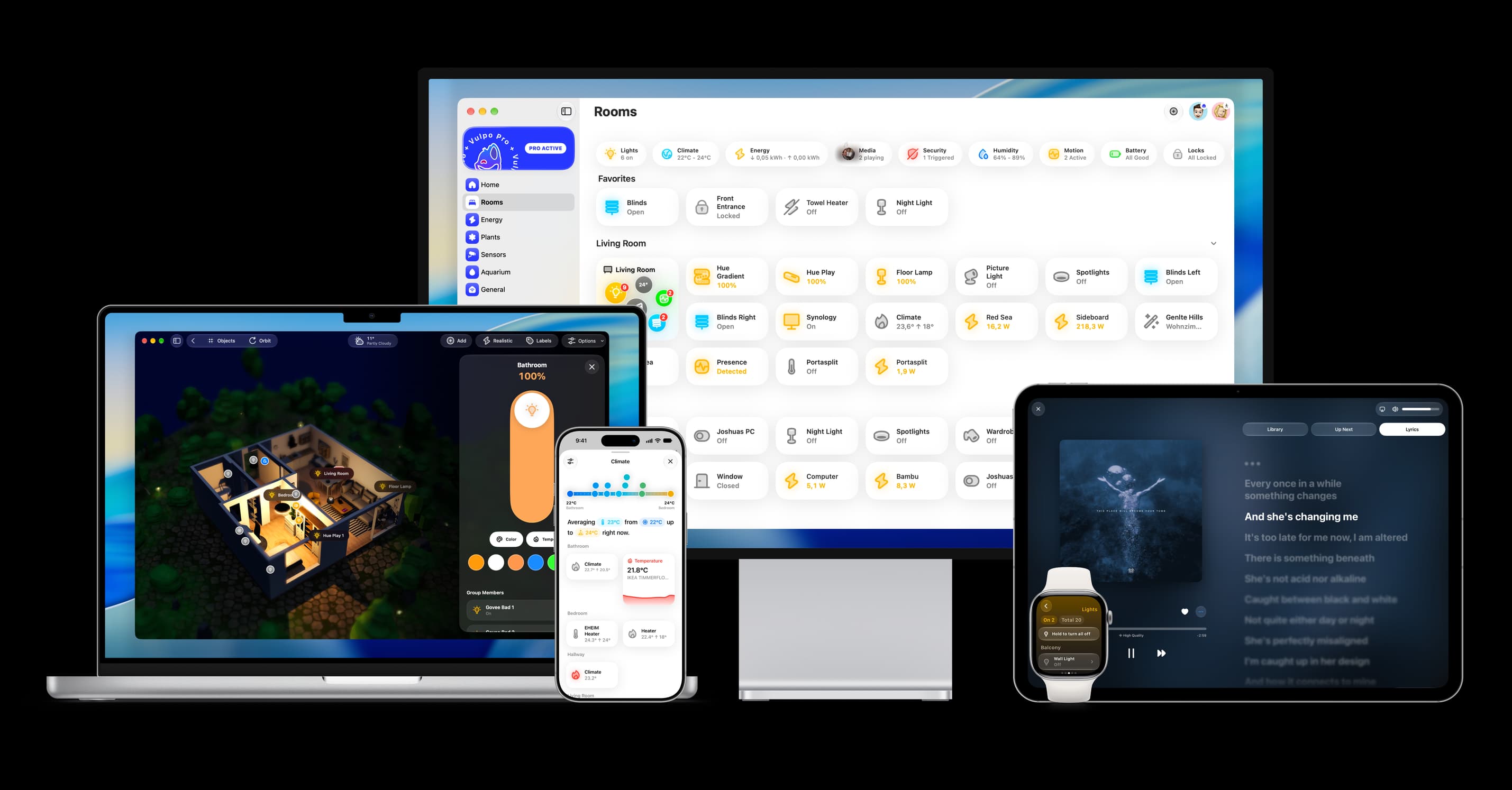
Try it with your own Home Assistant.
- Free to download
- iPhone, iPad, Mac and Apple Watch
- 40+ native card types
- Connects to your own Home Assistant