
On Home Assistant 2026.10 or older? Open it in HACS
- Installs
- 51 sharing analytics
- GitHub stars
- 11
- Connection
- Uses the vendor's cloud
- Upkeep
- Updated in the last 6 months
- Version
- 0.6.5,
- Category
- Finance
- Kind
- Marketplace integration
- Needs
- Needs the Marketplace (HACS on 2026.10 and older)
- Domain
bagwatch- Issues
- Report an issue


Independent directory, made by the developer of Vulpo. Not affiliated with Home Assistant or the Open Home Foundation.
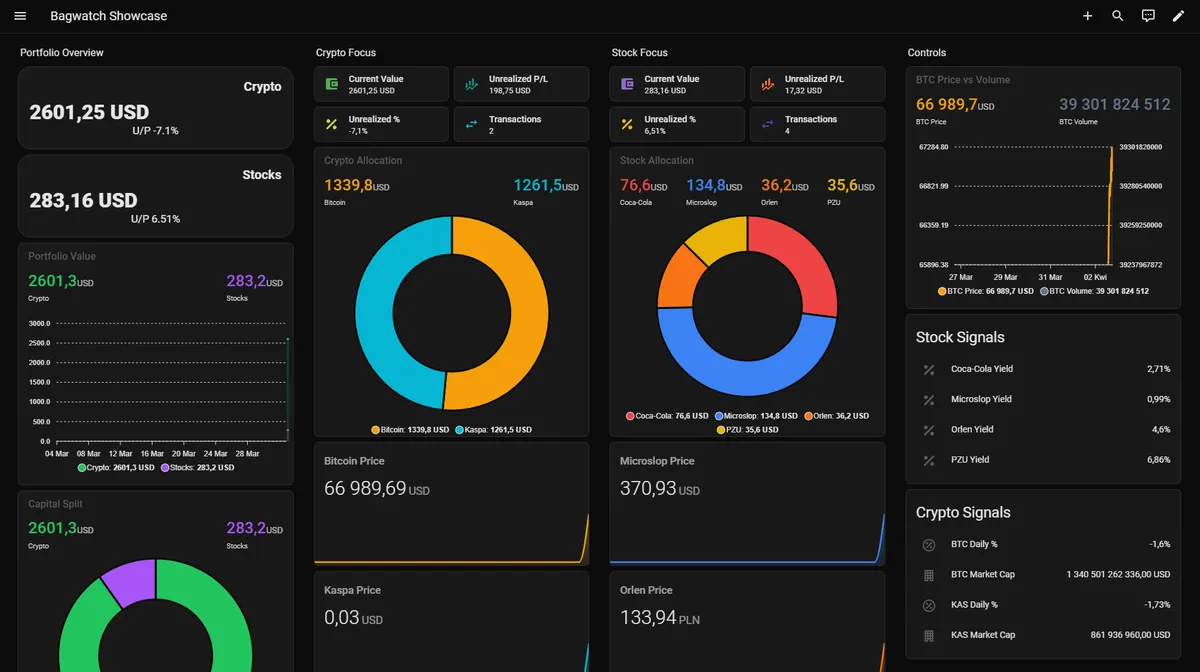
Screenshots From the README of SmolinskiP/ha-bagwatch.
About
Bagwatch is a Home Assistant integration for tracking stocks, ETFs and crypto portfolios from buy and sell transactions. It calculates open quantity, average cost, open cost basis, and unrealized and realized gain or loss from the transaction history. Portfolio-level sensors cover current value, gain percentages, open positions and transaction counts, and each tracked asset gets its own device with sensors and a delete position action. Yahoo Finance or Twelve Data can serve as the primary market data provider, and CoinGecko can optionally be used first for crypto prices with fallback to the primary provider. Yahoo Finance quotes also update in pre-market and after-hours sessions, and a base currency and refresh interval can be chosen. It relies on the vendor's cloud and is set up in the UI.
Automatic summary of the README and code of SmolinskiP/ha-bagwatch. Something wrong, or are you the maintainer and want your own text here? Get in touch

Shows in Vulpo
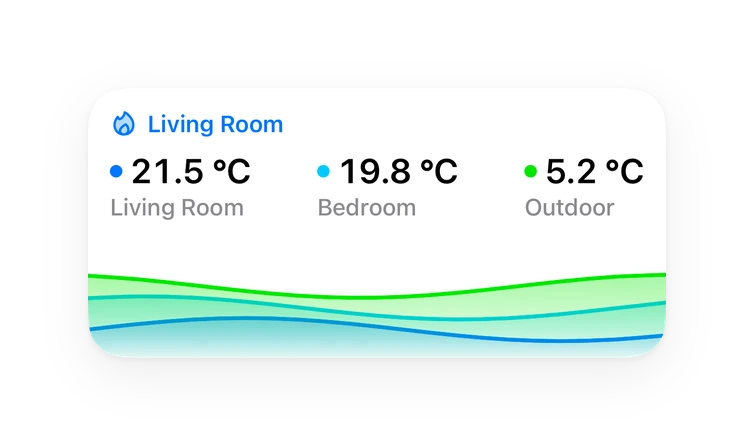
Button card, Chart card, Apple Watch.Installs over time
#1,594 of 1,626 Marketplace integrations. Installs sharing analytics.
Supports
- Uses the vendor's cloudNeeds an internet connection and an account with the vendor.
- From the MarketplaceInstalled through the Marketplace, formerly HACS.
- Actively maintainedIts author released or pushed a change in the last six months.
Provides
- Sensors
Setting it up
Install it from the Marketplace and restart Home Assistant, then add it under Settings, Devices and services.
Configure Bagwatch
- Portfolio name
- Primary market data provider
- Twelve Data API key (required only for Twelve Data)
- Crypto price strategy
- CoinGecko API key (optional)
- Base currency
- Refresh interval (seconds)
Also asked when changing the connection.
After setup
- Portfolio name
- Primary market data provider
- Twelve Data API key (required only for Twelve Data)
- Crypto price strategy
- CoinGecko API key (optional)
- Base currency
- Refresh interval (seconds)
Texts from the code of SmolinskiP/ha-bagwatch.
From the README
Bagwatch is a Home Assistant integration for tracking stocks, ETFs, and crypto without turning your setup into a spreadsheet graveyard.
It gives you portfolio stats, per-asset entities, transaction-based tracking, and clean data you can drop straight into dashboards, cards, automations, and statistics views.
- Transaction-based tracking - Add buy and sell transactions instead of manually recalculating positions
- Portfolio-level statistics - Current value, open cost basis, unrealized P/L, realized P/L, open positions count, transaction count
- Per-asset entities - Each tracked asset gets its own device and sensors inside Home Assistant
- Stocks, ETFs, and crypto - One integration for the assets most people actually care about
- Delete Position action - Remove a tracked asset cleanly from the device view
- Base currency support - Keep portfolio stats in the currency you actually want to see
- Multi-provider setup - Use Yahoo Finance or Twelve Data as the primary market data provider
- Pre- and post-market Yahoo quotes - When Yahoo Finance is the provider, stock prices keep updating in extended hours, not only during the cash session
- Optional CoinGecko crypto routing - Keep crypto on the primary provider or use CoinGecko first with fallback to the selected primary provider
- Dashboard-ready sensors - Built to work nicely with cards, charts, statistics, and automations
- Home Assistant-native setup - Config flow, options flow, devices, entities, and HACS-friendly structure
Information
- Installs
- 51 sharing analytics
- GitHub stars
- 11
- Connection
- Uses the vendor's cloud
- Upkeep
- Updated in the last 6 months
- Version
- 0.6.5,
- Category
- Finance
- Kind
- Marketplace integration
- Needs
- Needs the Marketplace (HACS on 2026.10 and older)
- Domain
bagwatch- Issues
- Report an issue
You might also like










Try it with your own Home Assistant.
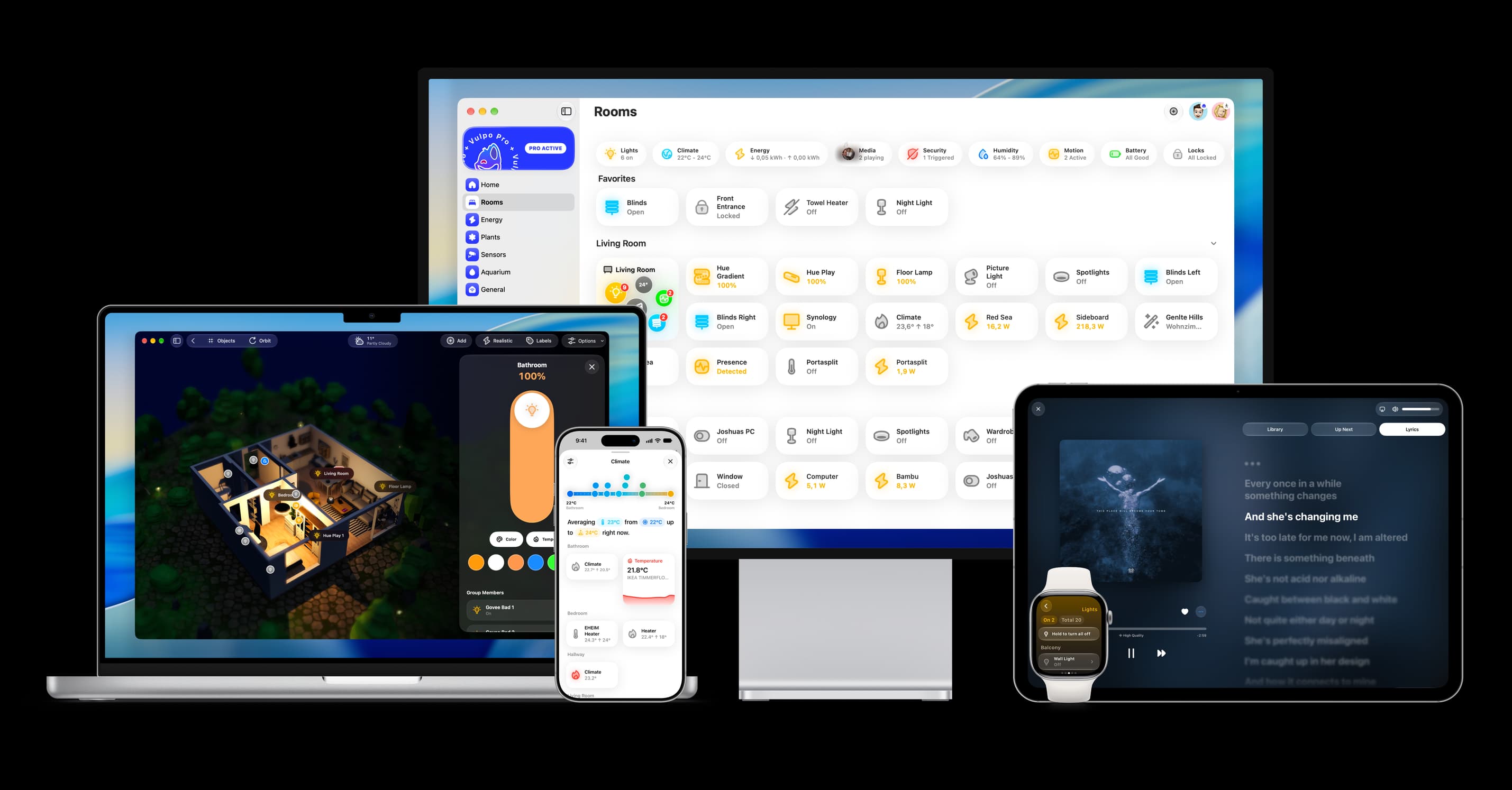
- Free to download
- iPhone, iPad, Mac and Apple Watch
- 40+ native card types
- Connects to your own Home Assistant