On Home Assistant 2026.10 or older? Open it in HACS
- Installs
- 54 sharing analytics
- GitHub stars
- 26
- Connection
- Works locally
- Upkeep
- Updated in the last 6 months
- Version
- v26.11.25,
- Kind
- Marketplace integration
- Needs
- Needs the Marketplace (HACS on 2026.10 and older)
- Domain
casora- Issues
- Report an issue
Independent directory, made by the developer of Vulpo. Not affiliated with Home Assistant or the Open Home Foundation.
Screenshots From the README of SH1FT-W/casora.
About
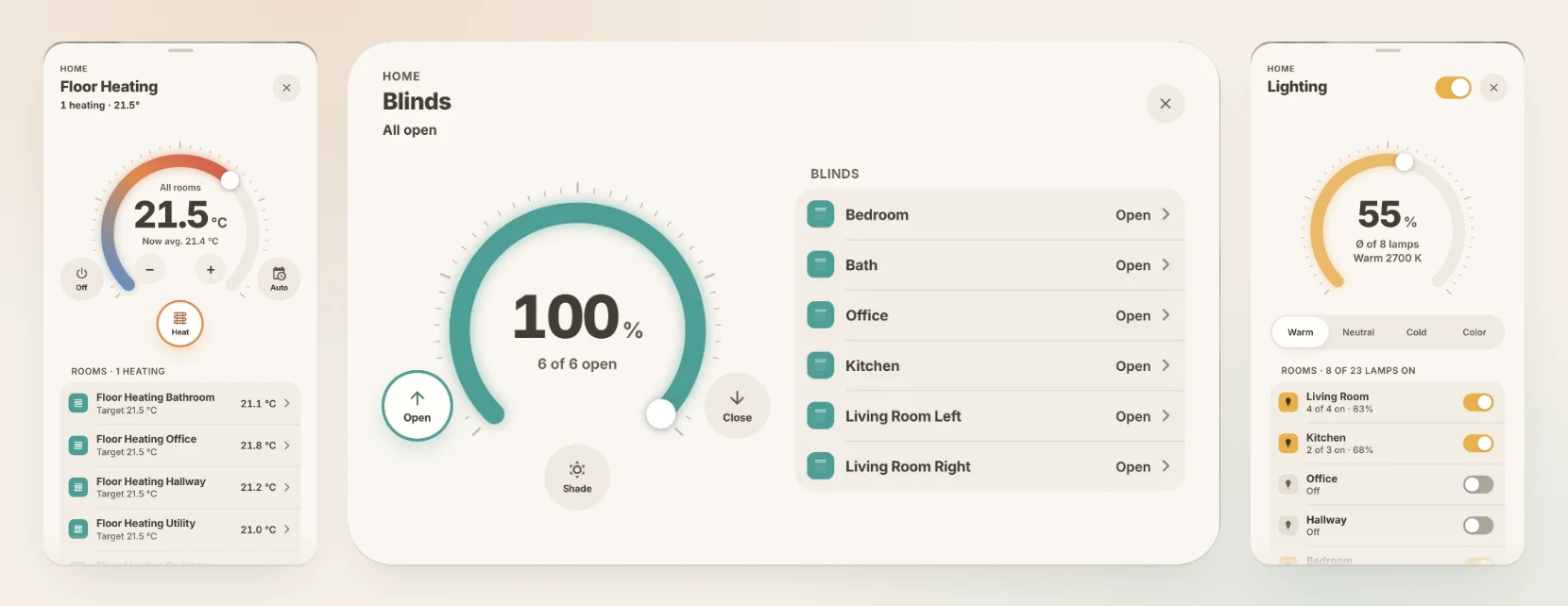
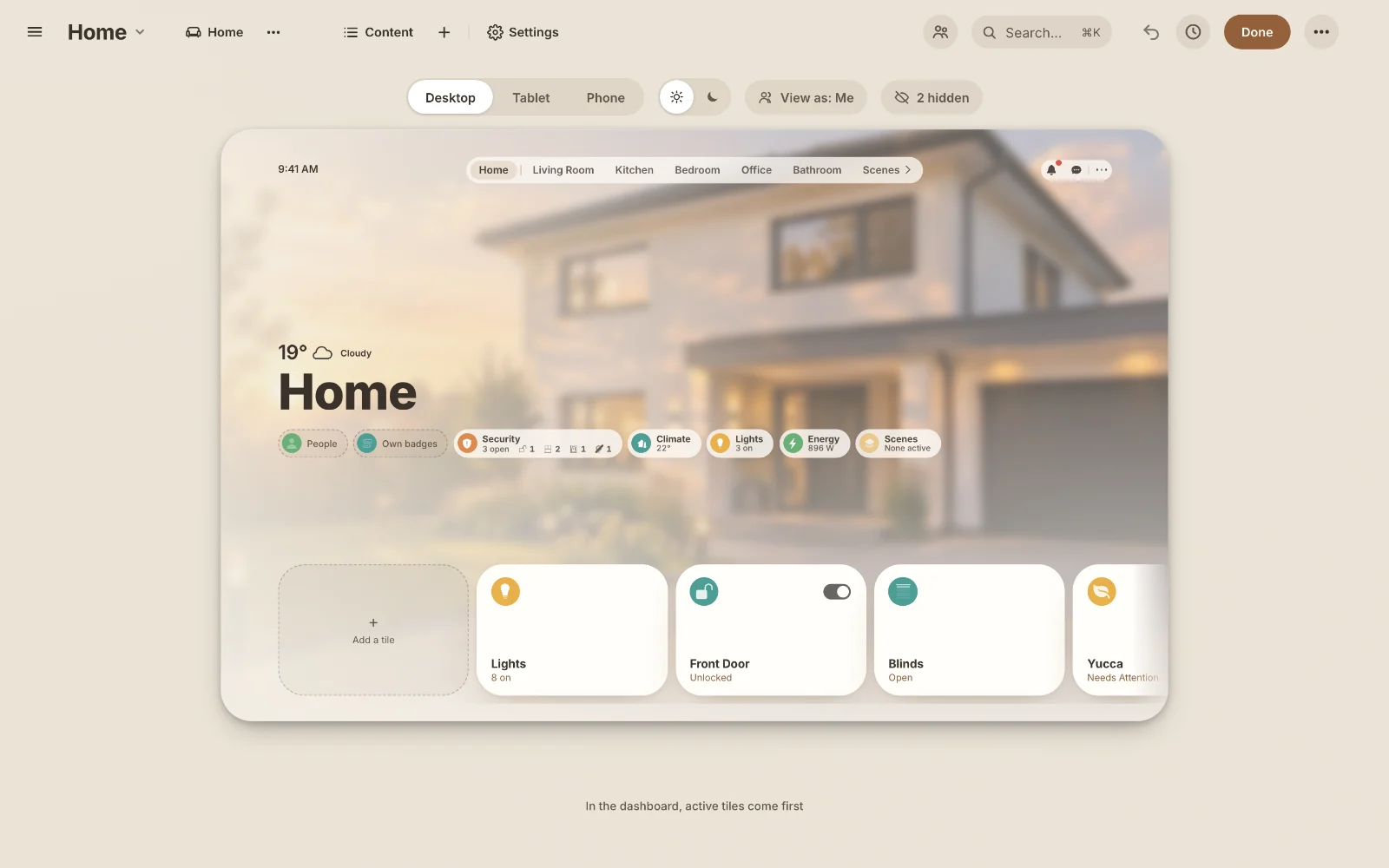
Casora is a room-by-room dashboard integration for Home Assistant that comes with its own visual editor, Casora Studio. It reads the device registry, places each device in its room and builds separate layouts for desktop, wall tablet and phone. Studio is used in the sidebar to change rooms, tiles, badges and popups with a live preview, and dashboards can be exported and imported. It adds sensors, binary sensors and update entities, plus actions for timers, a smart light toggle and a thermostat control popup. Optional AI features, which need an AI task in Home Assistant, cover weekly energy, heating and ventilation reviews, camera and plant assessments, a recipe of the week and checks of update release notes. It works locally, is set up in the UI, and builds on the UI eXtension and button-card cards from the Marketplace.
Automatic summary of the README and code of SH1FT-W/casora. Something wrong, or are you the maintainer and want your own text here? Get in touch

Shows in Vulpo
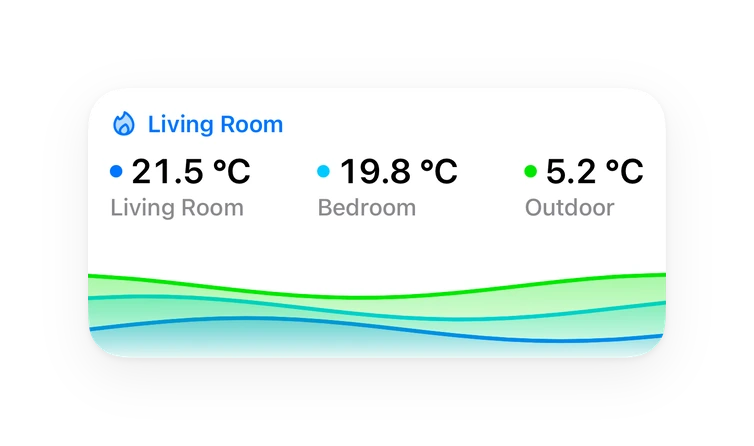
Chart card, Apple Watch.Supports
- Works locallyTalks to your devices on your own network. No vendor cloud in between.
- From the MarketplaceInstalled through the Marketplace, formerly HACS.
- Actively maintainedIts author released or pushed a change in the last six months.
Provides
- Sensors
Setting it up
Install it from the Marketplace and restart Home Assistant, then add it under Settings, Devices and services.
After setup
- AI for coaches, cameras and plants
- AI with web search (update check, recipe)
- Outdoor temperature
- Outdoor humidity
- Electricity price
- Notes for the AIAdded to every review, e.g. “The bedroom window is tilted on purpose.”
- Shopping list for the ingredients (recipe of the week)
- Energy coach automaticallyAutomatic: Sundays at 18:00. Custom time e.g. “sun 18:00” (mon to sun).
- Heating coach automaticallyAutomatic: Mondays at 07:00, heating season only.
- Ventilation coach automaticallyAutomatic: Saturdays at 10:00.
- Recipe of the week automaticallyAutomatic: Mondays at 06:00.
- Update checkDaily: once a day. Off: no AI assessment in the updates popup.
- Send ventilation push to“Ventilate now” (7–22 h) and “Close window” (7–23 h) after 10 min, CO₂ above 2500 ppm right away. Empty = no push notifications.
- Only notify when at home“Ventilate now” only when one of these people is home. Empty = anyone.
- Notify about new Casora versionsOne push per new version to the selected phones. Tapping it opens Casora's updates. Empty = off.
Texts from the code of SH1FT-W/casora.
Entities
- Binary sensorsCasora Ventilation hint, Casora Solar tip
- SensorsCasora Media paused, Casora Ventilation, Casora Energy coach, Casora Heating coach, Casora Ventilation coach, Casora Recipe of the week, Casora Camera AI, Casora Plant AI, Casora Update AI analysis, Casora Aquarium AI, Casora E-bike AI, Casora Timers
Actions
- Energy coachReviews last week's energy dashboard data with AI.
- Heating coachReviews last week's heating time and temperatures with AI.
- Heating season only
- Ventilation coachReviews last week's humidity, CO₂ and window openings with AI.
- Describe camera imageLets the AI describe the current camera image.
- Entity
- Plant doctorCare tip for a plant from 7 days of readings.
- Plant
- Aquarium doctorAI assessment of an aquarium from 7 days of temperature, equipment, light and leak sensor.
- Temperature sensor
- Name
- Equipment
- Light
- Leak sensor
- Bike checkAI assessment of the e-bike: service, wear by mileage and battery care.
- Entities
- Name
- Check update with AIChecks release notes of pending updates against this system.
- Entity
- Confirm AI checkUnlocks “Update” after reading the warning.
- Entity
- New recipe ideaLets the AI suggest a recipe of the week.
- Ingredients to shopping listAdds the recipe's ingredients to the shopping list.
- Switch to Casora namesConverts older dashboards to Casora names (with backup).
- Only count, change nothing
- Set upCreates missing Casora helpers and scripts (runs automatically at startup) and reports anything it could not create.
- Setup overviewRead only: rooms, devices without an area and devices not on any Casora tile yet, each with a suggested tile type. For your own assistant, for example through an MCP server.
- Propose a layoutChecks a proposed layout (which device goes on a tile in which area, with tile name and type) and answers with a preview. Changes no dashboard: the Casora Studio shows the suggestion, you check it, add the tiles and save. For your own assistant, for example through an MCP server.
- Dashboard
- Rooms
- Set timerTurns an entity off or on after a number of minutes. Replaces an existing timer for the same entity. When the timer ends, Casora fires the event casora_timer_finished (entity_id, action, reason: expired, manual or cancelled). Can respond with entity_id, at and start.
- Entity
- Minutes
- Action
- Cancel timerRemoves the timer of an entity (event casora_timer_finished with reason cancelled).
- Entity
- Generate with AILike AI task: generate data, but without a chosen AI it falls back to the first AI task. Used by Casora's AI flows.
- Task name
- Instructions
- AI task
- Structure
- Attachments
- Smart light toggleToggles a light or light group. When turning off, Casora remembers which lamps were on and turns exactly those back on.
- Light
- Toggle thermostat controlsOpens the temperature controls of a thermostat tile, closes them on a second tap, or switches to another tile.
- Tile
Troubleshooting
- Repair noticesNotices it can show in Settings, Repairs:Casora kept some old scripts
From the README
Website Install Set up Using it Studio Changelog
A calm, photo-backed dashboard for Home Assistant that sets itself up. Casora reads your device registry, puts every device into its room and builds a layout each for desktop, wall tablet and phone. You shape the rest in Casora Studio, a visual editor in the sidebar. No YAML.
Information
- Installs
- 54 sharing analytics
- GitHub stars
- 26
- Connection
- Works locally
- Upkeep
- Updated in the last 6 months
- Version
- v26.11.25,
- Kind
- Marketplace integration
- Needs
- Needs the Marketplace (HACS on 2026.10 and older)
- Domain
casora- Issues
- Report an issue