

Akuvox SmartPlus
nimroddolev
On Home Assistant 2026.11 or newer? Open it in the Marketplace
- Installs
- 93 sharing analytics
- GitHub stars
- 37
- Connection
- Uses the vendor's cloud
- Upkeep
- Updated in the last 6 months
- Version
- v0.1.1,
- Category
- Security and safety, Doorbells and intercoms
- Kind
- Marketplace integration
- Needs
- Needs the Marketplace (HACS on 2026.10 and older)
- Domain
akuvox- Issues
- Report an issue
Independent directory, made by the developer of Vulpo. Not affiliated with Home Assistant or the Open Home Foundation.
Screenshots From the README of nimroddolev/akuvox.
About
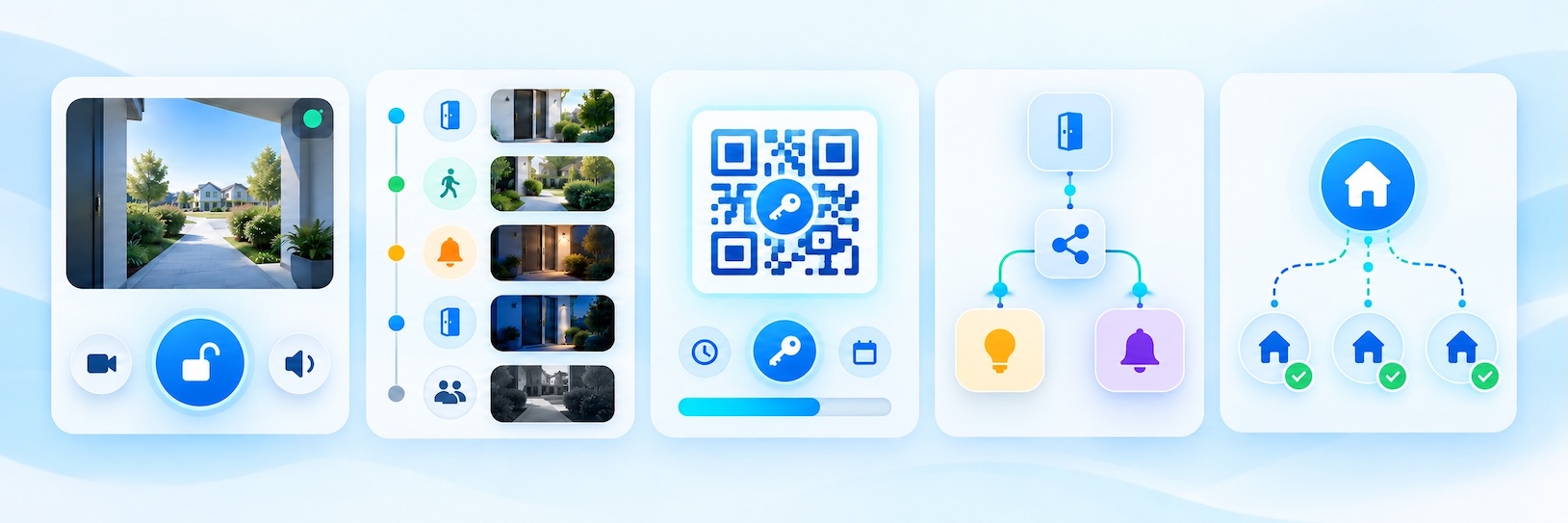
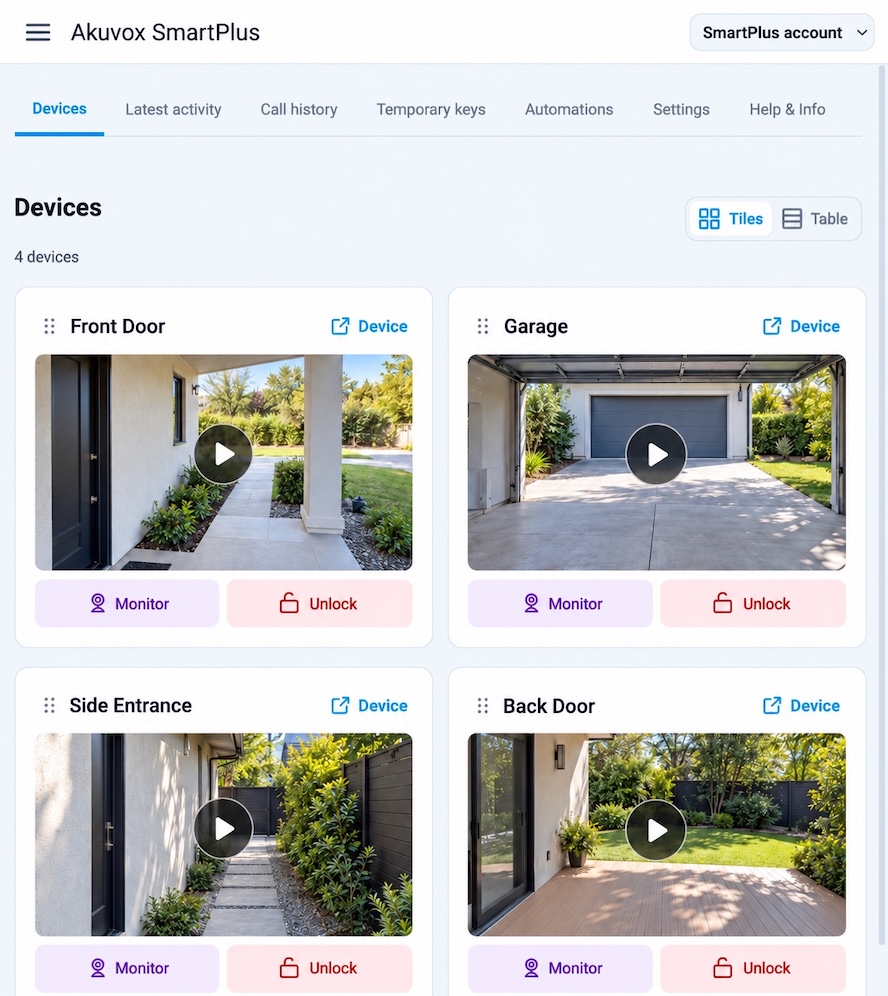
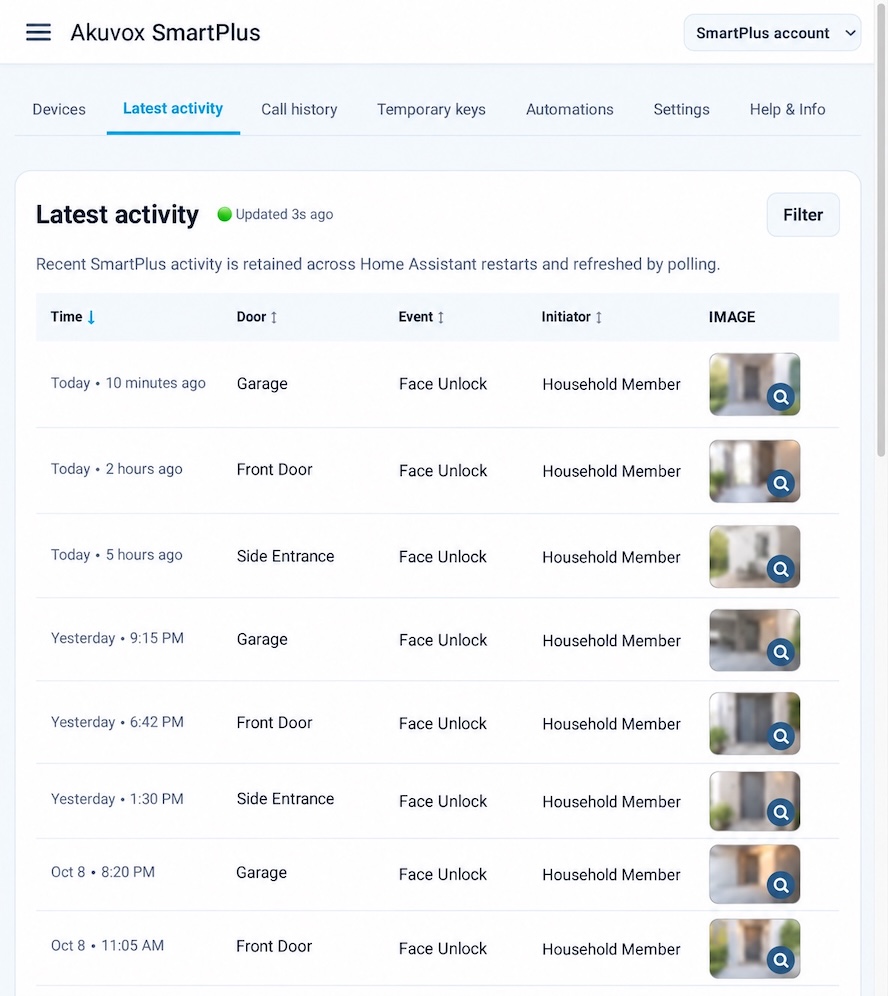
Akuvox SmartPlus connects a SmartPlus account to Home Assistant for door cameras, door relay buttons and temporary keys. It adds buttons, cameras, events and sensors, and its devices offer a Door opened trigger for automations. An administrator-only sidebar panel covers devices, recent door activity, call history, temporary key management, an automations wizard and settings. An account can also be shared with another Home Assistant instance through a revocable pairing link, so the receiver never gets the username or password. Sign-in works with email and password, SMS code, or a pairing link, and it is done in the UI. It relies on the vendor's cloud and a private API that may change, and it is an unofficial community project.
Automatic summary of the README and code of nimroddolev/akuvox. Something wrong, or are you the maintainer and want your own text here? Get in touch
Supports
Uses the vendor's cloud Needs an internet connection and an account with the vendor.
Device triggers Its devices can start automations directly.
From the Marketplace Installed through the Marketplace, formerly HACS.
Actively maintained Its author released or pushed a change in the last six months.
Provides
- Cameras
- Sensors
Setting it up
Install it from the Marketplace and restart Home Assistant, then add it under Settings, Devices and services.
SMS Verification
- Country
- Phone Number (without the country code)
- Manually set the regional API subdomain
Email and password sign-in
- Email address or username
- Password
- Regional API server
Also asked when signing in again.
Email code verification
- Verification code
Also asked when signing in again.
SMS Code Verification
- SMS CodeIt may take up to 60 seconds to receive the SMS.
Use credentials from another Home Assistant
- Pairing link
Re-authenticate Akuvox SmartPlus
- SMS Code
After setup
- The country registered in your Akuvox SmartPlus account
- Manually set the regional API subdomain
- Create a 10-minute pairing link for this receiver
- Revoke a pairing link created by this Home Assistant
Texts from the code of nimroddolev/akuvox.
From the README
Bring your Akuvox SmartPlus account into Home Assistant to view door cameras, unlock relays, review activity, and build automations around door events.
This is an unofficial community integration that uses SmartPlus's private cloud API. Akuvox or SmartPlus may change that API or its authentication without notice.

Shows in Vulpo
Camera card, Button card, Chart card, Apple Watch.Information
- Installs
- 93 sharing analytics
- GitHub stars
- 37
- Connection
- Uses the vendor's cloud
- Upkeep
- Updated in the last 6 months
- Version
- v0.1.1,
- Category
- Security and safety, Doorbells and intercoms
- Kind
- Marketplace integration
- Needs
- Needs the Marketplace (HACS on 2026.10 and older)
- Domain
akuvox- Issues
- Report an issue











