

Vestaboard
natekspencer
On Home Assistant 2026.11 or newer? Open it in the Marketplace
- Installs
- 89 sharing analytics
- GitHub stars
- 35
- Connection
- Works locally
- Upkeep
- Updated in the last 6 months
- Version
- 1.9.0,
- Kind
- Marketplace integration
- Needs
- Needs the Marketplace (HACS on 2026.10 and older)
- Domain
vestaboard- Issues
- Report an issue
Independent directory, made by the developer of Vulpo. Not affiliated with Home Assistant or the Open Home Foundation.
Screenshots From the README of natekspencer/ha-vestaboard.
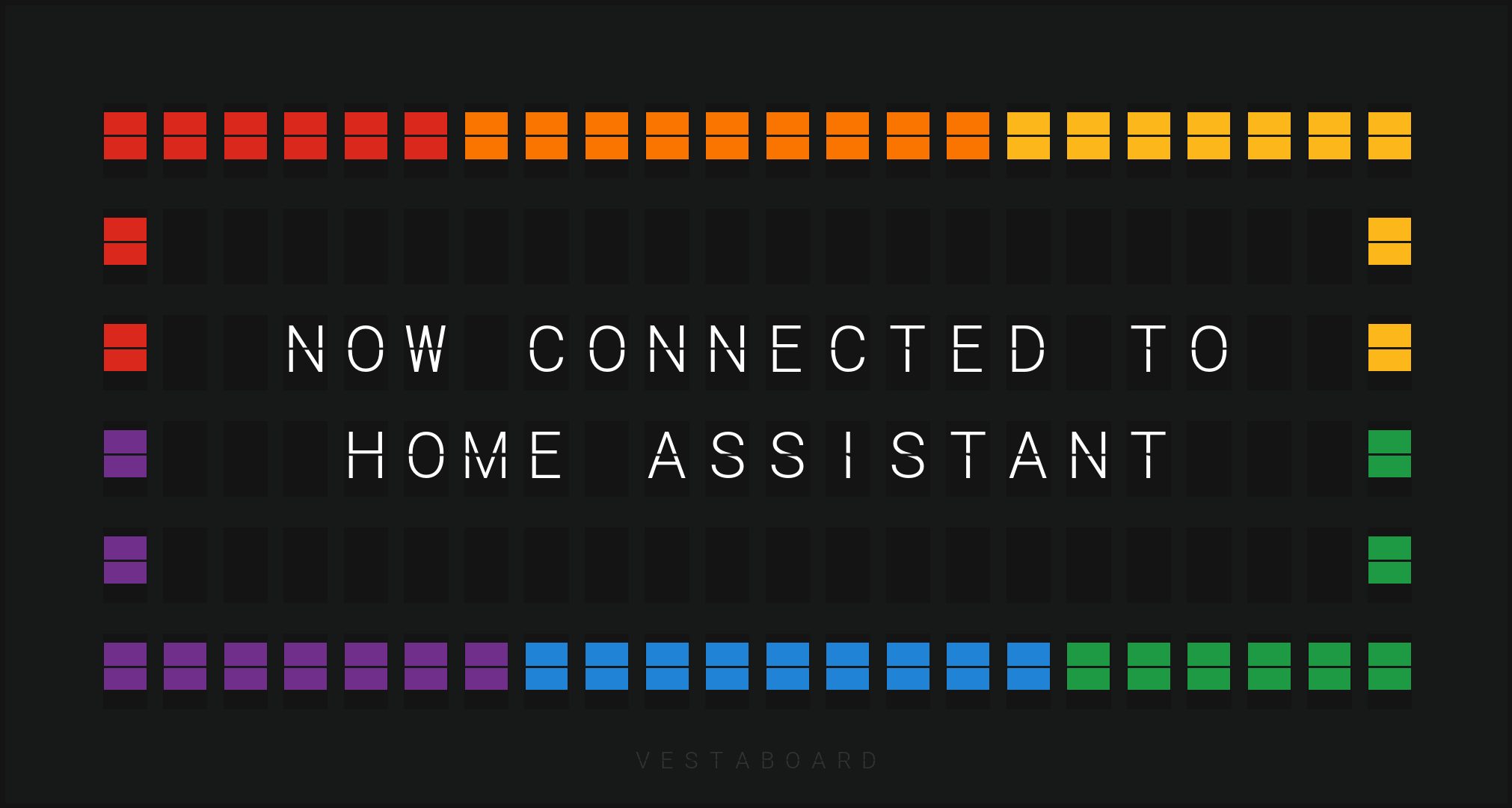
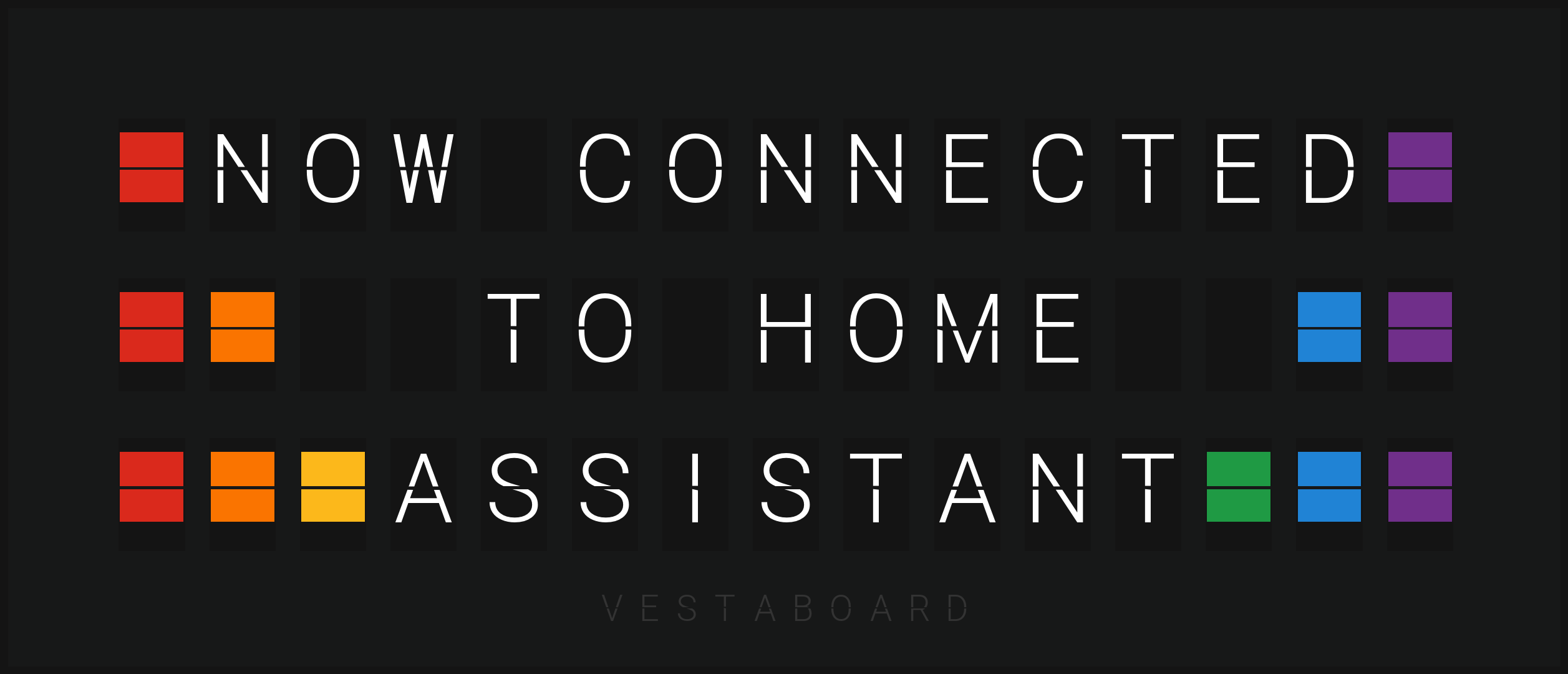
About
Vestaboard is a Home Assistant integration for controlling Vestaboard Flagship and Vestaboard Note messaging displays. It talks to physical boards over their Local API, which needs an enablement token requested from Vestaboard, and it can find boards on the network by itself. Virtual Vestaboards let messages and automations be tried without hardware, and several Notes can be combined into one array that acts as a larger board. It adds a send message action, plus entities for temporary messages, the current message, and quiet hours with start and end times. Options cover the board color, the frame, and the animation style, step size and interval used when a new message appears. Setup is done in the UI.
Automatic summary of the README and code of natekspencer/ha-vestaboard. Something wrong, or are you the maintainer and want your own text here? Get in touch
Supports
Works locally Talks to your devices on your own network. No vendor cloud in between.
Found by itself Home Assistant spots it on the network and offers to add it.
From the Marketplace Installed through the Marketplace, formerly HACS.
Actively maintained Its author released or pushed a change in the last six months.
Provides
- Switches
- Sensors
Setting it up
Install it from the Marketplace and restart Home Assistant, then add it under Settings, Devices and services.
Enter the API key
- API Key
- The API key provided is an enablement token and should be used to request a new API key from the board. If you have already performed this step in the past, here or elsewhere, it is strongly encouraged that you use the existing API key. Otherwise, any attempt to read or write with old API keys will fail.
Also asked when signing in again.
Choose a device
- Host
- API Key
- The API key provided is an enablement token and should be used to request a new API key from the board. If you have already performed this step in the past, here or elsewhere, it is strongly encouraged that you use the existing API key. Otherwise, any attempt to read or write with old API keys will fail.
Create a virtual Vestaboard
- Name
- Model
Choose your Vestaboard's look
- Color
- Heart in place of degree signNewer Vestaboard Flagships have a ❤️ on the bit that older ones show as °. Turn this on if yours does.
- Show frameDraw the image with the Vestaboard's frame and logo. When off, only the bits are drawn, edge to edge.
A Vestaboard Note array
- Name
- ArrangementHow the Notes are physically arranged. You'll choose which Note goes in each position next.
- Show each Note's name on it while arrangingEach available Note shows its name until you finish or close this setup, then goes back to what it was showing.
Arrange Notes
- Vestaboard Note
Change the connection
- HostUpdate the IP address or hostname if your Vestaboard has connected on a different network interface and its address has changed.
After setup
- Select your Vestaboard color to change the image that is generated
- Heart in place of degree signNewer Vestaboard Flagships have a ❤️ on the bit that older ones show as °. Turn this on if yours does, so the image and message match your board.
- Show frameDraw the image with the Vestaboard's frame and logo. When off, only the bits are drawn, edge to edge. For arrays, this draws a separate frame around each Note.
- Transition strategyAnimation style when a new message is sent.
- Step sizeNumber of columns/rows/bits to animate at the same time. Leave blank to animate one at a time.
- Step intervalDelay between starting each animation step. Leave blank for immediate sequential activation.
Texts from the code of natekspencer/ha-vestaboard.
Entities
- Binary sensorsTemporary message
- ButtonsClear temporary message
- SensorsTemporary message expiration, Message
- SwitchesQuiet hours
- TimesQuiet hours start, Quiet hours end
Actions
- Send messageSend a message to a Vestaboard.
Troubleshooting
- Repair noticesNotices it can show in Settings, Repairs:Is missing a Vestaboard, Has a disabled Vestaboard
From the README
Home Assistant integration for Vestaboard messaging displays.

Shows in Vulpo
Quick Toggle card, Button card, Chart card, Apple Watch, Control Center.Information
- Installs
- 89 sharing analytics
- GitHub stars
- 35
- Connection
- Works locally
- Upkeep
- Updated in the last 6 months
- Version
- 1.9.0,
- Kind
- Marketplace integration
- Needs
- Needs the Marketplace (HACS on 2026.10 and older)
- Domain
vestaboard- Issues
- Report an issue










