
Screenshots From the README of MortUK/Aferiy-PS240-Local-.
About
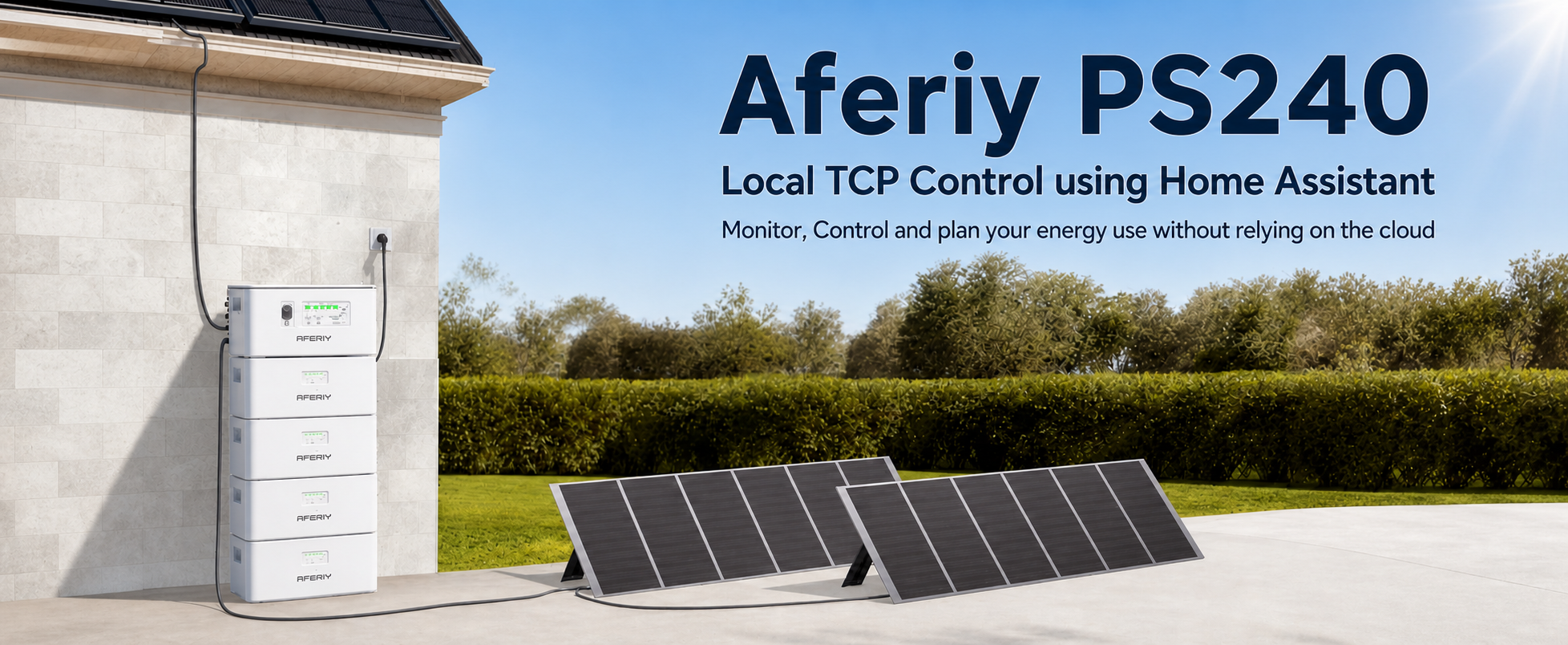
AFERIY PS240 (Local) is a custom integration that monitors and controls an AFERIY PS240 battery over a local TCP connection. It adds sensors for state of charge, power, solar input, charging, discharging and diagnostics, along with numbers, selects and times for charge and discharge limits, power targets and modes. Manual charge, discharge, idle and self-consumption controls are included, plus automatic overnight charging with smart or manual charge targets and an off-peak tariff preset. Optional estimate sensors can draw on solar forecast, tariff, occupancy and household demand data. With several PS240 units in one system, only the master unit is added, and the integration builds per-battery entities and a battery bank topology diagnostic from it. It is set up in the UI, can be found automatically on the network, and supports a diagnostics download.
Automatic summary of the README and code of MortUK/Aferiy-PS240-Local-. Something wrong, or are you the maintainer and want your own text here? Get in touch
Supports
Works locally Talks to your devices on your own network. No vendor cloud in between.
Found by itself Home Assistant spots it on the network and offers to add it.
From the Marketplace Installed through the Marketplace, formerly HACS.
Actively maintained Its author released or pushed a change in the last six months.
Provides
- Sensors
Setting it up
Install it from the Marketplace and restart Home Assistant, then add it under Settings, Devices and services.
Connect to AFERIY PS240 (Local)
- Master DeviceChoose the master/coordinator, or leave as manual and enter the IP below.
- IP AddressStatic local IP of your master/coordinator battery (e.g. 192.168.0.100)
- TCP PortTCP port the battery listens on (typically 8080)
- Device NameFriendly name shown in Home Assistant
Discovered AFERIY PS240 (Local)
- IP AddressUse the master/coordinator battery IP only. Executors should not be added separately.
- TCP PortTCP port from the device advert, typically 8080
- Device NameFriendly name shown in Home Assistant
After setup
- IP Address
- TCP Port
- Device Name
- Master DeviceChoose the master/coordinator, or leave as manual and enter the IP below. Executor units should not be selected.
- Advanced energy estimate sensorsAdds optional estimate sensors that can use solar forecast, tariff, occupancy, and household demand data. Leave disabled for the clean core battery integration.
- Polling intervalHow often to poll the battery locally, in seconds. Lower values update faster but create more traffic.
- Off-peak tariff presetDefaults to Intelligent Octopus Go. Named presets store their listed times automatically; choose custom to edit the times manually.
- Off-peak start timeStart of your cheap-rate charging window in 24-hour HH:MM format. Used only when the preset is custom.
- Off-peak end timeEnd of your cheap-rate charging window in 24-hour HH:MM format. Used only when the preset is custom.
- 1. Solcast installedTick once Solcast PV Forecast is installed. Used for timed solar forecasts and solar-aware estimates.
- 2. Home Occupancy enabledTick once home occupancy is enabled. Uses Home Assistant's zone.home occupancy count so empty-house periods do not train the normal demand profile.
Texts from the code of MortUK/Aferiy-PS240-Local-.
Troubleshooting
- DiagnosticsDownloads a diagnostics file to attach to a bug report.
From the README
Home Assistant custom integration for local TCP monitoring and control of an AFERIY PS240.
This is a cleaned-up, AFERIY-focused fork of the AECC local TCP integration. It keeps the original aecc_battery integration domain so existing entities, dashboards, and automations do not need to be renamed.
- Local TCP connection to the battery, usually on port 8080
- Battery state of charge, power, PV, charge, discharge, and diagnostic sensors
- Manual charge, discharge, idle, and self-consumption controls
- Experimental Feed mode with a passive Base Feed Power target
- Local-first automatic overnight charging with smart or manual SOC targets
- Charge and discharge SOC limits
- Charge power targets from 200 W to 1200 W, defaulting to 800 W on new installs
- Discharge power targets from 800 W to 1200 W for cautious PS240 testing
- PV surplus charge trigger for systems with unmanaged microinverters
- Physics-aware filtering for occasional invalid SOC/power readings
- Home Assistant diagnostics export support
- Custom AFERIY PS240 icon

Shows in Vulpo
Select card, Chart card, Apple Watch.Information
- Installs
- 84 sharing analytics
- GitHub stars
- 7
- Connection
- Works locally
- Upkeep
- Updated in the last 6 months
- Version
- v1.7.12,
- Kind
- Marketplace integration
- Needs
- Needs the Marketplace (HACS on 2026.10 and older)
- Domain
aecc_battery- Issues
- Report an issue










