
On Home Assistant 2026.10 or older? Open it in HACS
- Installs
- 82 sharing analytics
- GitHub stars
- 15
- Connection
- Uses the vendor's cloud
- Upkeep
- Updated in the last 6 months
- Version
- v0.6.4,
- Category
- Security and safety, Locks and access
- Kind
- Marketplace integration
- Needs
- Needs the Marketplace (HACS on 2026.10 and older)
- Domain
centsys_remote- Issues
- Report an issue
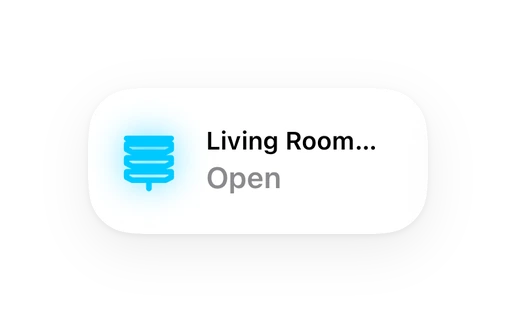
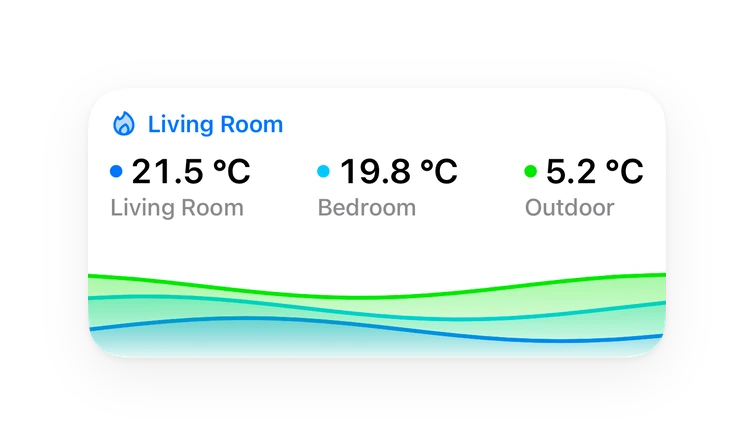
Shows in Vulpo Quick Toggle card, Cover card, Button card, Chart card, Apple Watch, Control Center.


Scan with your iPhone
DownloadIndependent directory, made by the developer of Vulpo. Not affiliated with Home Assistant or the Open Home Foundation.
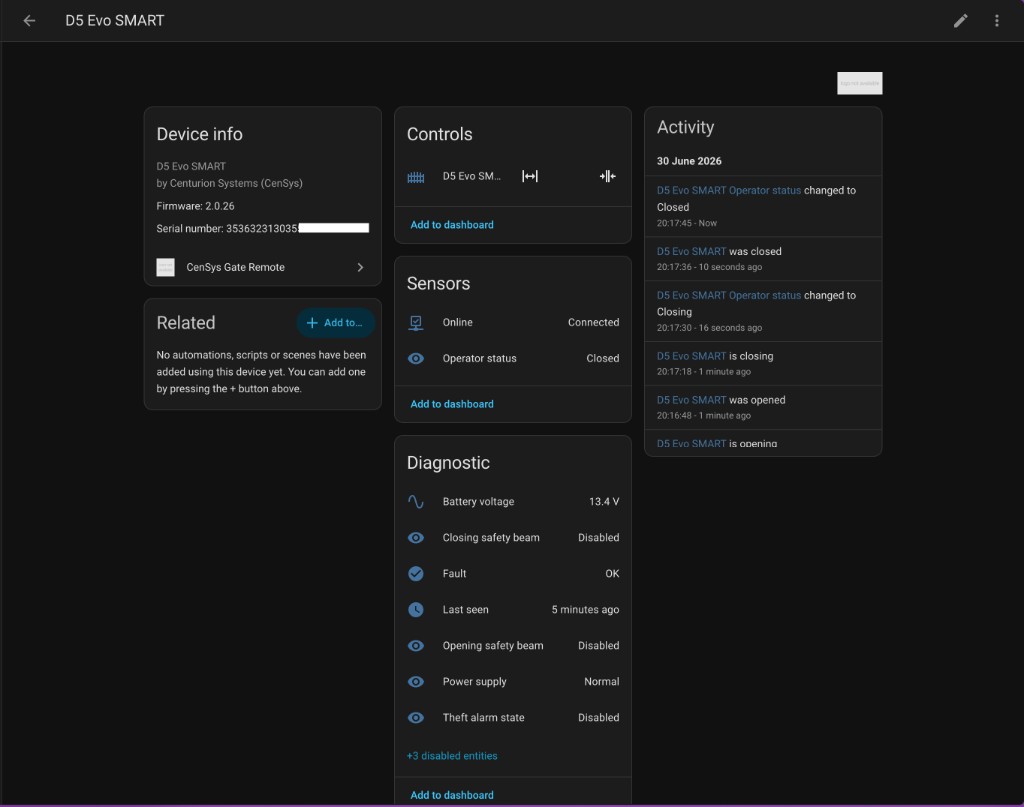
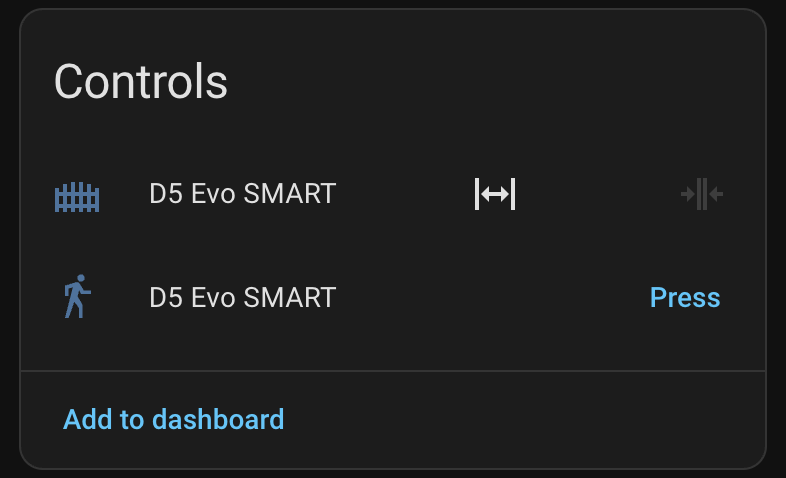
Screenshots From the README of Lex-campbell/centsys_remote.
About
Unofficial Home Assistant integration for CENTURION / CENTSYS SMART Wi-Fi gate motors (D5 Evo SMART, D10 SMART and others). Open, close and stop your gate, with battery, mains, safety beam and...
Description from Lex-campbell/centsys_remote

Shows in Vulpo
Quick Toggle card, Cover card, Button card, Chart card, Apple Watch, Control Center.Supports
- Uses the vendor's cloudNeeds an internet connection and an account with the vendor.
- From the MarketplaceInstalled through the Marketplace, formerly HACS.
- Actively maintainedIts author released or pushed a change in the last six months.
Provides
- Covers
- Switches
- Sensors
Setting it up
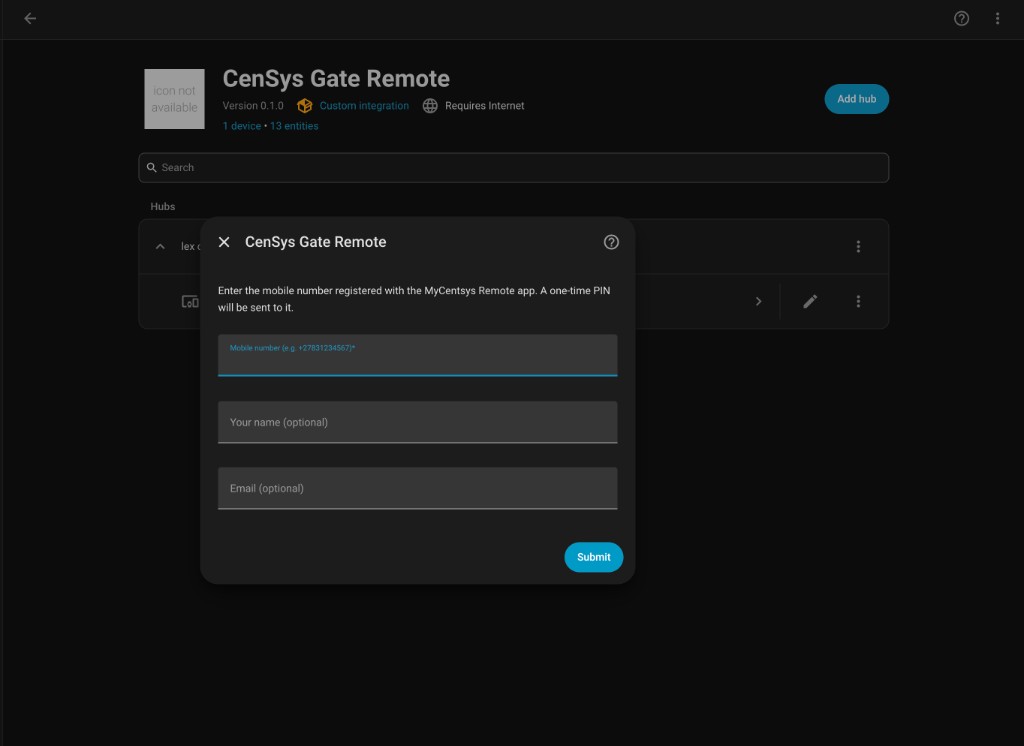
Install it from the Marketplace and restart Home Assistant, then add it under Settings, Devices and services.
Centsys Gate Remote
- Country
- Mobile number (e.g. 083 123 4567)
- Your name (optional)
- Email (optional)
- Datacentre
- Send the one-time PIN via
Enter the OTP
- One-time PIN
Also asked when signing in again and changing the connection.
Change datacentre
- Datacentre
- Send the one-time PIN via
After setup
- Enable live status
Texts from the code of Lex-campbell/centsys_remote.
Entities
- Binary sensorsOnline, Fault, Warranty void, Operator problem, Needs re-learn, Motor disconnected, Collision, Emergency stop, Battery service required, Safety beam fault, Tamper alarm armed
- ButtonsPedestrian, Refresh airtime
- SensorsOperator status, Theft alarm state, Power supply, Closing safety beam, Opening safety beam, Last seen, Product type, Product code, Wi-Fi signal, Battery voltage, Operator temperature, Voltage, and 8 more
- SwitchesHoliday lock, Keep open
Troubleshooting
- Repair noticesNotices it can show in Settings, Repairs:No gates linked to this number, Shared Wi-Fi gate is view-only
From the README
Control and monitor your Centurion gate operator directly from Home Assistant — open and close the gate, see live open/closed status, and track battery, mains power, safety beams and more. Works with SMART Wi-Fi operators (e.g. D5-Evo SMART+) and, experimentally, older GSM/ULTRA operators reached through a cellular module (see Supported devices).
Status: beta. This is an unofficial, community-built integration and is not affiliated with or endorsed by Centurion Systems. It talks to the same cloud service the official Centsys app uses. Use at your own risk; feedback is very welcome (see Giving feedback).
- Gate cover — open / close from the dashboard, automations, voice assistants, etc.
- Live status — the gate shows opening → open → closing → closed in real time as it moves. Turn on the optional Live status mode and it also catches the gate being operated outside Home Assistant — a…
- Auxiliary outputs (GSM/ULTRA) — extra operator IOs such as pedestrian, lock, garage or courtesy light appear as their own buttons (or switches for two-state outputs), mirroring the app's button list.
- Pedestrian open (SMART Wi-Fi) — sliding/swing gates get a Pedestrian button for a partial opening, matching the app.
- Rich diagnostics — battery voltage, mains/power supply status, safety-beam states, online/offline, fault and warranty flags, last-seen time, and Wi-Fi signal.
- Simple onboarding — sign in with your phone number and a one-time PIN (delivered via WhatsApp or SMS), exactly like the app.
Information
- Installs
- 82 sharing analytics
- GitHub stars
- 15
- Connection
- Uses the vendor's cloud
- Upkeep
- Updated in the last 6 months
- Version
- v0.6.4,
- Category
- Security and safety, Locks and access
- Kind
- Marketplace integration
- Needs
- Needs the Marketplace (HACS on 2026.10 and older)
- Domain
centsys_remote- Issues
- Report an issue
You might also like











Try it with your own Home Assistant.
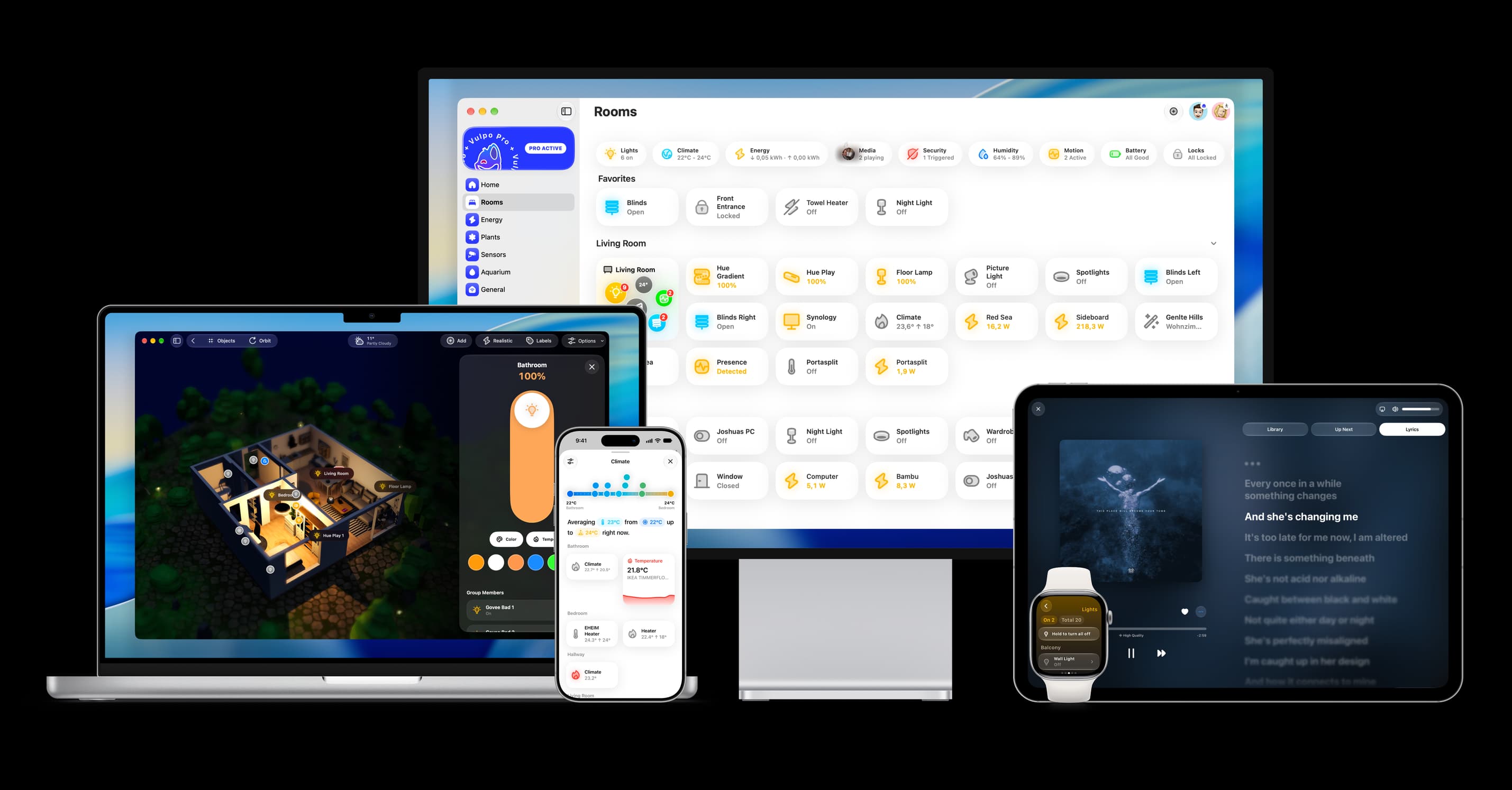
- Free to download
- iPhone, iPad, Mac and Apple Watch
- 40+ native card types
- Connects to your own Home Assistant