
Screenshots From the README of iKaew/hass-lifesmart-addon.

About
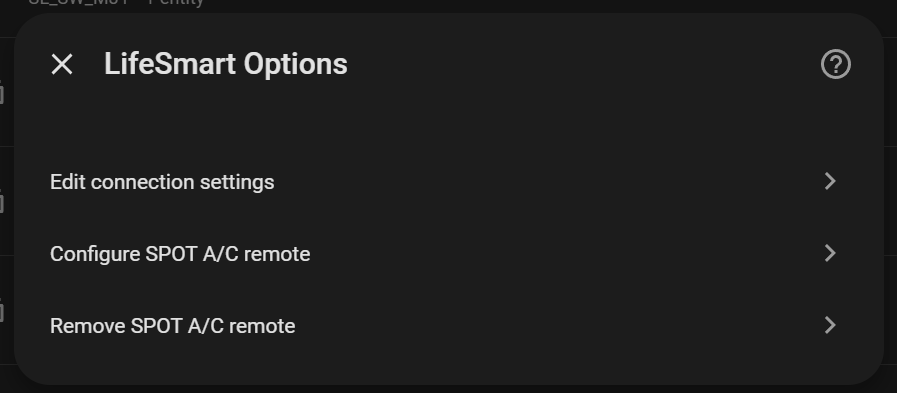
LifeSmart is a Marketplace integration that connects LifeSmart devices to Home Assistant through a local hub or the cloud. It can talk directly to a hub on the local network or use the LifeSmart Open Platform cloud API, and setup is done in the UI. Devices are discovered automatically and appear as binary sensors, buttons, climate, covers, lights, remotes, scenes, sensors and switches. Scenes stored on the hub are available in local mode, while the online IR profile catalog needs cloud mode. Actions cover sending custom IR codes, IR keys and air conditioner keys to a remote device, and activating a scene on a remote device. Options also allow choosing a SPOT device, an A/C brand and a remote profile, and a diagnostics file can be downloaded for bug reports.
Automatic summary of the README and code of iKaew/hass-lifesmart-addon. Something wrong, or are you the maintainer and want your own text here? Get in touch
Supports
Uses the vendor's cloud Needs an internet connection and an account with the vendor.
From the Marketplace Installed through the Marketplace, formerly HACS.
Actively maintained Its author released or pushed a change in the last six months.
Provides
- Lights
- Climate
- Covers
- Remotes
- Switches
- Sensors
Setting it up
Install it from the Marketplace and restart Home Assistant, then add it under Settings, Devices and services.
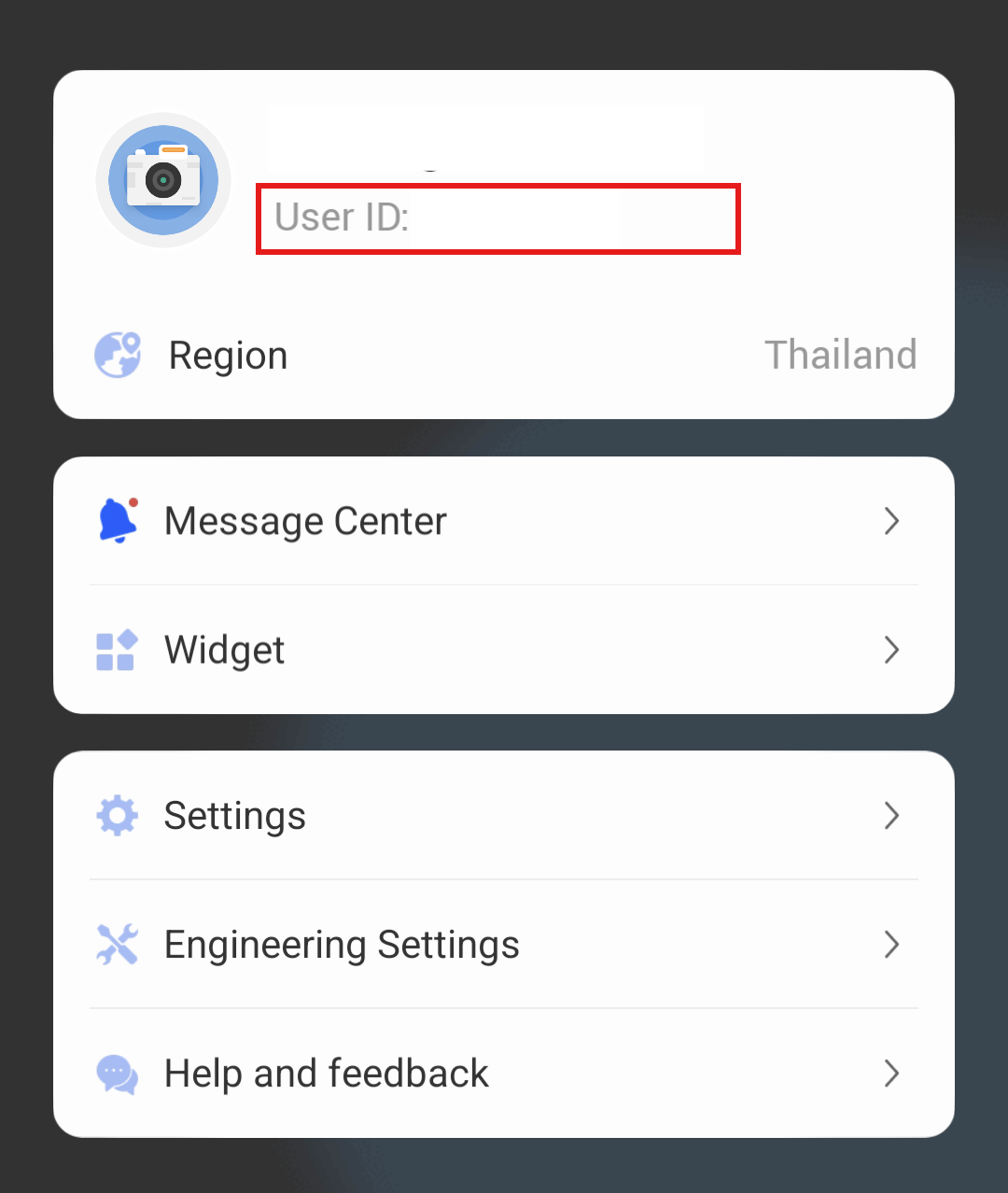
LifeSmart Cloud Setup
- App Key
- App Token
- User Password
- Email/User ID
- LifeSmart Account Country/Region
LifeSmart Local Setup
- Hub IP Address
- Hub Port
- Local Password
Reconnect LifeSmart
- App Key
- App Token
- User Password
- Email/User ID
- LifeSmart Account Country/Region
- Hub IP Address
- Hub Port
- Local Password
After setup
- App Key
- App Token
- User Password
- Email/User ID
- LifeSmart Account Country/Region
- Hub IP Address
- Hub Port
- Local Password
- SPOT Device
- A/C Brand
- Remote Profile Index
- Configured SPOT A/C Remote
- App Key
- App Token
- User Password
- Email/User ID
- LifeSmart Account Country/Region
Texts from the code of iKaew/hass-lifesmart-addon.
Entities
- Binary sensorsAlarm sound
- ButtonsRestart
- LightsIndicator when on, Indicator when off
- SensorsStatus, Gas concentration, Formaldehyde concentration, Alarm threshold
Actions
- Send IR CodeSend a custom IR code to a remote device.Fields: Device ID, Hub ID, IR Code
- Send IR KeysSend IR key commands to a remote device.Fields: Sub-Device ID, Hub ID, Remote ID, Device Category, Device Brand, Keys
- Send A/C KeysSend IR commands to control an air conditioner.Fields: Sub-Device ID, Hub ID, Remote ID, Device Category, Device Brand, Keys, Power State, Operating Mode, Temperature, Fan Speed
- Set SceneActivate a scene on a remote device.Fields: Hub ID, Scene ID
Troubleshooting
- DiagnosticsDownloads a diagnostics file to attach to a bug report.
From the README
Home Assistant integration for LifeSmart devices with a choice of direct local hub communication or the LifeSmart Open Platform cloud API.

Shows in Vulpo
Light card, Quick Toggle card, Cover card, Climate card, Apple Watch, Control Center, Climate Live Activity.Information
- Installs
- 52 sharing analytics
- GitHub stars
- 21
- Connection
- Uses the vendor's cloud
- Upkeep
- Updated in the last 6 months
- Version
- v1.2.2,
- Kind
- Marketplace integration
- Needs
- Needs the Marketplace (HACS on 2026.10 and older)
- Domain
lifesmart- Issues
- Report an issue










