
On Home Assistant 2026.10 or older? Open it in HACS
- Installs
- 59 sharing analytics
- GitHub stars
- 29
- Connection
- Works locally
- Upkeep
- Updated in the last 6 months
- Version
- v0.4.3,
- Category
- Security and safety, Cameras
- Kind
- Marketplace integration
- Needs
- Needs the Marketplace (HACS on 2026.10 and older)
- Domain
hannounce- Issues
- Report an issue
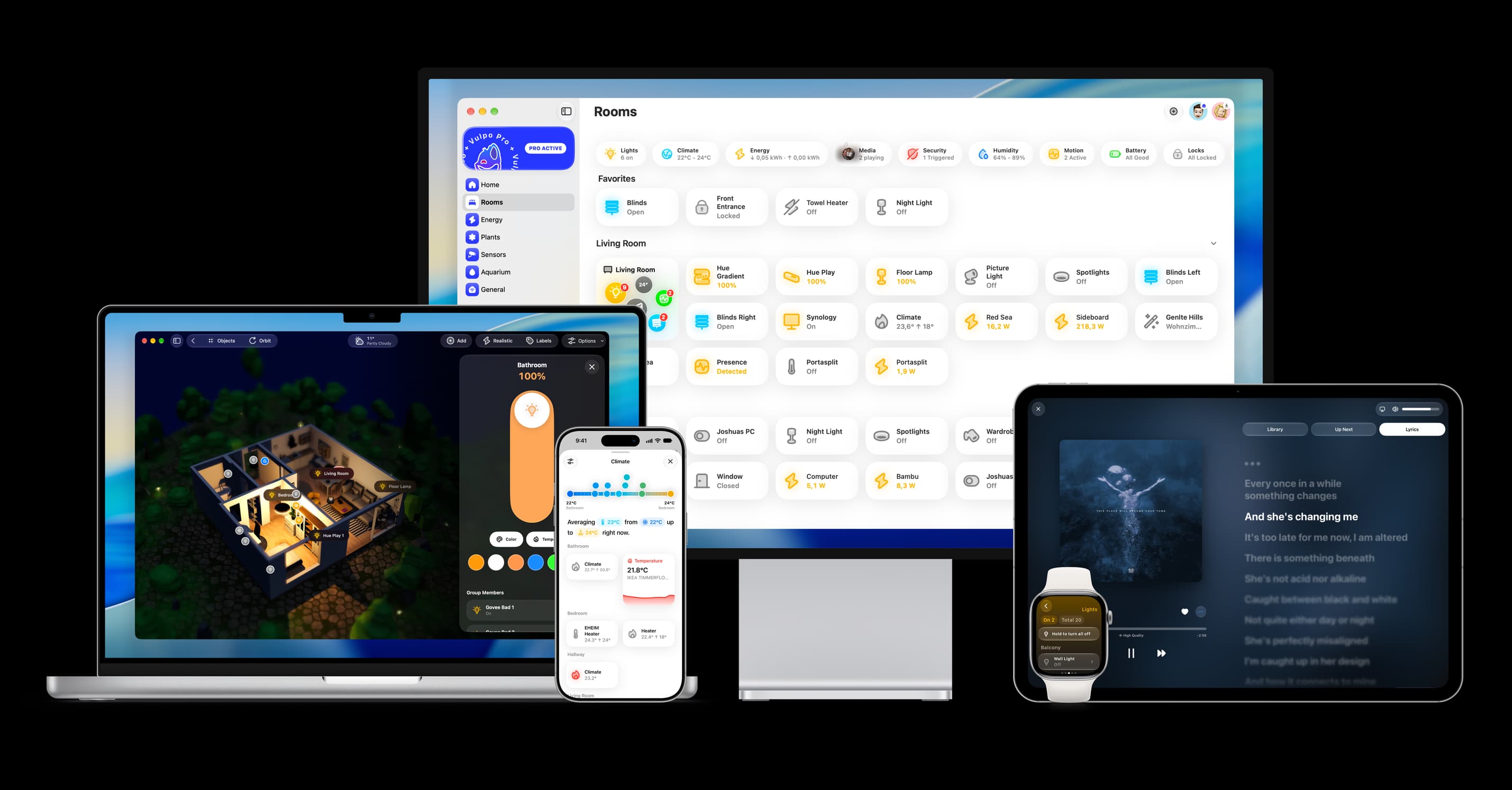
Shows in Vulpo Camera card.


Scan with your iPhone
DownloadIndependent directory, made by the developer of Vulpo. Not affiliated with Home Assistant or the Open Home Foundation.
About
HA-nnounce records a voice message or takes typed text and plays it on Home Assistant speakers. Audio is processed locally with ffmpeg, with optional voice enhancement and loudness evening, and can start with a chime. Text mode uses the configured text-to-speech engine and sends the result through the same chime, volume and quiet hours handling. Volume can be set for messages, with the speaker's own announcement volume used where available, and playback can be resumed on a best-effort basis. Quiet hours can cap the volume or skip speakers, and actions are provided to announce a text, file or URL and to replay the last message. A two-way intercom feature exposes speakers as cameras, and it is set up in the UI.
Automatic summary of the README and code of fabioscarparo/ha-nnounce. Something wrong, or are you the maintainer and want your own text here? Get in touch

Shows in Vulpo
Camera card.Supports
- Works locallyTalks to your devices on your own network. No vendor cloud in between.
- From the MarketplaceInstalled through the Marketplace, formerly HACS.
- Actively maintainedIts author released or pushed a change in the last six months.
Provides
- Cameras
Setting it up
Install it from the Marketplace and restart Home Assistant, then add it under Settings, Devices and services.
HA-nnounce
- SpeakersLeave empty to offer every speaker of a supported integration (Google Cast, Sonos, ESPHome, DLNA, Music Assistant and more), televisions excluded. Choose here to add other media players, such as those of custom integrations.
- Set the volume for messagesThe speaker goes back to its own volume when the message ends.
- Message volume
- Use the announcement volume of the speakerOn Sonos, Music Assistant, Squeezebox and Bang & Olufsen the message plays at its own volume over the music, and the volume of the music is not touched. Off: the speaker volume is changed and then restored, like on the others.
- Resume playback after messages (best effort)On speakers without native announcement mode (such as Google Cast and DLNA), tries to resume directly playable streams, URLs, and media sources after the message ends. App sessions like Spotify or YouTube Music cannot be resumed.
- Chime before the message
- Custom chime file pathOptional local audio file (MP3, WAV, OGG...) inside an allowed folder (allowlist_external_dirs). Enables the Custom option in the chime selector.
- Even out the loudnessMakes quiet and loud recordings sound the same.
- Voice enhancementApplies microphone noise suppression, echo cancellation, auto gain, high-pass filter, and silence trimming. Turn off for raw, unprocessed audio.
- Longest message
- Text-to-speech engineOptional TTS entity for text announcements. Leave empty to use Home Assistant's default TTS engine.
- Enable quiet hoursLimit volume or skip speakers during the configured schedule or while the quiet hours entity is on.
- Quiet hours start
- Quiet hours end
- Quiet hours behaviorChoose whether to cap announcement volume or skip affected speakers during quiet hours.
After setup
- SpeakersLeave empty to offer every speaker of a supported integration (Google Cast, Sonos, ESPHome, DLNA, Music Assistant and more), televisions excluded. Choose here to add other media players, such as those of custom integrations.
- Set the volume for messagesThe speaker goes back to its own volume when the message ends.
- Message volume
- Use the announcement volume of the speakerOn Sonos, Music Assistant, Squeezebox and Bang & Olufsen the message plays at its own volume over the music, and the volume of the music is not touched. Off: the speaker volume is changed and then restored, like on the others.
- Resume playback after messages (best effort)On speakers without native announcement mode (such as Google Cast and DLNA), tries to resume directly playable streams, URLs, and media sources after the message ends. App sessions like Spotify or YouTube Music cannot be resumed.
- Chime before the message
- Custom chime file pathOptional local audio file (MP3, WAV, OGG...) inside an allowed folder (allowlist_external_dirs). Enables the Custom option in the chime selector.
- Even out the loudnessMakes quiet and loud recordings sound the same.
- Voice enhancementApplies microphone noise suppression, echo cancellation, auto gain, high-pass filter, and silence trimming. Turn off for raw, unprocessed audio.
- Longest message
- Text-to-speech engineOptional TTS entity for text announcements. Leave empty to use Home Assistant's default TTS engine.
- Enable quiet hoursLimit volume or skip speakers during the configured schedule or while the quiet hours entity is on.
- Quiet hours start
- Quiet hours end
- Quiet hours behaviorChoose whether to cap announcement volume or skip affected speakers during quiet hours.
Texts from the code of fabioscarparo/ha-nnounce.
Entities
- CamerasAll speakers
Actions
- AnnouncePlays a text message, audio file, or URL on speakers, with the chime and volume of announcements.
- Message
- File
- URL
- TTS engine
- Language
- Volume
- Chime
- Ignore quiet hours
- Replay last messagePlays the last message again (messages are kept for one hour).
- Volume
- Ignore quiet hours
Troubleshooting
- DiagnosticsDownloads a diagnostics file to attach to a bug report.
- Repair noticesNotices it can show in Settings, Repairs:The intercom could not be installed
From the README
Record your voice from your phone or browser,
and play it locally on your Home Assistant speakers.
- UI: Dedicated sidebar panel and custom:hannounce-card (no dashboard resource to add, visual editor, separated area shortcuts & compact speaker dialog for large homes, voice or text-to-speech mode,…
- Audio pipeline: Local ffmpeg processing with optional voice enhancement (microphone DSP, high-pass filter, silence trimming) and EBU R128 loudness normalization, synthesized or custom audio chimes,…
- Playback control: Dedicated announcement volume (where supported) or temporary volume/mute override with automatic restoration, optional best-effort playback resume for direct streams/URLs on…
- Text-to-speech mode: Uses Home Assistant's configured TTS engine (Piper, PicoTTS, HA Cloud, Google Translate...) and routes the generated audio through HA-nnounce's chime, volume, and quiet hours…
- Two-way audio intercom (Labs): Exposes speakers as WebRTC intercom cameras via aiortc for Home Assistant's native Start talking UI (translated in all 7 supported languages).
- Optional Amazon Alexa / Echo support (experimental): Opt-in delivery to Echo devices via alexa_devices or HACS alexa_media using on-demand 48 kbps / 24 kHz SSML audio (requires an external HTTPS URL).
- Automations & history: hannounce.announce (voice file, URL, or TTS text) and hannounce.replay actions with native Home Assistant targets (entities, areas, floors, devices, labels) and quiet hours…
Information
- Installs
- 59 sharing analytics
- GitHub stars
- 29
- Connection
- Works locally
- Upkeep
- Updated in the last 6 months
- Version
- v0.4.3,
- Category
- Security and safety, Cameras
- Kind
- Marketplace integration
- Needs
- Needs the Marketplace (HACS on 2026.10 and older)
- Domain
hannounce- Issues
- Report an issue
You might also like












Try it with your own Home Assistant.
- Free to download
- iPhone, iPad, Mac and Apple Watch
- 40+ native card types
- Connects to your own Home Assistant