

Windy Webcams
earendil06
On Home Assistant 2026.11 or newer? Open it in the Marketplace
- Installs
- 239 sharing analytics
- GitHub stars
- 20
- Connection
- Uses the vendor's cloud
- Upkeep
- No update in 6 to 18 months
- Version
- 1.3.1,
- Category
- Security and safety, Cameras
- Kind
- Marketplace integration
- Needs
- Needs the Marketplace (HACS on 2026.10 and older)
- Domain
windy_webcams- Issues
- Report an issue
Independent directory, made by the developer of Vulpo. Not affiliated with Home Assistant or the Open Home Foundation.
Screenshots From the README of earendil06/Windy-Webcams.
About
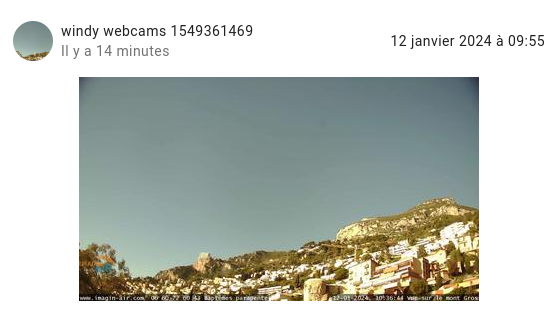
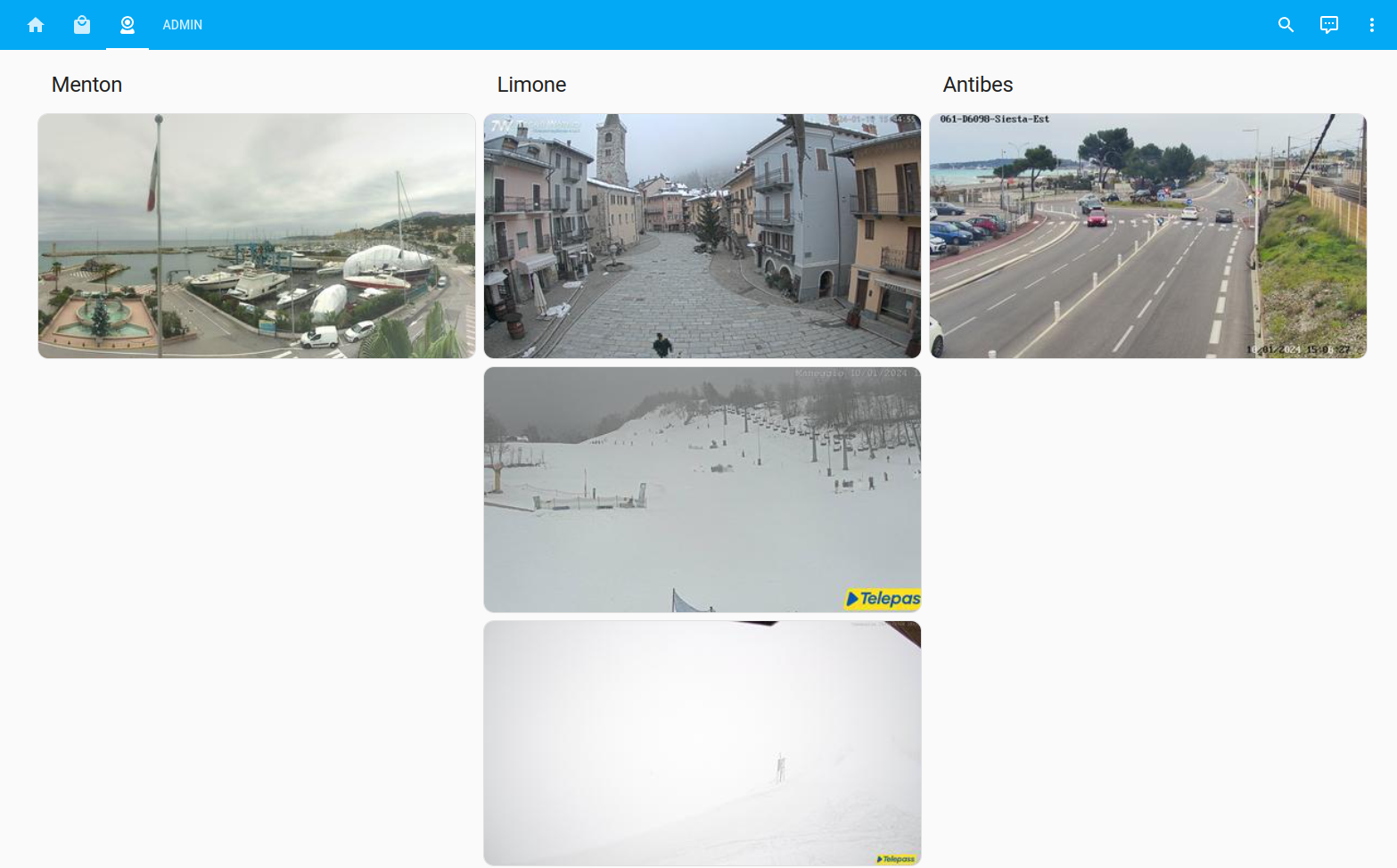
Windy Webcams is an integration that shows webcam pictures from Windy inside Home Assistant. It creates one image entity for each webcam ID provided, and each entity displays the current image from that webcam. The integration relies on the Windy cloud service, so it needs an API key generated from the Windy developer dashboard. Setup happens in the UI, where the API key and a comma-separated list of webcam IDs are entered. The same two fields can be changed later in the options, which lets webcams be added or removed. It is installed through the Marketplace, or through HACS on 2026.10 and older.
Automatic summary of the README and code of earendil06/Windy-Webcams. Something wrong, or are you the maintainer and want your own text here? Get in touch
Supports
Uses the vendor's cloud Needs an internet connection and an account with the vendor.
From the Marketplace Installed through the Marketplace, formerly HACS.
Setting it up
Install it from the Marketplace and restart Home Assistant, then add it under Settings, Devices and services.
Options
- API KeyAPI Key generated from Windy Developer Dashboard
- Webcam IdsList of Webcam Ids to get image from (comma separated)
After setup
- API KeyAPI Key generated from Windy Developer Dashboard
- Webcam IdsList of Webcam Ids to get image from (comma separated)
Texts from the code of earendil06/Windy-Webcams.
From the README
Windy webcams integration for Home assistant provides the possibility to track Webcams pictures provided by Windy.

Shows in Vulpo
Entity card (read-only).Information
- Installs
- 239 sharing analytics
- GitHub stars
- 20
- Connection
- Uses the vendor's cloud
- Upkeep
- No update in 6 to 18 months
- Version
- 1.3.1,
- Category
- Security and safety, Cameras
- Kind
- Marketplace integration
- Needs
- Needs the Marketplace (HACS on 2026.10 and older)
- Domain
windy_webcams- Issues
- Report an issue











