
On Home Assistant 2026.10 or older? Open it in HACS
- Installs
- 86 sharing analytics
- Connection
- Uses the vendor's cloud
- Upkeep
- Updated in the last 6 months
- Version
- v0.2.1,
- Category
- Security and safety, Cameras
- Kind
- Marketplace integration
- Brand
- Blink
- Needs
- Needs the Marketplace (HACS on 2026.10 and older)
- Domain
blink_live- Issues
- Report an issue
Shows in Vulpo Camera card.


Scan with your iPhone
DownloadIndependent directory, made by the developer of Vulpo. Not affiliated with Home Assistant or the Open Home Foundation.
About
Blink Live View adds live video streaming from Blink cameras to Home Assistant. It creates a camera entity for each selected camera, placed on its own device, and the stream starts only when someone opens it and ends when it is closed. The thumbnail shows Blink's last snapshot, and rendering a dashboard does not wake the camera. It runs with its own Blink login and client, so it can be used alongside the core Blink integration or without it. Blink may send a PIN for that login, and Home Assistant stores the returned tokens instead of the password. It needs Blink's cloud and is set up in the UI, and the camera selection can be changed later in the options.
Automatic summary of the README and code of Derinbay-Labs/ha-blink-live. Something wrong, or are you the maintainer and want your own text here? Get in touch

Shows in Vulpo
Camera card.Supports
- Uses the vendor's cloudNeeds an internet connection and an account with the vendor.
- From the MarketplaceInstalled through the Marketplace, formerly HACS.
- Actively maintainedIts author released or pushed a change in the last six months.
Provides
- Cameras
Setting it up
Install it from the Marketplace and restart Home Assistant, then add it under Settings, Devices and services.
Log in to Blink
- Password
Also asked when signing in again.
Blink PIN
- PIN
Blink Live View
- CamerasEach camera gets a live-view device and camera entity. A live view starts only when someone opens it.
After setup
- Cameras
Texts from the code of Derinbay-Labs/ha-blink-live.
From the README
The Blink integration that ships with Home Assistant shows the last snapshot a camera took. The Blink app can also open a live view. This integration brings that live view into Home Assistant: for each camera you pick, it adds a Live camera entity that streams video when you open it.
It does not replace the core integration and does not need it. It has its own Blink login and its own Blink client, and puts each Live entity on a device of its own. You can run it next to the core integration or without it.
Information
- Installs
- 86 sharing analytics
- Connection
- Uses the vendor's cloud
- Upkeep
- Updated in the last 6 months
- Version
- v0.2.1,
- Category
- Security and safety, Cameras
- Kind
- Marketplace integration
- Brand
- Blink
- Needs
- Needs the Marketplace (HACS on 2026.10 and older)
- Domain
blink_live- Issues
- Report an issue
More from Blink

You might also like











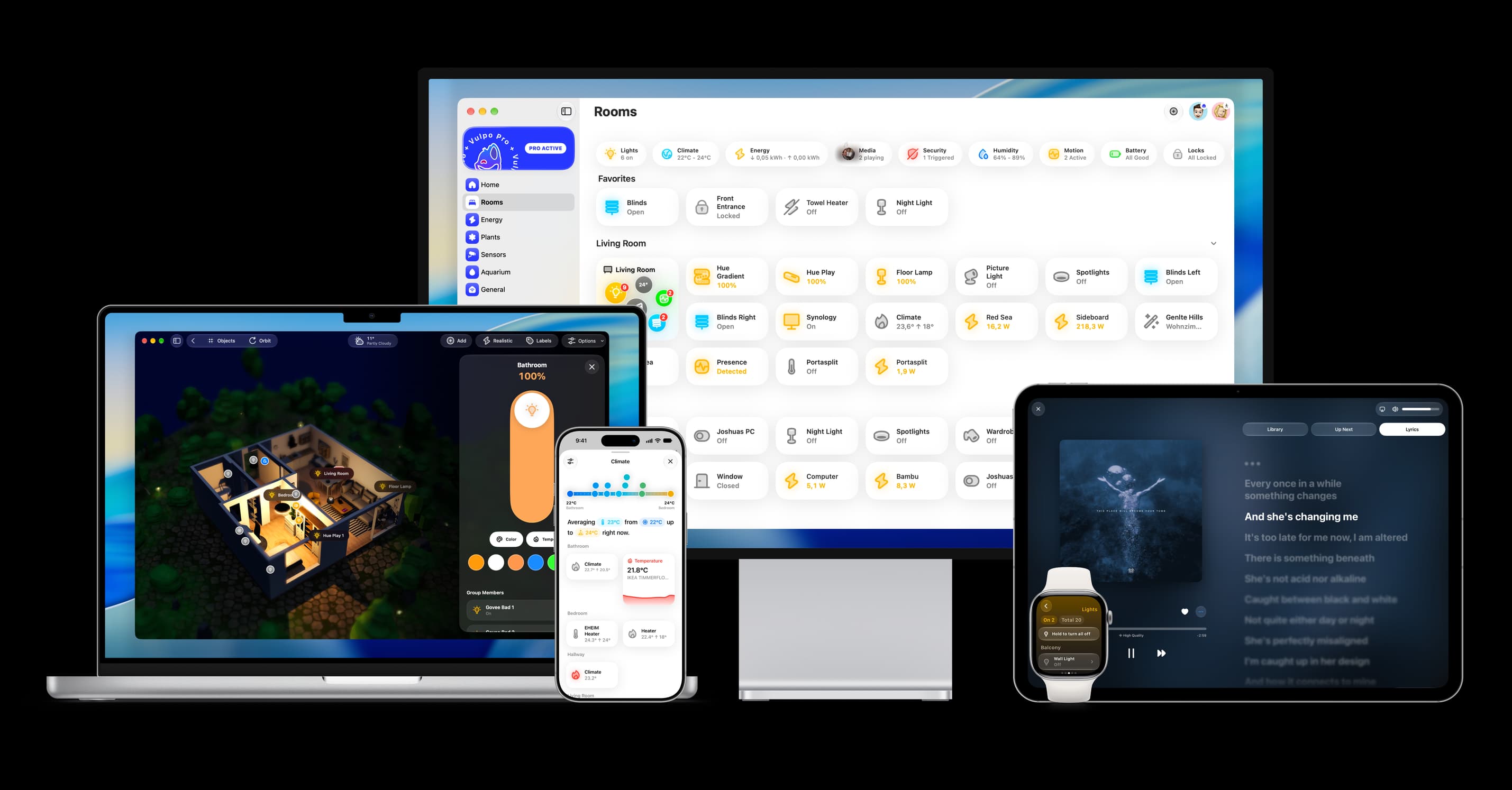
Try it with your own Home Assistant.
- Free to download
- iPhone, iPad, Mac and Apple Watch
- 40+ native card types
- Connects to your own Home Assistant