
On Home Assistant 2026.10 or older? Open it in HACS
- Installs
- 274 sharing analytics
- GitHub stars
- 57
- Connection
- Works locally
- Upkeep
- Updated in the last 6 months
- Version
- v1.10.1,
- Category
- AI and voice, Voice assistants
- Kind
- Marketplace integration
- Needs
- Needs the Marketplace (HACS on 2026.10 and older)
- Domain
openclaw- Issues
- Report an issue


Independent directory, made by the developer of Vulpo. Not affiliated with Home Assistant or the Open Home Foundation.
About
OpenClaw Voice Assistant connects Home Assistant voice and Assist to an OpenClaw AI agent running locally. It makes the agent a conversation agent for voice pipelines, so the same skills, memory and models configured in OpenClaw can be reached by voice or text. Long requests get a short acknowledgment and the result is announced later on a satellite instead of timing out. Optional proactive voice lets the agent speak first on a chosen satellite, and it can open the microphone for a reply. Replies can be streamed so speech starts sooner, and emojis can be stripped or length limited for cleaner speech. It connects to the OpenClaw Gateway over a WebSocket with a token, optional client certificates, and repair notices when authentication or device approval needs attention.
Automatic summary of the README and code of ddrayne/openclaw-homeassistant. Something wrong, or are you the maintainer and want your own text here? Get in touch

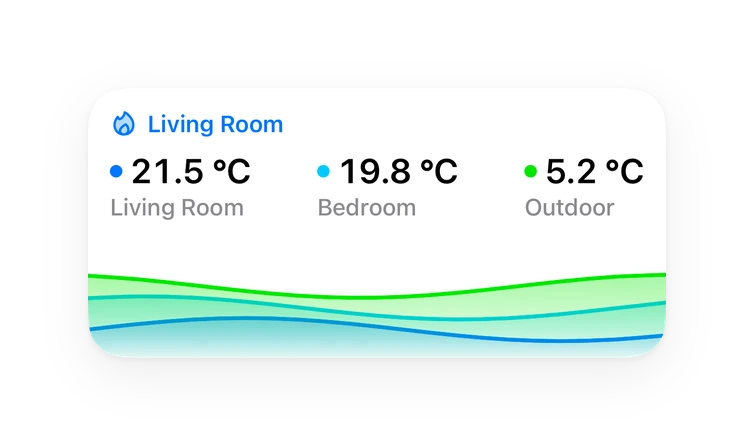
Shows in Vulpo
Chart card, Apple Watch.Supports
- Works locallyTalks to your devices on your own network. No vendor cloud in between.
- From the MarketplaceInstalled through the Marketplace, formerly HACS.
- Actively maintainedIts author released or pushed a change in the last six months.
Provides
- Sensors
Setting it up
Install it from the Marketplace and restart Home Assistant, then add it under Settings, Devices and services.
Connect to OpenClaw Gateway
- Host
- Port
- Gateway Token
- Use SSL (wss://)
- Client certificate path (optional, mTLS)
- Client private key path (optional, mTLS)
- Agent Timeout (seconds)
Session and Speech
- Session Key (default: main)
- Agent (optional, leave blank for default)
- Model override (optional)
- Thinking mode override (optional)
- Strip emojis from TTS speech
- TTS max characters (0 = no limit)
- Proactive voice: let the agent speak unprompted (announcements, reminders, follow-ups)
- Satellite to speak on (assist_satellite entity)
- Proactive mode: announce, or start_conversation to also open the mic
Re-authenticate OpenClaw Gateway
- Host
- Port
- Gateway Token
- Use SSL (wss://)
- Client certificate path (optional, mTLS)
- Client private key path (optional, mTLS)
After setup
- Host
- Port
- Gateway Token
- Use SSL (wss://)
- Client certificate path (optional, mTLS)
- Client private key path (optional, mTLS)
- Agent Timeout (seconds)
- Session Key (default: main)
- Agent (optional, leave blank for default)
- Model override (optional)
- Thinking mode override (optional)
- Strip emojis from TTS speech
- TTS max characters (0 = no limit)
- Stream replies so speech starts sooner (experimental; needs TTS max characters set to 0)
- Background work: answer slow requests via a later announcement instead of timing out
Texts from the code of ddrayne/openclaw-homeassistant.
Troubleshooting
- DiagnosticsDownloads a diagnostics file to attach to a bug report.
- Repair noticesNotices it can show in Settings, Repairs:Gateway authentication failed, Device approval required
From the README
Your whole OpenClaw agent, in every room.
Ask it anything by voice, let it get on with long jobs, and hear it speak up when it has something to tell you.
- Full agent access — every skill, integration, memory, and model you've configured in OpenClaw, reachable by voice or text.
- Multi-model — uses whatever model OpenClaw runs (Claude, GPT, local), with optional per-integration model and thinking-mode overrides.
Information
- Installs
- 274 sharing analytics
- GitHub stars
- 57
- Connection
- Works locally
- Upkeep
- Updated in the last 6 months
- Version
- v1.10.1,
- Category
- AI and voice, Voice assistants
- Kind
- Marketplace integration
- Needs
- Needs the Marketplace (HACS on 2026.10 and older)
- Domain
openclaw- Issues
- Report an issue
You might also like









Try it with your own Home Assistant.
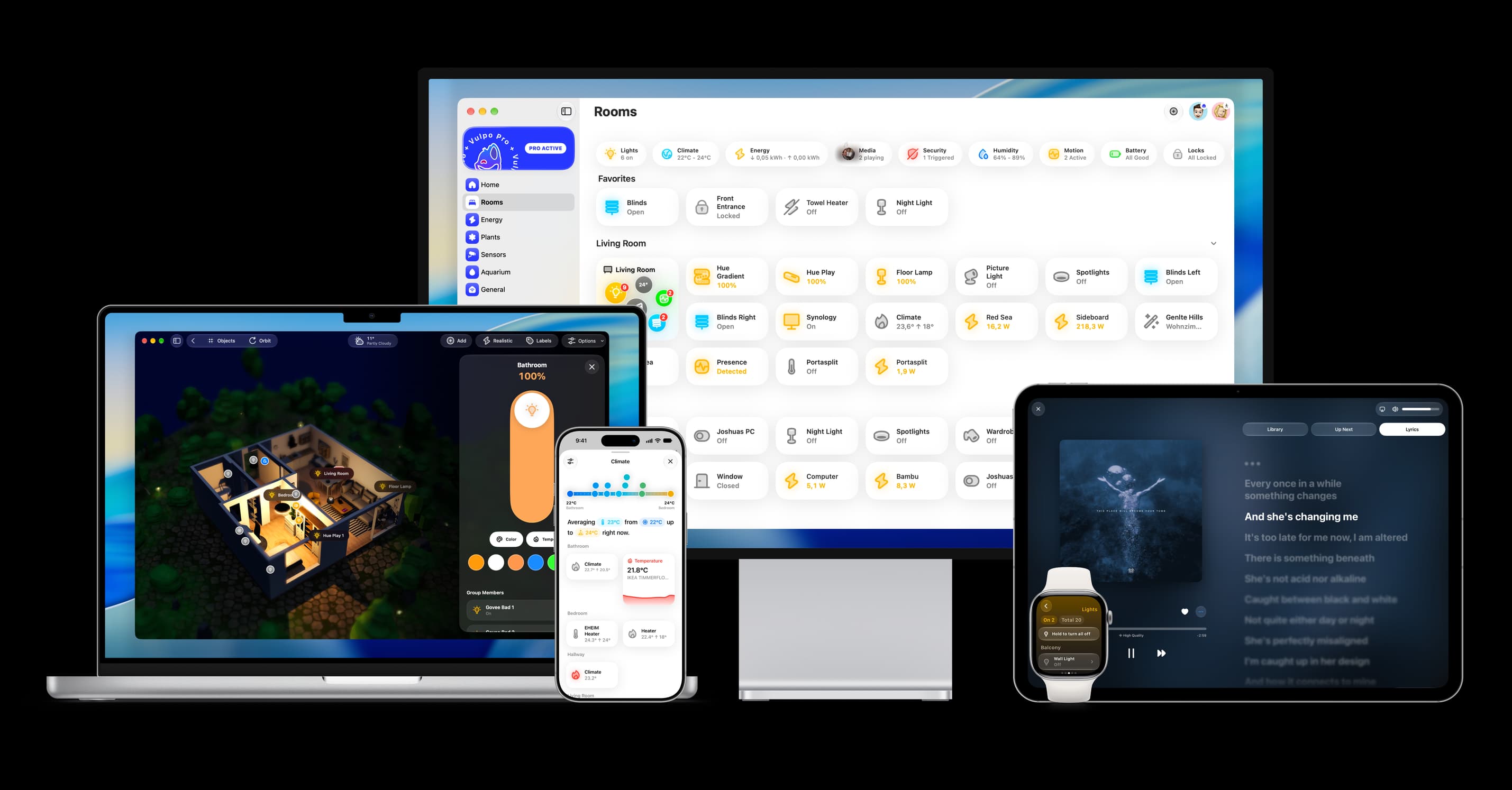
- Free to download
- iPhone, iPad, Mac and Apple Watch
- 40+ native card types
- Connects to your own Home Assistant