
Screenshots From the README of dbuezas/icsee-ptz.
About
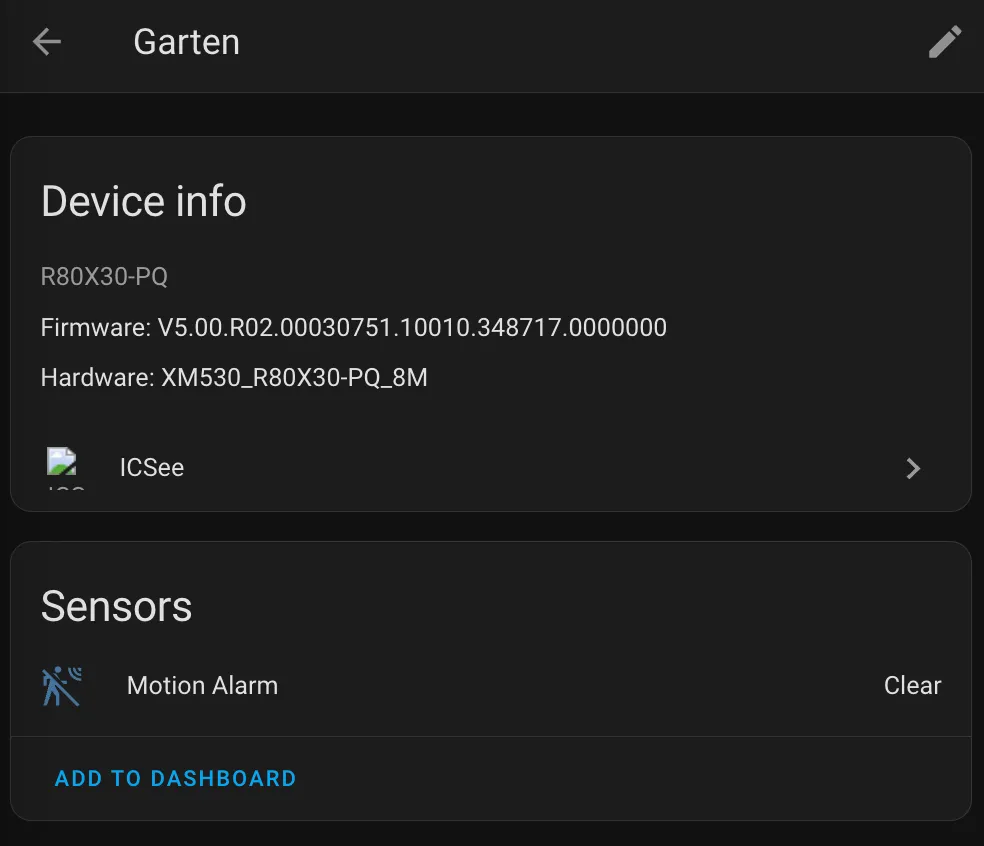
ICSee is an integration that connects ICSee, XMEye, DVR-IP and Sofia cameras to Home Assistant over the local network. Each camera becomes a device with main and sub stream camera entities, a motion alarm, PTZ buttons and a speaker that works as a media player. Many camera settings appear as entities, including frame rate, bitrate, day/night mode, white light, detection switches and volume. Actions cover PTZ movement with presets, syncing the camera clock to Home Assistant time, and forcing a new video frame. Security indicators show cloud status, password reset options and whether the camera is linked to an app account. Cameras are found automatically on the network and set up in the UI with the camera password, and entities appear only where the camera supports them.
Automatic summary of the README and code of dbuezas/icsee-ptz. Something wrong, or are you the maintainer and want your own text here? Get in touch
Supports
Works locally Talks to your devices on your own network. No vendor cloud in between.
From the Marketplace Installed through the Marketplace, formerly HACS.
Actively maintained Its author released or pushed a change in the last six months.
Provides
- Cameras
- Media
- Switches
- Sensors
Setting it up
Install it from the Marketplace and restart Home Assistant, then add it under Settings, Devices and services.
Pick a camera
- Camera
Confirm the device
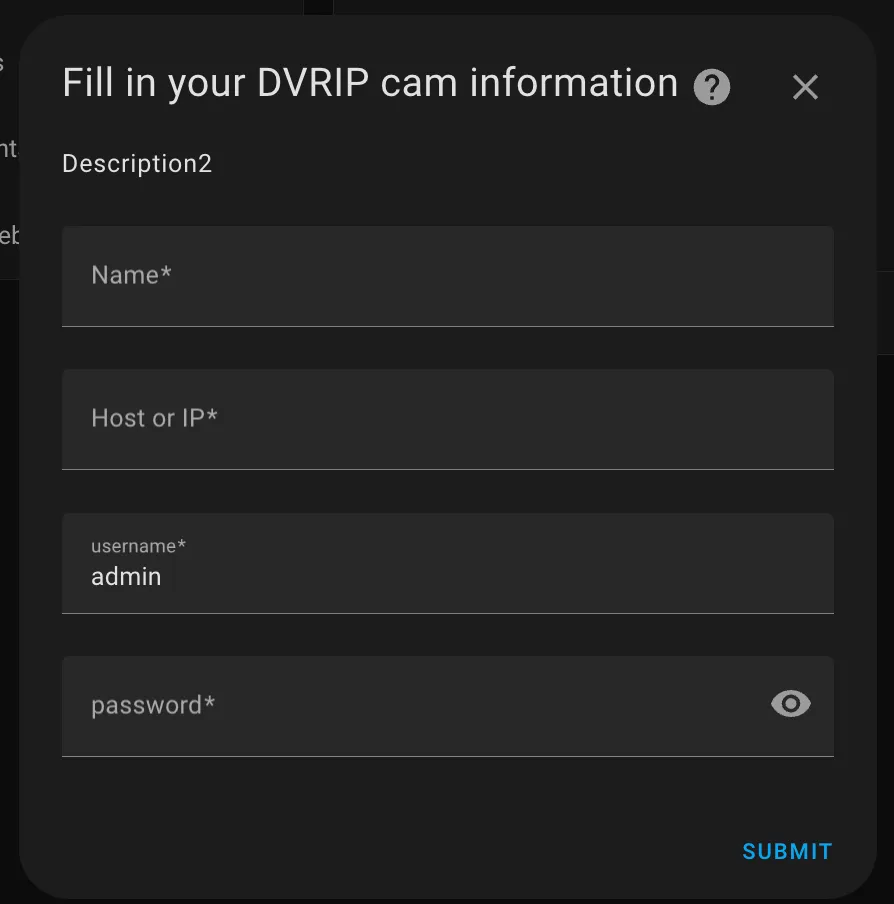
- NameName of the camera in Home Assistant.
- UsernameUsually admin.
- PasswordThe camera password (the one set in the ICSee / XMEye app). Leave empty if the camera has none.
Camera details
- NameName of the camera in Home Assistant.
- Host or IP addressIP address or host name of the camera.
- PortDVRIP port. Usually 34567. Only change it if your camera uses a different one (e.g. behind port forwarding).
- UsernameUsually admin.
- PasswordThe camera password (the one set in the ICSee / XMEye app). Leave empty if the camera has none.
Log in again
- Username
- Password
Change connection
- Host or IP addressIP address or host name of the camera.
- PortDVRIP port. Usually 34567. Only change it if your camera uses a different one (e.g. behind port forwarding).
- UsernameUsually admin.
- PasswordThe camera password (the one set in the ICSee / XMEye app). Leave empty if the camera has none.
After setup
- Channel
- Step
- Preset
- Add PTZ buttons for all channels
- Minimum motion time (ms)
- Motion stick time (ms)
Texts from the code of dbuezas/icsee-ptz.
Entities
- Binary sensorsMotion alarm, Password reset by security questions, Password reset email or phone set, Telnet debug access, Linked to app account, UPnP router ports open
- ButtonsPTZ stop, PTZ up, PTZ down, PTZ left, PTZ right, PTZ left up, PTZ left down, PTZ right up, PTZ right down, PTZ zoom in, and 6 more
- CamerasMain stream, Sub stream
- MediaSpeaker
- NumbersMain stream frame rate, Main stream bitrate, Main stream key frame interval, Sub stream frame rate, Sub stream bitrate, Sub stream key frame interval, Speaker volume, Microphone volume, White light brightness, White light motion duration, and 24 more
- SelectsDay/night mode, White light mode, White light motion sensitivity, Day/night switch, Image style, Motion tracking sensitivity, Human detection sensitivity, Human detection targets, SD card recording, Video time position, and 17 more
- SensorsUsers, Logged in as, WiFi signal, Cloud status, Restarts (abnormal), Restarts (network loss), Video standard, Exposure time, SD card size, SD card free
- SirensSiren
- SwitchesMotion detection, Human detection, Tamper detection, Video loss detection, Vehicle detection, Motion tracking, White light, White light (manual), Night vision, and 46 more
- TextsVideo name text
Actions
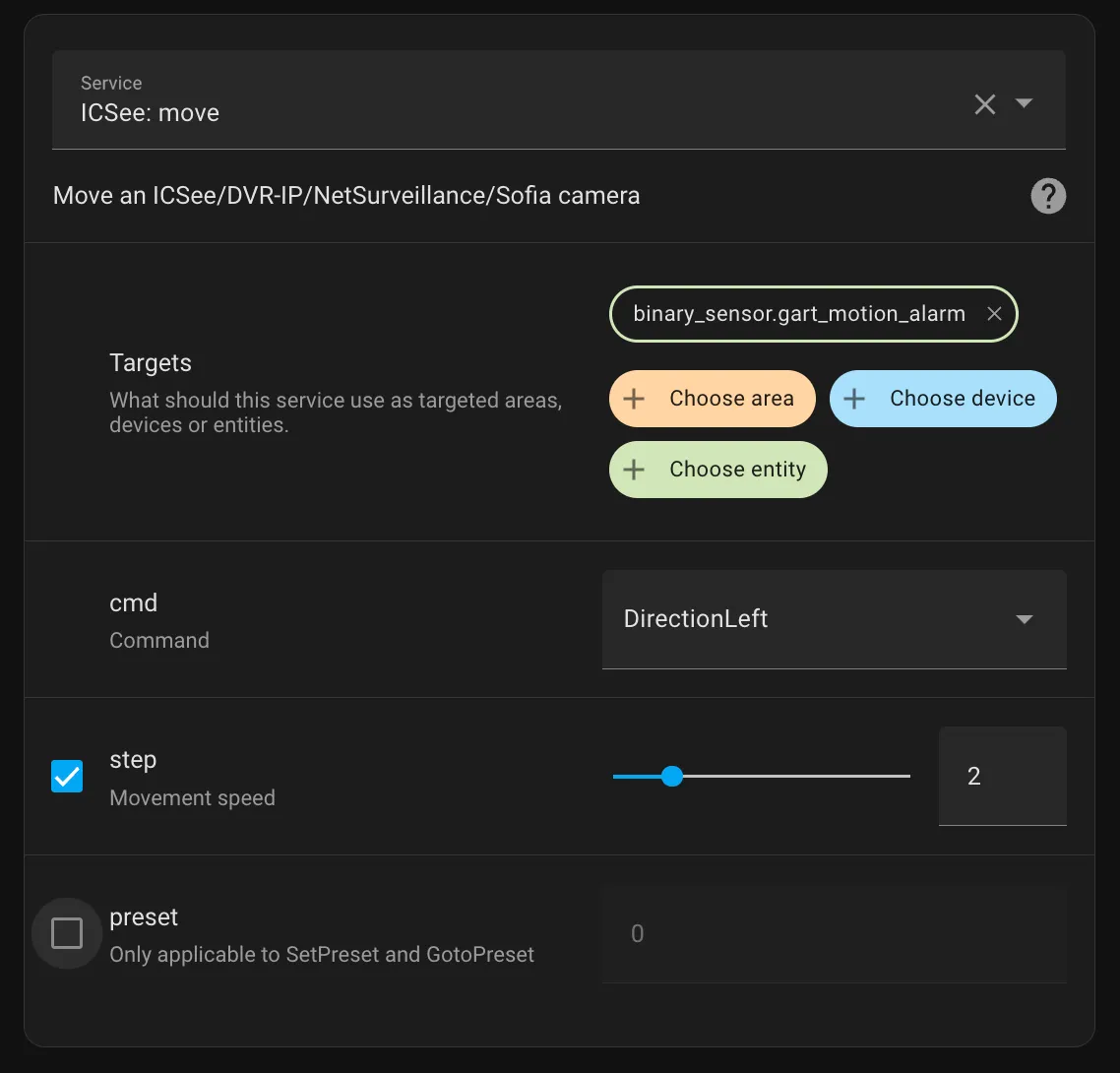
- MoveMove an ICSee/DVR-IP/NetSurveillance/Sofia camera.Fields: Command, Step, Preset, Channel
- Synchronize camera clockSet the camera clock to the Home Assistant time.
- Force frameForce the camera to send a new frame. Useful to speed up video start.
Troubleshooting
- DiagnosticsDownloads a diagnostics file to attach to a bug report.
- Repair noticesNotices it can show in Settings, Repairs:Needs a restart
From the README
Home Assistant integration for ICSee/XMEye/DVR-IP/NetSurveillance/Sofia cameras.
Each camera only gets the entities it supports. Requires Home Assistant 2025.10 or newer.

Shows in Vulpo
Quick Toggle card, Media Player card, Camera card, Button card, Apple Watch, Control Center.Information
- Installs
- 408 sharing analytics
- GitHub stars
- 136
- Connection
- Works locally
- Upkeep
- Updated in the last 6 months
- Version
- v5.1.12,
- Category
- Security and safety, Cameras
- Kind
- Marketplace integration
- Needs
- Needs the Marketplace (HACS on 2026.10 and older)
- Domain
icsee_ptz- Issues
- Report an issue











