On Home Assistant 2026.10 or older? Open it in HACS
- Installs
- 50 sharing analytics
- GitHub stars
- 4
- Connection
- Uses the vendor's cloud
- Upkeep
- Updated in the last 6 months
- Version
- v0.11.2,
- Category
- Weather and alerts, Forecasts
- Kind
- Marketplace integration
- Needs
- Needs the Marketplace (HACS on 2026.10 and older)
- Domain
noaa_it_all- Issues
- Report an issue
Independent directory, made by the developer of Vulpo. Not affiliated with Home Assistant or the Open Home Foundation.
About
NOAA It All - HACS Integration
Description from dawg-io/noaa_it_all

Shows in Vulpo
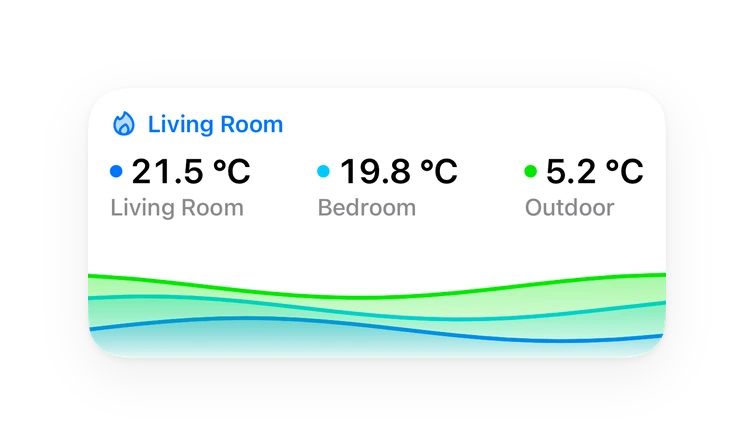
Chart card, Lumen sky, Apple Watch.Installs over time
50
Oct 21Nov 5
#1,508 of 1,516 Marketplace integrations. Installs sharing analytics.
Supports
- Uses the vendor's cloudNeeds an internet connection and an account with the vendor.
- From the MarketplaceInstalled through the Marketplace, formerly HACS.
- Actively maintainedIts author released or pushed a change in the last six months.
Provides
- Sensors
- Weather
Setting it up
Install it from the Marketplace and restart Home Assistant, then add it under Settings, Devices and services.
Weather for a Location
- Latitude
- Longitude
Also asked when at the space for a location step.
Choose NWS Forecast Office
- NWS Forecast Office
Choose Surf Forecast Office
- Surf forecast office
Add Space
- Space
Nearshore Marine Forecast
- Lake
Nearshore Marine Forecast
- Marine zone
Nearshore Marine Forecast
- Marine zone ID
After setup
- Latitude
- Longitude
- NWS Forecast Office
- Hours of radar history
Texts from the code of dawg-io/noaa_it_all.
Information
- Installs
- 50 sharing analytics
- GitHub stars
- 4
- Connection
- Uses the vendor's cloud
- Upkeep
- Updated in the last 6 months
- Version
- v0.11.2,
- Category
- Weather and alerts, Forecasts
- Kind
- Marketplace integration
- Needs
- Needs the Marketplace (HACS on 2026.10 and older)
- Domain
noaa_it_all- Issues
- Report an issue