
On Home Assistant 2026.10 or older? Open it in HACS
- Installs
- 52 sharing analytics
- GitHub stars
- 5
- Connection
- Uses the vendor's cloud
- Upkeep
- Updated in the last 6 months
- Version
- v0.2.2,
- Category
- AI and voice, AI models
- Kind
- Marketplace integration
- Needs
- Needs the Marketplace (HACS on 2026.10 and older)
- Domain
clawdmeter- Issues
- Report an issue


Independent directory, made by the developer of Vulpo. Not affiliated with Home Assistant or the Open Home Foundation.
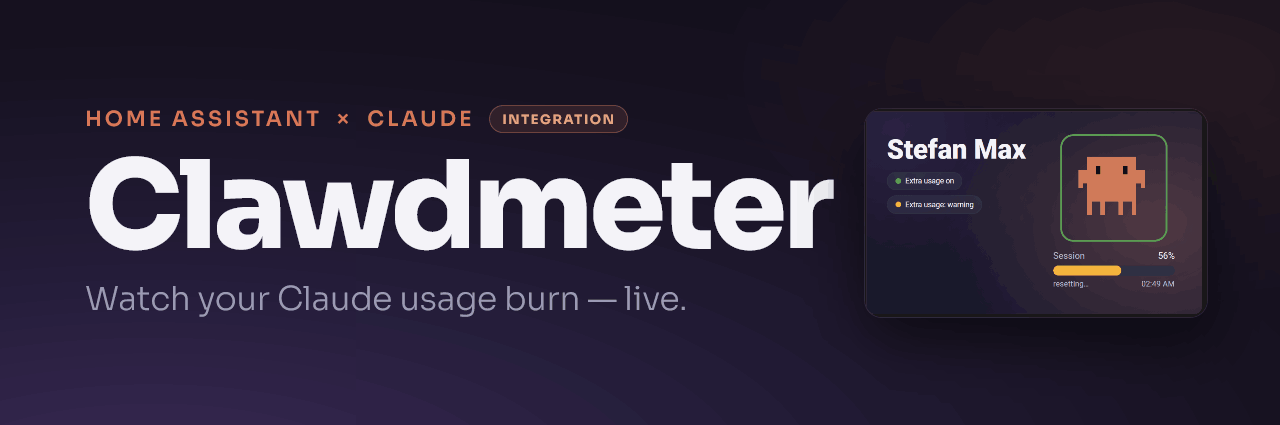
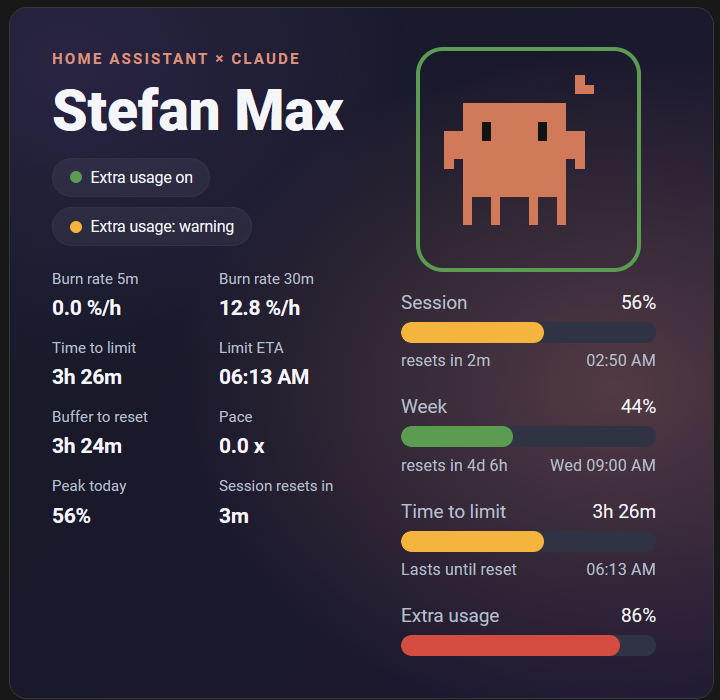
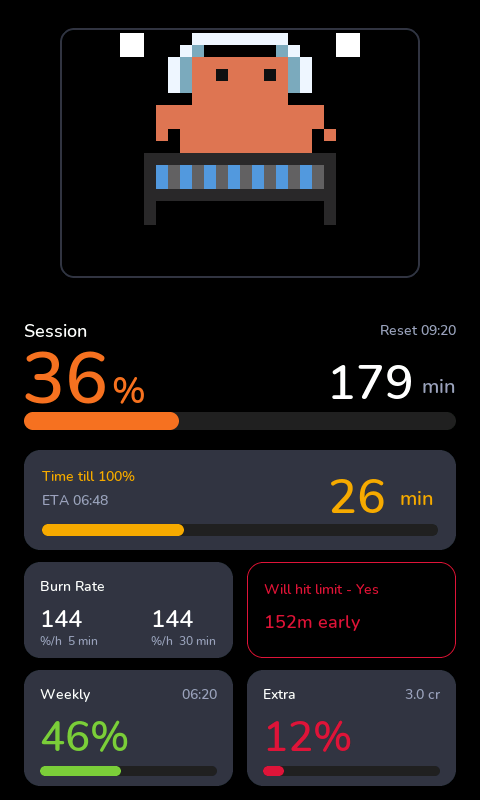
Screenshots From the README of corgan2222/ha-clawdmeter.
About
Track Claude (Anthropic) usage in Home Assistant: session/weekly limits, burn rate, runway, time-to-limit and more. HACS custom integration.
Description from corgan2222/ha-clawdmeter

Shows in Vulpo
Chart card, Apple Watch.Installs over time
#1,610 of 1,647 Marketplace integrations, up 11 places in 30 days. Installs sharing analytics.
Supports
- Uses the vendor's cloudNeeds an internet connection and an account with the vendor.
- From the MarketplaceInstalled through the Marketplace, formerly HACS.
- Actively maintainedIts author released or pushed a change in the last six months.
Provides
- Sensors
Setting it up
Install it from the Marketplace and restart Home Assistant, then add it under Settings, Devices and services.
Connect your Claude account
- Authorization codeThe code Anthropic displays after you approve access.
Also asked when signing in again and changing the connection.
After setup
- Update interval (seconds)Seconds between updates (60-3600). The default is 300.
- Weekly window for plans without a session limitOn plans without a five-hour limit, such as Ultra, the session sensors and projections follow the weekly limit instead of staying empty. Plans with a five-hour limit are not affected.
Texts from the code of corgan2222/ha-clawdmeter.
Entities
- Binary sensorsExtra usage enabled, Limit reached before reset
- SensorsAccount, Animation group, Burn rate (30 min), Burn rate (5 min), Burn rate per minute, Extra usage credits, Extra usage limit, Extra usage status, Extra usage, Session limit ETA, Weekly model usage, Weekly Opus reset, and 21 more
Troubleshooting
- DiagnosticsDownloads a diagnostics file to attach to a bug report.
- Repair noticesNotices it can show in Settings, Repairs:Sensors without data after the plan change
From the README
Know exactly how much Claude you have left — and how fast you're burning it.
Clawdmeter polls Anthropic's usage API and turns it into a full set of Home Assistant sensors — session and weekly limits, reset countdowns, and a layer of computed metrics the API doesn't give you: live burn rate, time-to-limit, a "runway" verdict and a color-coded pace frame. Built to pair with the pixel-art Clawdmeter ESPHome display, but great on its own dashboard too.
- Session, weekly, Sonnet & Opus usage with reset timestamps and a live "resets in" countdown.
- Burn rate (5 min & 30 min) in %/h — see how fast you are spending right now.
- Time to limit — minutes until you hit 100% at the current pace.
- Runway — does the session reset before you run out? You get a pace ratio, a signed margin and a "limit reached before reset" alert.
- Pace frame & animation mood — green/orange/red plus idle→heavy buckets, ready to drive a dashboard accent or an ESPHome creature.
- Extra usage / overage — credits, limit, percentage and a status (normal/warning/critical), from the legacy and new spend API.
- Multi-account — run a Pro and a Max account side by side; each gets its own device.
- Resilient — rides out brief API outages by holding the last values for a grace window instead of flipping everything to "unavailable".
- English & German UI out of the box, plus a configurable poll interval.
Information
- Installs
- 52 sharing analytics
- GitHub stars
- 5
- Connection
- Uses the vendor's cloud
- Upkeep
- Updated in the last 6 months
- Version
- v0.2.2,
- Category
- AI and voice, AI models
- Kind
- Marketplace integration
- Needs
- Needs the Marketplace (HACS on 2026.10 and older)
- Domain
clawdmeter- Issues
- Report an issue
You might also like










Try it with your own Home Assistant.
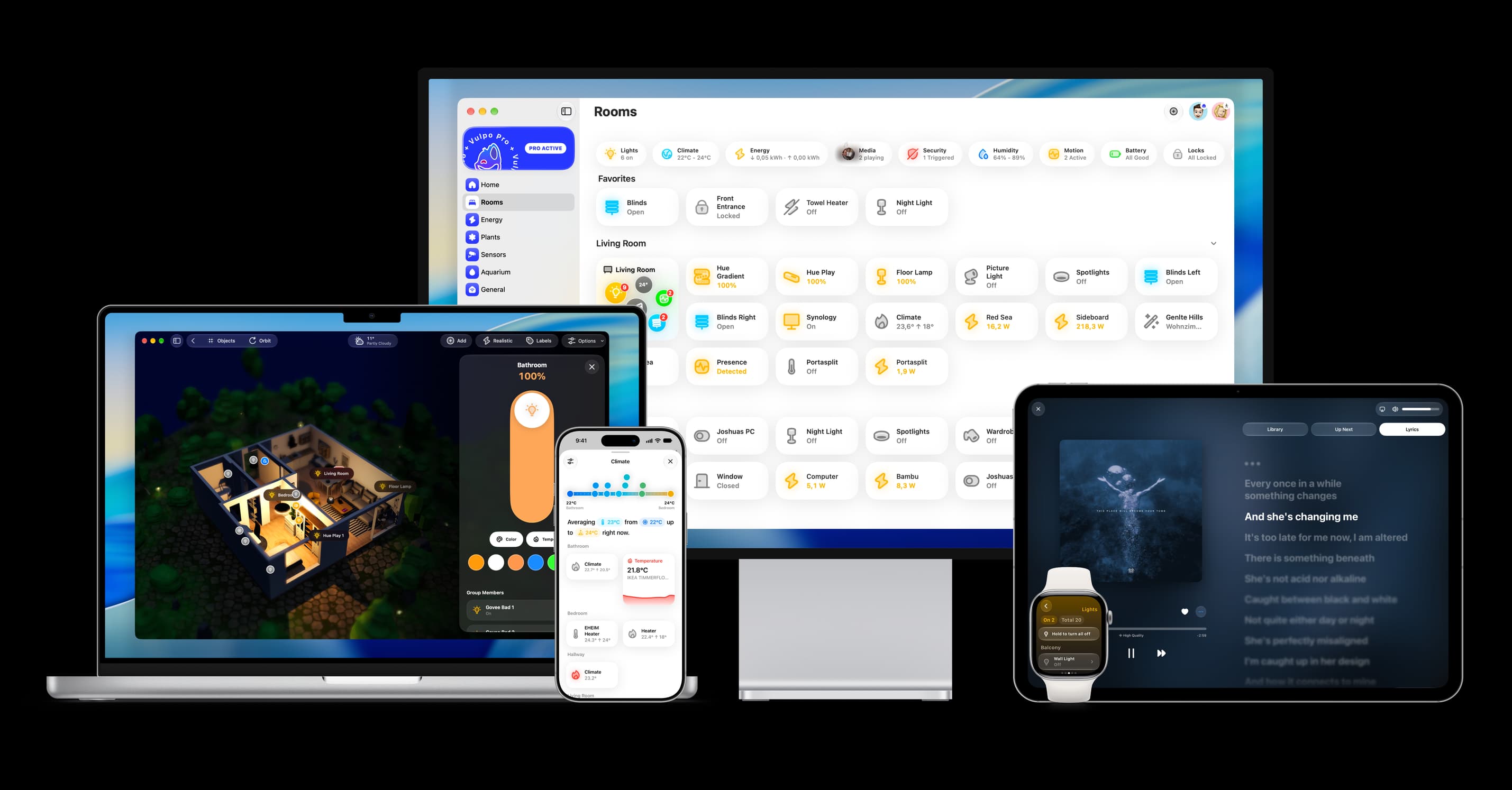
- Free to download
- iPhone, iPad, Mac and Apple Watch
- 40+ native card types
- Connects to your own Home Assistant