Atomic Calendar Revive
totaldebug
On Home Assistant 2026.11 or newer? Open it in the Marketplace
- GitHub stars
- 678
- Upkeep
- Updated in the last 6 months
- Version
- v10.3.1,
- Kind
- Dashboard card
- Needs
- Needs the Marketplace (HACS on 2026.10 and older)
- Issues
- Report an issue
Independent directory, made by the developer of Vulpo. Not affiliated with Home Assistant or the Open Home Foundation.
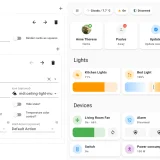
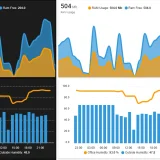
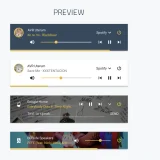
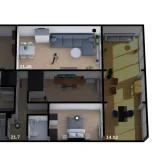
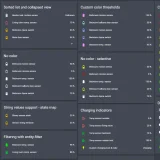
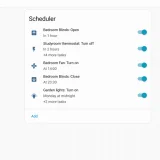
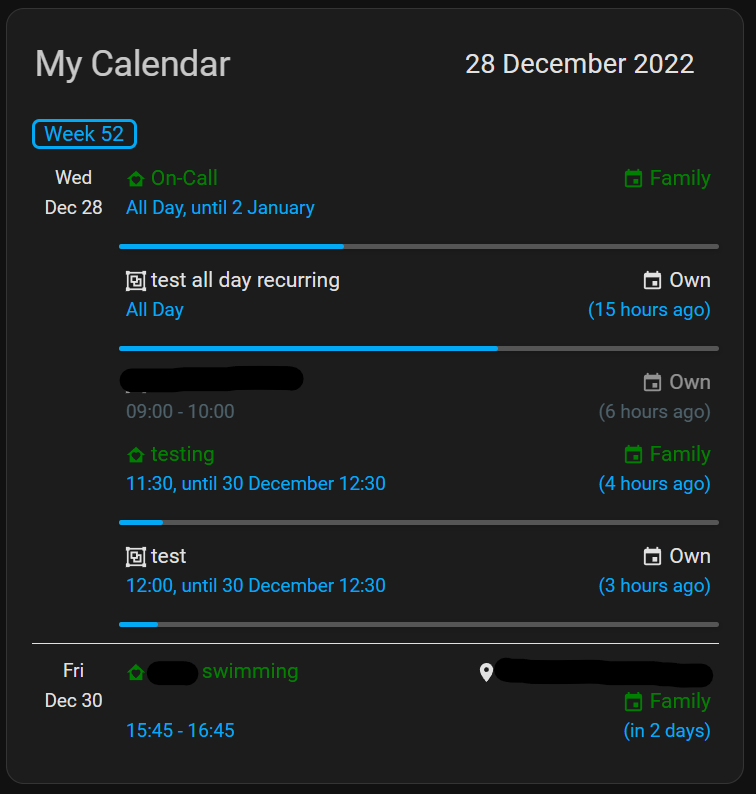
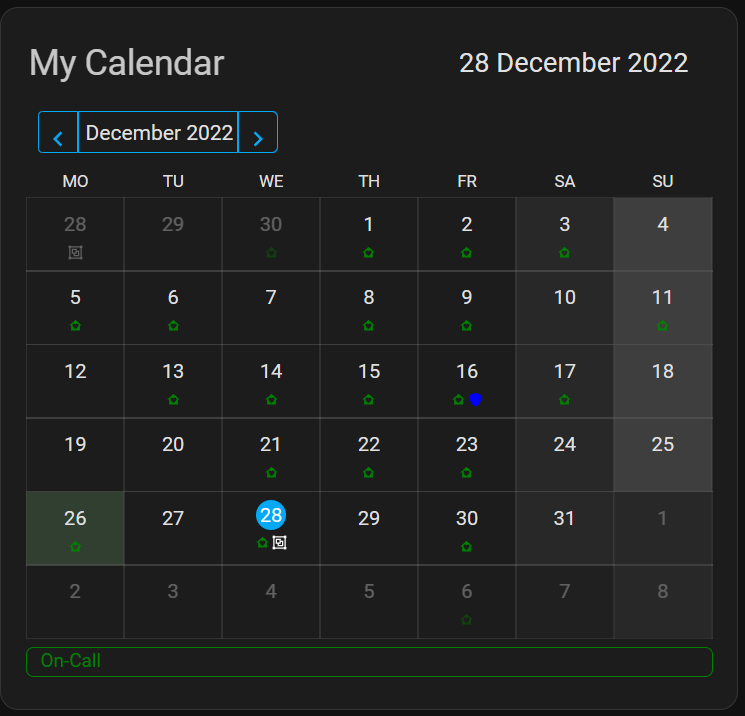
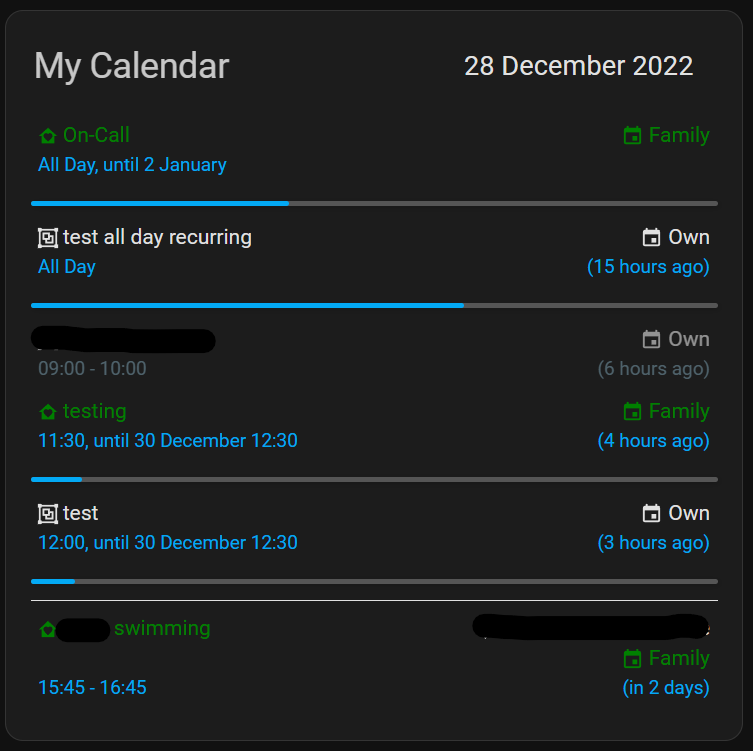
Screenshots From the README of totaldebug/atomic-calendar-revive.
About
Atomic Calendar Revive is a dashboard card that shows calendar events in Home Assistant Lovelace. It offers two viewing modes, an event list and a calendar view, and works with Google Calendars and CalDav. Compared with other calendar cards it adds more settings, such as keyword allow and block lists, hiding finished events, and limiting the total number of events. Events can be sorted by start time, restricted to specific times of day, and shown with a progress bar and the relative time until they begin. Multi-day events can be split across each day with part numbers, and the card supports MDI icons, translations, and the Lovelace UI editor. It requires Home Assistant 2022.6 or newer and is installed through the Marketplace.
Automatic summary of the README of totaldebug/atomic-calendar-revive. Something wrong, or are you the maintainer and want your own text here? Get in touch
Supports
From the Marketplace Installed through the Marketplace, formerly HACS.
Actively maintained Its author released or pushed a change in the last six months.
Setting it up
Install it from the Marketplace, then add a card of this type to a dashboard.
From the README
- Event List & Calendar Views
- Lovelace UI Editor Support
- Keyword Allow and Block lists
- Hide finished events
- Event Progress bar
- Language Translations
- Limit total number of events
- Relative time until events
- Sort events by start times
- Only show events between specific times
- Event Limits & Soft Event Limits
- Disable Links
Information
- GitHub stars
- 678
- Upkeep
- Updated in the last 6 months
- Version
- v10.3.1,
- Kind
- Dashboard card
- Needs
- Needs the Marketplace (HACS on 2026.10 and older)
- Issues
- Report an issue