layout-card
thomasloven
On Home Assistant 2026.11 or newer? Open it in the Marketplace
- GitHub stars
- 1.3k
- Upkeep
- Updated in the last 6 months
- Version
- v2.4.7,
- Kind
- Dashboard card
- Needs
- Needs the Marketplace (HACS on 2026.10 and older)
- Issues
- Report an issue
Independent directory, made by the developer of Vulpo. Not affiliated with Home Assistant or the Open Home Foundation.
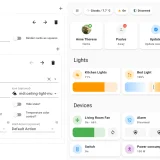
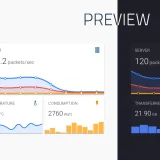
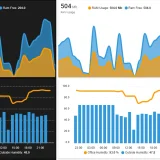
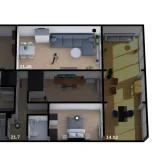
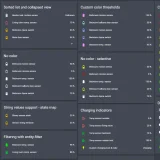
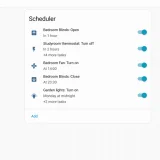
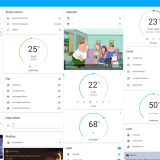
Screenshots From the README of thomasloven/lovelace-layout-card.
About
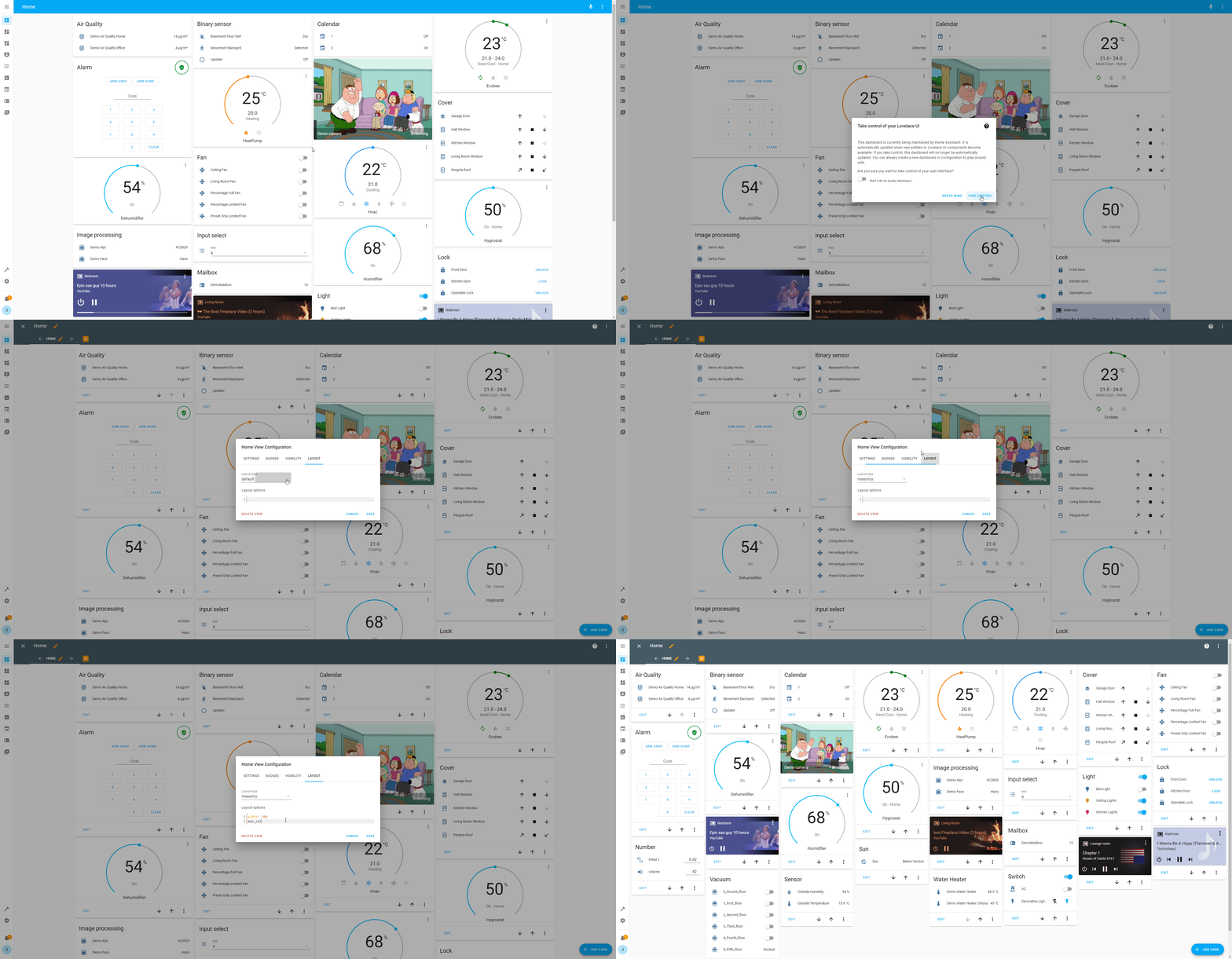
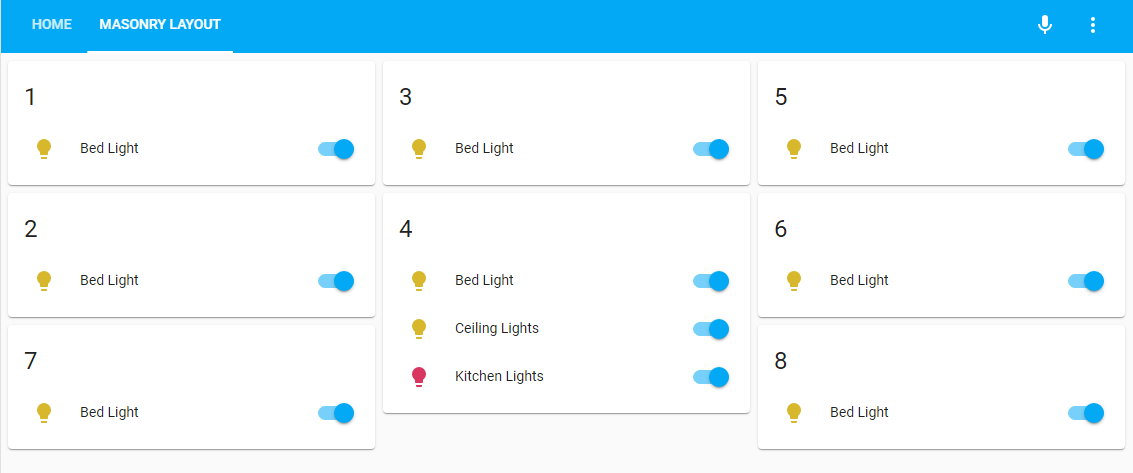
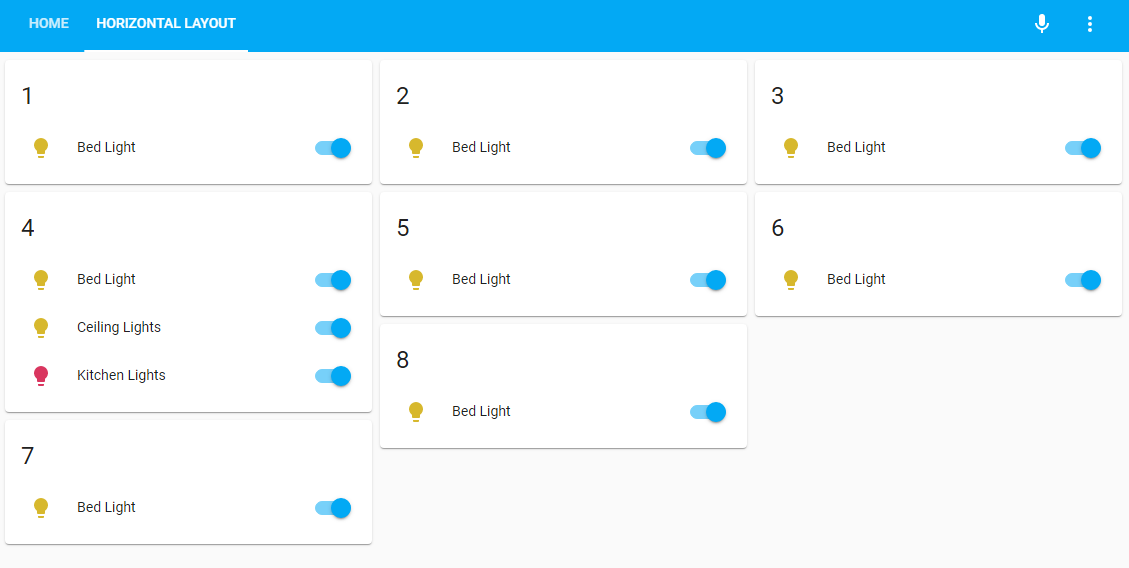
layout-card is a dashboard card that gives more control over where cards are placed in a Home Assistant dashboard. It adds four view layouts: masonry, horizontal, vertical and grid. The first three are column based, with columns sized from the available space, a width option and a maximum column count. The grid layout is meant for finer control, such as columns of different sizes. A layout can be chosen as a view type in the dashboard editor or set in the configuration, and it can also be used inside a card, though that is of limited use outside panel mode. Individual cards can carry their own layout options, and a special layout-break card changes how some layouts behave.
Automatic summary of the README of thomasloven/lovelace-layout-card. Something wrong, or are you the maintainer and want your own text here? Get in touch
Supports
From the Marketplace Installed through the Marketplace, formerly HACS.
Actively maintained Its author released or pushed a change in the last six months.
Setting it up
Install it from the Marketplace, then add a card of this type to a dashboard.
From the README
Get more control over the placement of lovelace cards
For installation instructions see this guide.
Information
- GitHub stars
- 1.3k
- Upkeep
- Updated in the last 6 months
- Version
- v2.4.7,
- Kind
- Dashboard card
- Needs
- Needs the Marketplace (HACS on 2026.10 and older)
- Issues
- Report an issue