Device Pulse Timeline Card
studiobts
On Home Assistant 2026.11 or newer? Open it in the Marketplace
- GitHub stars
- 75
- Upkeep
- No update in 6 to 18 months
- Version
- v1.0.7,
- Kind
- Dashboard card
- Needs
- Needs the Marketplace (HACS on 2026.10 and older)
- Issues
- Report an issue
Independent directory, made by the developer of Vulpo. Not affiliated with Home Assistant or the Open Home Foundation.
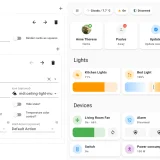
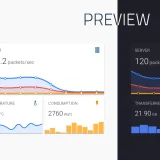
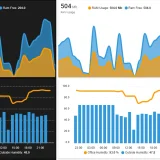
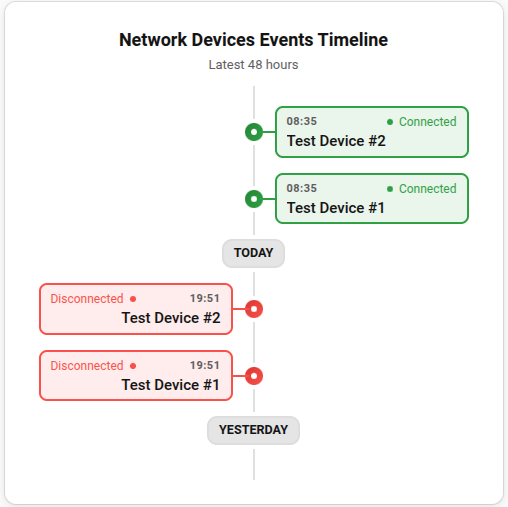
Screenshots From the README of studiobts/device-pulse-timeline-card.
About
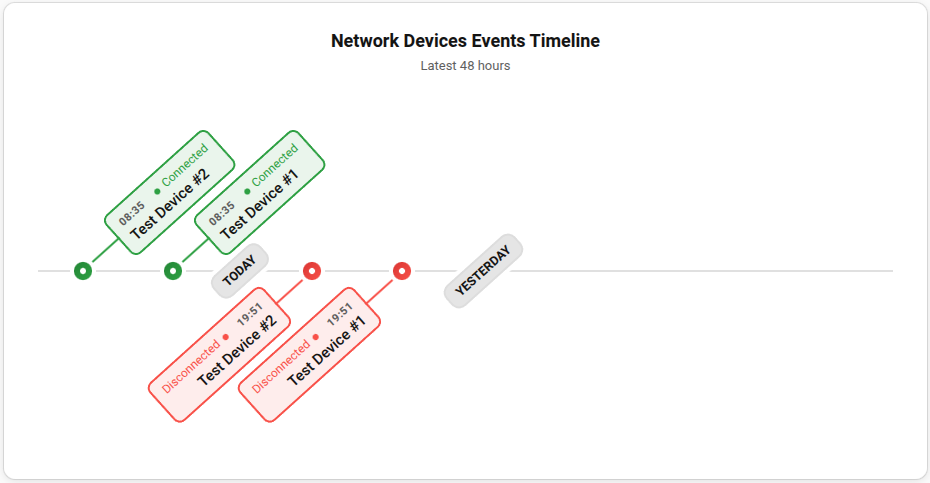
Device Pulse Timeline Card is a dashboard card that shows connection and disconnection history for monitored devices. It works with the Device Pulse integration, which has to be active for the card to show data. Each device gets a visual timeline of its online and offline events. The timeline can be laid out horizontally or vertically, and its time range can be adjusted. Updates arrive through the Home Assistant WebSocket connection, so the timeline changes as events happen. Configuration is done in the visual editor of the dashboard, without editing YAML.
Automatic summary of the README of studiobts/device-pulse-timeline-card. Something wrong, or are you the maintainer and want your own text here? Get in touch
Supports
From the Marketplace Installed through the Marketplace, formerly HACS.
Setting it up
Install it from the Marketplace, then add a card of this type to a dashboard.
From the README
- Visual history of online and offline events per device
- Horizontal or vertical orientation
- Adjustable timeline range
- Realtime Updates
Information
- GitHub stars
- 75
- Upkeep
- No update in 6 to 18 months
- Version
- v1.0.7,
- Kind
- Dashboard card
- Needs
- Needs the Marketplace (HACS on 2026.10 and older)
- Issues
- Report an issue