Modern Circular Gauge
selvalt7
On Home Assistant 2026.11 or newer? Open it in the Marketplace
- GitHub stars
- 289
- Upkeep
- Updated in the last 6 months
- Version
- v0.15.0,
- Kind
- Dashboard card
- Needs
- Needs the Marketplace (HACS on 2026.10 and older)
- Issues
- Report an issue
Independent directory, made by the developer of Vulpo. Not affiliated with Home Assistant or the Open Home Foundation.
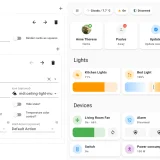
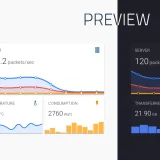
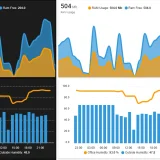
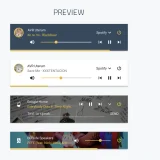
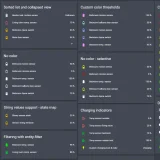
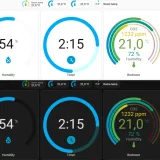
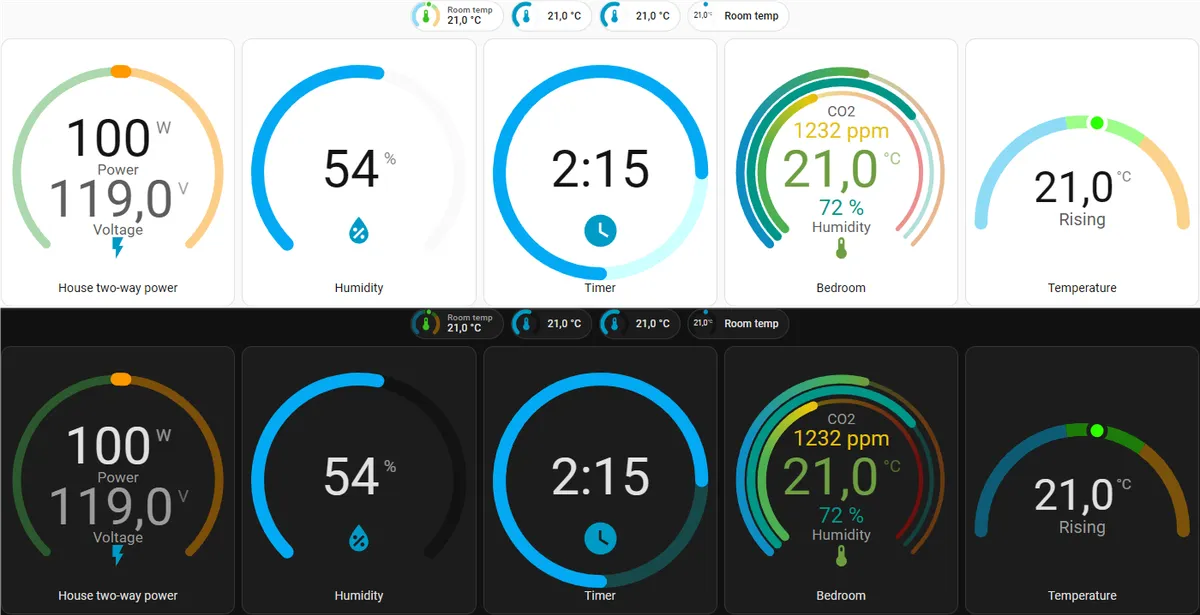
Screenshots From the README of selvalt7/modern-circular-gauge.
About
Modern Circular Gauge is a dashboard card that gives the default Home Assistant gauge card a different look. It works as a card and as a badge, and it can show attributes, timers and timestamps. Gauges come in half and full styles, with an optional needle, color segments with gradients, and dual or triple gauge layouts. Secondary info can sit under the state in two sizes, and tertiary info can sit above it. A primary and tertiary entity can also be combined as a pie chart, and a small history graph is available. Jinja and JavaScript templates work on selected options such as min, max, name and icon, and configuration is done in a visual editor or YAML.
Automatic summary of the README of selvalt7/modern-circular-gauge. Something wrong, or are you the maintainer and want your own text here? Get in touch
Supports
From the Marketplace Installed through the Marketplace, formerly HACS.
Actively maintained Its author released or pushed a change in the last six months.
Setting it up
Install it from the Marketplace, then add a card of this type to a dashboard.
From the README
Modern look at the default Home Assistant gauge card
- Card and badge gauge
- Attribute support
- Secondary info under the state with two size options
- Tertiary info above the state
- Half gauge style
- Full gauge style
- Combined primary and tertiary entity as pie chart
- Timer and timestamp support
- Sections support
- Needle
- Jinja and JavaScript Template support for min, max, entity, name, label, icon, secondary, tertiary and state_text
- Color segments with gradient
Information
- GitHub stars
- 289
- Upkeep
- Updated in the last 6 months
- Version
- v0.15.0,
- Kind
- Dashboard card
- Needs
- Needs the Marketplace (HACS on 2026.10 and older)
- Issues
- Report an issue