Alarmo Card
nielsfaber
On Home Assistant 2026.11 or newer? Open it in the Marketplace
- GitHub stars
- 193
- Upkeep
- Updated in the last 6 months
- Version
- v1.6.9,
- Kind
- Dashboard card
- Needs
- Needs the Marketplace (HACS on 2026.10 and older)
- Issues
- Report an issue
Independent directory, made by the developer of Vulpo. Not affiliated with Home Assistant or the Open Home Foundation.
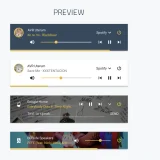
Screenshots From the README of nielsfaber/alarmo-card.
About
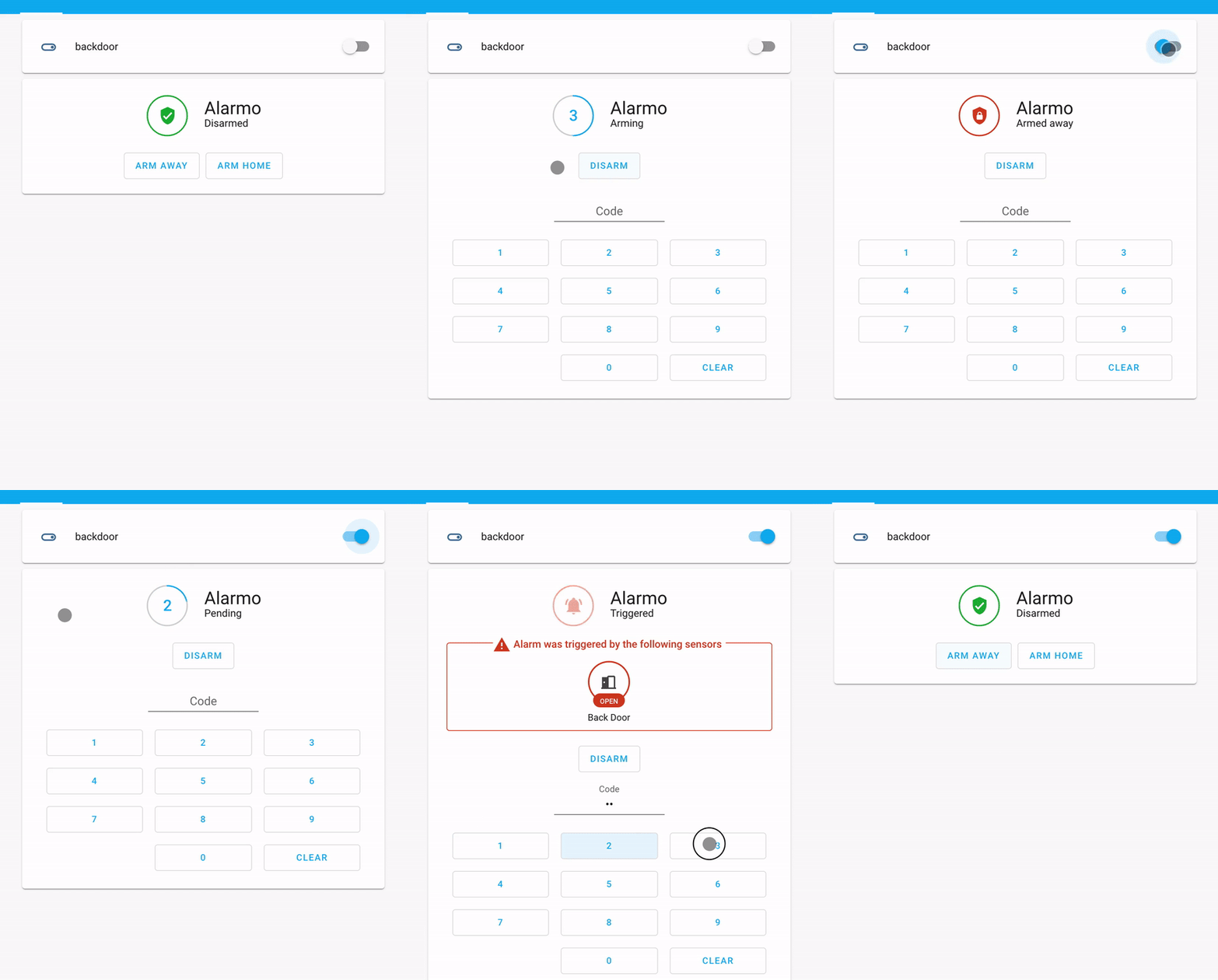
Alarmo Card is a dashboard card for controlling the Alarmo security system from a Home Assistant dashboard. It works only with alarm control panel entities created by the Alarmo integration, which must be installed as well. Compared with the standard alarm panel card, it shows a countdown timer for the exit or entry delay while the alarm is arming or pending. It also displays messages when a wrong code is entered, when arming fails, or when the alarm is triggered, listing the sensors involved and their current state. When the alarm is disabled, a menu offers advanced arming options to skip the exit delay or bypass open sensors on the next arming. The card can be adjusted with larger buttons, a choice of visible arming mode buttons, custom button and state texts, and a custom title; it is added by picking the matching entity.
Automatic summary of the README of nielsfaber/alarmo-card. Something wrong, or are you the maintainer and want your own text here? Get in touch
Supports
From the Marketplace Installed through the Marketplace, formerly HACS.
Actively maintained Its author released or pushed a change in the last six months.
Setting it up
Install it from the Marketplace, then add a card of this type to a dashboard.
From the README
- A wrong code (or no code) was entered.
- The alarm could not be armed (due to one or more sensors).
- The alarm was triggered (due to one or more sensors).
Information
- GitHub stars
- 193
- Upkeep
- Updated in the last 6 months
- Version
- v1.6.9,
- Kind
- Dashboard card
- Needs
- Needs the Marketplace (HACS on 2026.10 and older)
- Issues
- Report an issue