Sensor Bar Card Plus
cdelaet
On Home Assistant 2026.11 or newer? Open it in the Marketplace
- GitHub stars
- 100
- Upkeep
- Updated in the last 6 months
- Version
- v1.9.1,
- Kind
- Dashboard card
- Needs
- Needs the Marketplace (HACS on 2026.10 and older)
- Issues
- Report an issue
Independent directory, made by the developer of Vulpo. Not affiliated with Home Assistant or the Open Home Foundation.
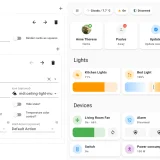
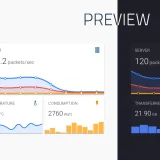
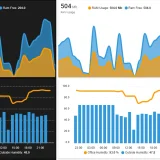
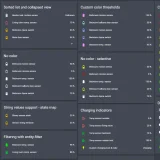
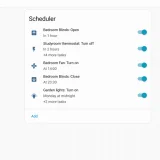
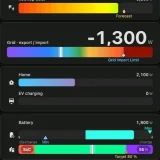
Screenshots From the README of cdelaet/sensor-bar-card-plus.
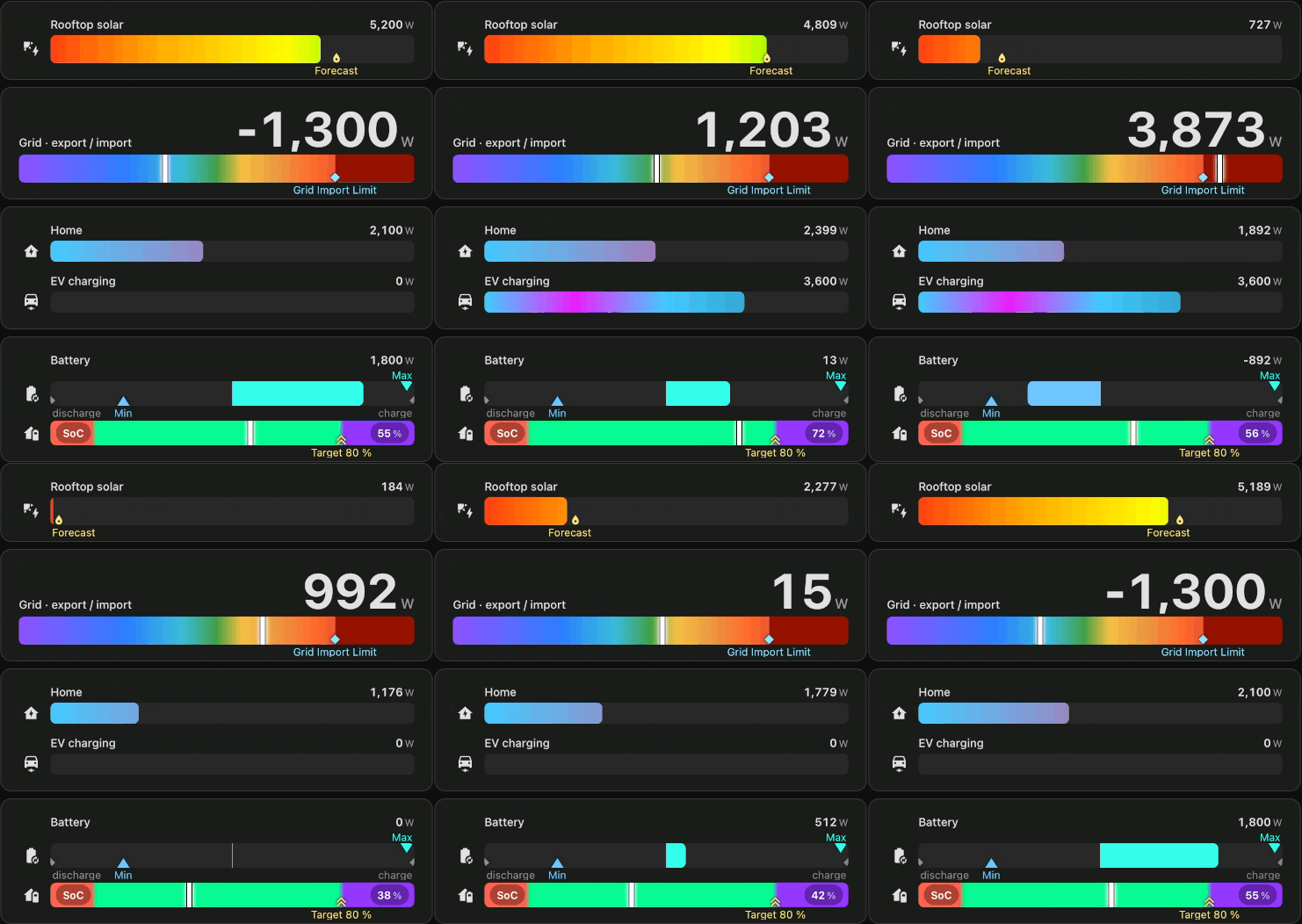
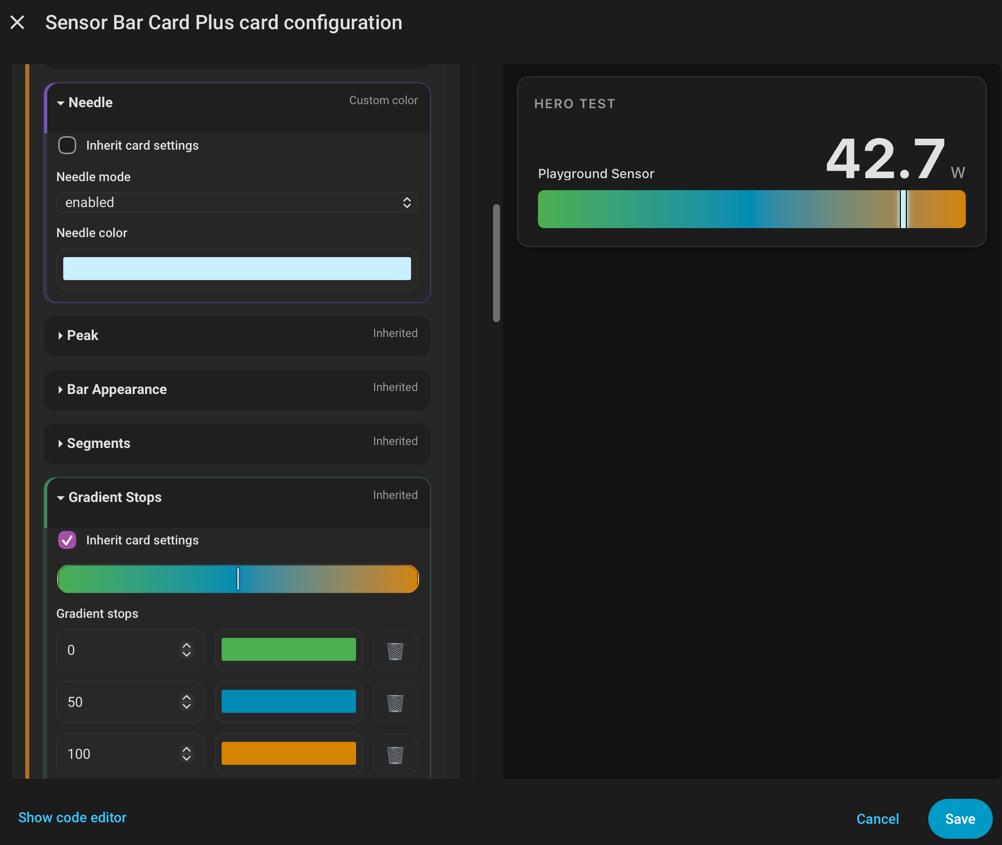
About
Sensor Bar Card Plus is a dashboard card that shows numeric sensor values as configurable bars or gauges. It works as a standalone card or as a Card Feature inside a Tile card, in bottom or inline placement. A bar can include a needle gauge, several fill styles, gradient fills, and a dynamic scale with a chosen direction. Markers can show a target, a peak, a floor, or a reference value, and the baseline can set where the fill begins. The standalone card also handles multiple entities, attribute values, tap, hold and double-tap actions, several label layouts, and per-entity overrides. Configuration is done in YAML or in a visual editor, and it is installed through the Marketplace or by copying files by hand.
Automatic summary of the README of cdelaet/sensor-bar-card-plus. Something wrong, or are you the maintainer and want your own text here? Get in touch
Supports
From the Marketplace Installed through the Marketplace, formerly HACS.
Actively maintained Its author released or pushed a change in the last six months.
Setting it up
Install it from the Marketplace, then add a card of this type to a dashboard.
From the README
Sensor Bar Card Plus (SBCP) presents numeric sensor values as configurable bars or gauges in Home Assistant dashboards. Use it as a standalone card or as a native Card Feature inside a Tile card. It is useful when a value needs visual context: its scale, operating range, target, recent extrema, or relationship to a neutral point.
Both presentations support structured YAML, animated reveal fills, Needle gauges, five fill styles, dynamic Scales, independent Scale and Bar Direction, Baseline fill origins, Target/Peak/Floor and Reference Markers, and a Visual Editor.
Information
- GitHub stars
- 100
- Upkeep
- Updated in the last 6 months
- Version
- v1.9.1,
- Kind
- Dashboard card
- Needs
- Needs the Marketplace (HACS on 2026.10 and older)
- Issues
- Report an issue